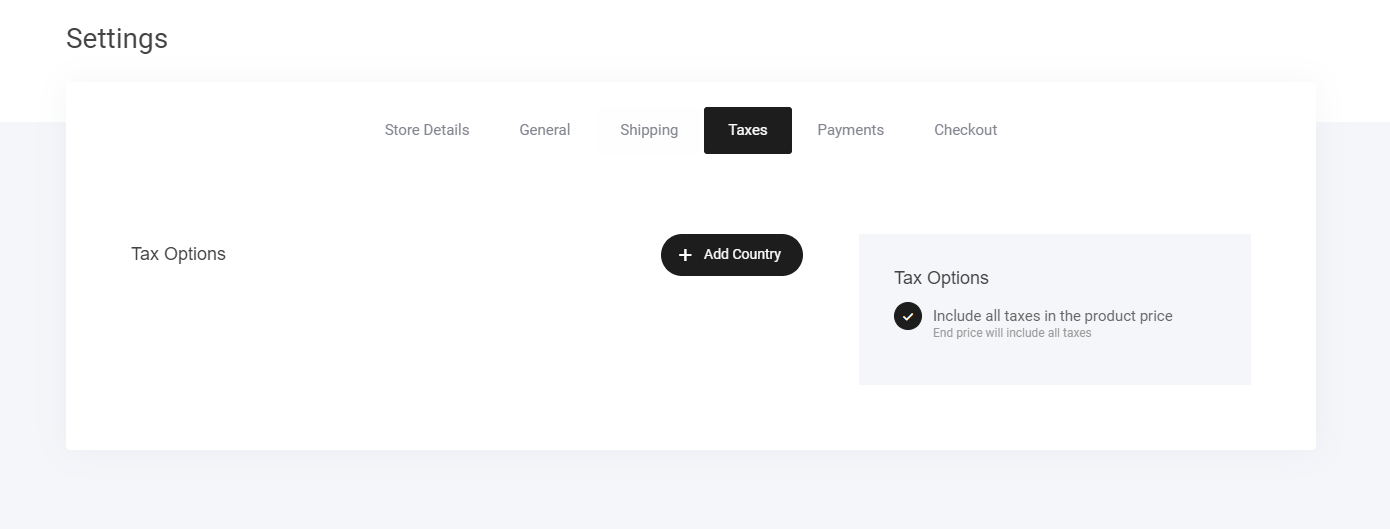
- Go to Store > Settings > Taxes – Access the tax configuration panel.
- Click “Add Country” – Select the regions where tax rules need to apply.
- Define Tax Rules by Country/State – Customize tax percentages based on location.
- Automatic Tax Application – The order will adjust the total payment when tax criteria are met.
- Enable Multiple Variations – Tailor rules to fit different business and regional requirements.
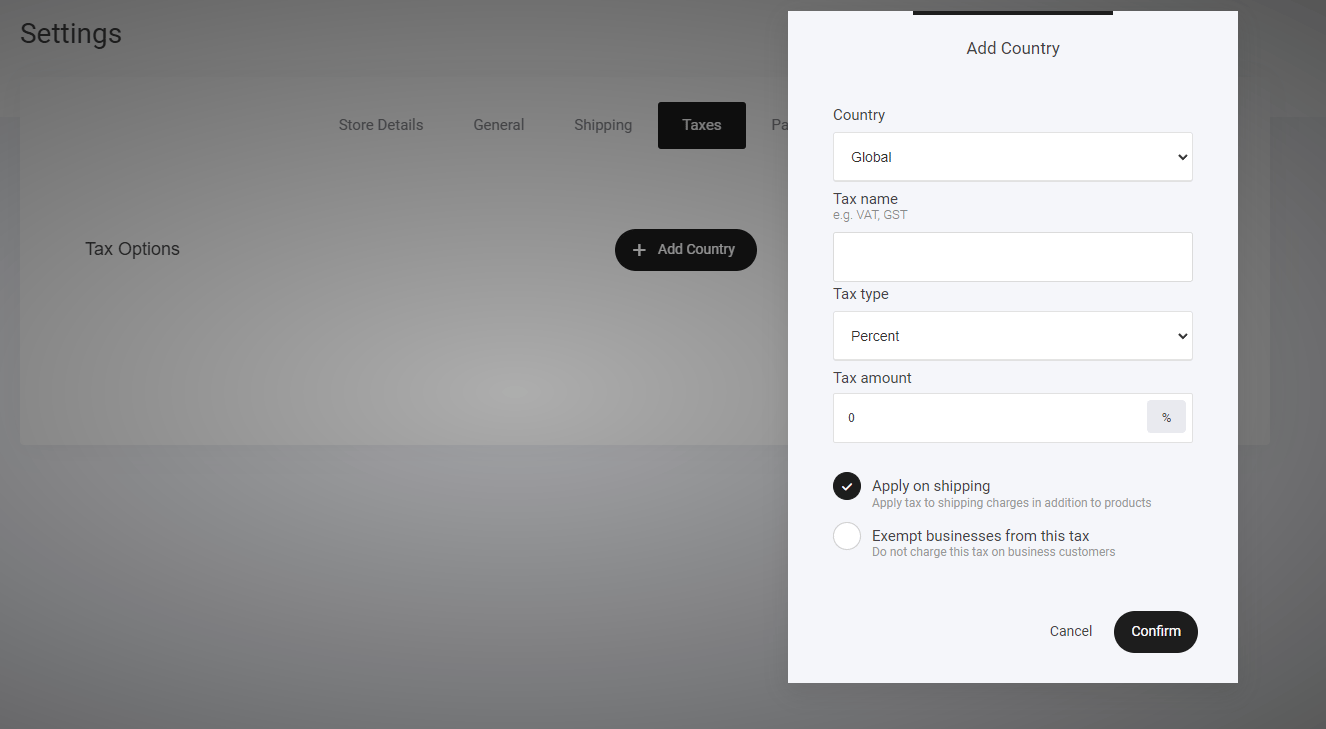
- Set your Country
- Tax name
- Tax type
- Tax amount