- Go to the Store Tab – Access your store dashboard.
- Select “Products” – Open your product management section.
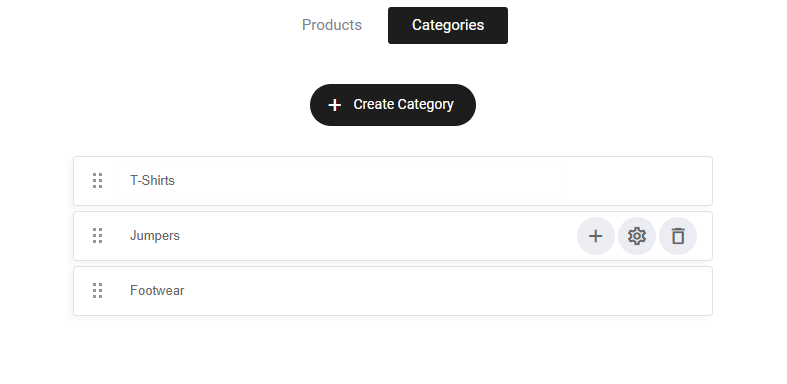
- Click “Categories” – Create and organize product categories to streamline browsing.
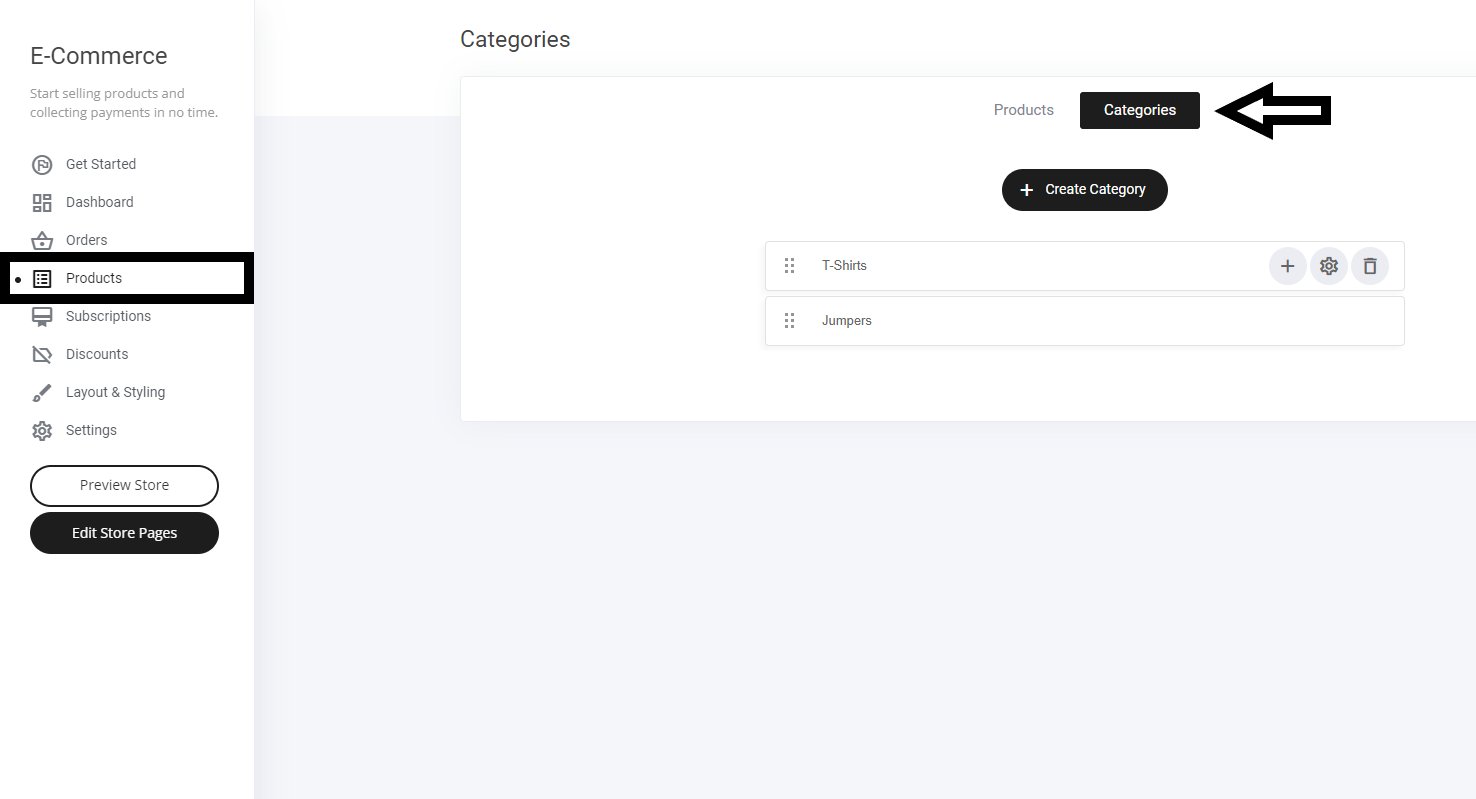
Creating a new category
Select the + Create Category button as shown above. Name the category and select submit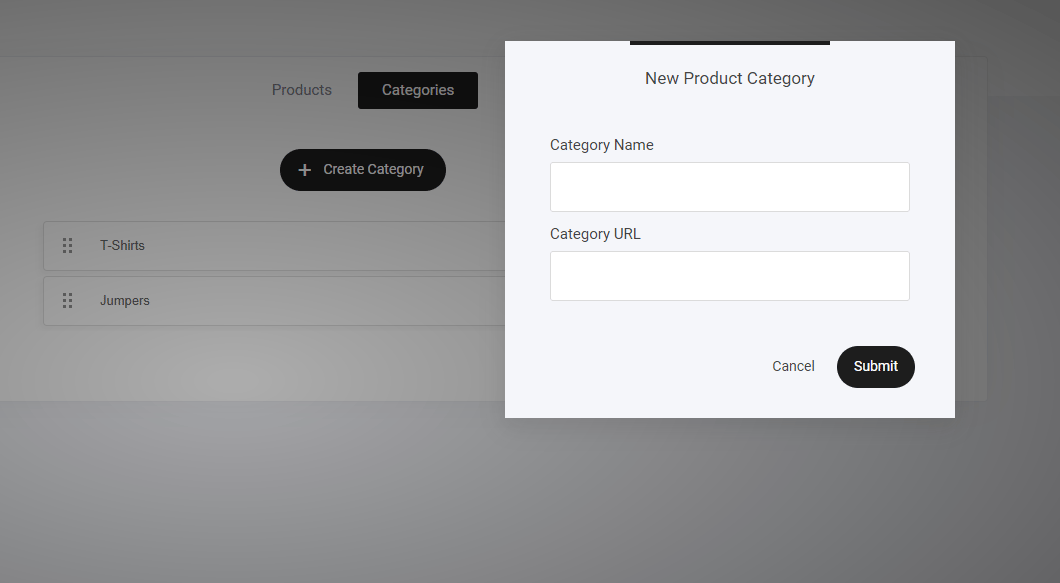
Creating a subcategory
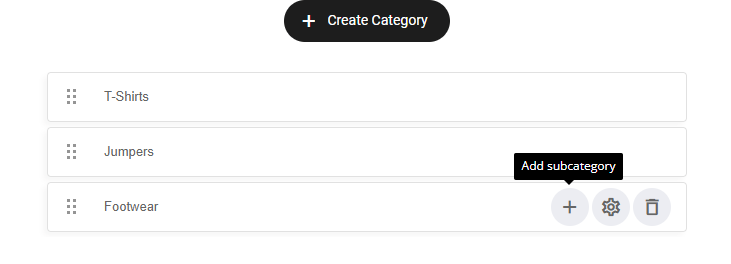
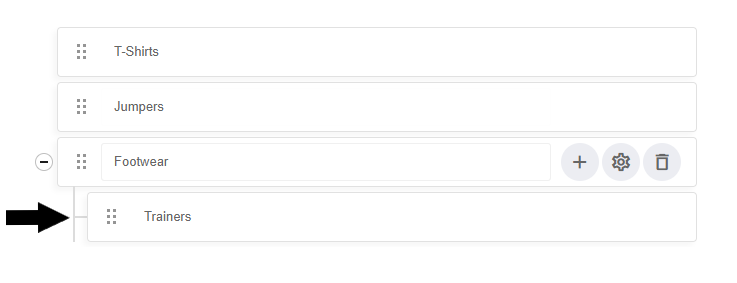
To add a sub-category to your main category, simply select the + icon as shown below