

Excited? Let’s go
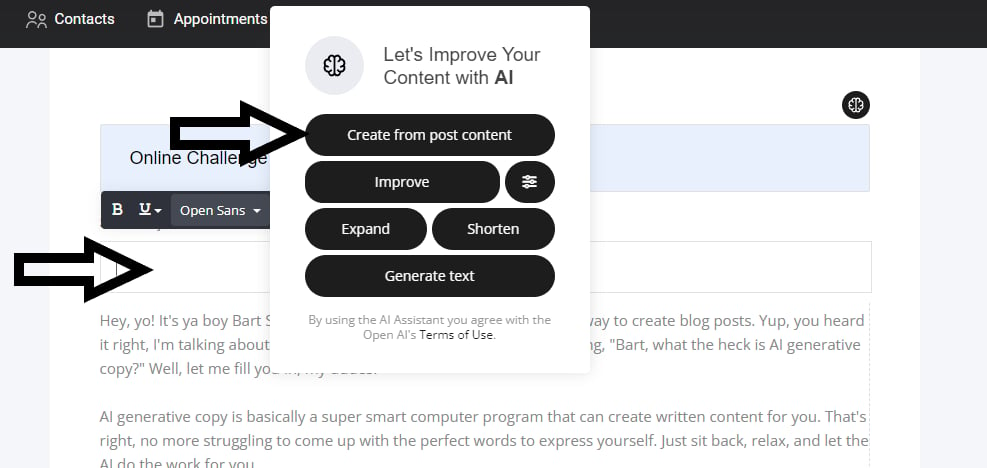
Let’s start with the basics, then get into how to use it across your entire project. When you navigate to any text area and highlight it on your website/funnel/store and also email marketing you will see a neat AI icon located to the right of the edit bar ‘as shown below’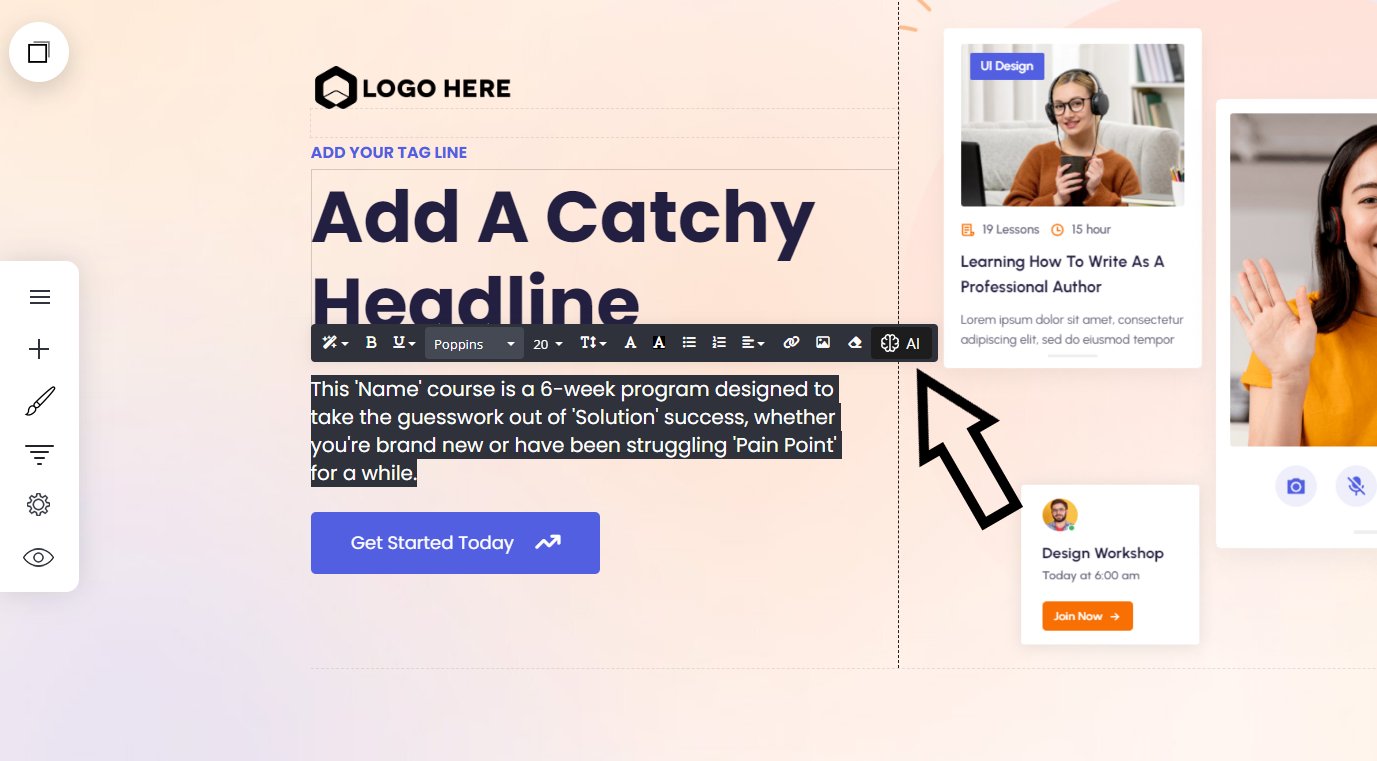
- Improve
- Expand
- Shorten
- Generate text
- Temperature, denoted by the line icon in the top-right corner
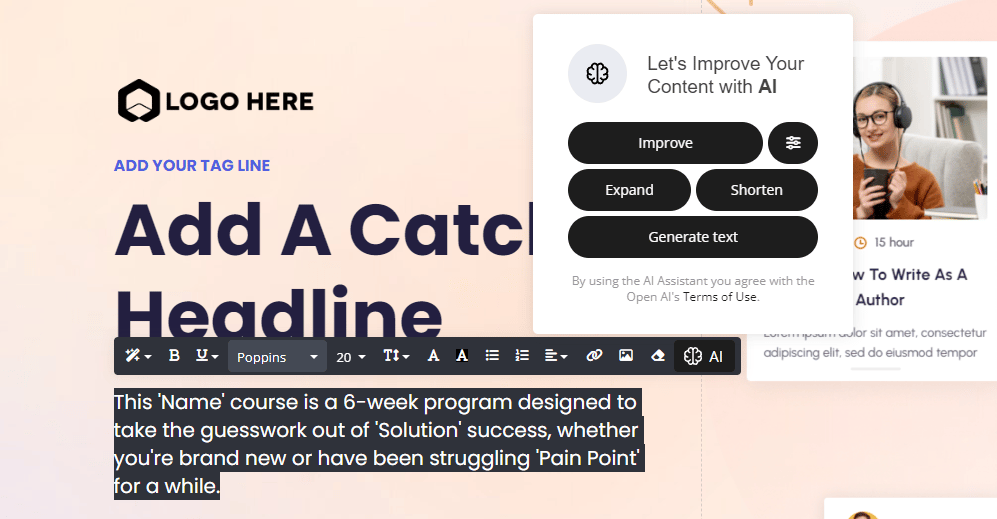
We will go through this next section using this text copy. So you can see the differences the AI makes.
The funnel lead generation course is a 6-week program designed to take the guesswork out of doing it yourself, whether you’re brand new or have been struggling to get more leads for a while, this is for you.
The funnel lead generation course is a 6-week program designed to take the guesswork out of doing it yourself, whether you’re brand new or have been struggling to get more leads for a while, this is for you.
Improve
The improve button will improve on the originating text you already have. You can keep clicking to get a new result every time until you find an output you like.Expand
Expanding text will expand/elaborate on the original text input. Generally this will make your text longer.Shorten
The shorten button will shorten the originating text input. Or create a more to the point result.Temperature
The temperature button enables you to add emotion to your text, providing the right tone you want to display to your visitors.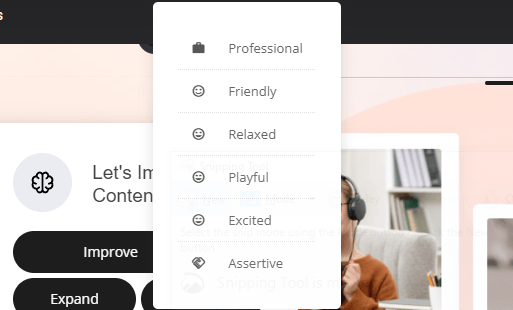
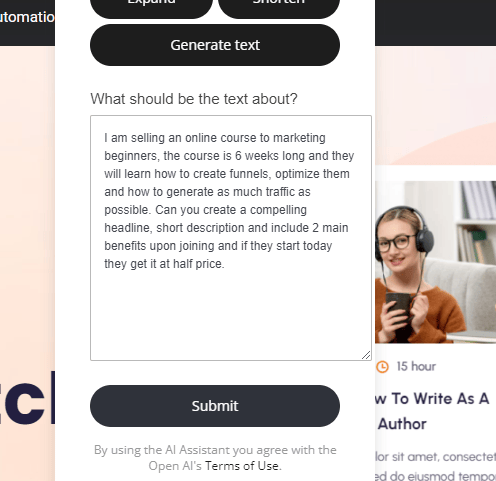
Generate Text
The last option lets you add your own text so the AI Writing Assistant can create a response for you. After generating the text, you can use any of the other options to fine-tune the final output. Be creative with your prompt. Explain what you want, provide context or a desired outcome, or ask for a summary, and the AI will do its work. First select the generate text button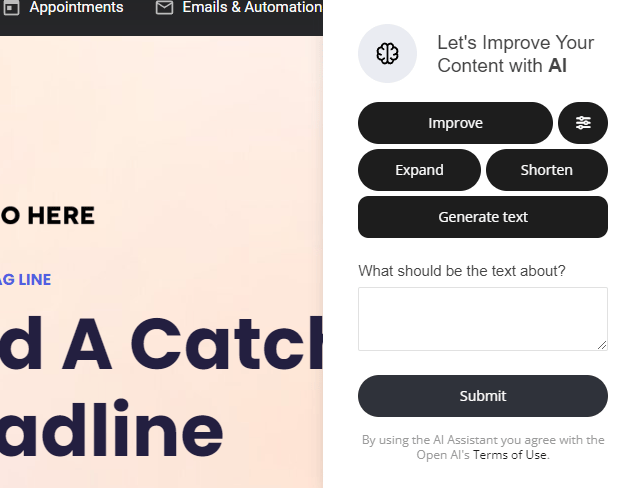
Input text: I am selling an online course to marketing beginners, the course is 6 weeks long and they will learn how to create funnels, optimize them and how to generate as much traffic as possible. Can you create a compelling headline, short description and include 2 main benefits upon joining and if they start today they get it at half price.
SEO | search engine optimization
Our AI Writing Assistant will also generate your page seo for you! You can either use the AI as shown above or, let the power of AI to create it from scratch for you. The AI will read your entire website/funnel or single page and optimise the entire SEO for you.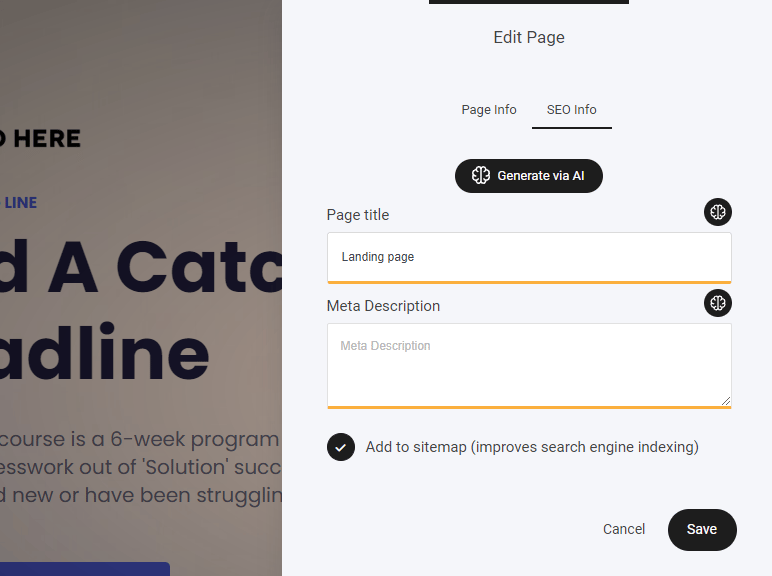
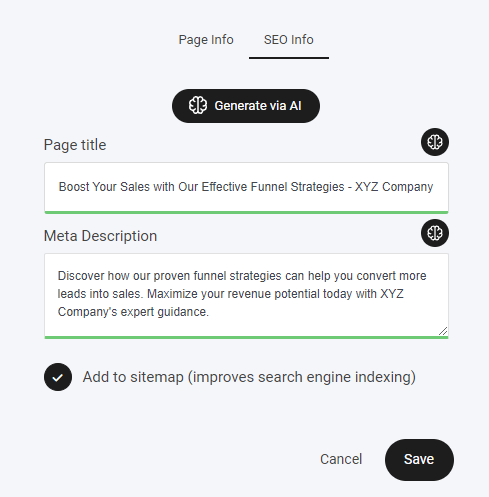
Again you can go ahead and fine tune it with the other options if required via the small AI icon.
Store Product AI
Just like the rest of the amazing AI, you can use our AI assistant within your store products to help you create compelling titles and descriptions.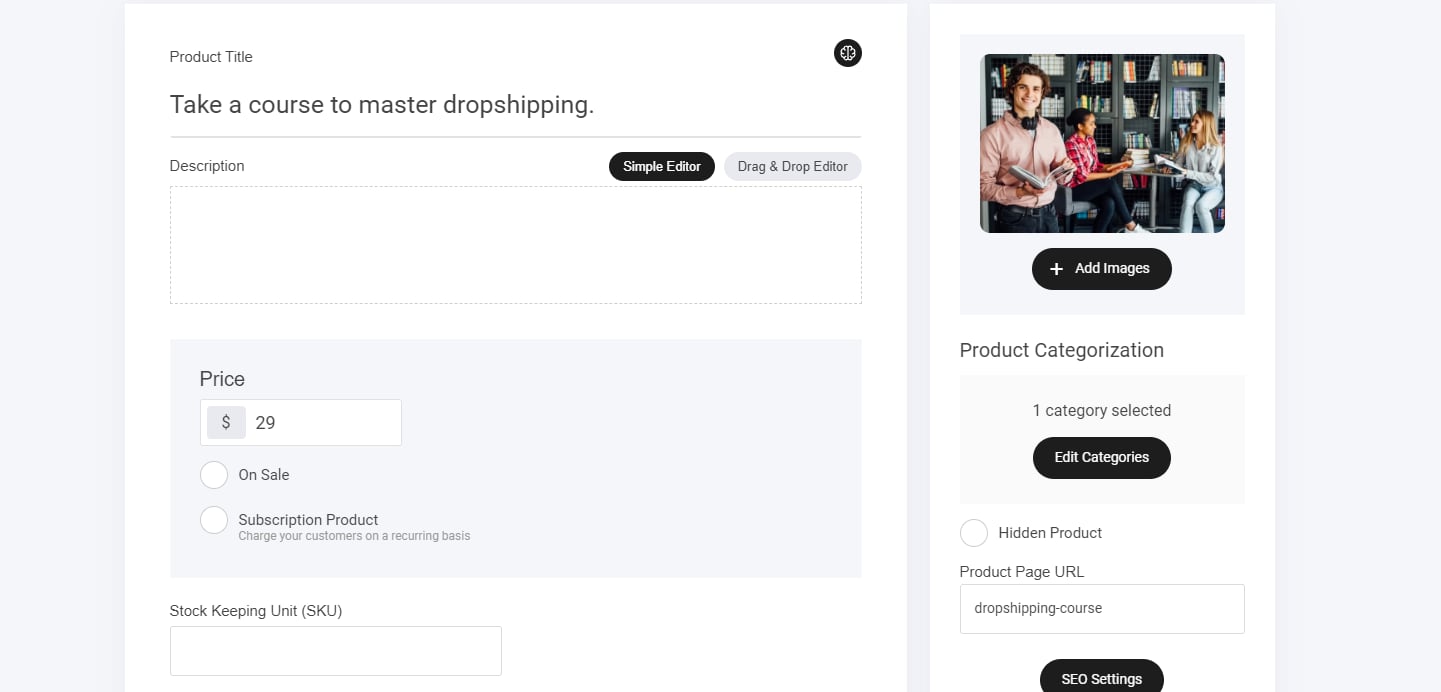
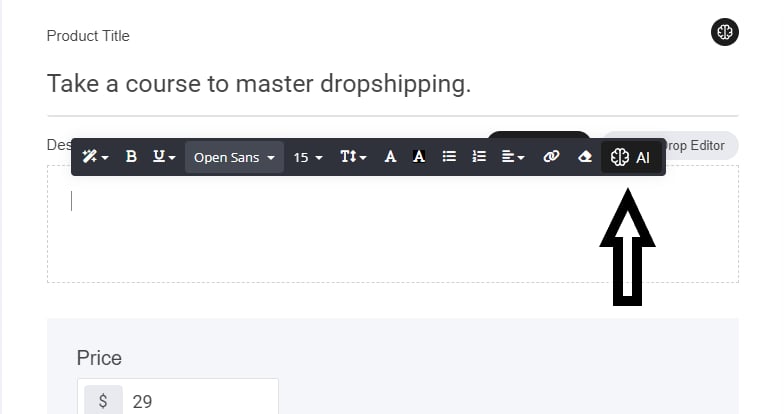
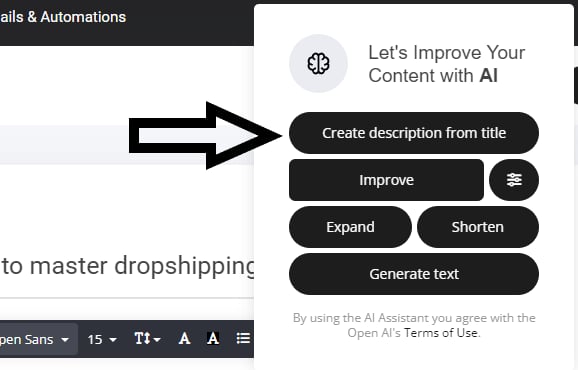
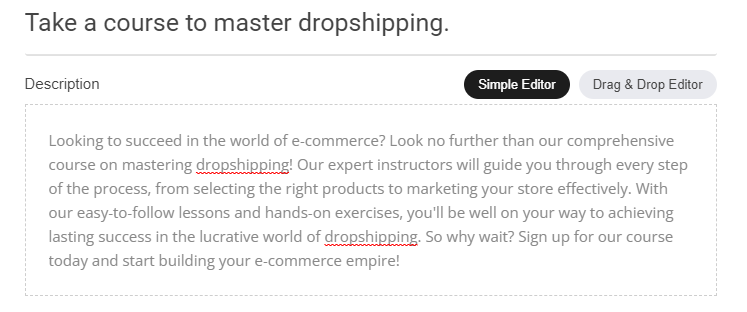
And once again the AI generates a great product description for us! If you need to fine tune it, then simply use any of the other buttons as mentioned earlier to improve, expand or even change the temperature and tone of the response.
Email AI
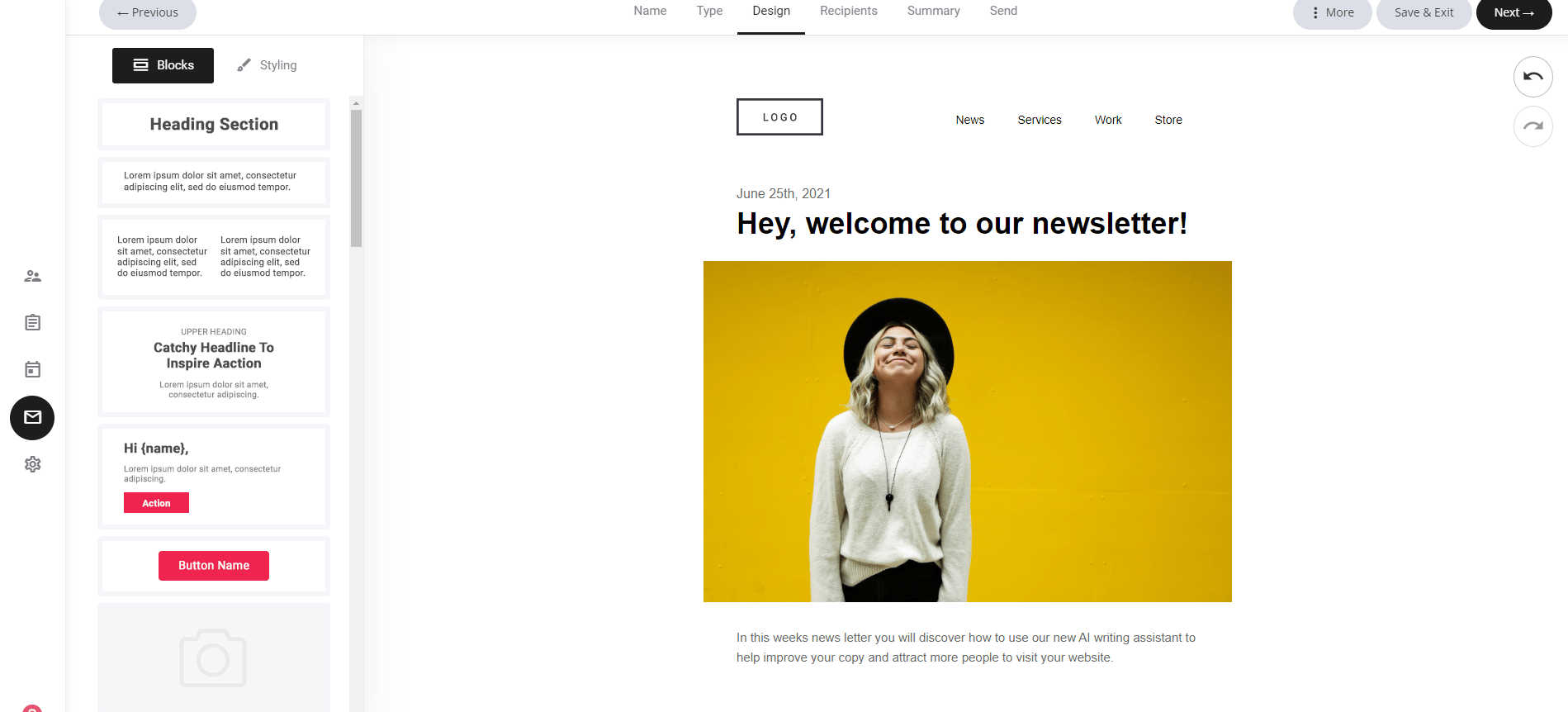
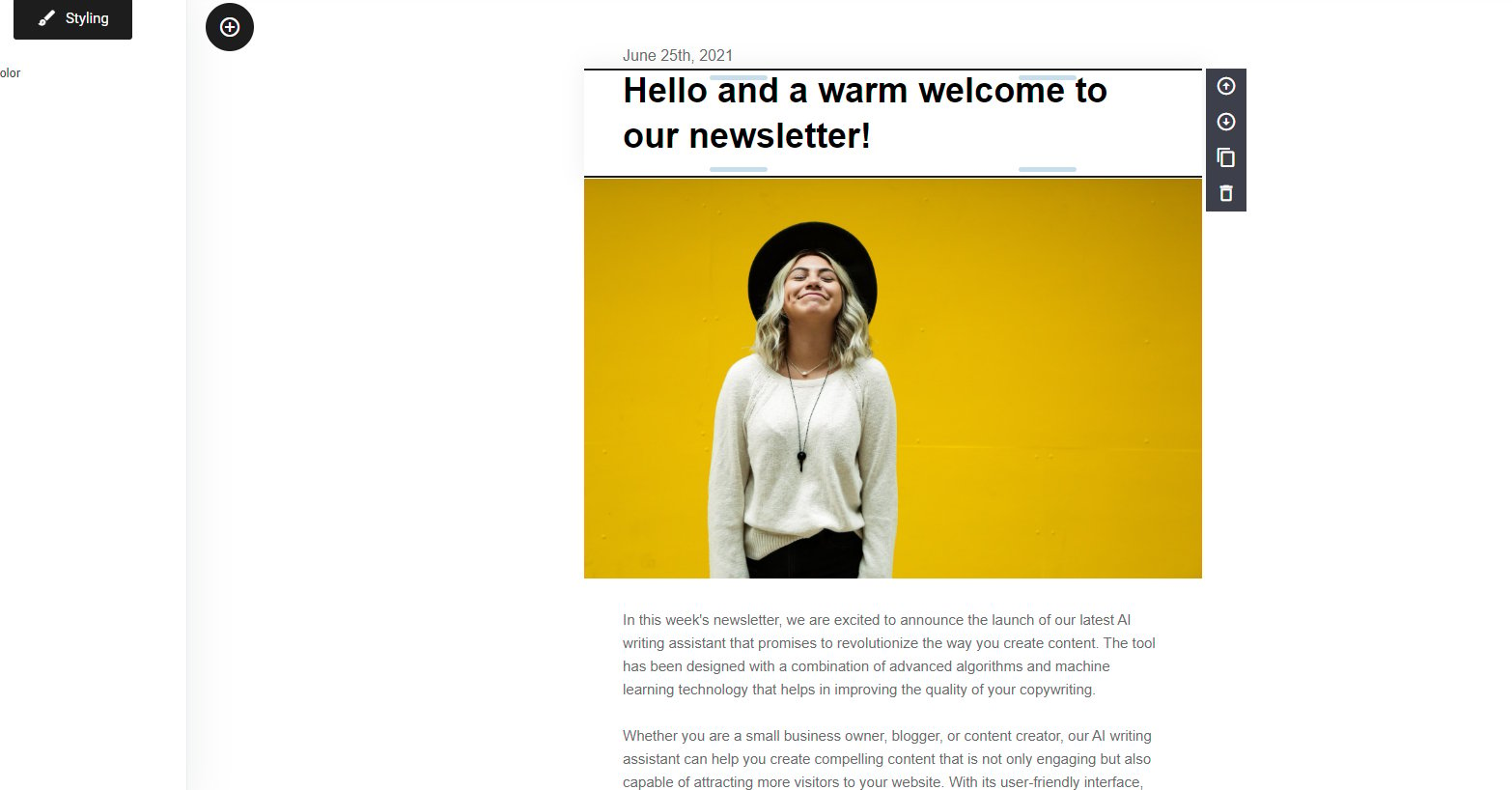
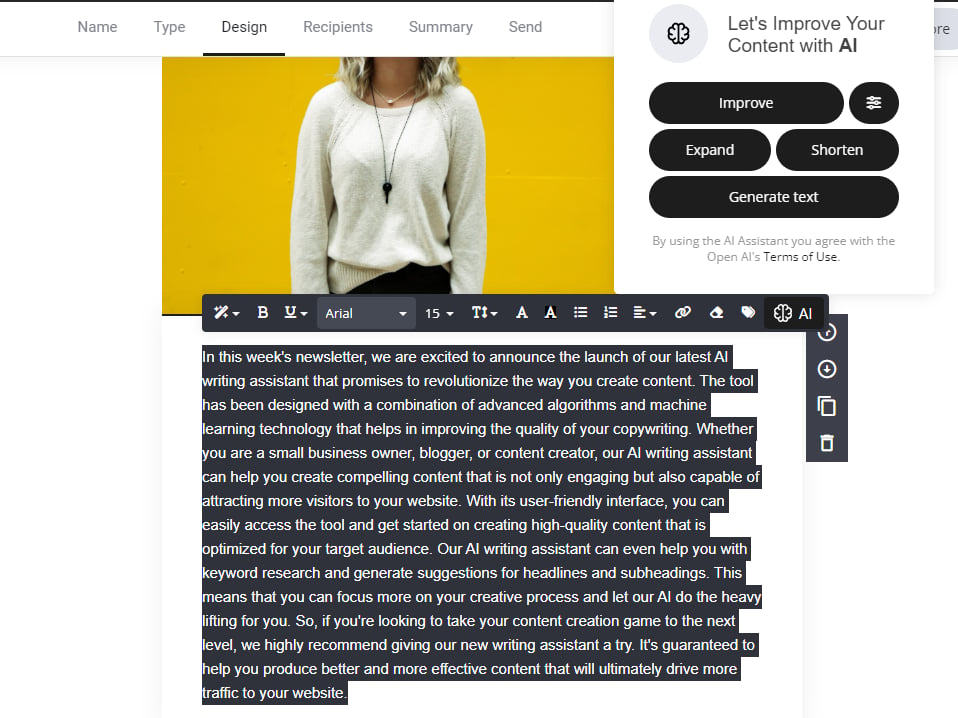
Blog AI
Input using the generate text button: Write me a blog post that highlights the benefits of using AI generative copy to create blogs in the voice of Bart Simpson.
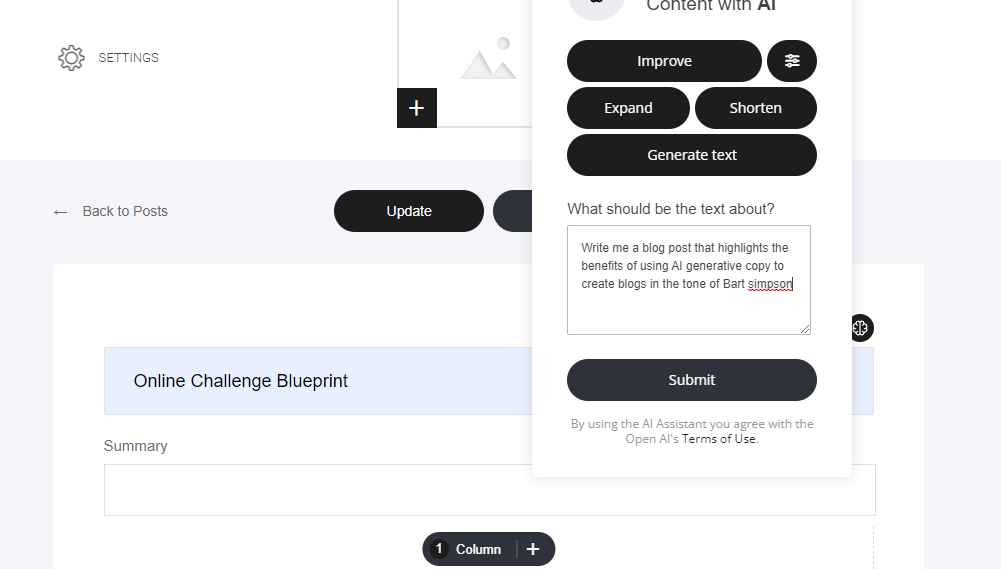
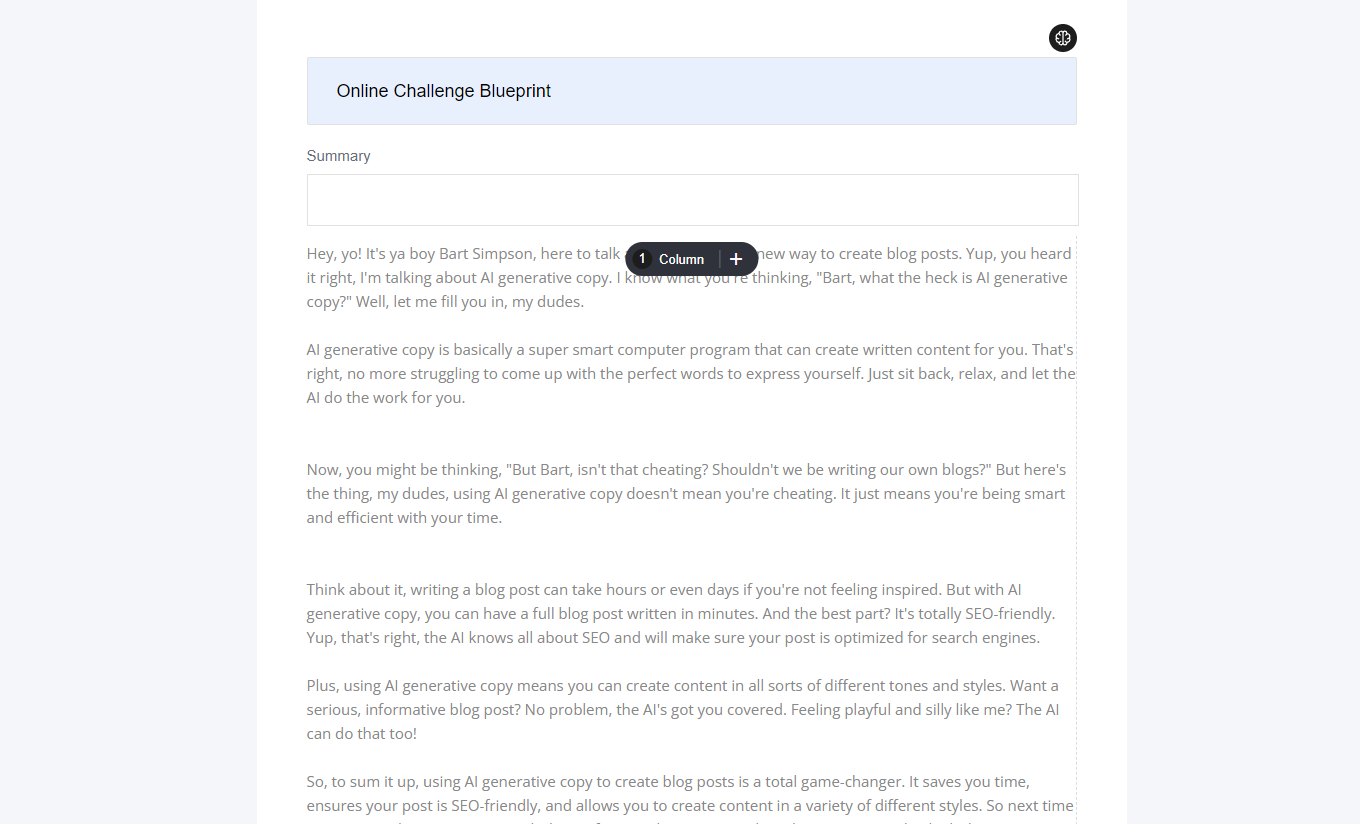
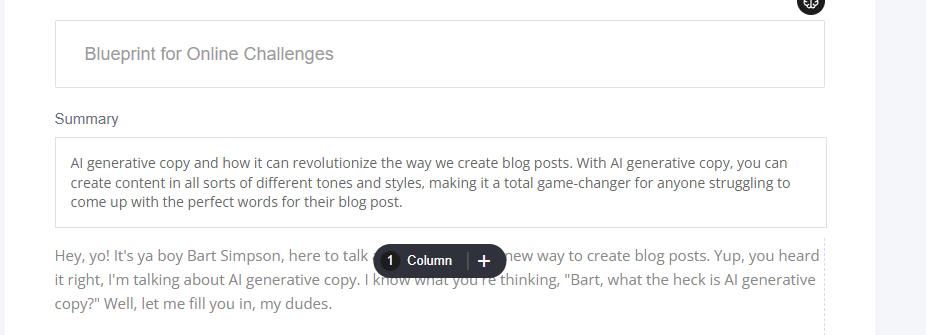
The same rule applies if you need to change your AI-generated copy: you can still use the other prompt helpers to adjust the tone or expand the content.
Usage and limitations
As mentioned you have unlimited usage across all your projects, create unlimited prompts. The only measured value is the response length which is limited to 500 words. But you can generate unlimited 500 word generations. Basically, if you ask it to generate you a 3000 word blog, it will stop at 500 words.
By using the AI Assistant, you agree to OpenAI’s Terms of Use.