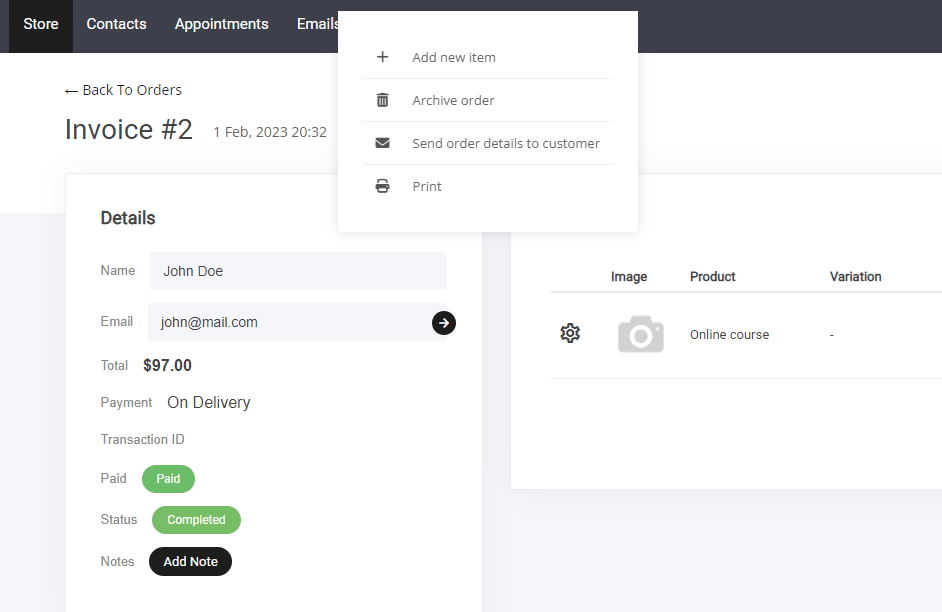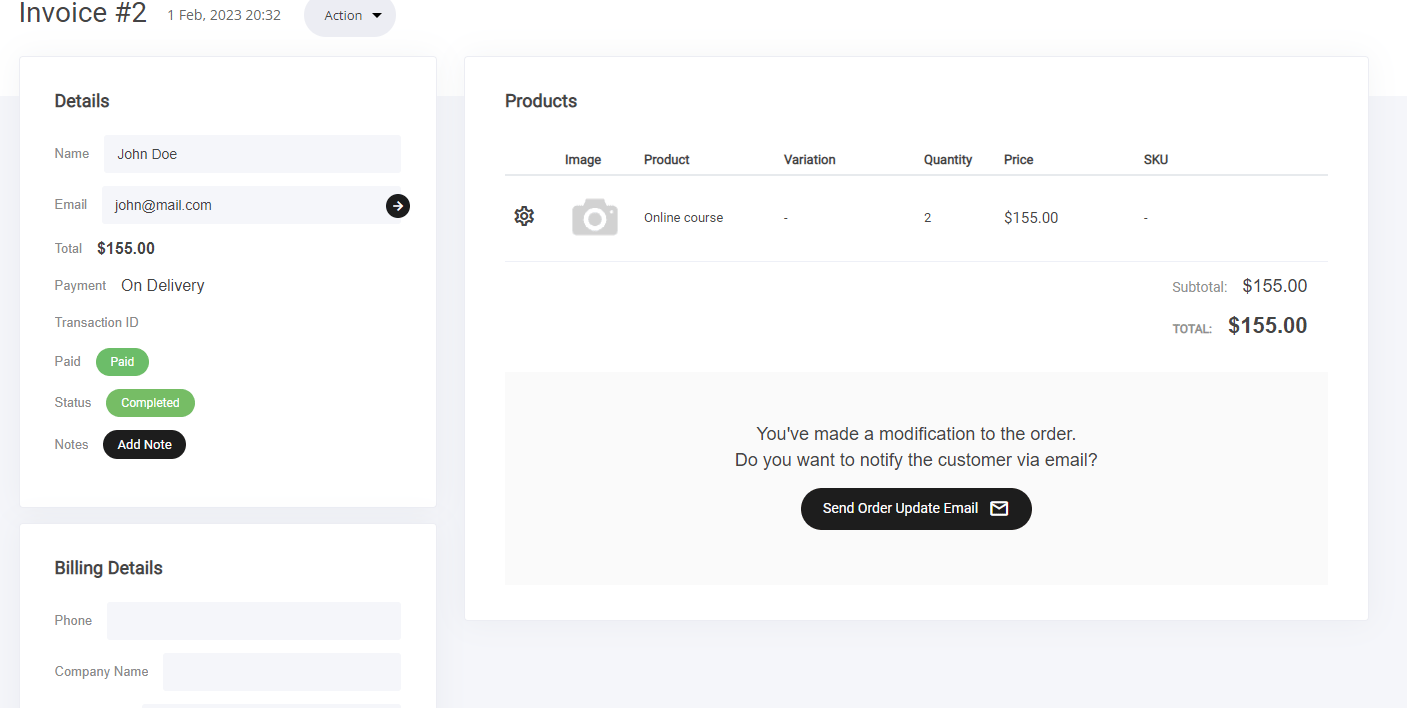
- View & Edit Orders – Track incoming purchases and make necessary modifications.
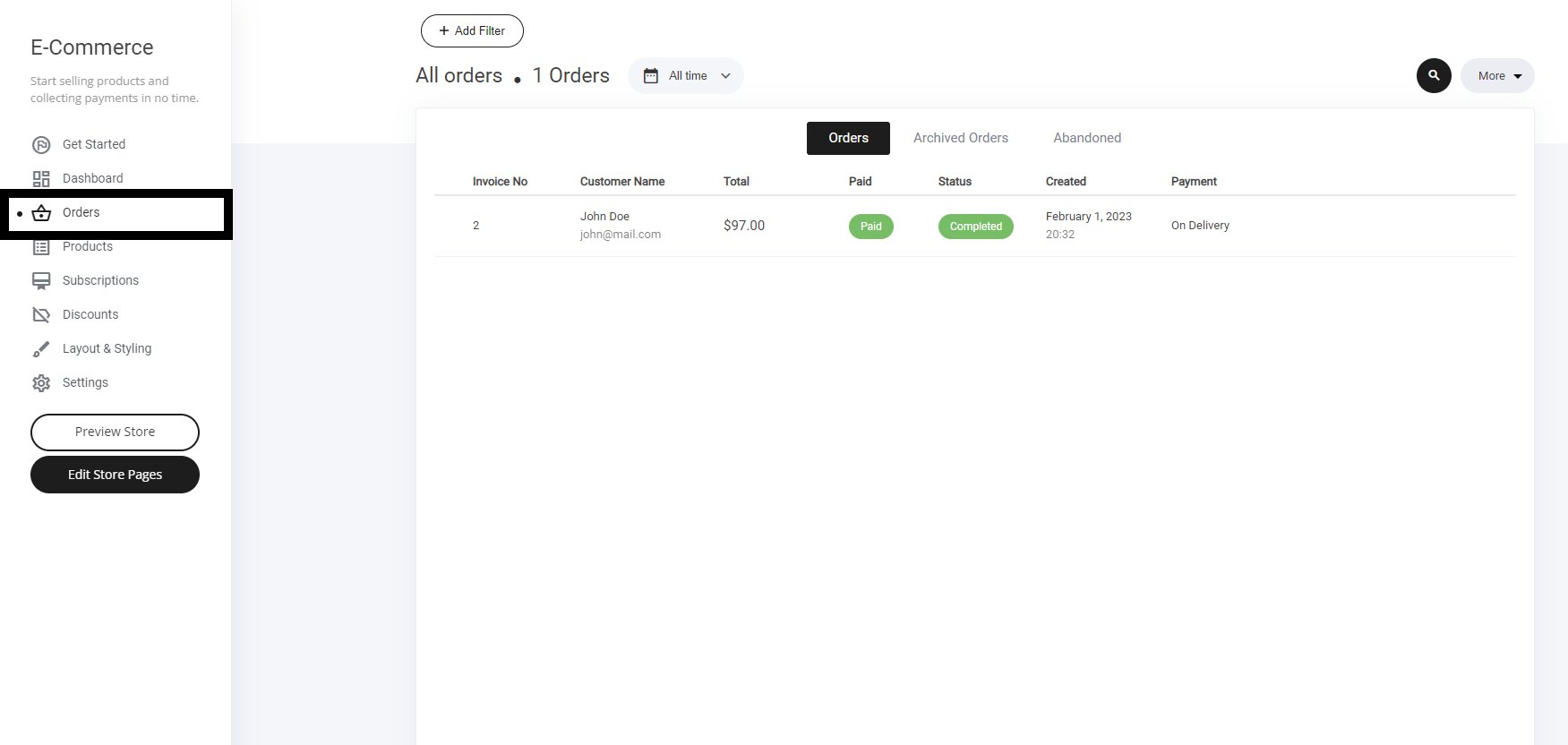
- Archived Orders – Store completed transactions for future reference.
- Abandoned Cart – Monitor users who left items in their cart without purchasing.
- Paid Status Changes – Update payment confirmations or adjust status as needed.
- Order Status – Keep track of fulfillment progress and customer notifications.
- Export Orders – Generate reports for bookkeeping or further analysis.

Orders
The orders tab show a list of people who have purchased from you. Here you can also select and update order status. You can also select the customer to view their profile via the CRM.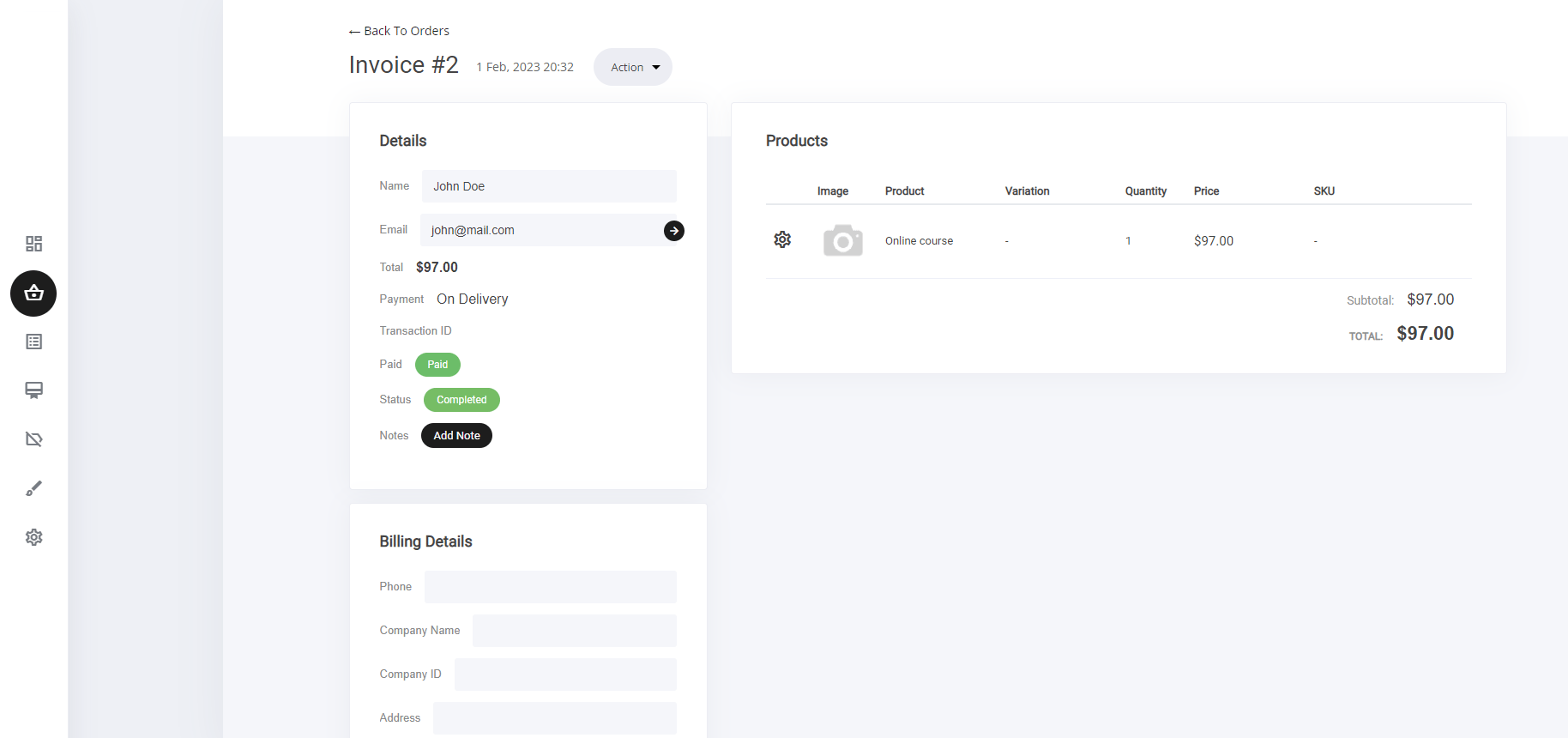
- + Add new item
- Archive order
- Send order details to customer