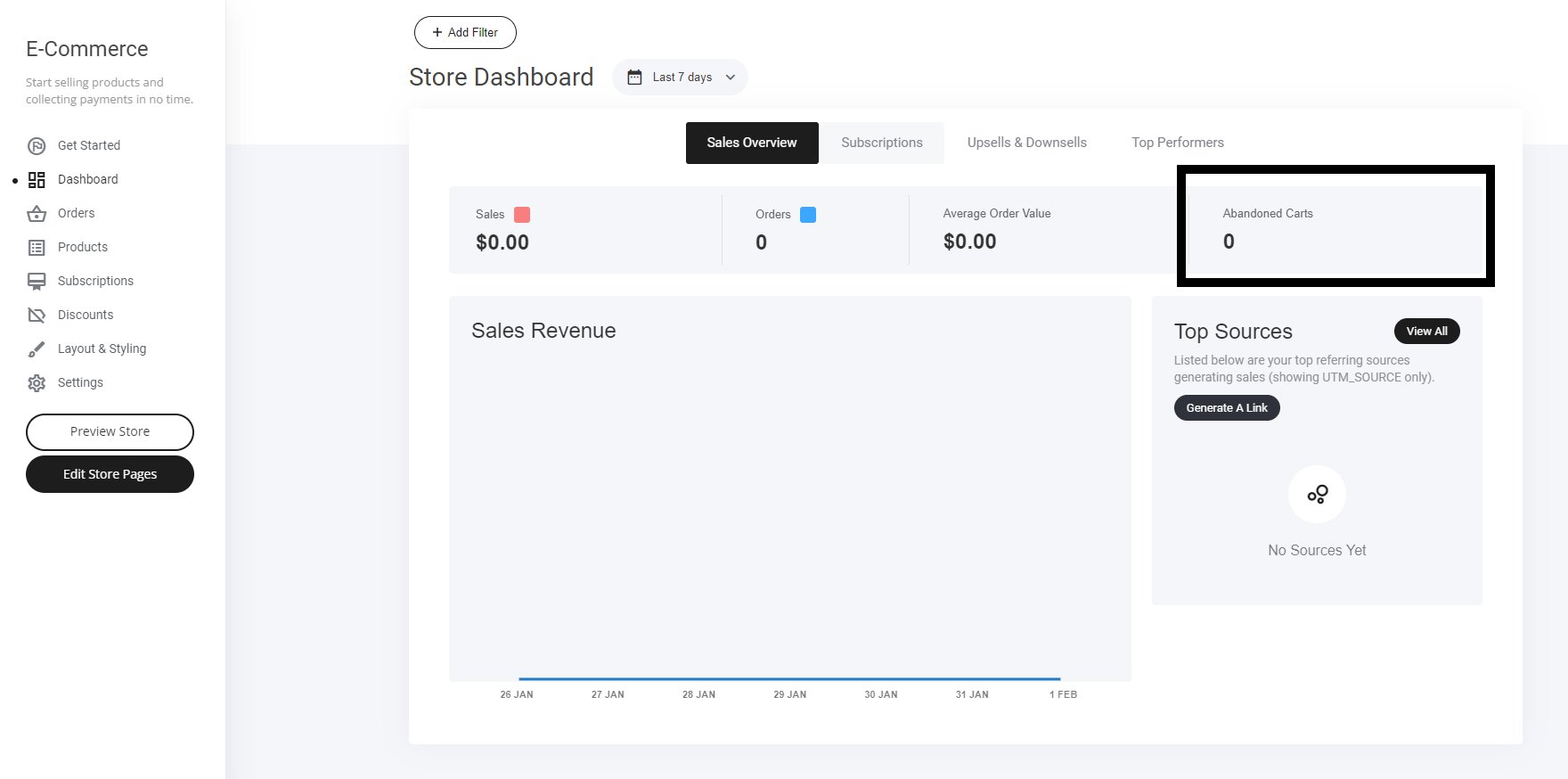
- Go to Store Settings – Locate the abandoned cart automation section.
- Automation is Active by Default – However, manual setup is required.
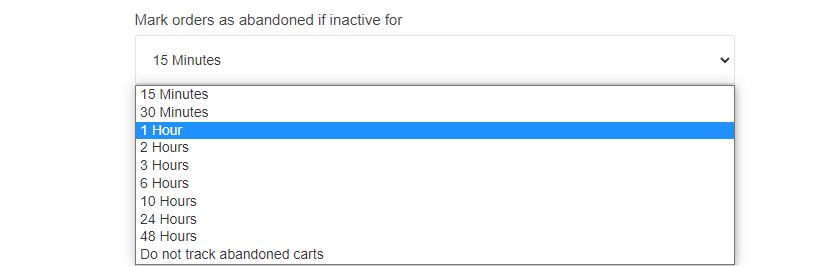
- Adjust Abandonment Timing – Set the delay before the automation begins.
- Create Email Flow – Design personalized recovery emails to re-engage customers.
- Track Analytics – Monitor effectiveness and adjust for better performance.
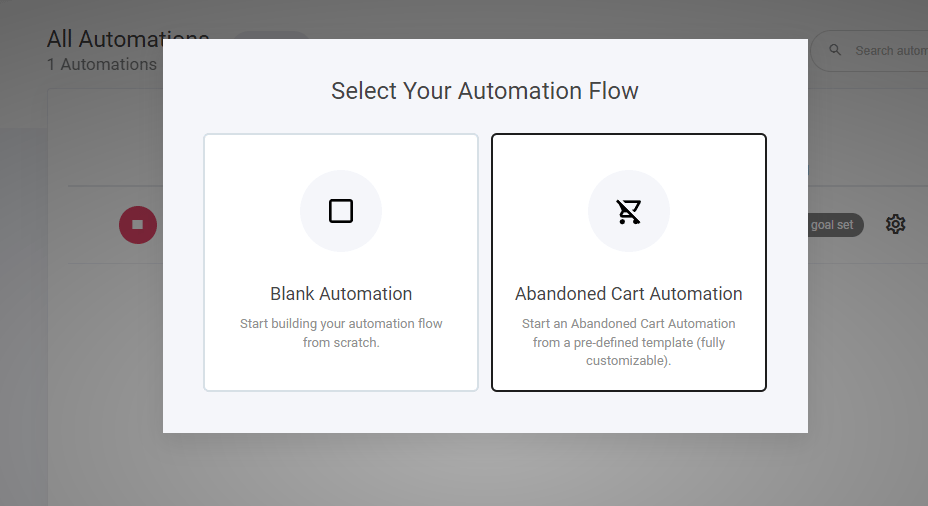
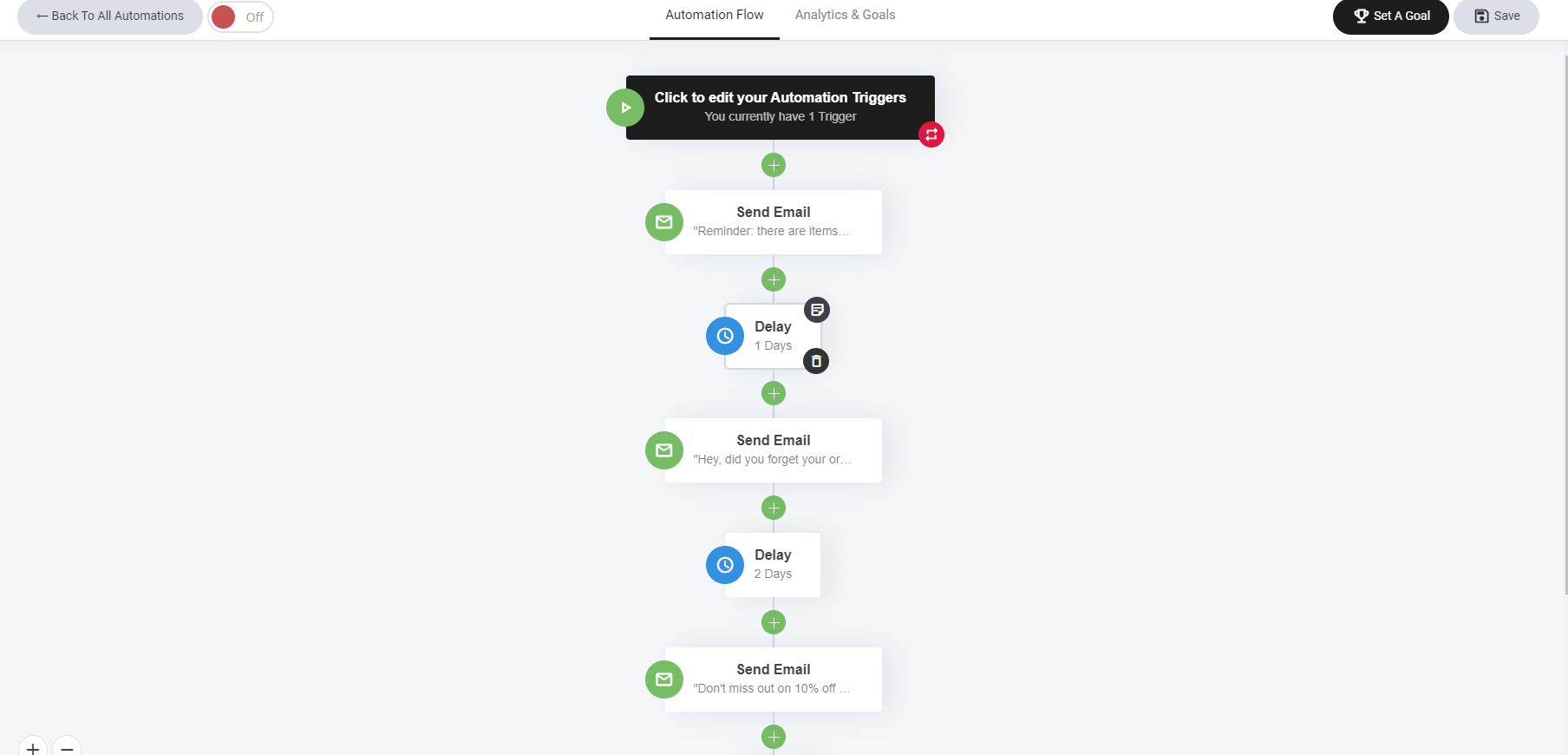
Creating the email
To the left hand side you will see the email drag and drop elements. Scroll about half way down and you will see the new abandoned cart element. Simply drag that in to your email and you’re done!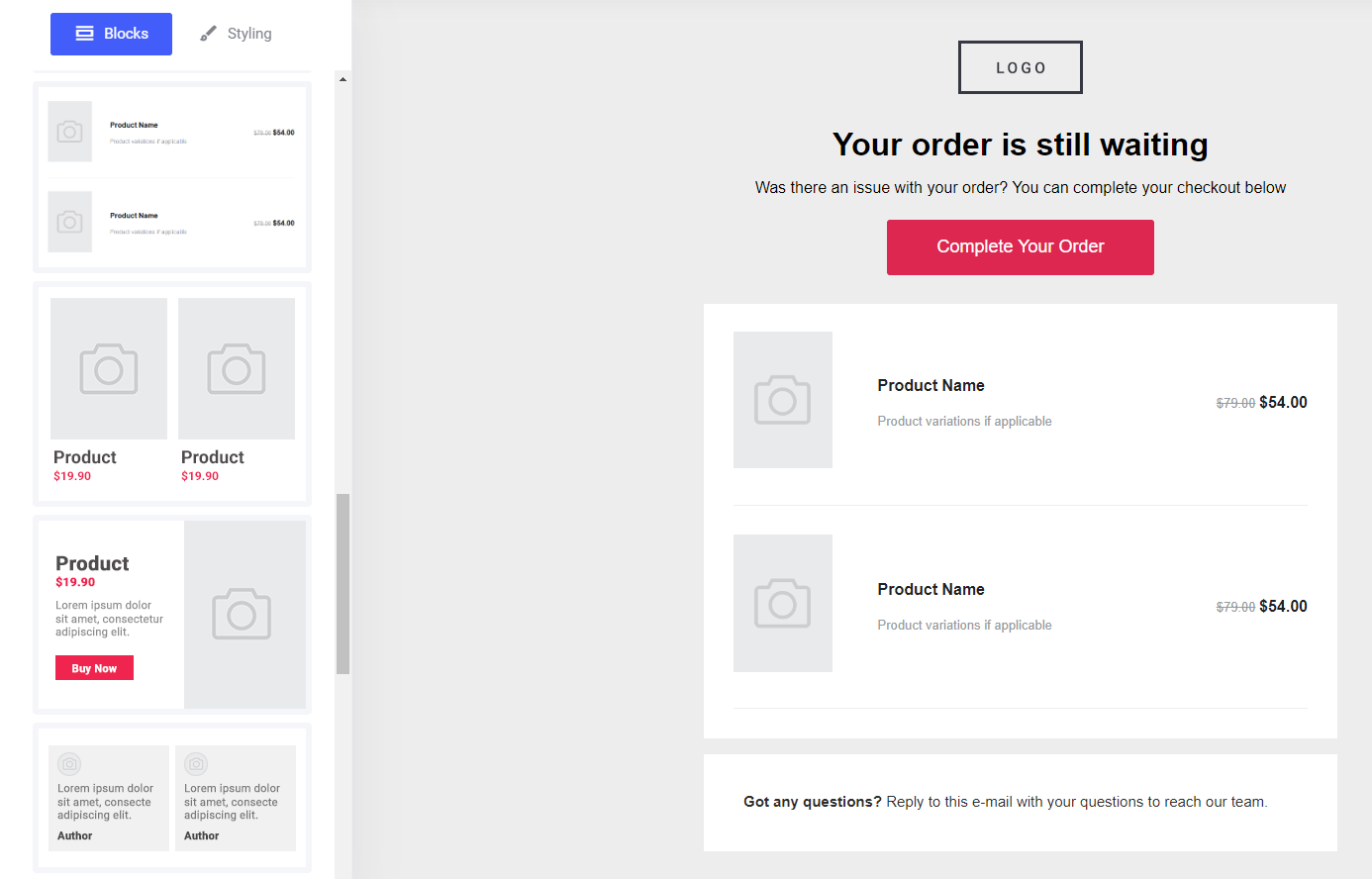
How to get your visitors to the right place.
By default the button will direct the visitor back to the checkout page with the item/s that they left in their cart. Alternatively if you are using a sales funnel, simply direct them to the checkout step in your funnel. This will register the purchase conversion in both your store and funnel revenue analytics tab.Where to view store analytics.
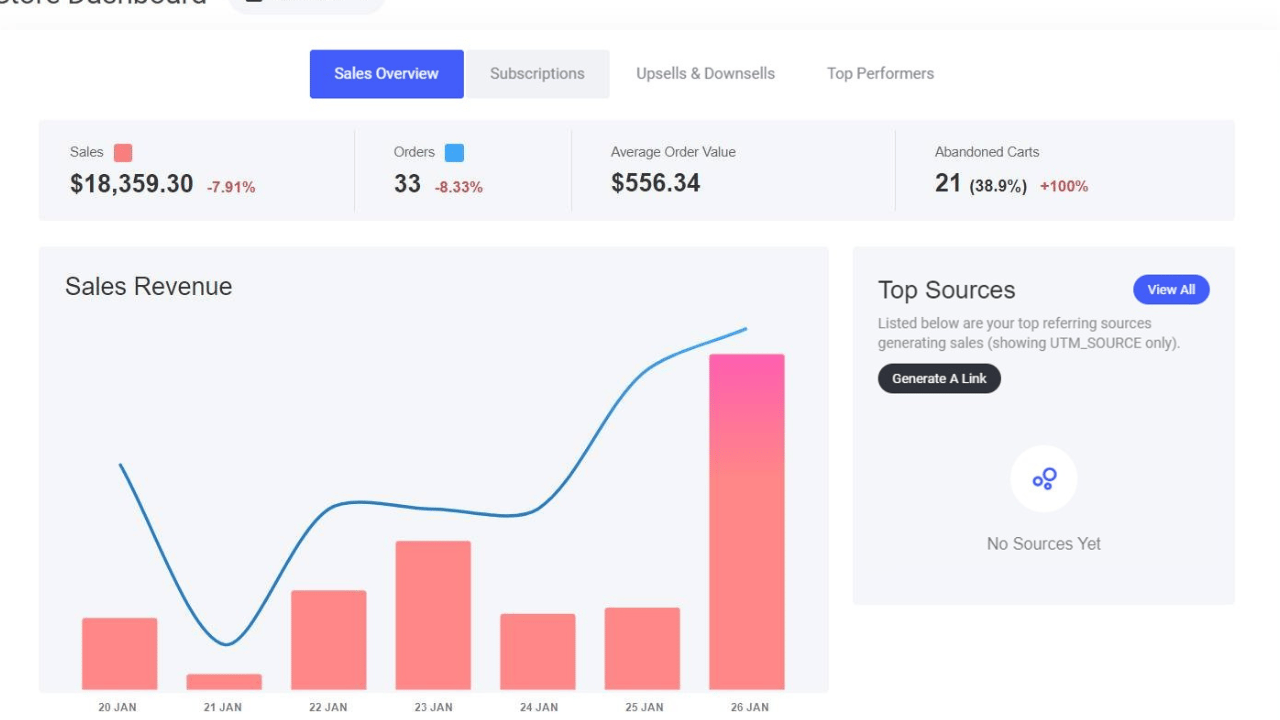
There are two places you can see the abandoned cart analytics:- Store dashboard tab
- Orders tab