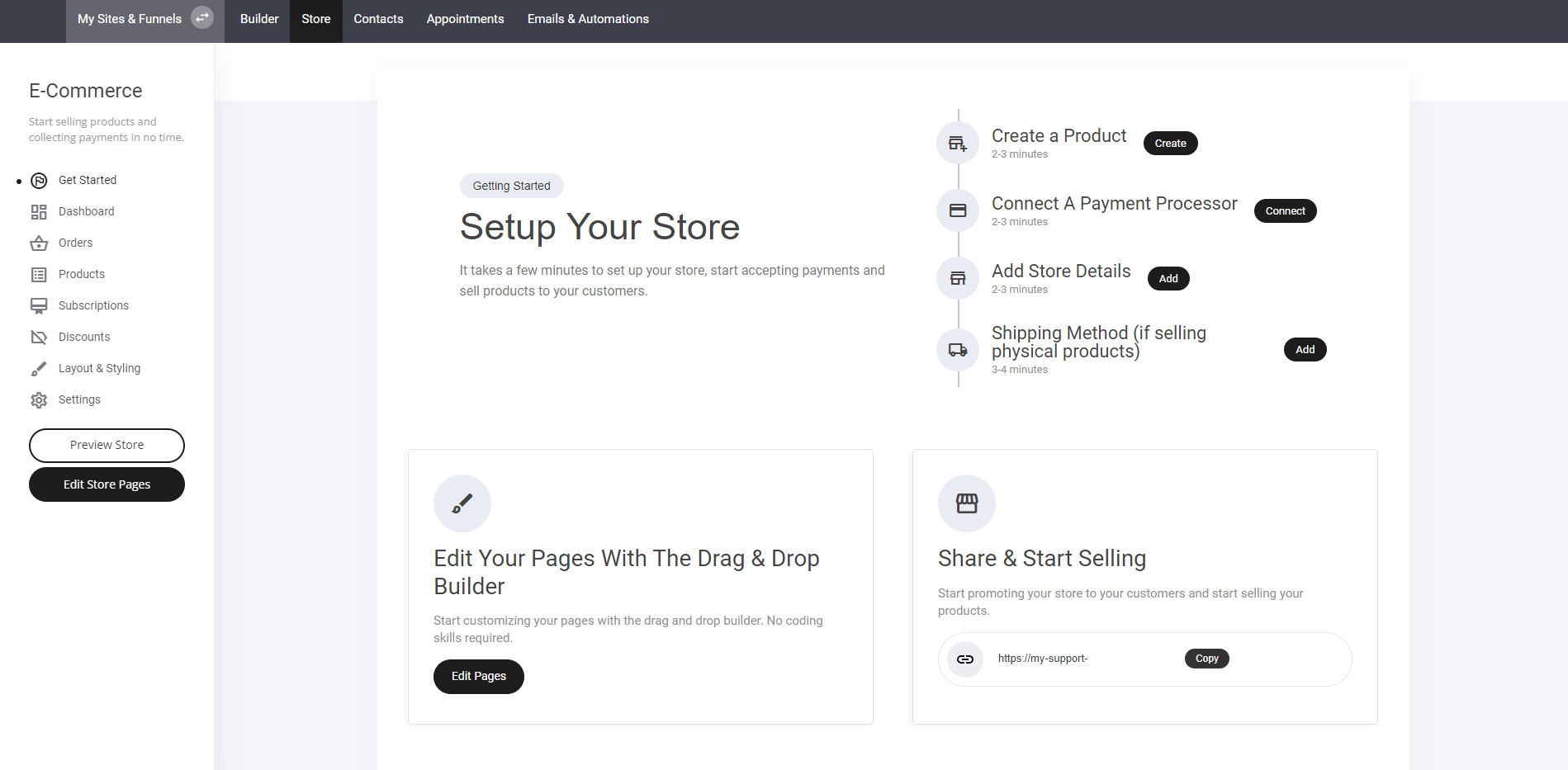
- Select the Store Tab – Located at the top of your screen for quick access.
- Click “Create New Product” – Begin adding your items with customizable details.
- Optimize Your Listings – Set pricing, descriptions, and images for a polished storefront.
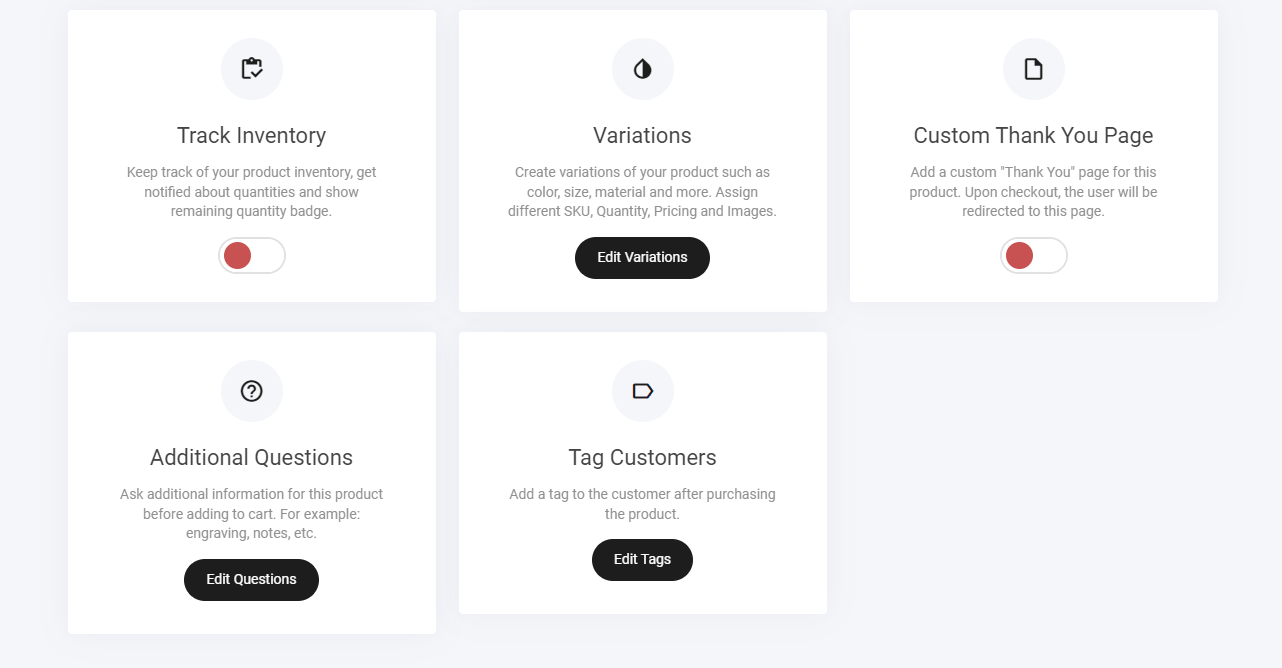
- Inventory tracking
- Variations
- Custom thank you page
- Additional questions
- Tag customers
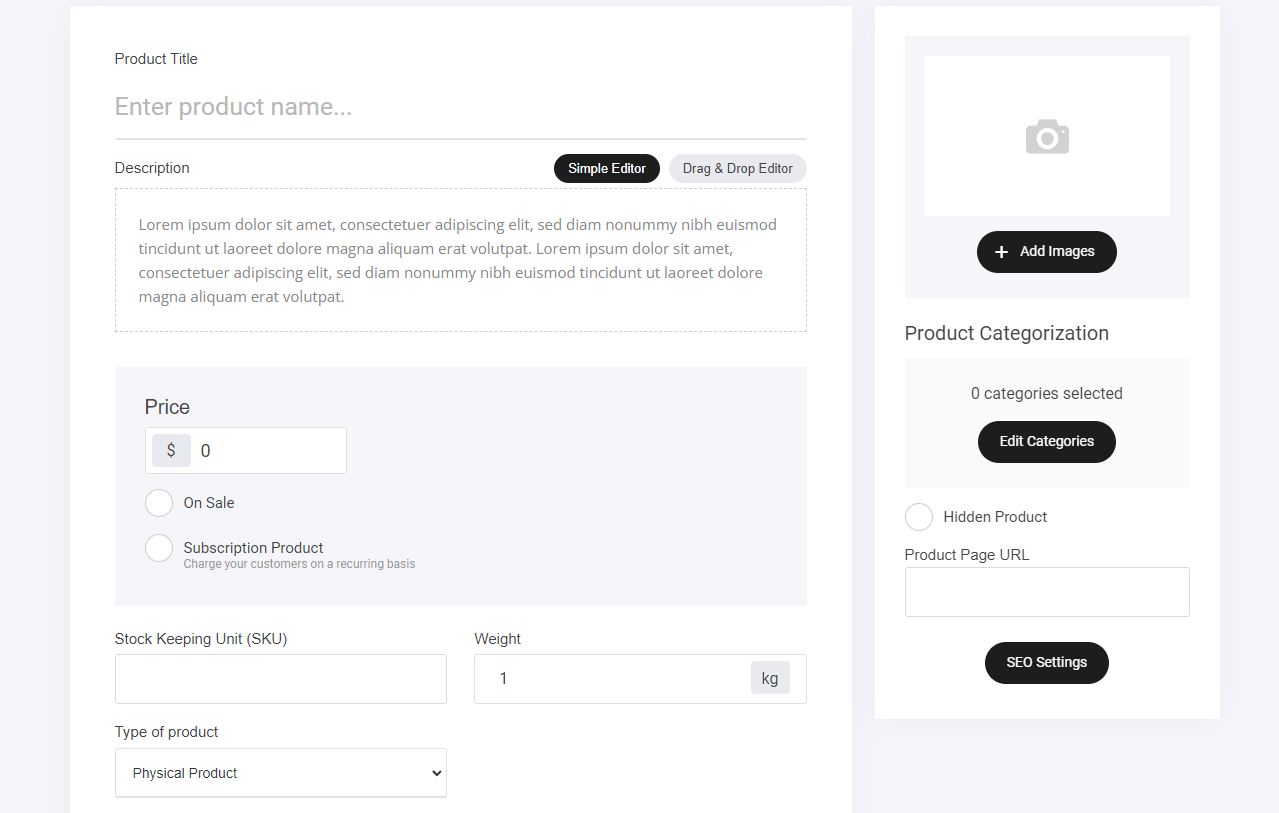
First, let’s create our first product:
- Add a title
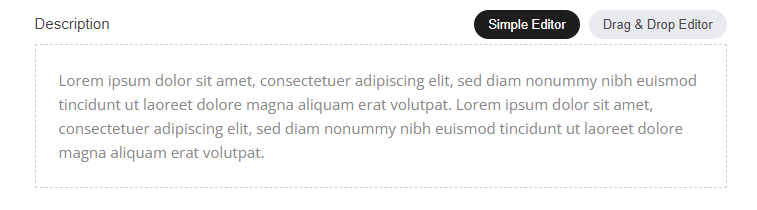
- Edit the description ‘Simple editor/drag and drop
- Add the price
- On sale ‘Yes/no’
- Is the product a subscription item. eg: Recurring payments over an allocated time period
- SKU
- Weight if using a physical product
- Product type ‘Digital/Physical/membership/service’
- Add images
- Product category selection
- Hidden or viewable item
- Simple editor or
- Drag and drop editor.
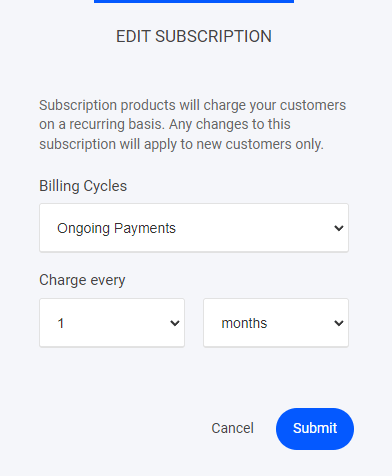
Subscription Products
Subscription products will charge your customers on a recurring basis. Any changes to this subscription will apply to new customers only. Subscription payments can be configured to how ever you want to set them up:- Monthly payments
- Weekly payments
- Billing cycles
Product types
Select your type of product from the drop down menu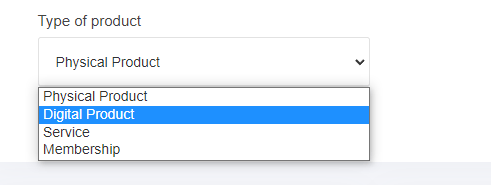
Digital Product
When using Digital product you will be able to add your product URL directly to the store item as shown below.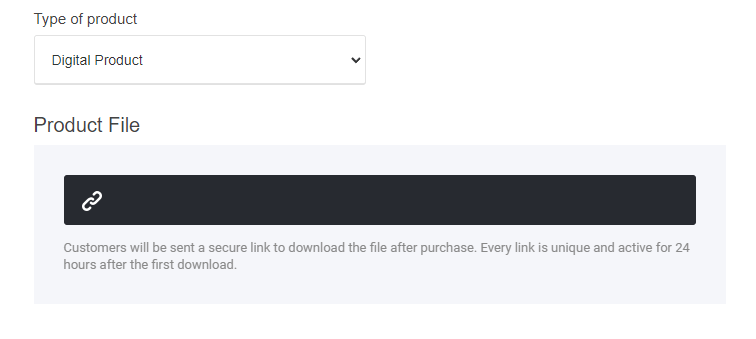
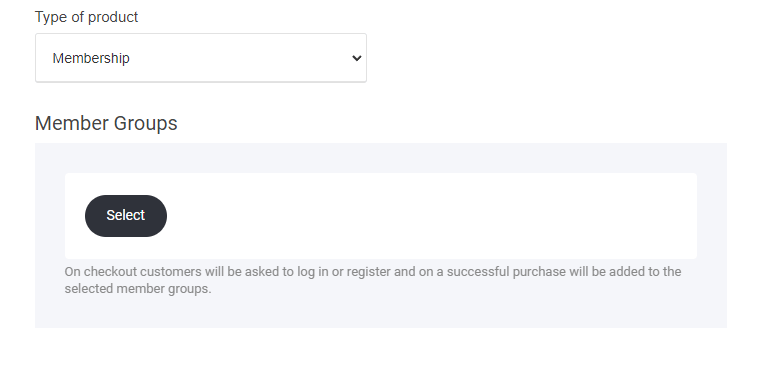
Creating a membership product
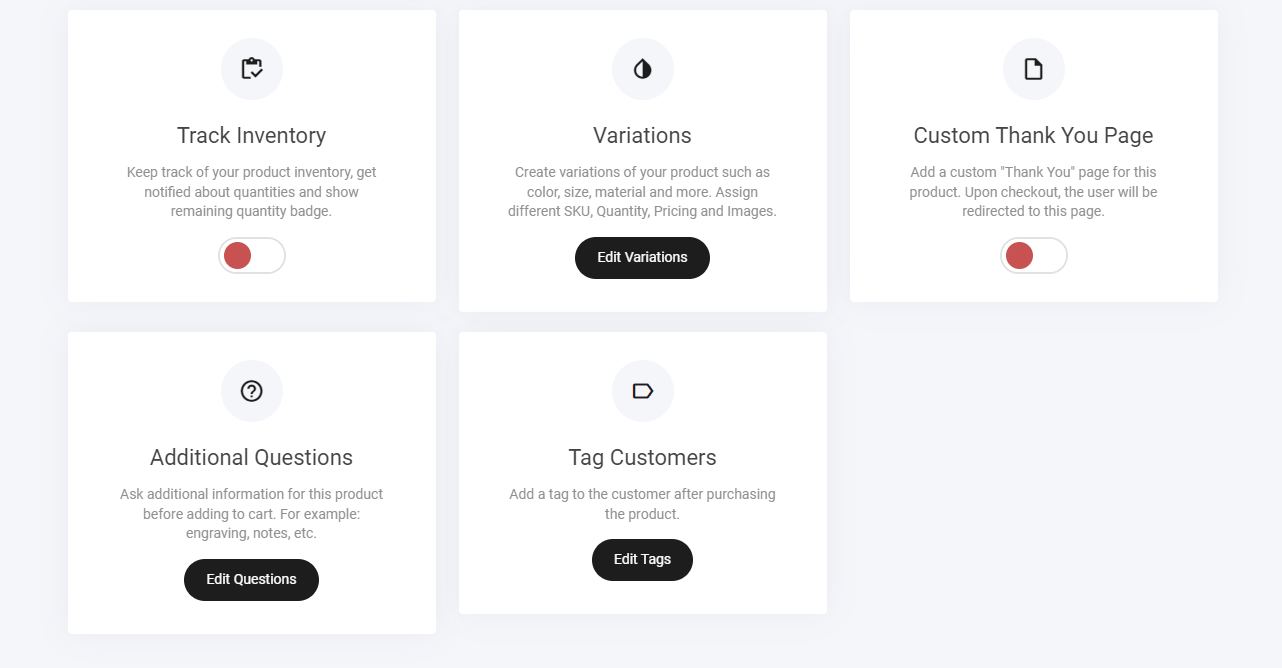
Track Inventory
Add your product quantity to enable out of stock and scarcity via the ecom store ‘To enable unlimited stock numbers leave it turned off’Custom thank you page
If you required the user to go to a specific page within your site or outside > Select this option and add your destination url as shown below.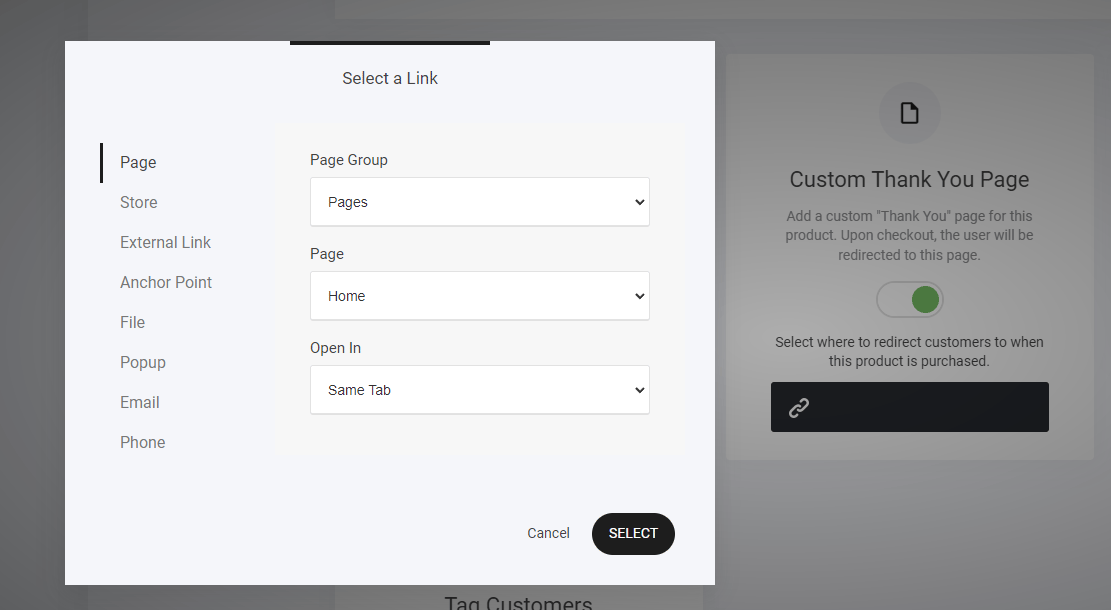
Additional Question
Ask additional information for this product before adding to cart. For example: engraving, notes, etc.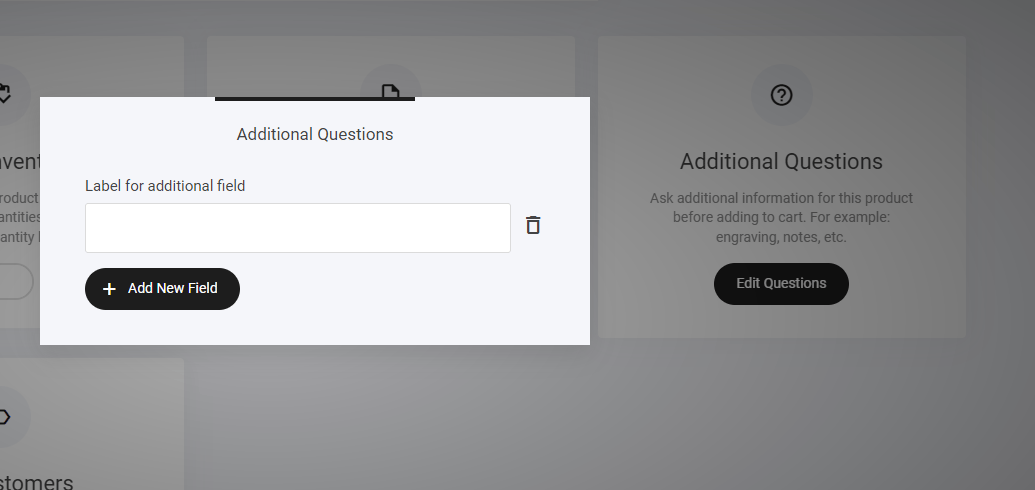
Tag Customers
Add a tag to your product and when the customer purchases the tag will be added to their profile. Great for setting up your follow up automation and email campaigns