Store Inventory Management
Efficiently organize and track your store’s inventory using these key features:- Displaying Store Inventory – Access and manage stock levels for real-time updates.
- Importing Products from Other Software – Seamlessly bring in existing product data from integrated platforms.
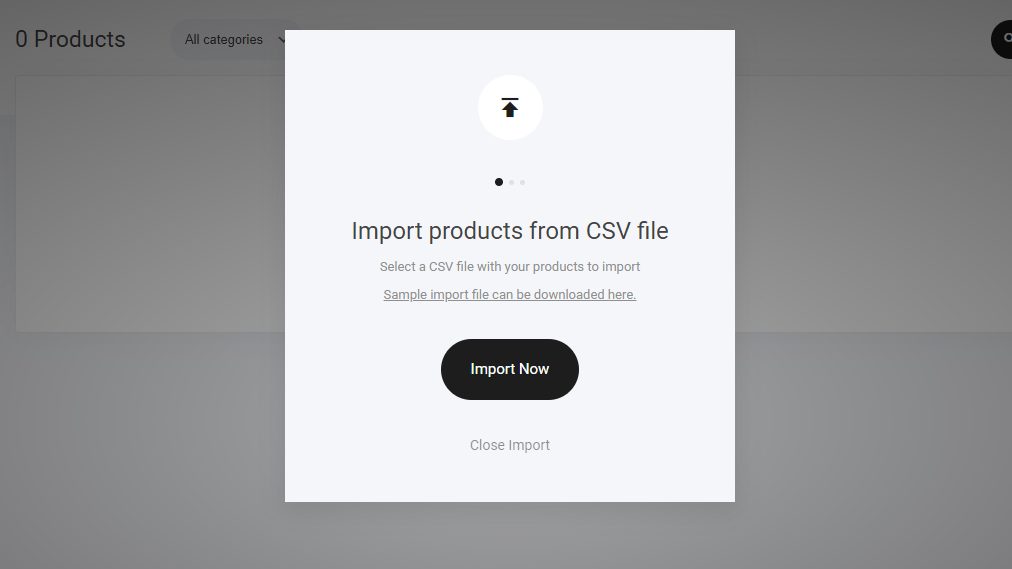
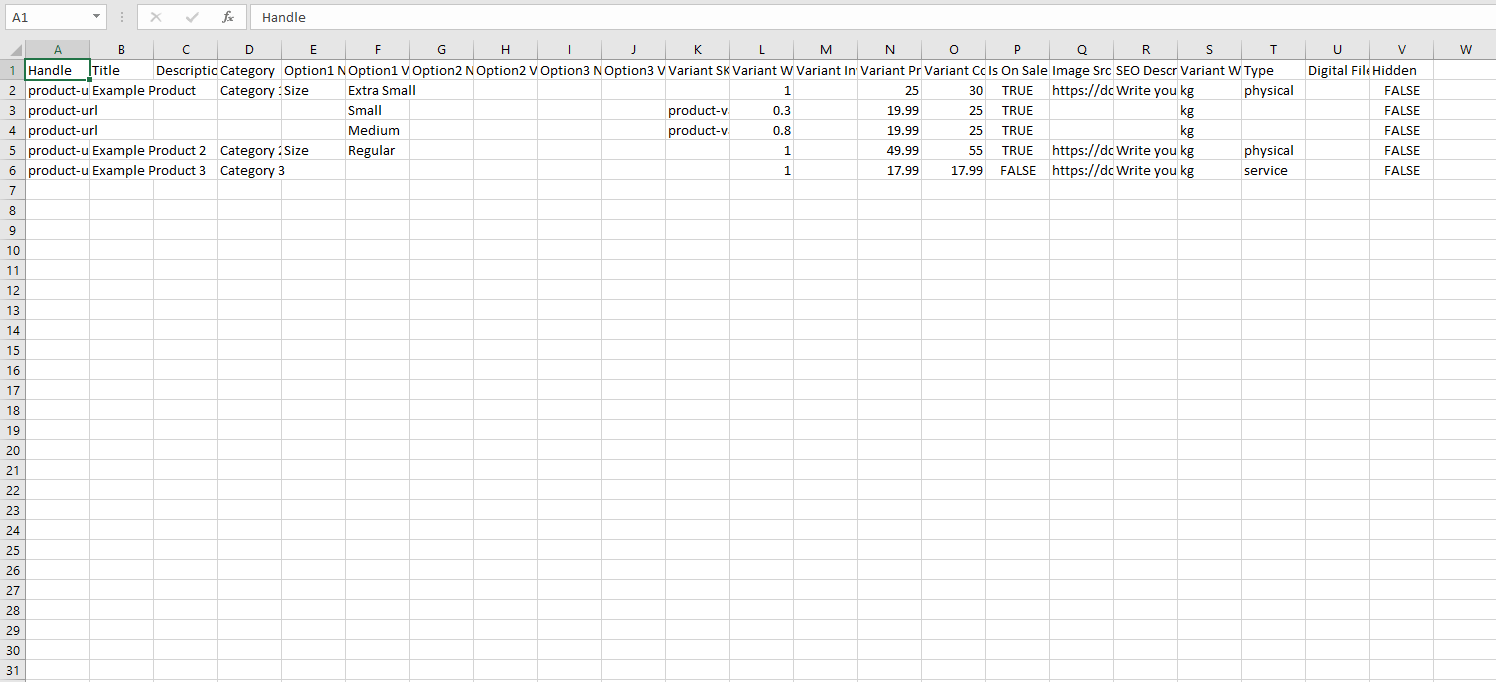
- Importing Products from CSV Files – Bulk upload product listings for quicker inventory setup.
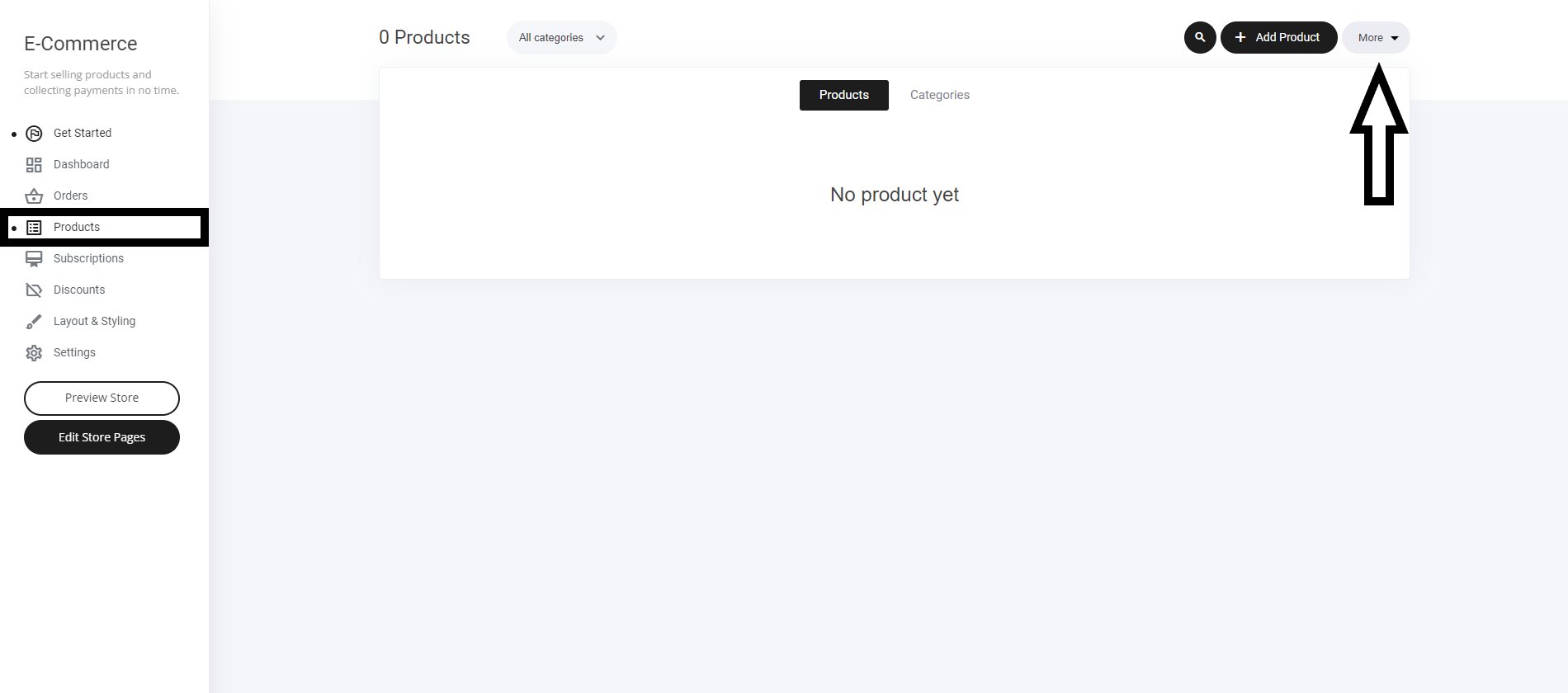
- Navigate to the Store Tab – Open your store management section.
- Go to the Products Tab – Locate the inventory tools.
- Select the “More” Button – Access additional import and display options.