

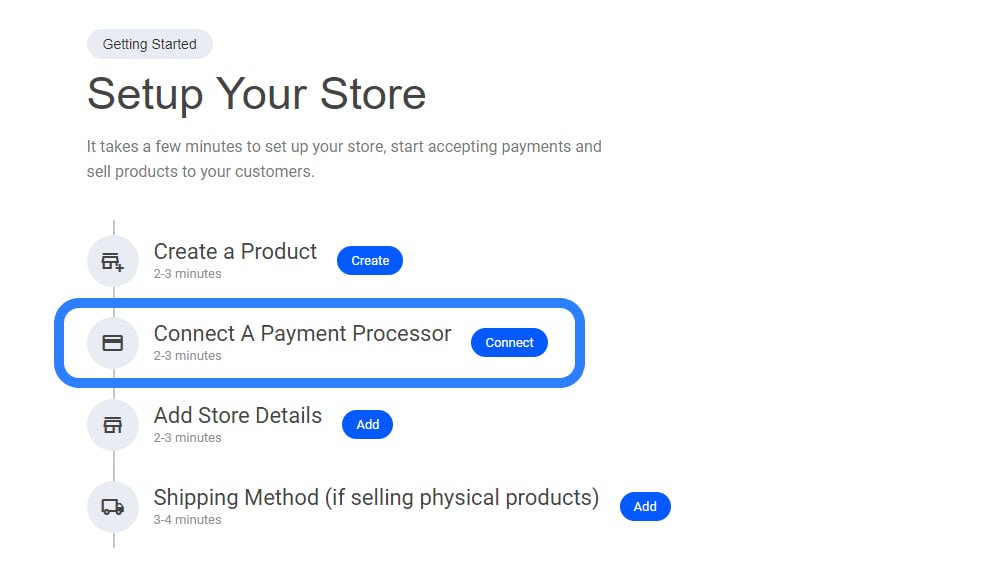
- Select “Connect a Payment Processor” – Navigate to the payment setup section.
- Choose Your Preferred Processor – Integrate options like Stripe, PayPal, or others.
- Configure Payment Settings – Set up currency preferences, transaction details, and security measures.
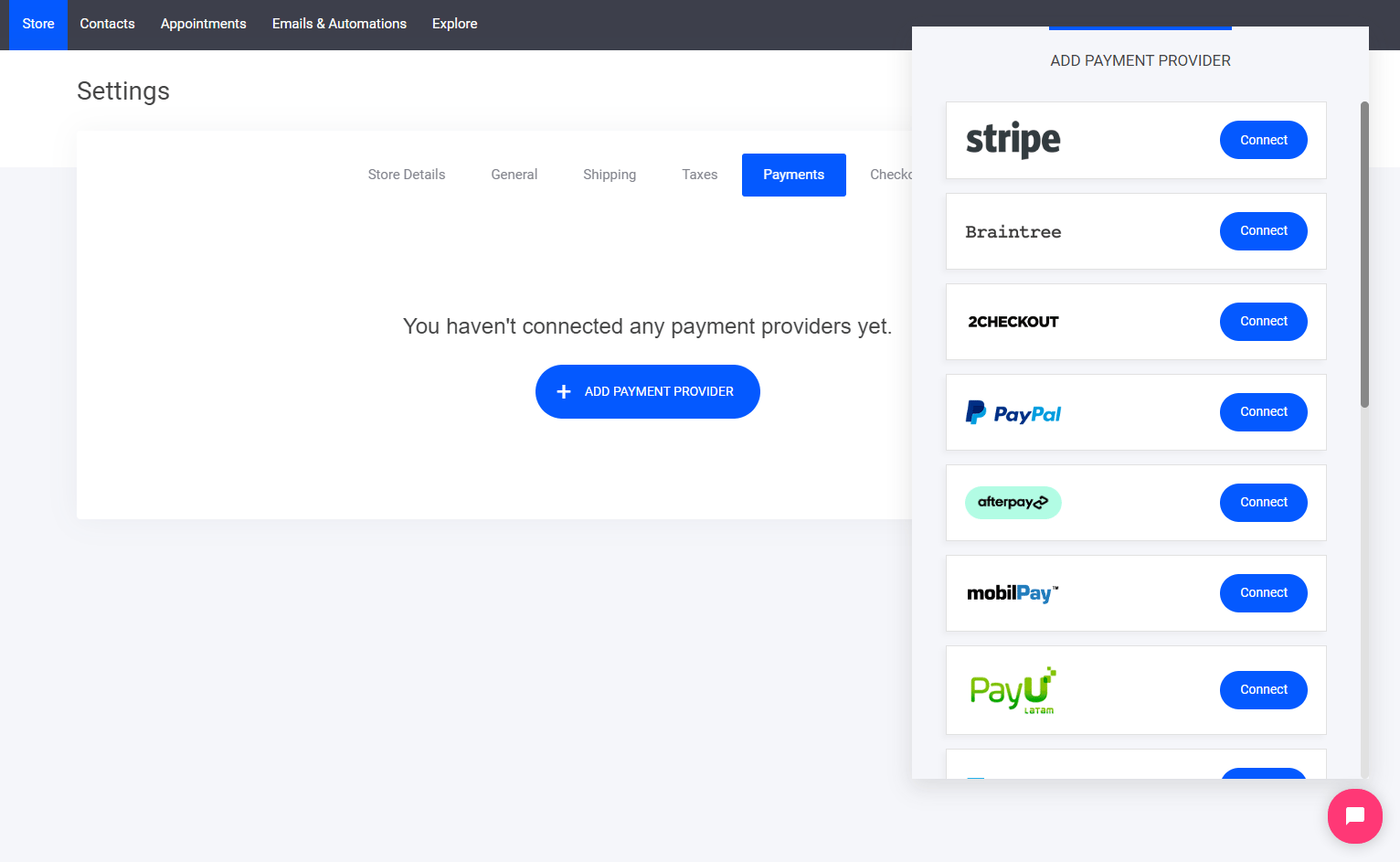
- Stripe
- Braintree
- 2Checkout
- PayPal
- Afterpay
- Mobilpay
- PayU
- Paystack
- Authorize.Net
- PayFast
- Klarna
- Twistpay
- Mollie
- Barclaycard
- Payment of delivery
- Bank transfer