Parent Access Level
As mention you have control over where you want to change access levels, both at parent and page level. Firstly, let’s cover the Parent Access Level. To edit/change Parent level access, enter the circle you want to modify. Once in your Circle, select the cog icon located at the top: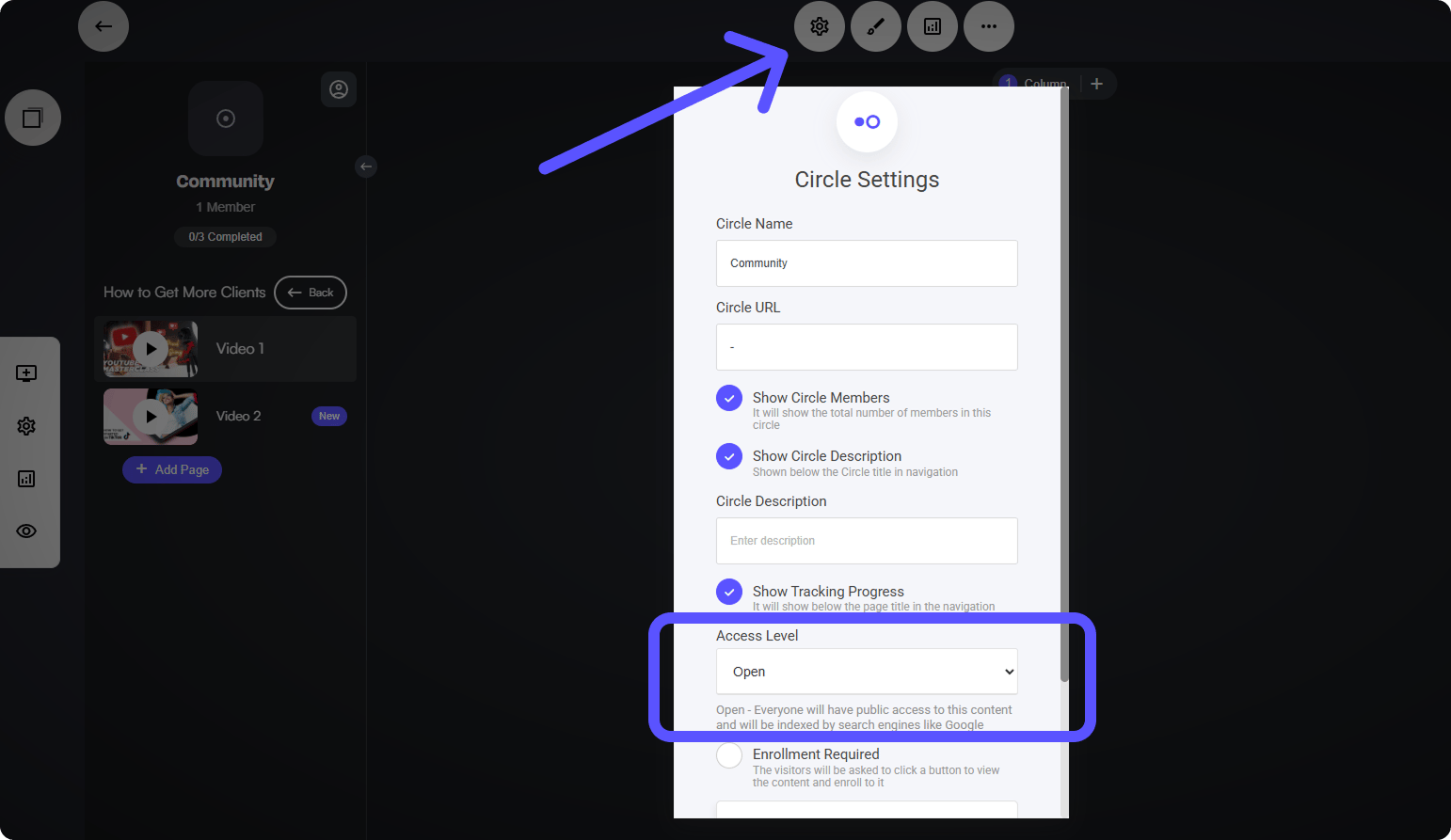
- Open: Everyone will have public access to this content and will be indexed by search engines like Google
- Logged in members: Only logged in members would have access to this content
- Members of a Group: Only members of a specific group will have access to this content
- Payment Required: Visitors would be required to make a purchase to access the content
Payment Required
The “Payment Required” access level allows you to require payment before granting members access to the entire Circle or specific pages/groups. To create a paywall for restricted content, select the Payment Required option, set your price, and configure your preferred payment structure. If you’d like to offer recurring subscription payments, you can enable that option here as well.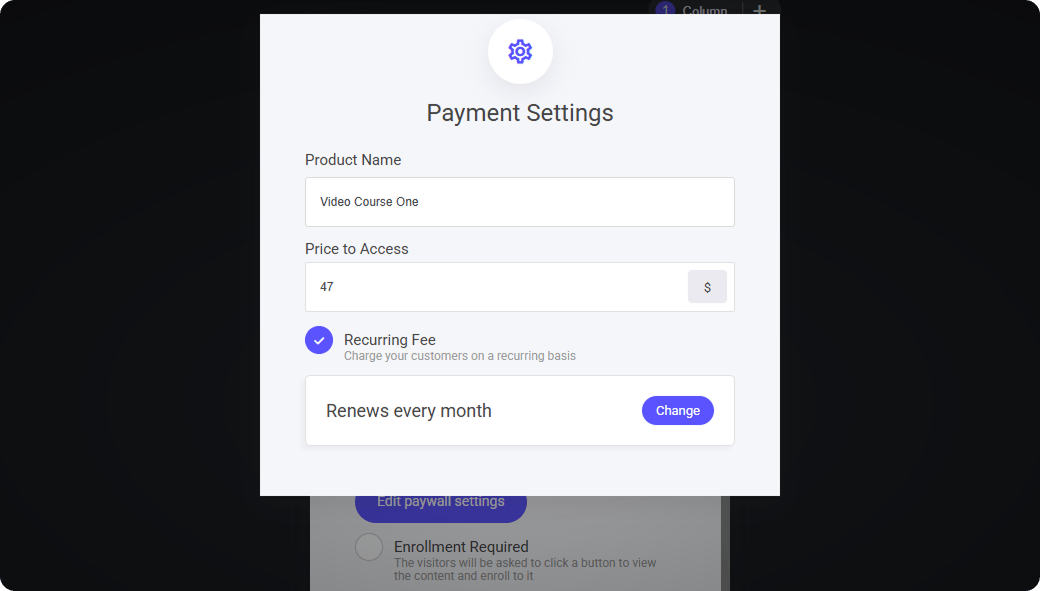
Creating a recurring subscription for a circle community
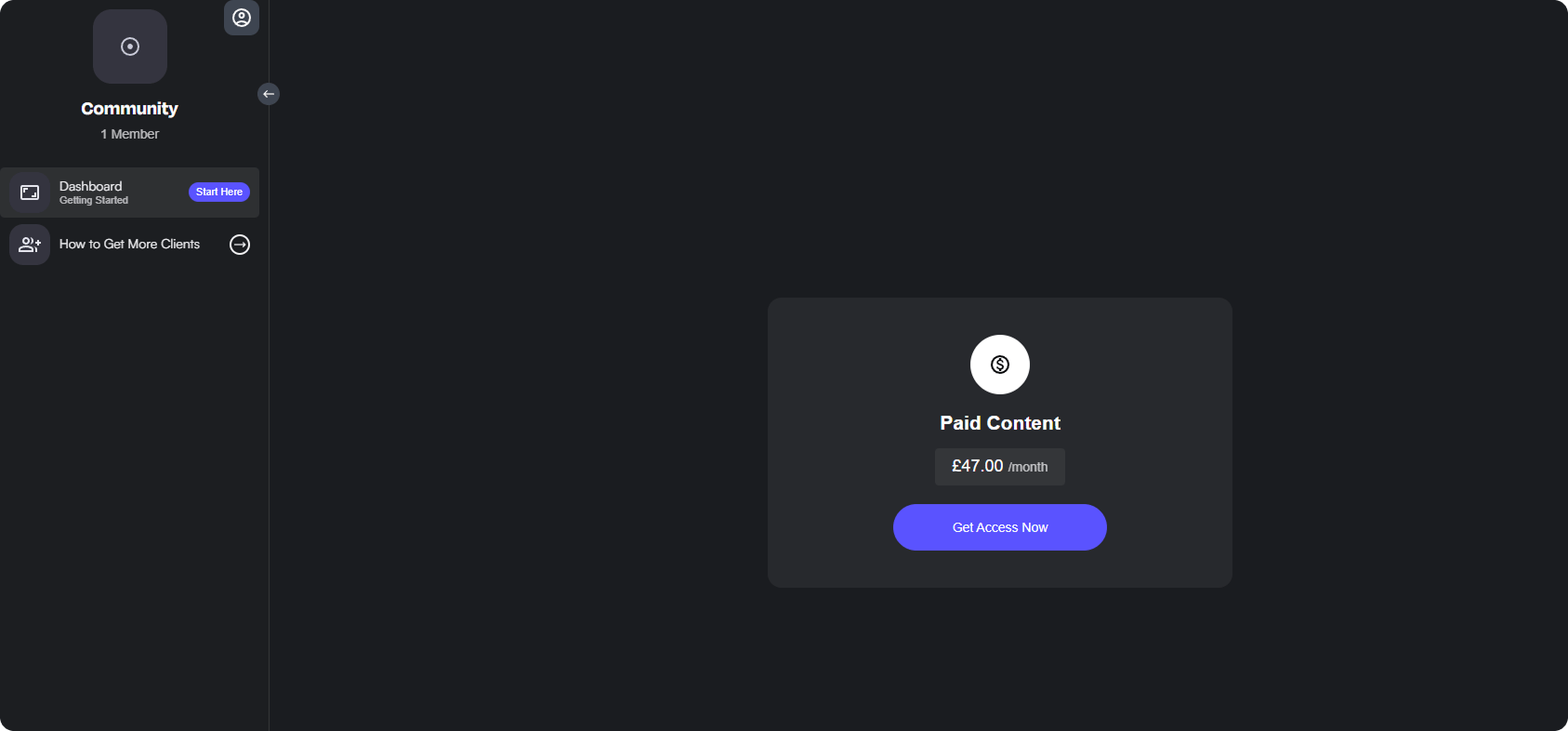
With the paywall now created at Parent level, ie - Main access to the Circle. When a non paying member attempts to access the Circle they will be presented with a payment screen as shown below.