

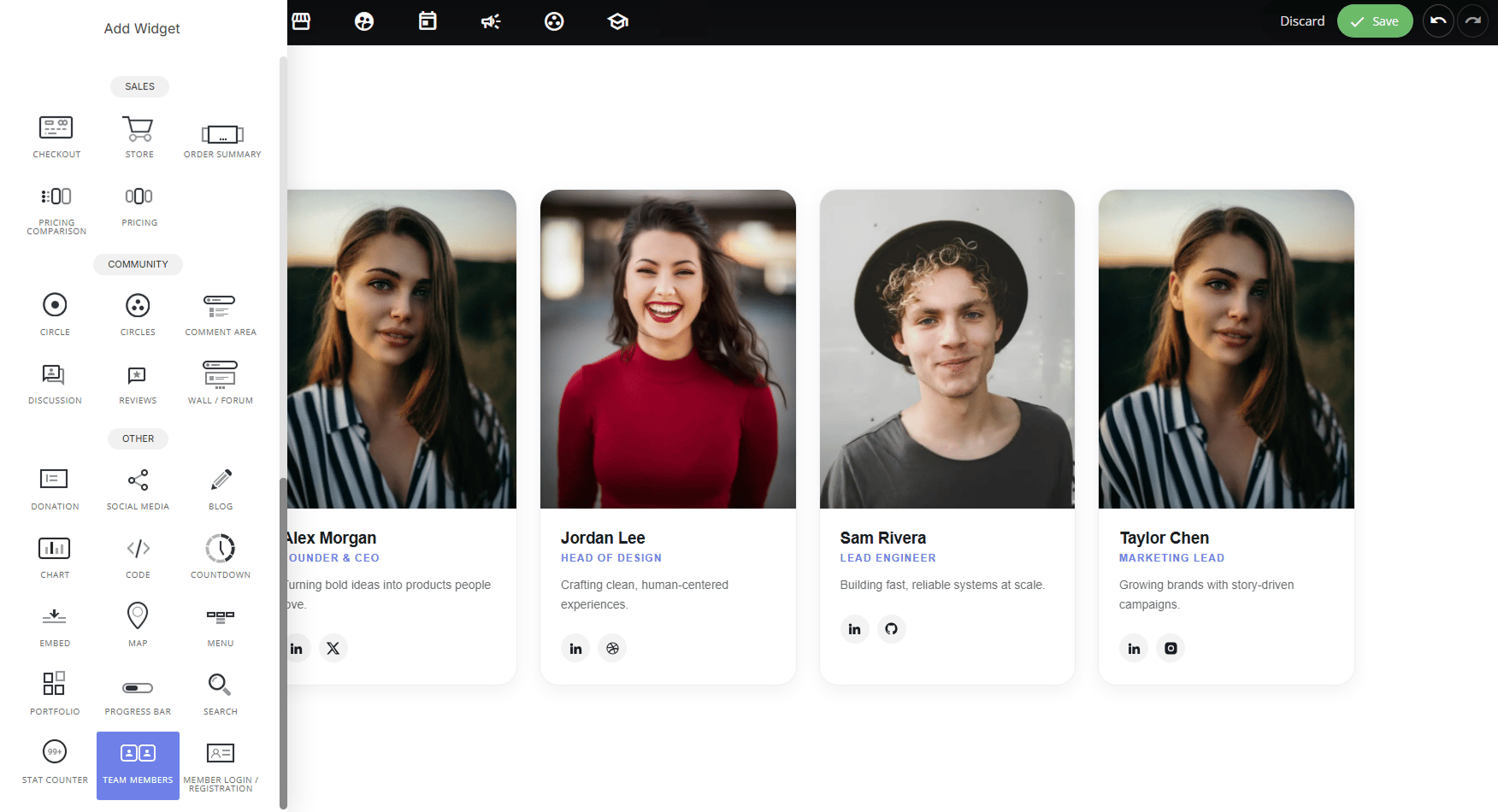
Why use it:
- Humanizes your brand: putting real faces and names to a business builds trust and makes a company feel approachable rather than anonymous.
- Versatile beyond team pages: the same card format works well for speaker lineups, instructor/coach profiles, board members, contributor credits, ambassador/partner showcases, or “meet the experts” sections, anywhere you need a repeatable person + photo + title + bio format.
- Connects visitors to real people: social links let visitors follow up directly with the person featured, useful for sales teams, founders, or public-facing staff.
- Multiple layouts for different contexts: from a compact auto-rotating slider to a full team grid, so it fits both small “About us” blurbs and dedicated team pages.
Layout options:
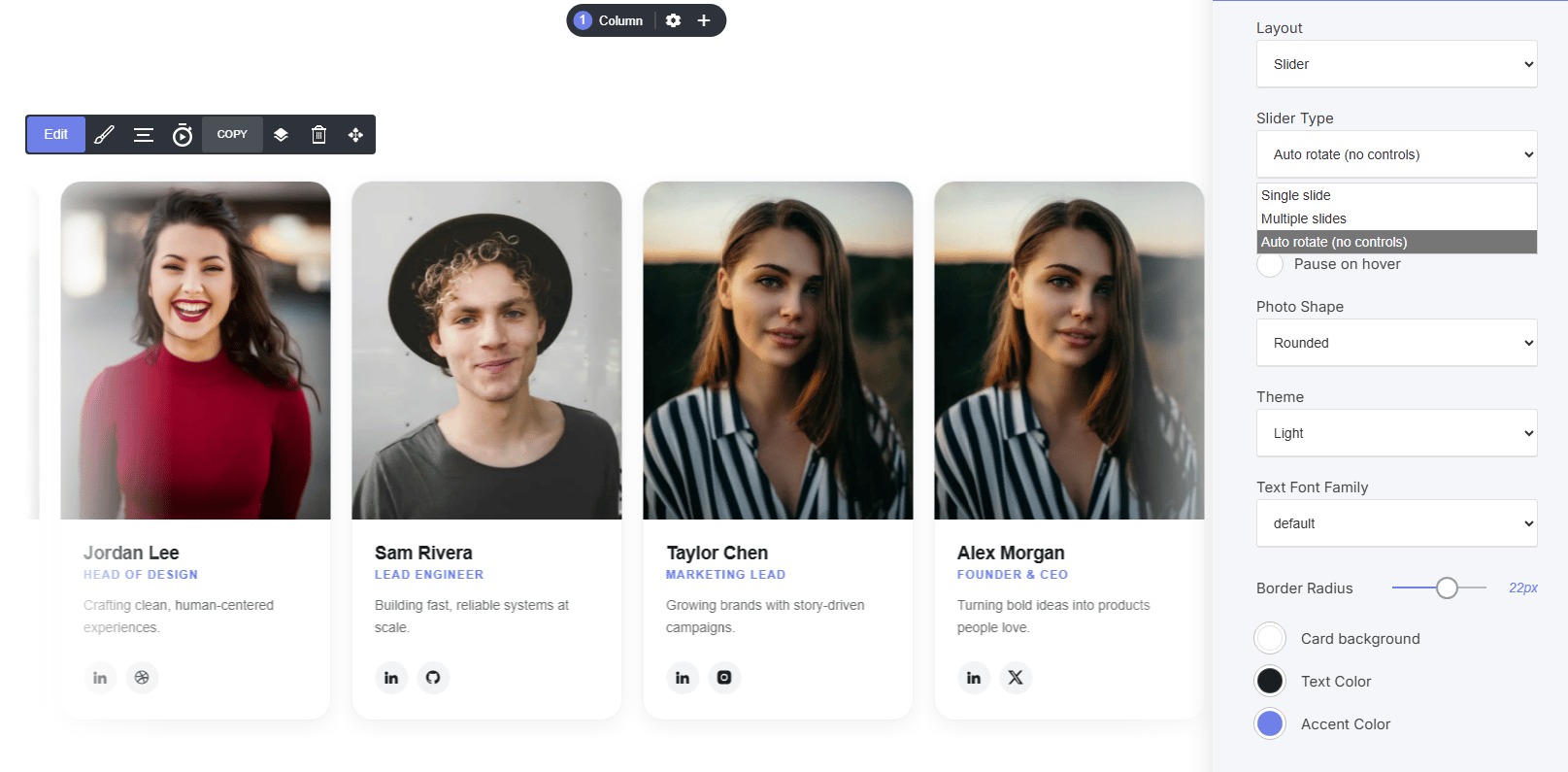
- Slider: rotates through profiles one at a time (or several per view). Slider Type options: Single slide, Multiple slides, or Auto rotate (no controls), plus a Pause on hover toggle.
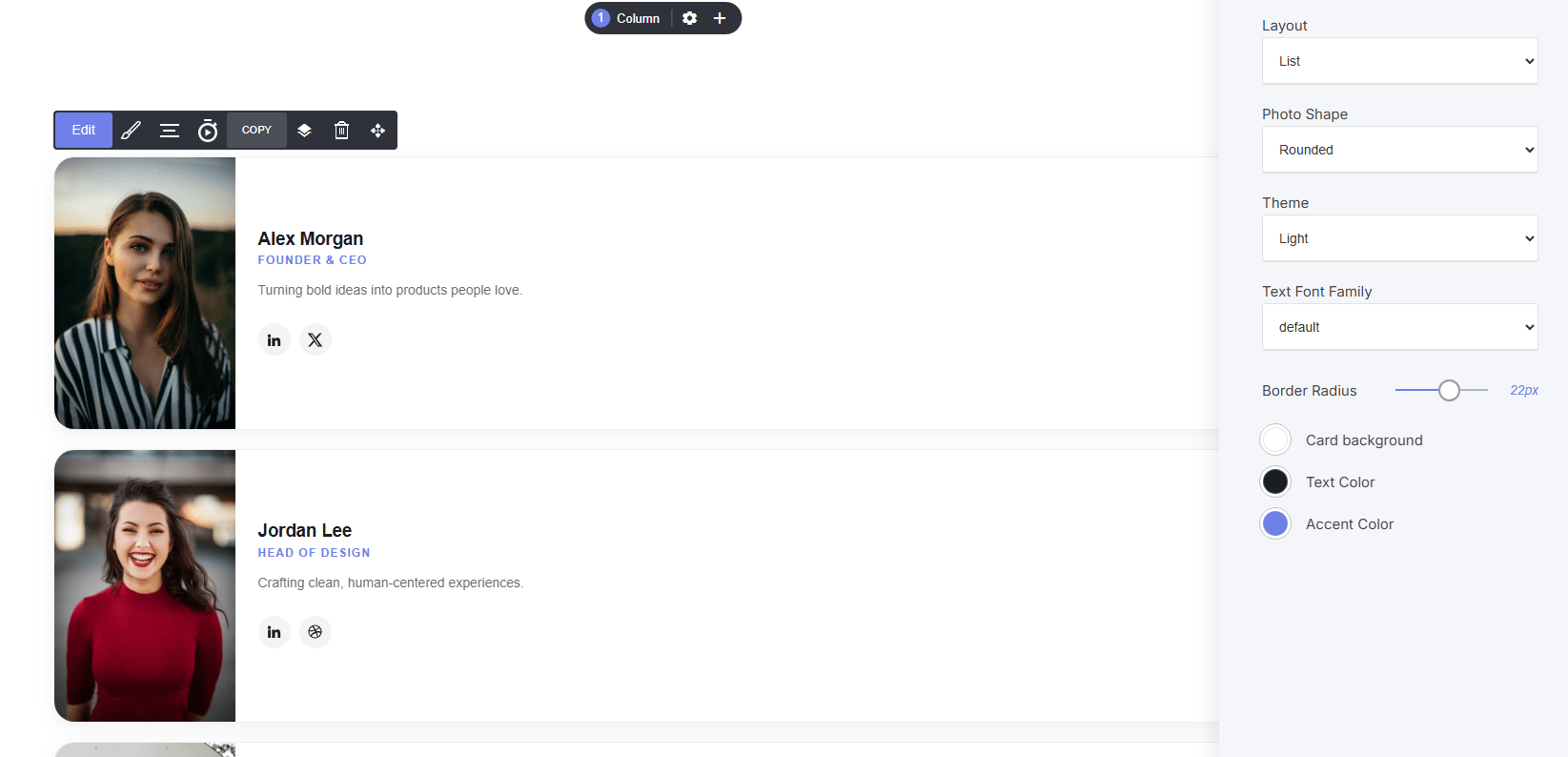
- List: stacks profiles vertically with photo alongside name, role, bio, and socials, good for detailed team pages.
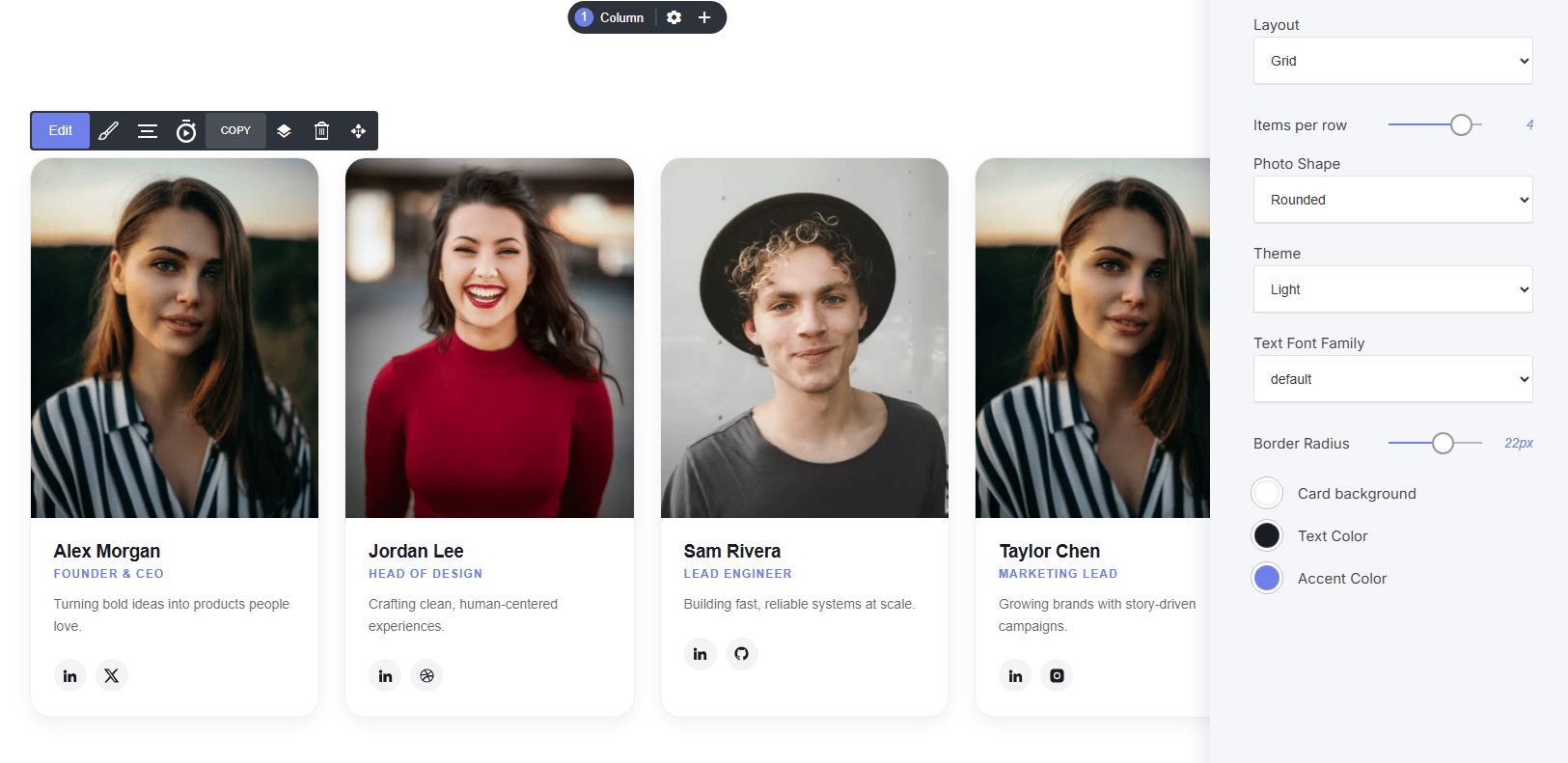
- Grid: displays profiles side by side in columns, with Items per row control, ideal for showing a full team at a glance.
- Slider
- List
- Grid
How to add profiles:
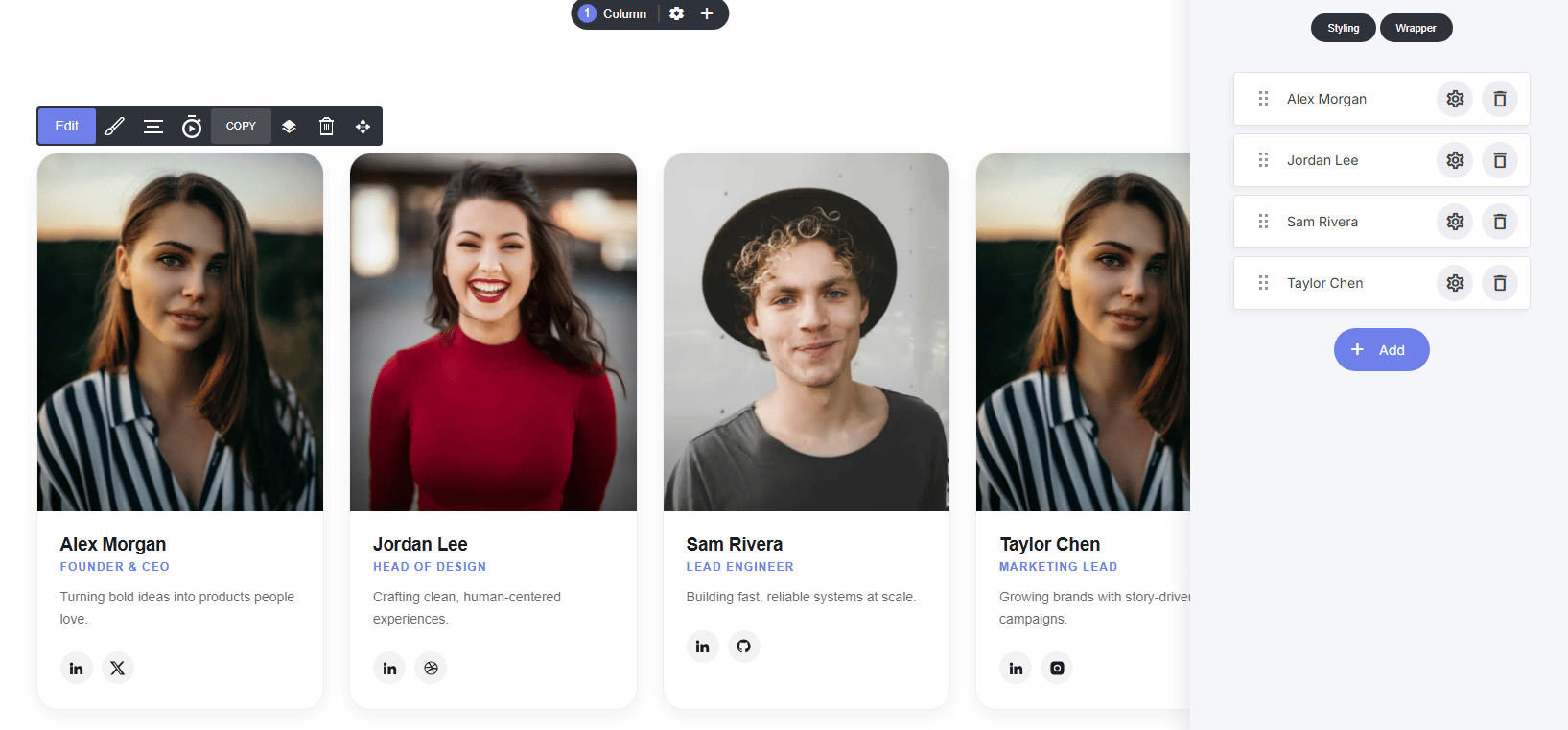
- Manage team members as a list, click + Add, drag to reorder, click the gear to edit, or delete with the trash icon
Per-profile settings:
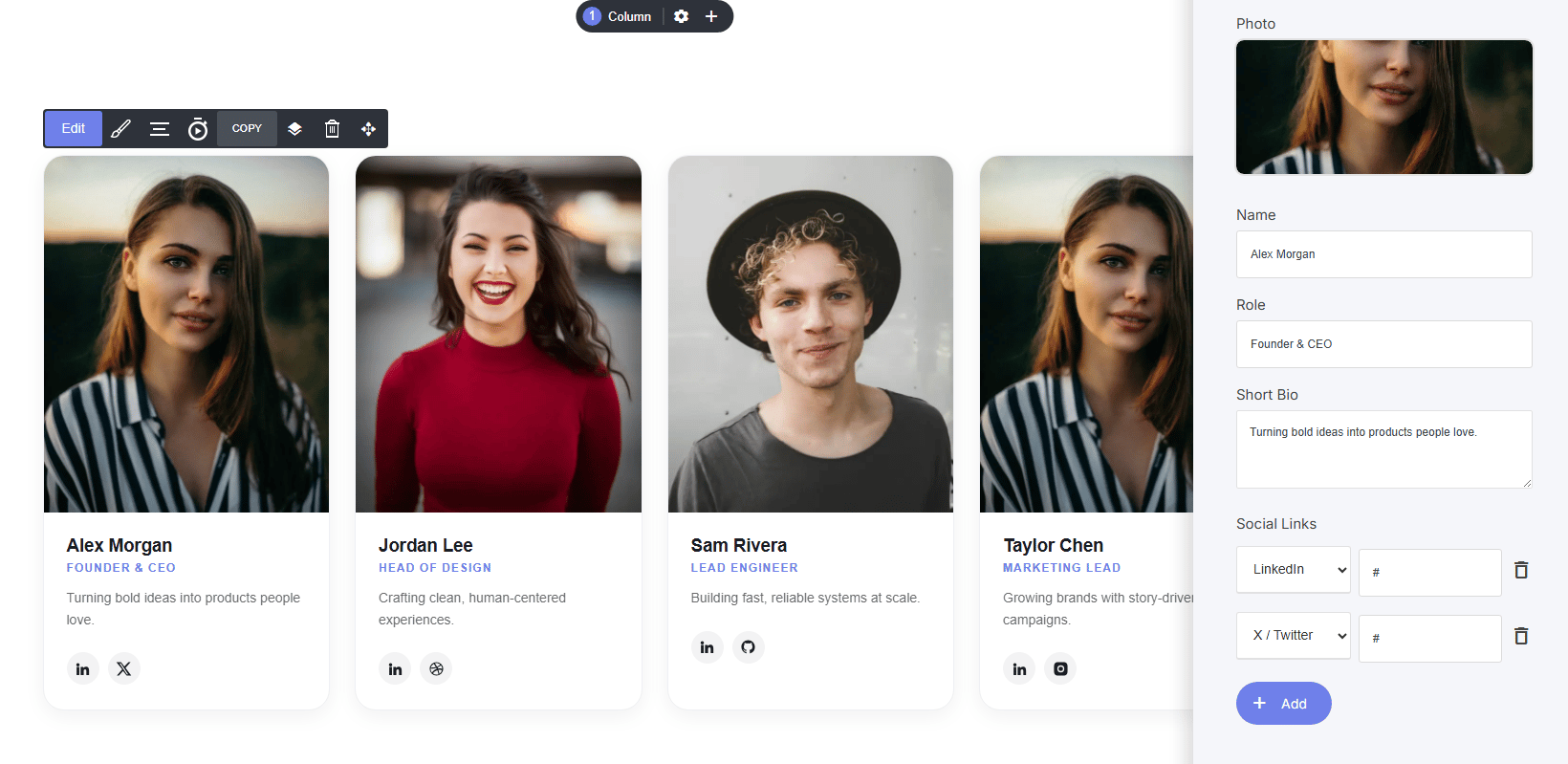
- Photo, Name, Role, Short Bio
- Social Links: add multiple platforms (LinkedIn, X/Twitter, GitHub, Dribbble, Instagram, etc.) each with its own URL
Shared styling settings:
- Photo Shape: Rounded or other shape options
- Theme: Light/Dark
- Text Font Family: typography control
- Border Radius: corner rounding on cards
- Card background / Text Color / Accent Color: full color customization