- Dynamic Functionality – Set timers to automatically switch pages when offers expire.
- Real-Time Scarcity – Encourage action by emphasizing limited-time promotions.
- Boost Engagement – Keep visitors focused on deadlines and exclusive deals.
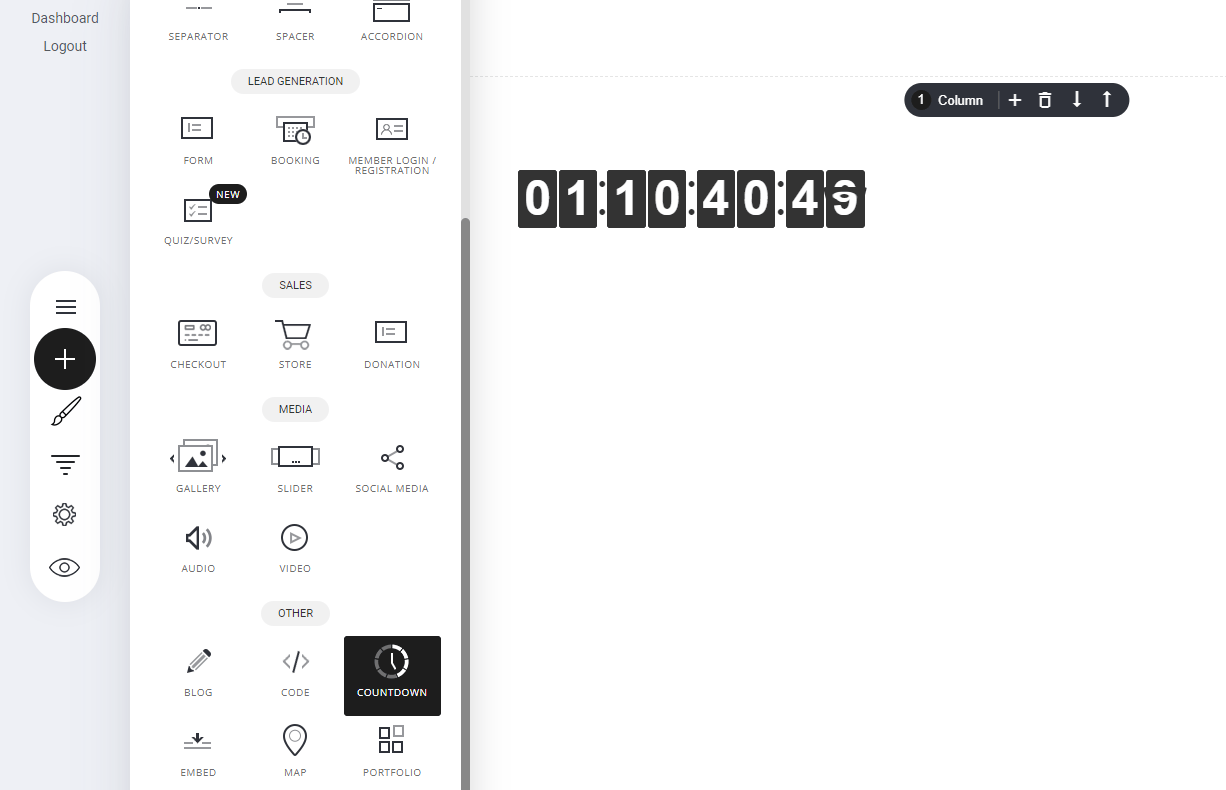
Settings
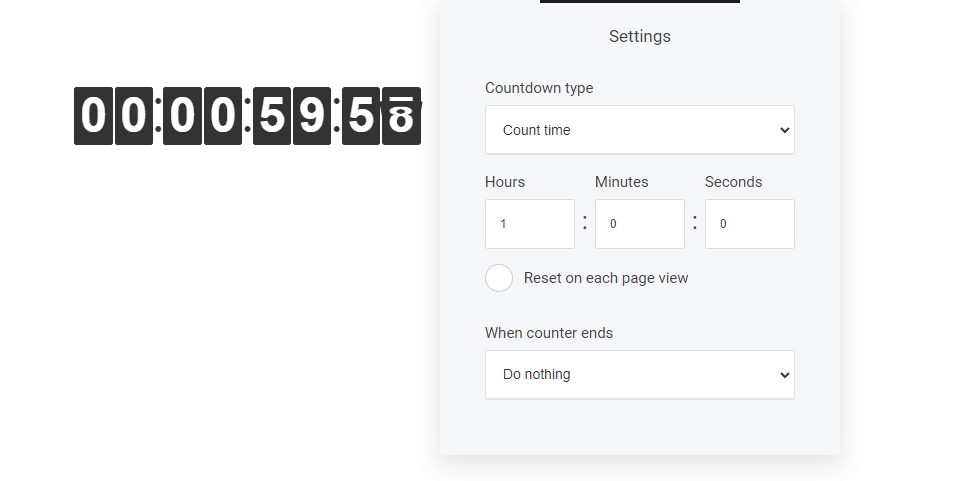
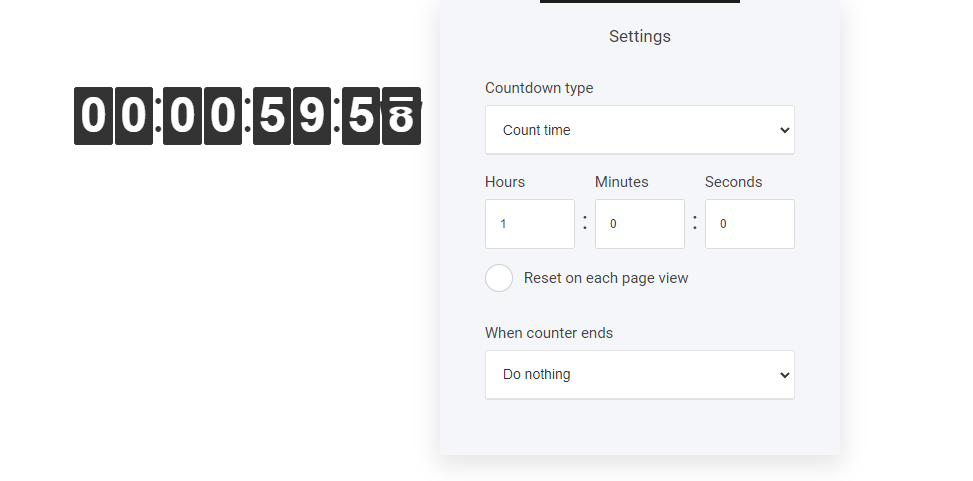
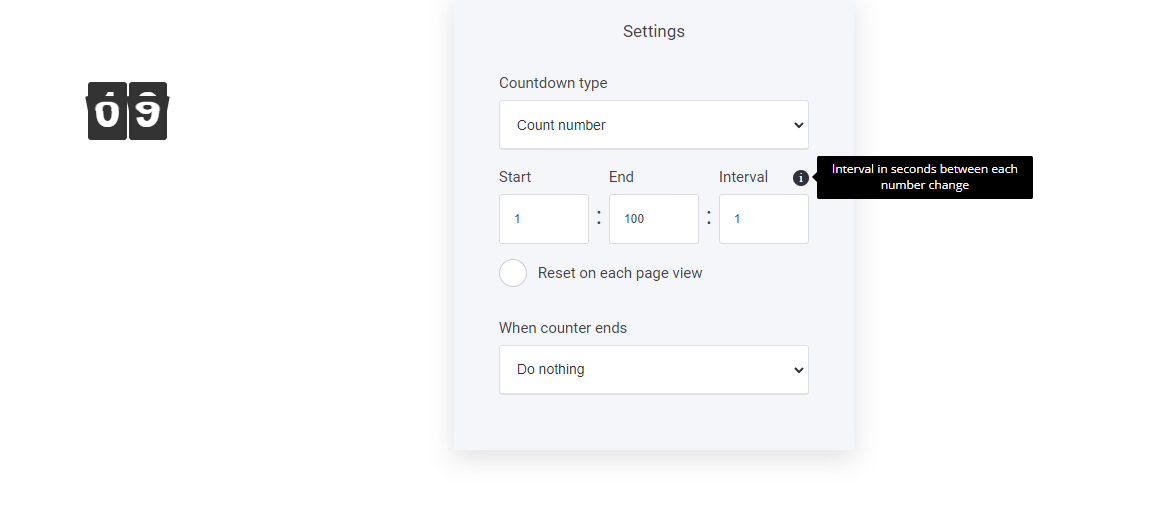
When selecting the Edit tab a new window will pop out. Here are shown three option tabs:- Countdown type
- Select time
- When counter ends
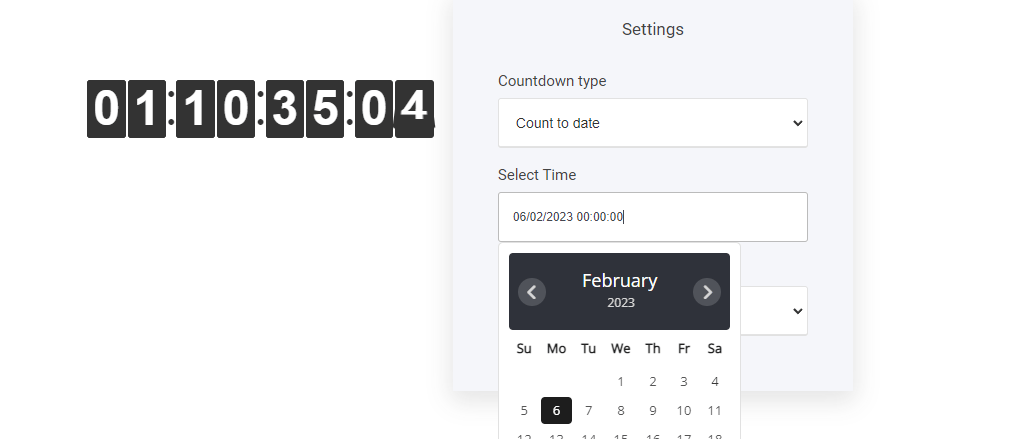
- Count to date: Let’s take for example you have an offer page that displays a limited time offer, here you add the time when the offer runs out by selecting the date and time you prefer.
When counter ends
And finally the most important part of the countdown widget. When you have set your timer using one of the options. What do you want to happen when the timer reaches zero or if using count number, what do you want to happen when that number is reached. You have three options:- Do nothing
- Go to page/popup
- Show message
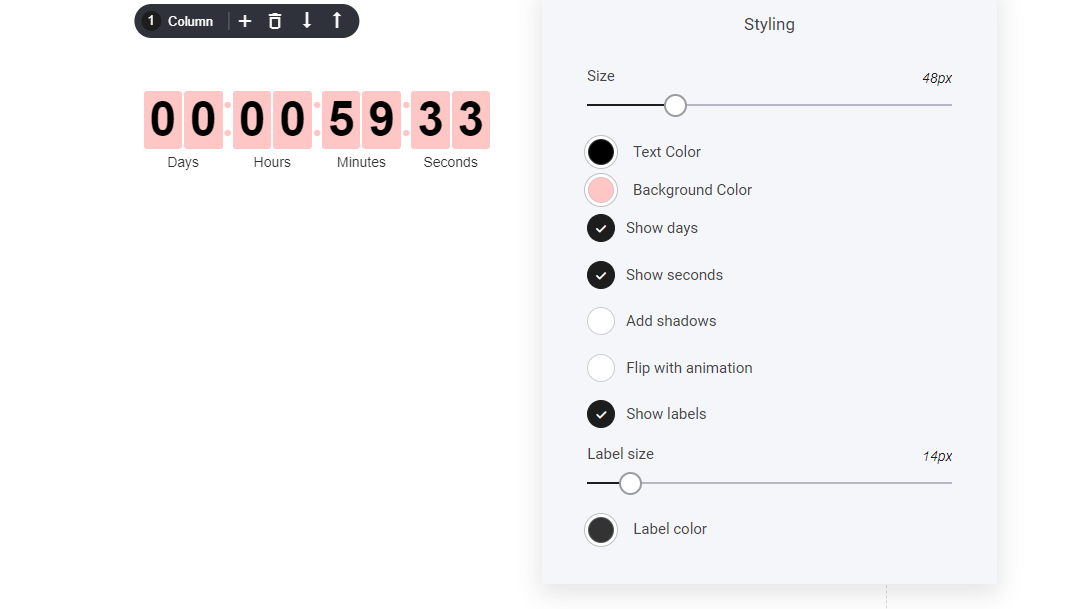
Styling
And as always you can edit the styling to match your brand