

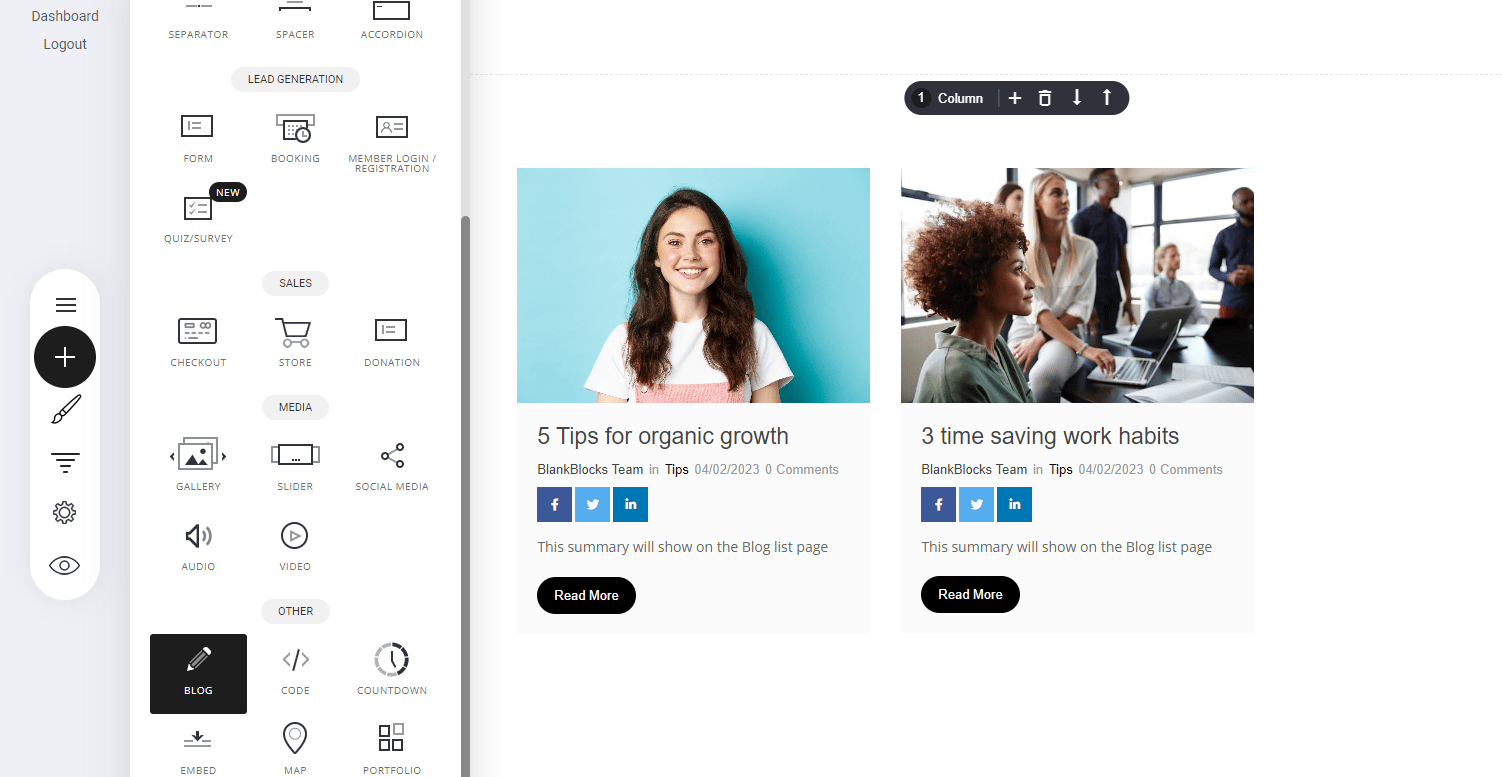
- Navigate to the Blog Widget – Open the Widgets panel in your editor.
- Drag & Drop – Place it onto your page for seamless display.
- Highlight Your Content – Ensure visitors can engage with your posts effortlessly.
Styling the blog widget
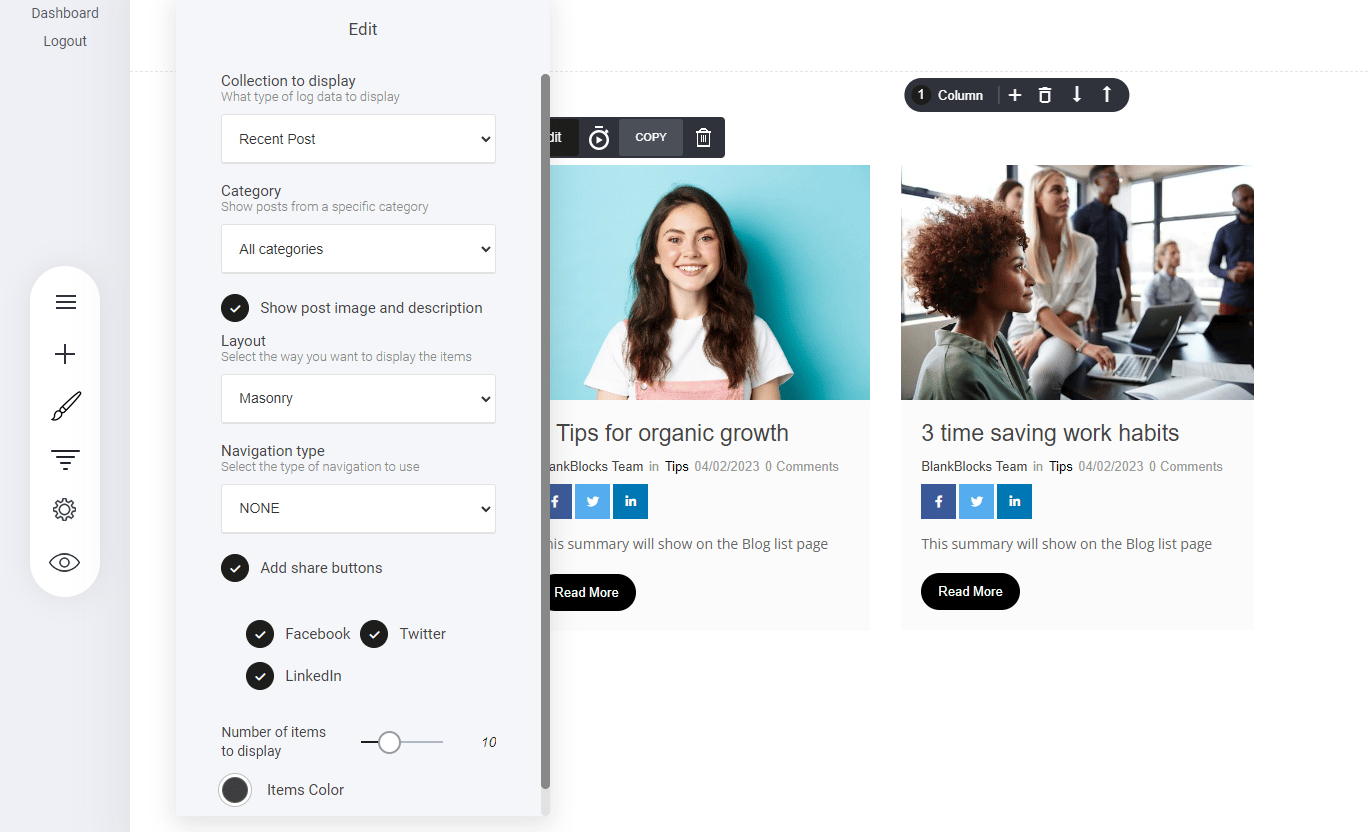
As with all the elements you can style to your own liking. Within the blog widget you can modify:- The display collection
- Category
- Show images
- Layout display
- Add your social share links
- And how many blog posts you would like to display
- Recent posts
- Most popular categories
- Most popular tags
- Masonry
- Large image
- Medium size image
- Pagination
- Load more