
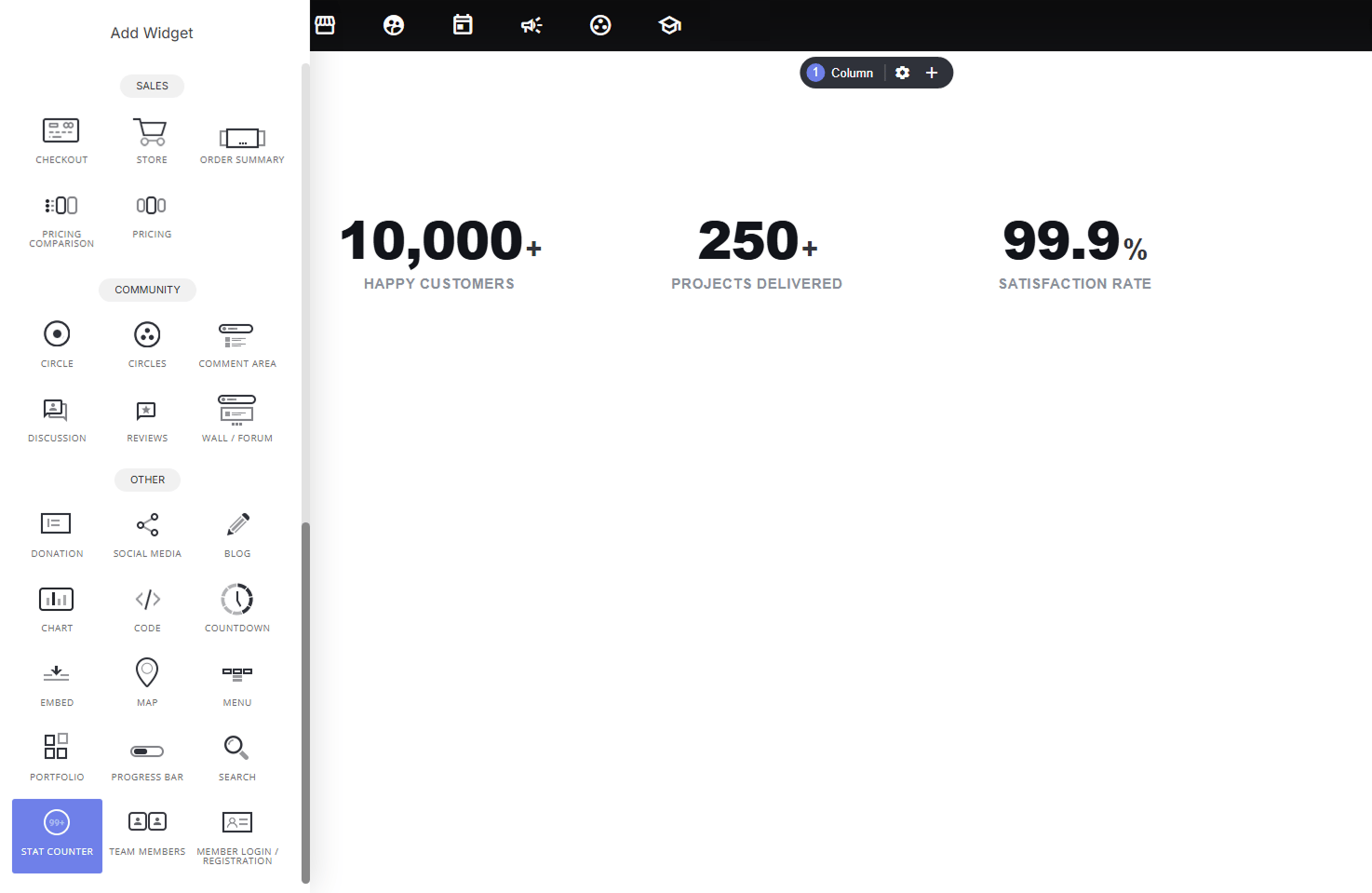
Why use it:
- Instant credibility signal: big, bold numbers (“10,000+ Happy Customers”) communicate trust and scale faster than a paragraph of text ever could.
- Extremely low effort to set up: just add a number, label, and optional prefix/suffix; no data structuring or charting knowledge required.
- Animation adds polish: numbers count up as visitors scroll into view, making the section feel dynamic rather than static.
- Great anywhere social proof matters: near a hero section, above a CTA, or as its own dedicated “by the numbers” section.
How to add stats:
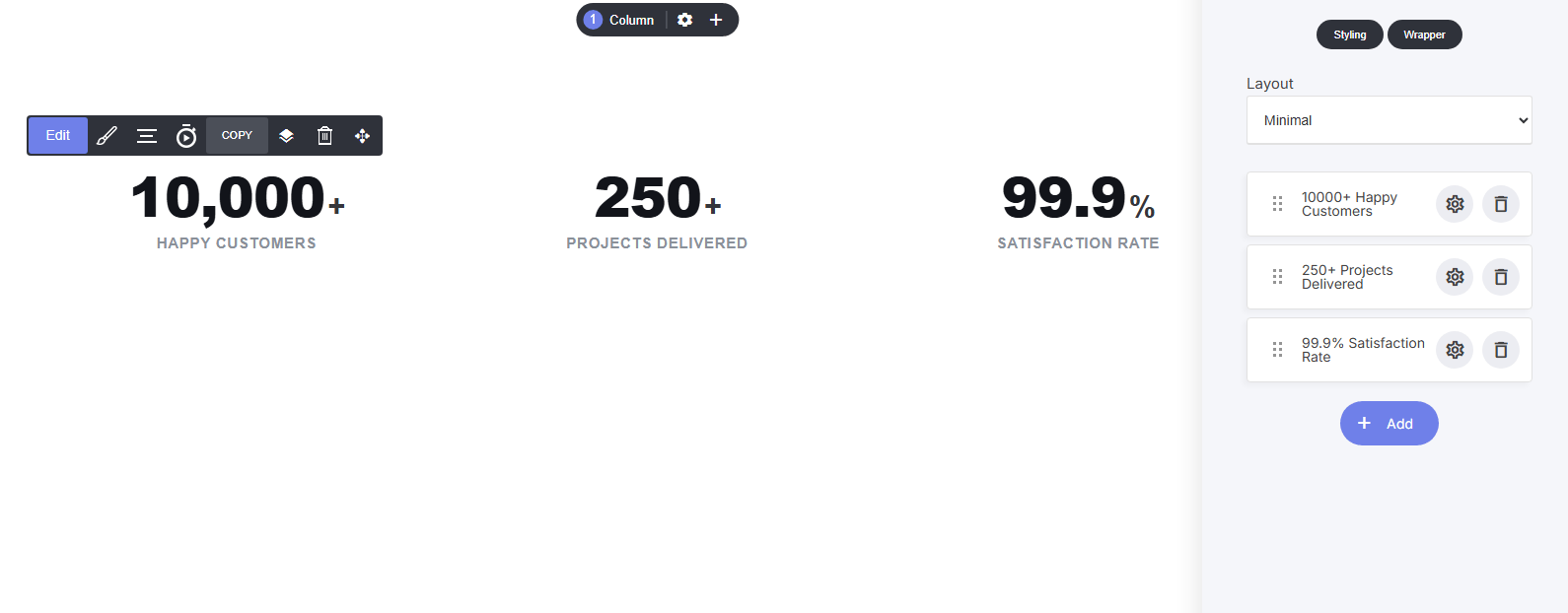
- Manage stats as a list, click + Add to create a new stat, drag to reorder, click the gear to edit, or delete with the trash icon
Per-stat settings:
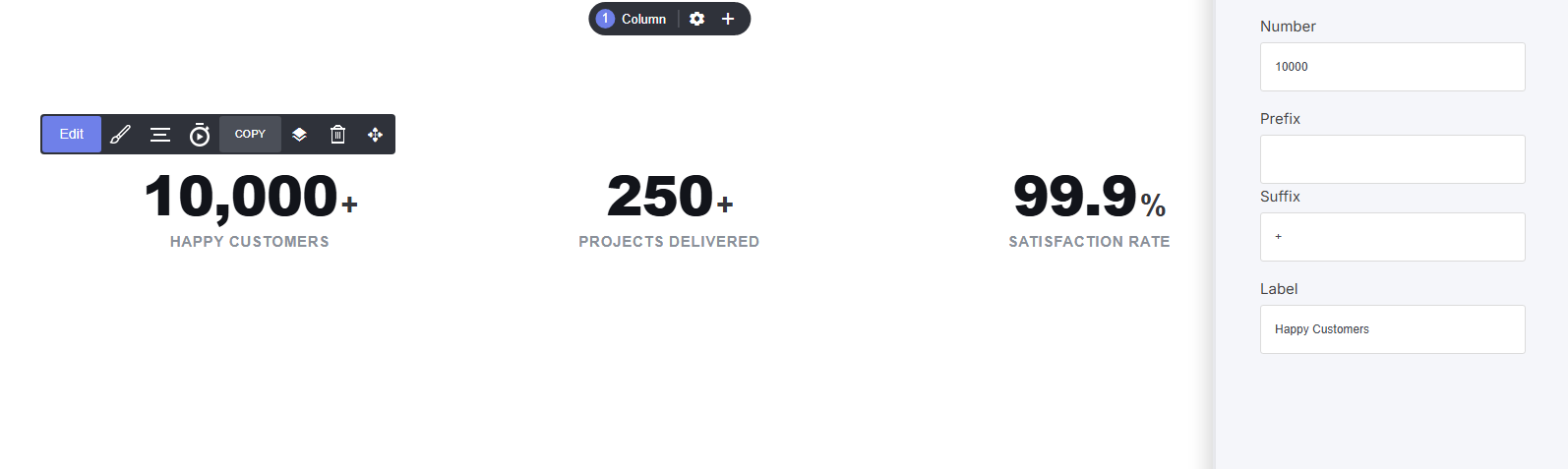
- Number: the raw value (e.g., 10000)
- Prefix / Suffix: symbols shown before/after the number (e.g., ”$” or ”+”)
- Label: the description below the number (e.g., “Happy Customers”)
- Choose from 6 layout styles (e.g., Minimal, spotlight, neon glow and others) to control spacing, alignment, and visual weight, pick the one that best matches the surrounding section design
Shared styling settings:
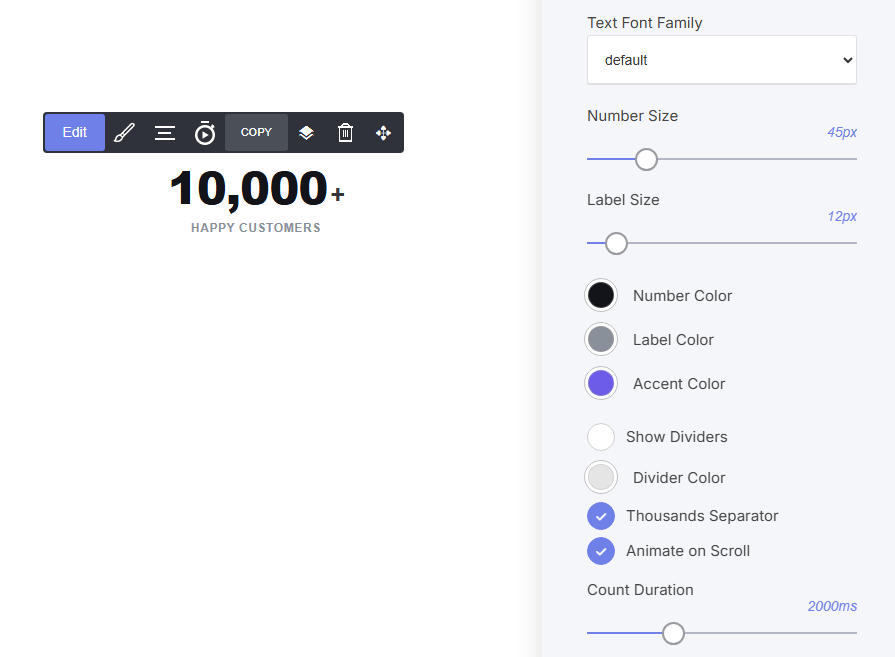
- Text Font Family: typography control
- Number Size / Label Size: control the scale of each text element independently
- Number Color / Label Color / Accent Color: full color customization
- Show Dividers / Divider Color: optional vertical lines separating each stat
- Thousands Separator: toggle comma formatting (10,000 vs 10000)
- Animate on Scroll / Count Duration: control the count-up animation and its speed