Embedding a Map on Your Website
Integrating a map widget makes it easy for visitors to find locations directly on your site.- Go to Widgets – Open the Widgets panel in your editor.
- Navigate to “Other Widgets” – Scroll through additional customization options.
- Select the Map Widget – Drag and drop it onto your page for a seamless display.
Editing your map
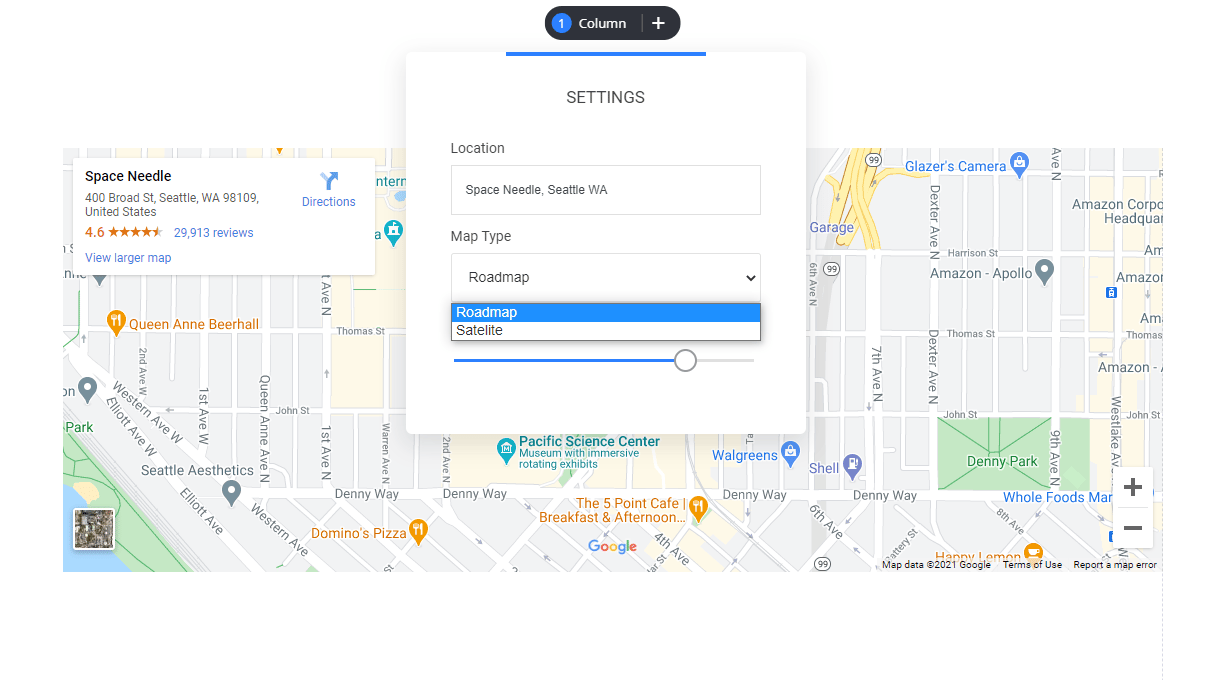
Simply type in your location, set your display and you’re ready to go.