Why use it:
- Grabs attention: movement naturally draws the eye more than static text, making it great for hero sections or banners.
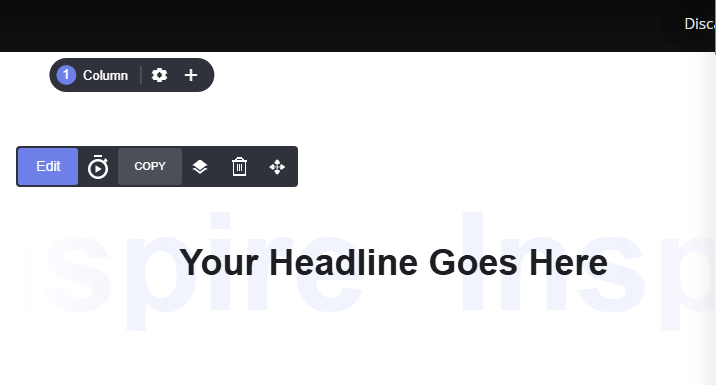
- Adds depth and personality: the layered look (bold foreground text over soft, oversized scrolling text) gives pages a modern, editorial feel without needing custom graphics.
- Reinforces your message: use the scrolling layer to repeat a keyword or phrase (like “Inspire”) for emphasis, while the static headline delivers the actual message.
- Flexible use: works as a decorative background effect, a standalone scrolling banner, or a combined two-layer design depending on what the section needs.
How it works:
Open the scrolling text settings by clicking the edit button. Next you will see the editing canvas display. Select your layout design from:- Main text + big scrolling text behind
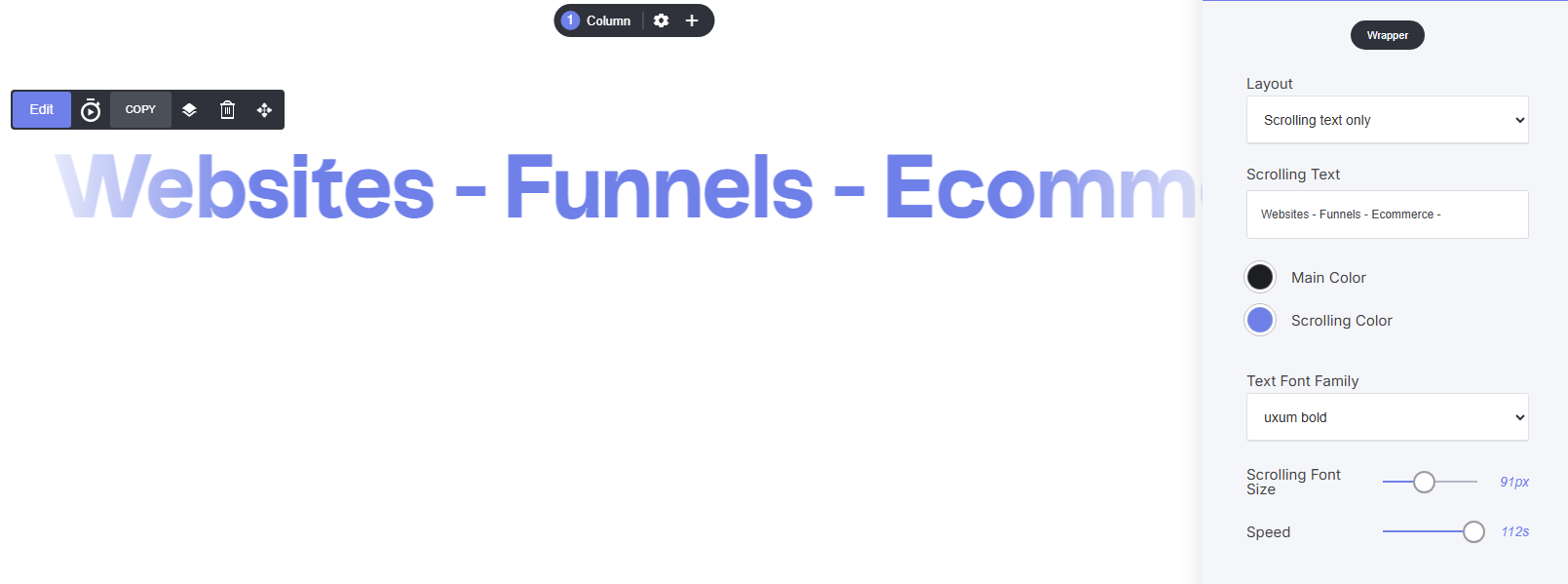
- Scrolling text only
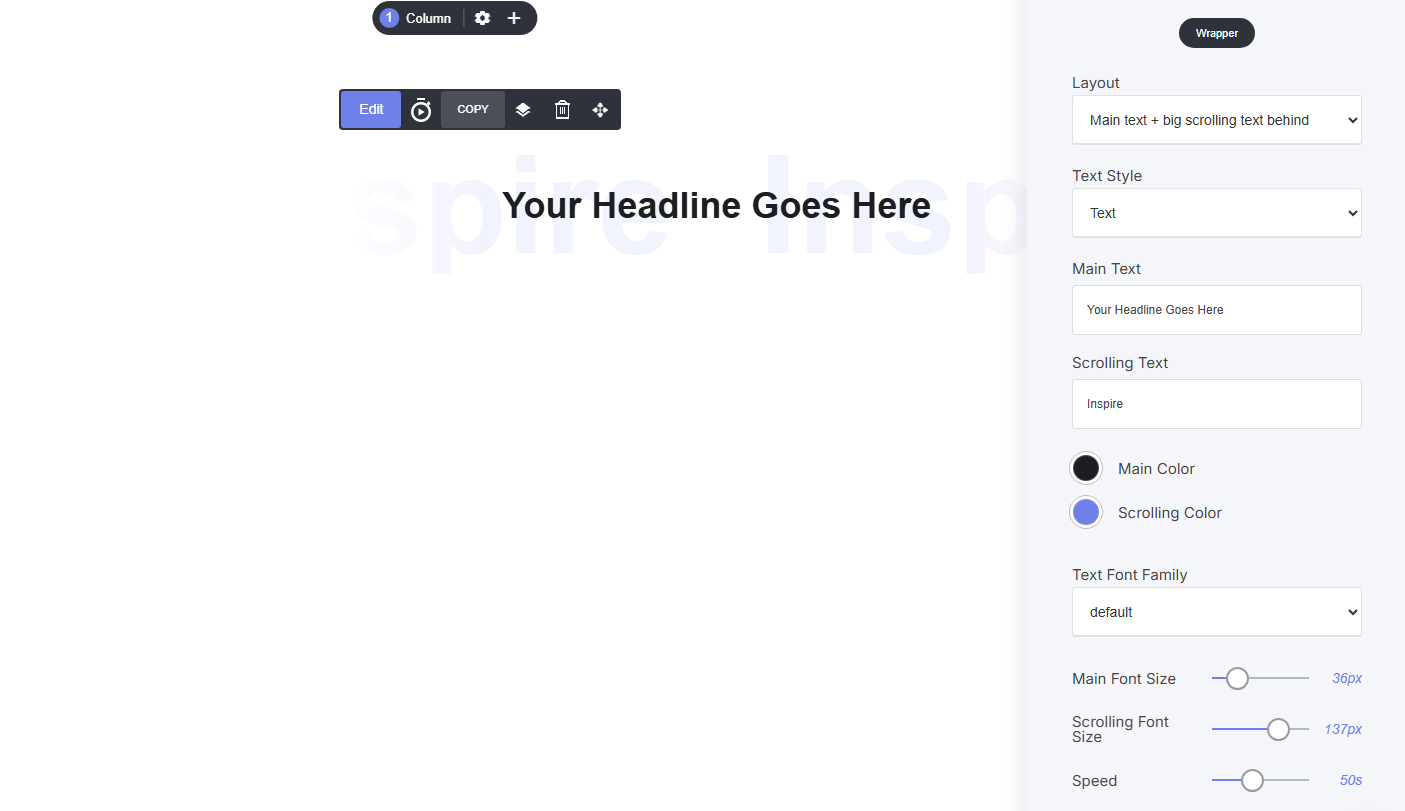
Main text + Big scrolling text behind
This display option enables you to have a layered text effect, while the main text remains static and the scrolling text is neatly positioned behind, giving you an amazing display on your page.Scrolling text only
This display option allows your to just display a banner of scrolling text across your pages.