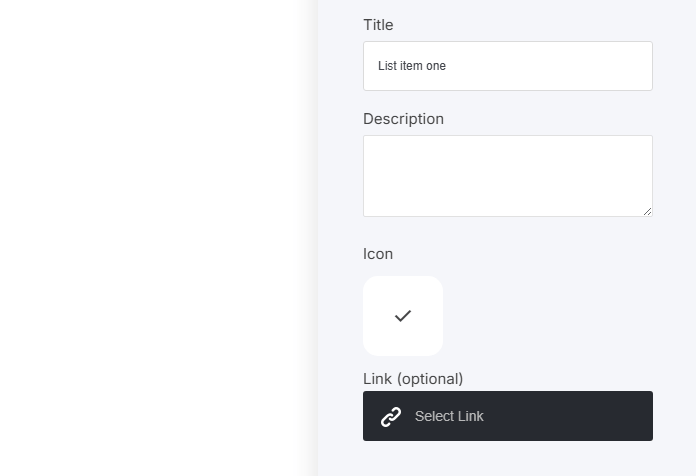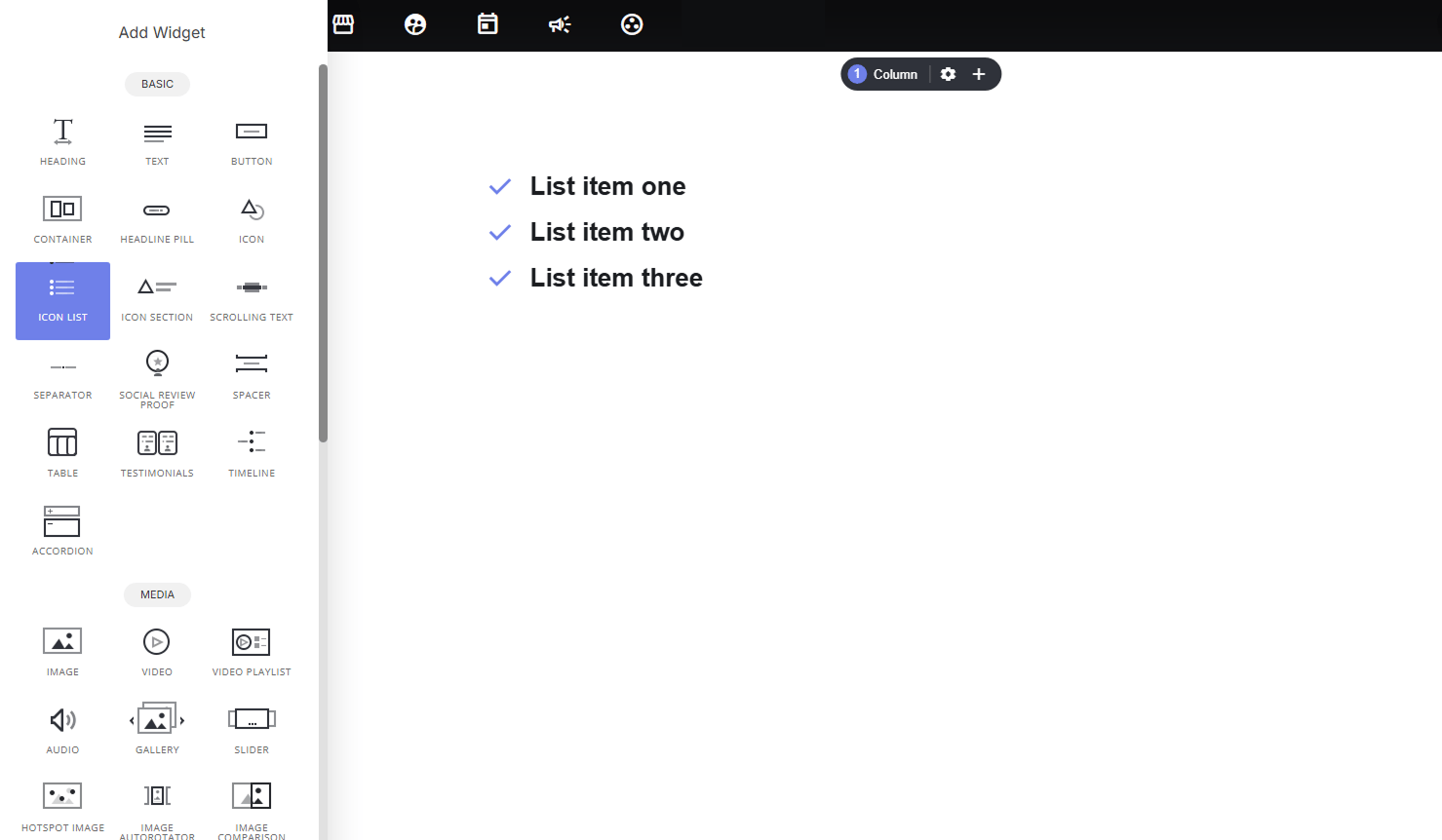
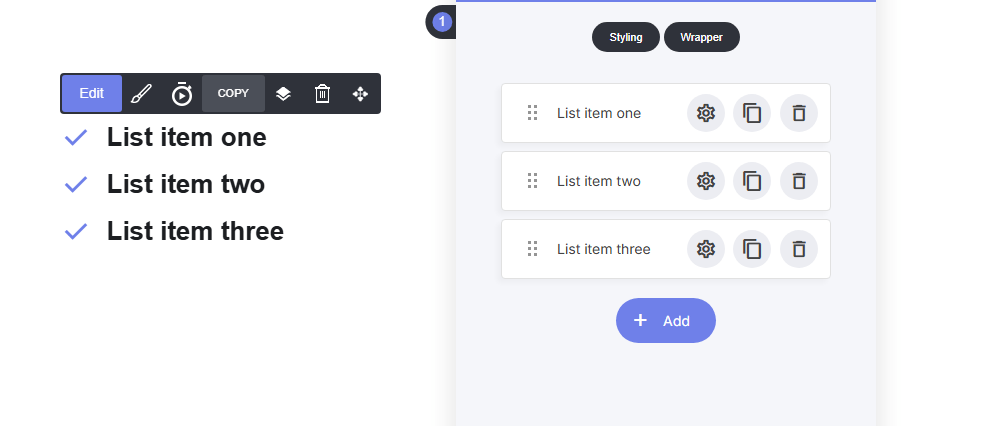
Icons lists are a great way to display lists in a more visual way. Open your widget tab to the left side of your builder canvas, and select the Icon list tab. Once you have selected the icon list and dropped in to the builder canvas, you can now start to edit the widget. To the right side in the editing block, is where you can start to add your own information and display style to your icon list. Within the icon list values, for example the labels: List item one, list item two, list item three ‘as displayed above. When you click or add a new list item you can edit the values as shown in the image below:
  • Title
  • Description
  • Icon
  • Link ‘Optional’

Select your display style

By clicking the Style button, you have multiple options to display the icon list on your page.
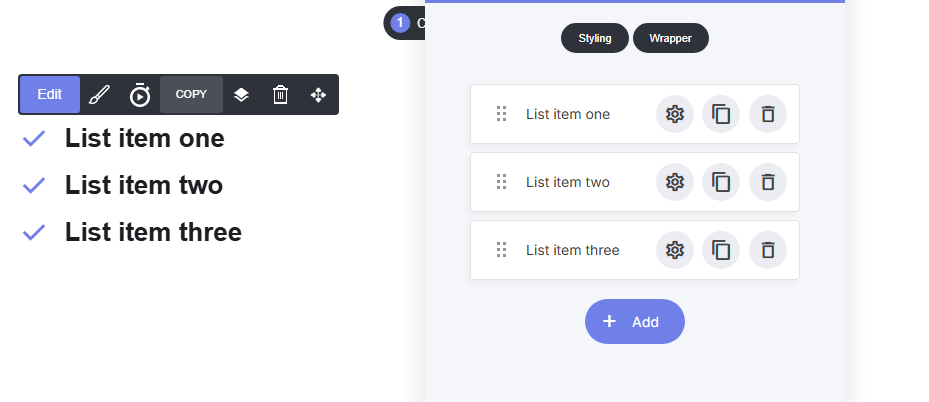
Standard Layout

The standard layout is a simple vertical list, with icons.
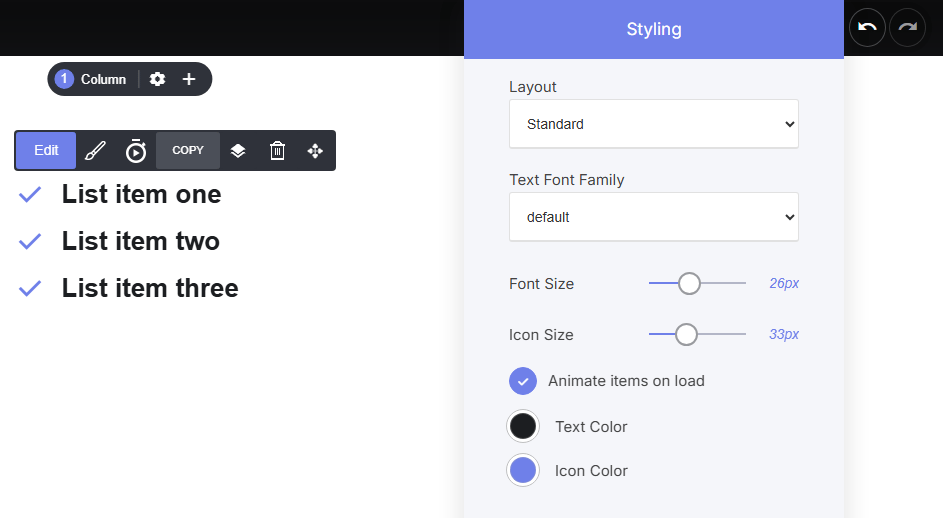
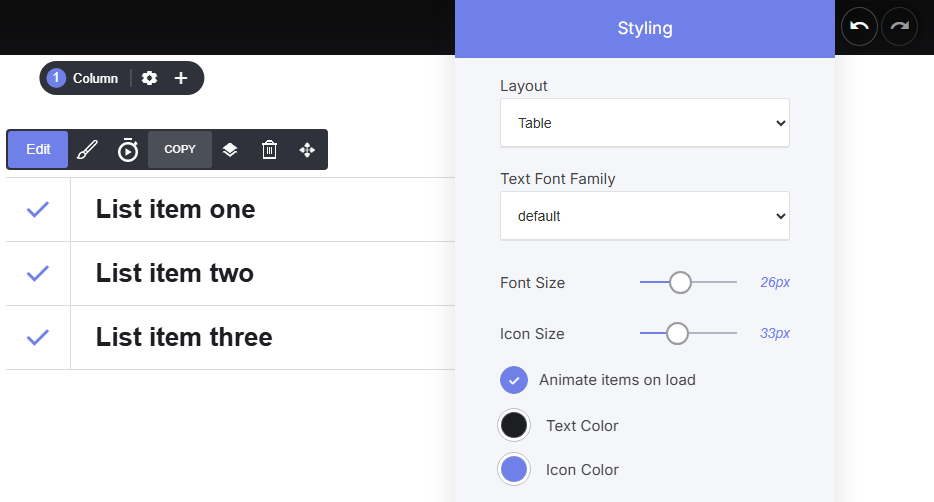
Table Layout

The table layout is similar to the Standard layout, but the table layout has horizonal lines, that separate your list.
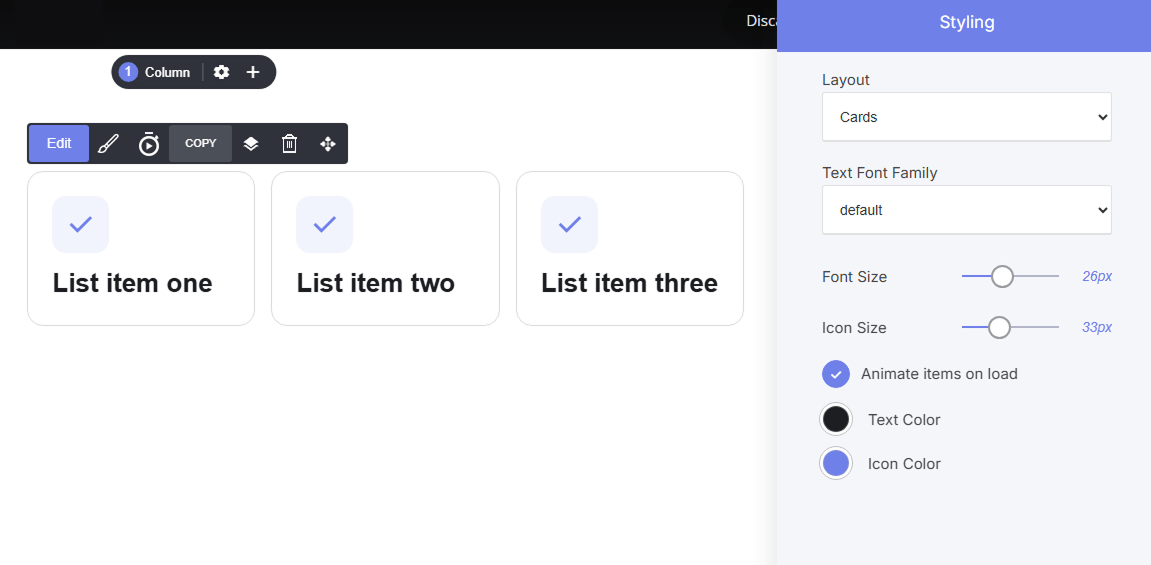
Cards Layout

The cards layout is a neat boxed inline list, with a border box surrounding the text and icon.
Last modified on September 2, 2026