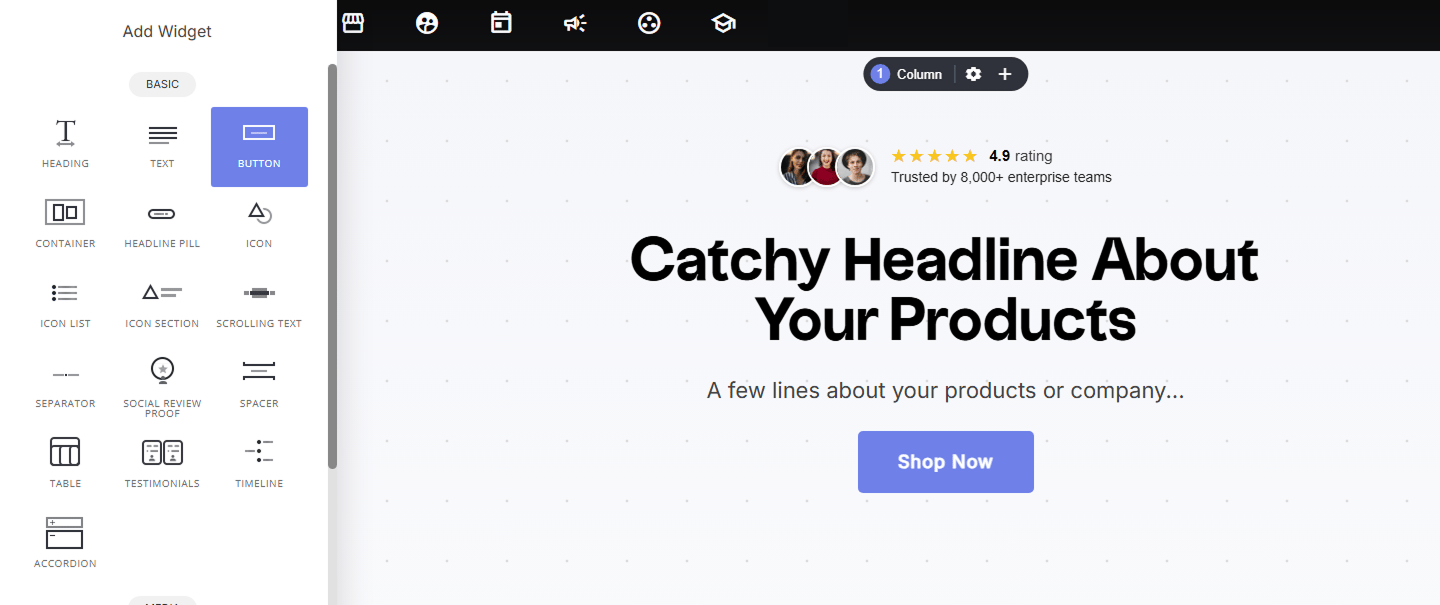
- Locate the Button Widget – Open the widget section and find the Button Widget under “Basic Widgets.”
- Drag & Drop – Place the button anywhere on your page or container for quick and easy integration.
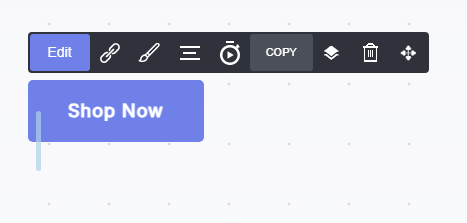
- Edit
- Link
- Styling
- Alignment
- Animations and delays
- Copy
- Delete
Editing
Under the Edit tab, you can modify the button text, add a second line of text, add icons before or after the text, and attach a link to redirect the visitor after clicking the button.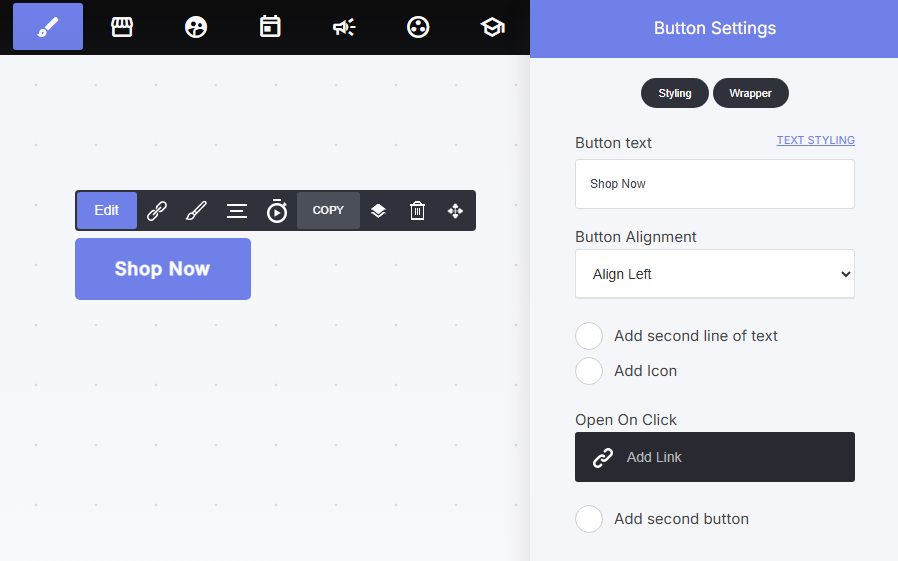
Styling
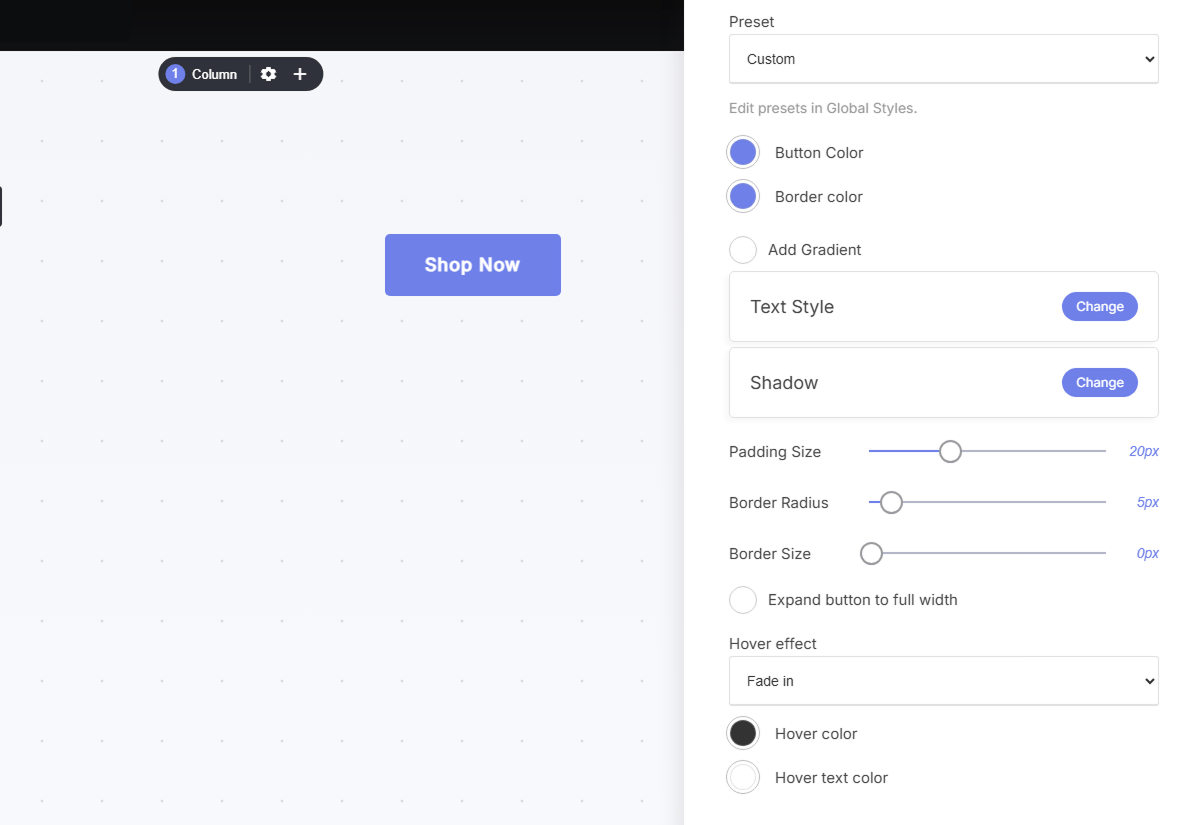
You can customize the button’s visual display on your pages, including its color and animation.