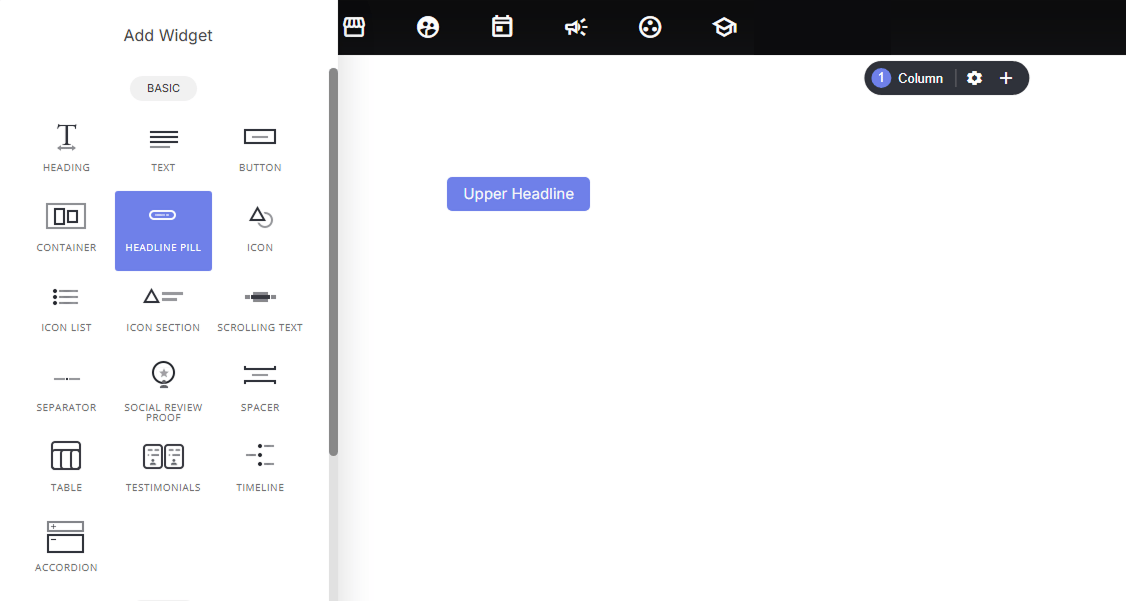
Why use it:
- Breaks up visual monotony: adds a small accent above plain text headings so pages don’t feel like one long stack of headlines.
- Adds hierarchy: signals “this is a category/label” before the reader hits the main message, guiding the eye naturally from small to large.
- Reinforces branding: the pill’s background color and shape can be styled (Solid Color, etc.) to match your site’s design system.
- Highlights context: great for tagging sections like “Our Services,” “Case Study,” or “Step 1” without needing a full subheading.
Settings available:
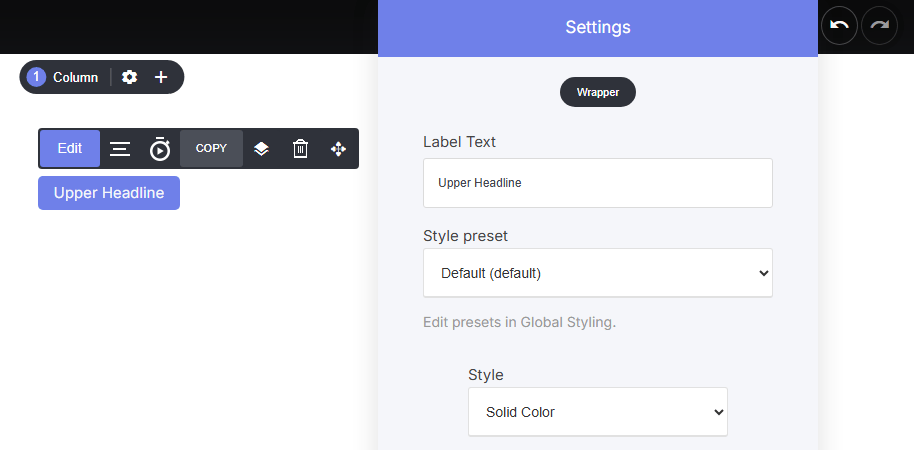
Click edit on the Headline pill to open the settings and display options. Here you can add your:- Label Text
- Style pre-set ‘Set in Global Styling’
- Style
- Font
- Radius and more…