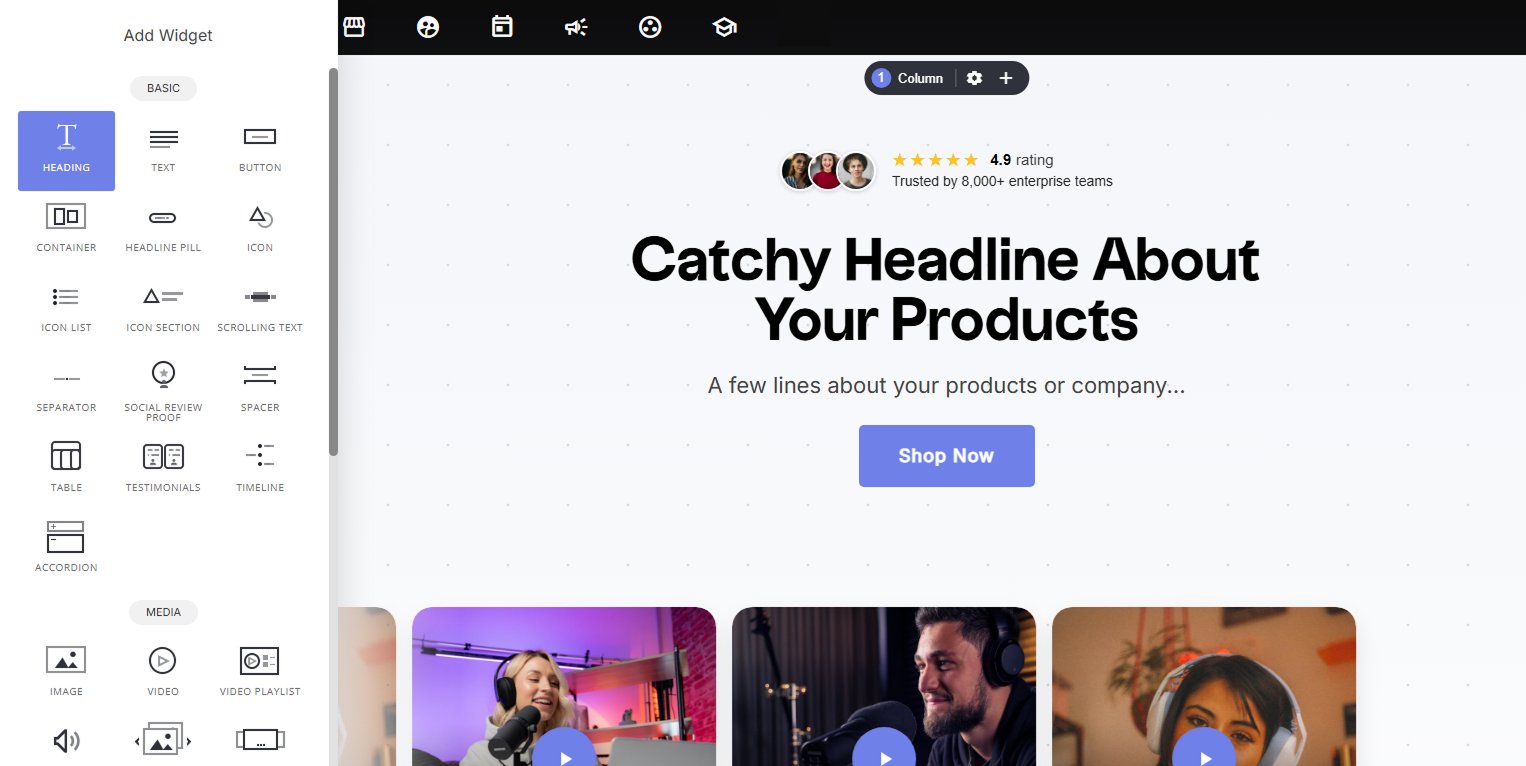
Why use it:
- Proper heading structure matters, using true H1–H6 tags (not just large text) helps both SEO and accessibility, ensuring search engines and screen readers understand your page’s content hierarchy.
- Quick, familiar text formatting, bold, underline, alignment, color, and sizing are all available inline, so you can style text without leaving the editor.
- Text Effects add personality, dynamic effects turn a static heading into something more engaging, useful for hero sections or anywhere you want a word or phrase to pop.
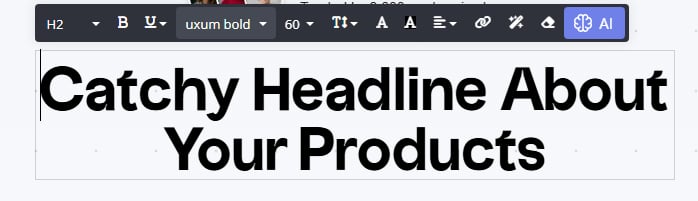
- Font size ‘hierarchy’ from H1-H6
- Bold
- Underline, italic, sub-script, super-script and strike-through
- Font family / Font size in PX
- Line height, increase/decrease the height between the text height spacing
- Text color
- Background text color
- Alignment
- Add a link
- Effects
- Remove formatting
- Ask AI generate or rewrite headline copy
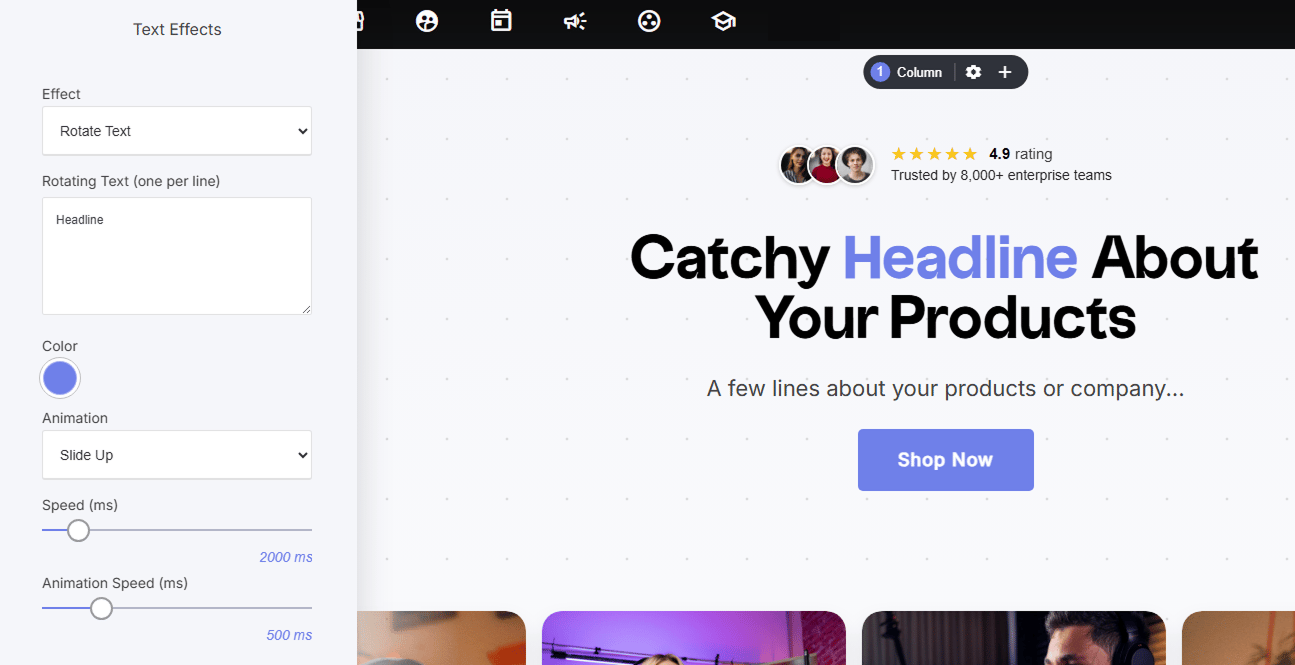
Text effects:
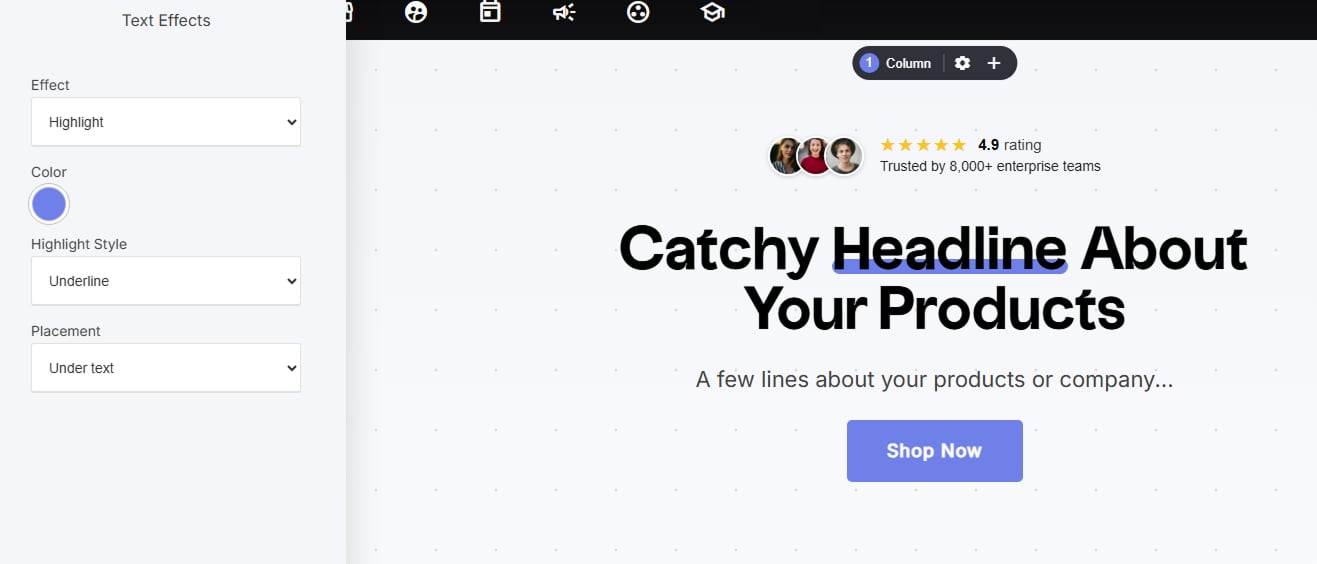
(applied to specific words/phrases) Highlight: draws attention to a word or phrase with a colored highlight. Choose the Color, Highlight Style (e.g., Underline), and Placement (e.g., under text).