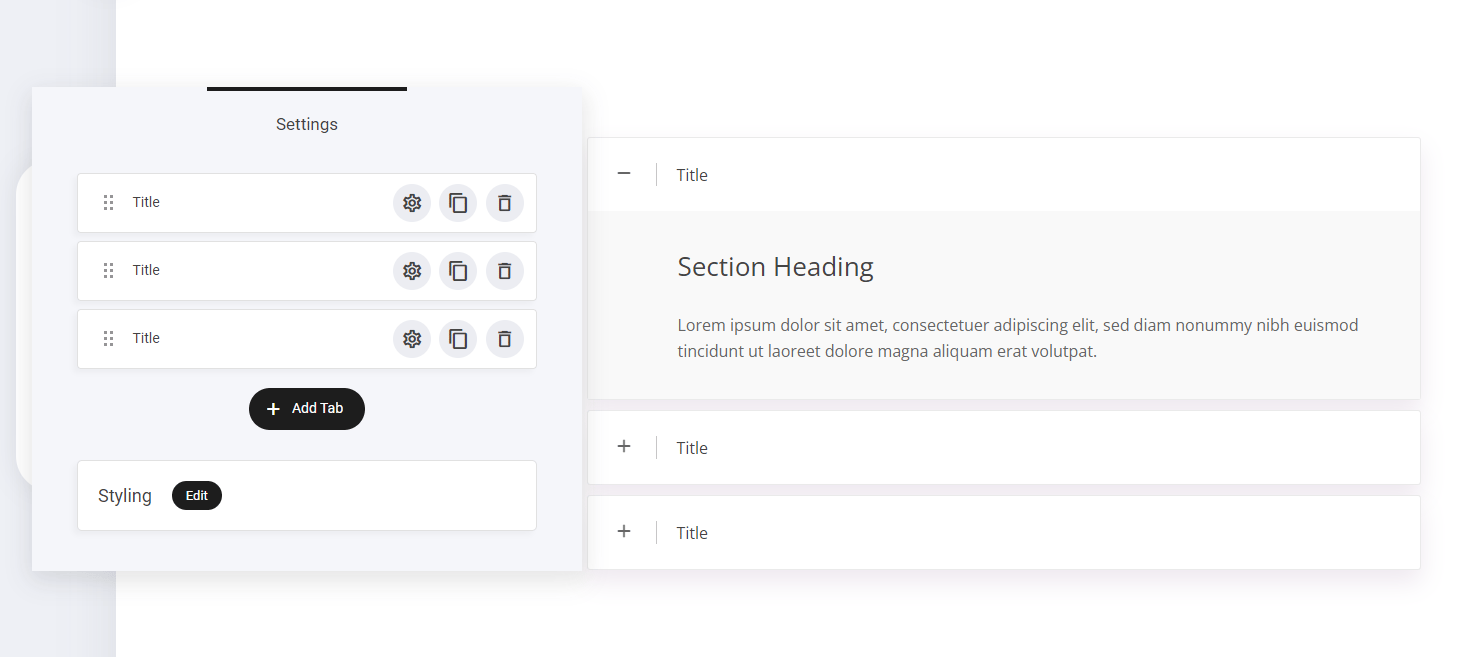

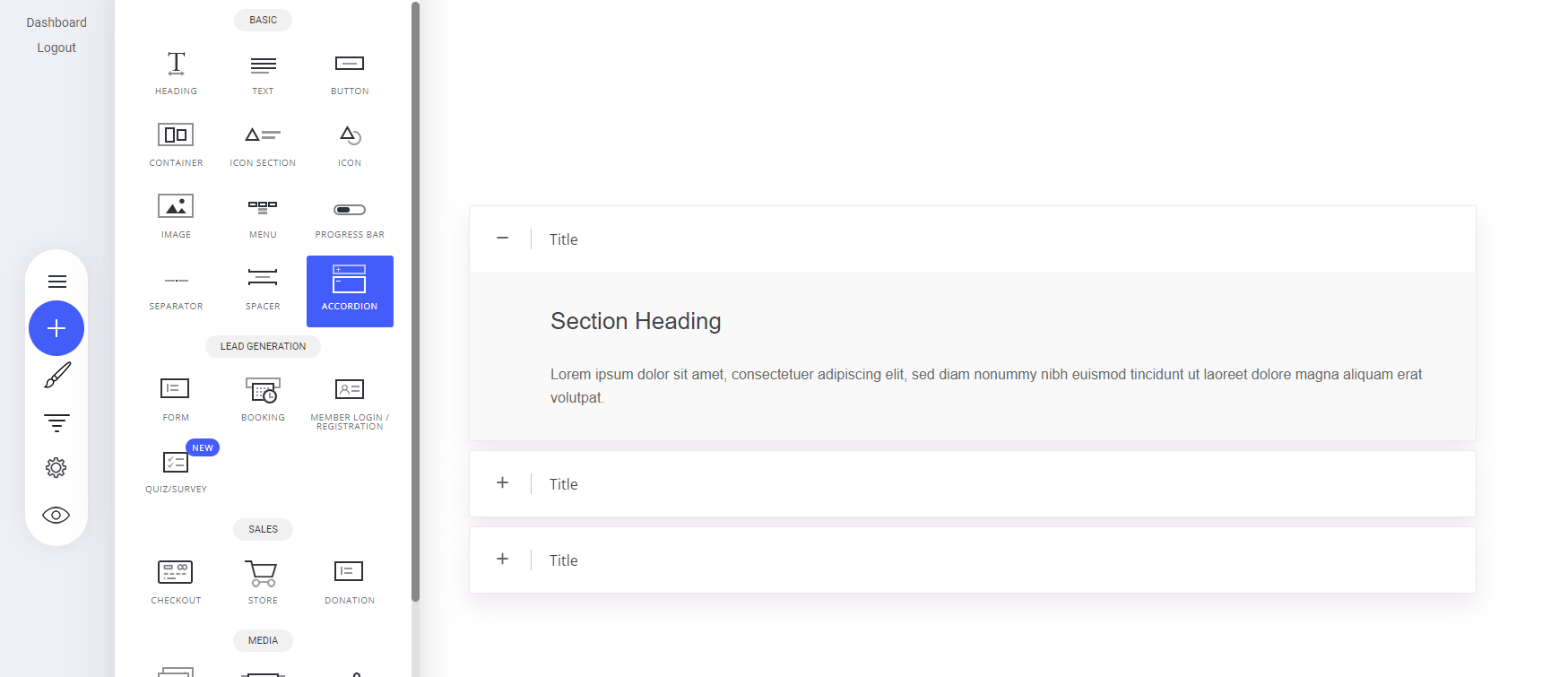
- Navigate to the Accordion Widget – Open the Widgets panel in your editor.
- Drag & Drop onto Your Page – Place it in the desired section.
- Expand & Collapse – Users can click to reveal or hide content, ensuring a clean and organized layout.
Accordion styling
Currently there are four different layout designs you can chose from. You can find them in the styling tab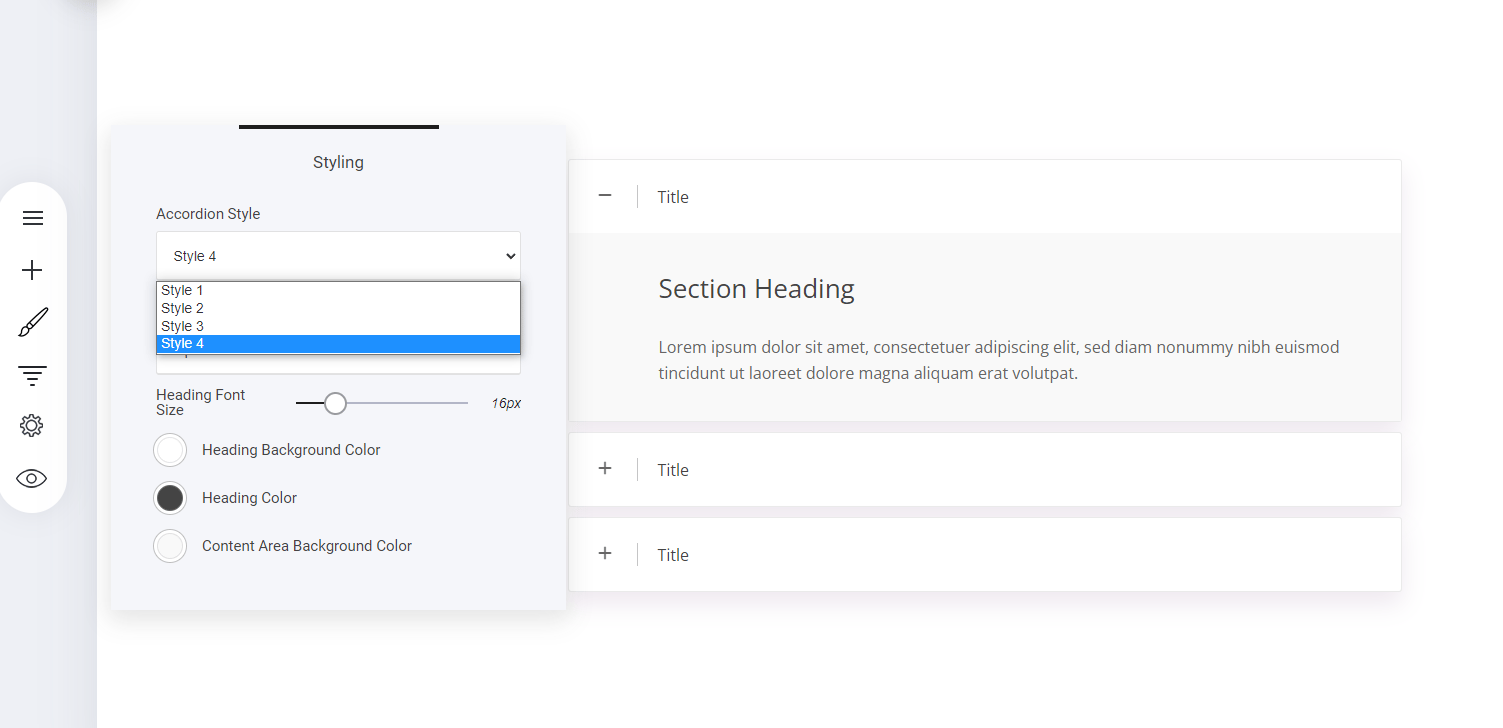
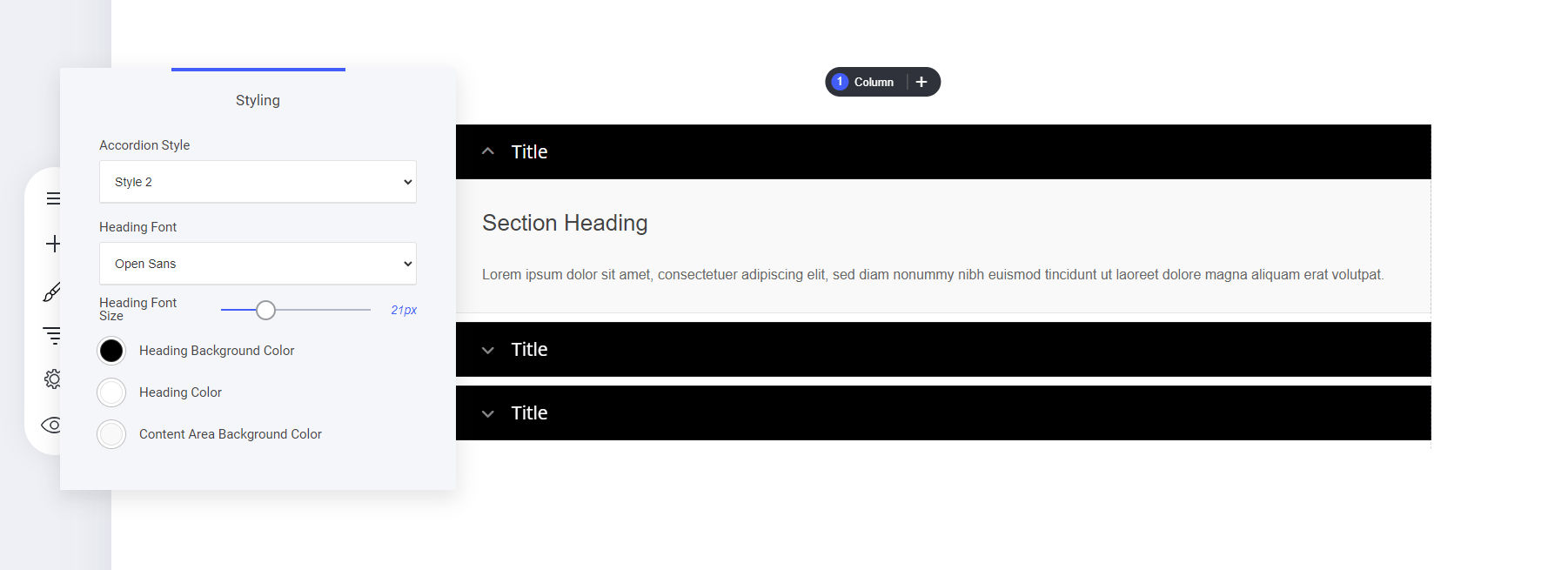
Font and colour styling
The same with any of our elements you can style the design to how your prefer. To start editing the styling for your accordion, simply select the accordion settings tab. Then a new window will display: