

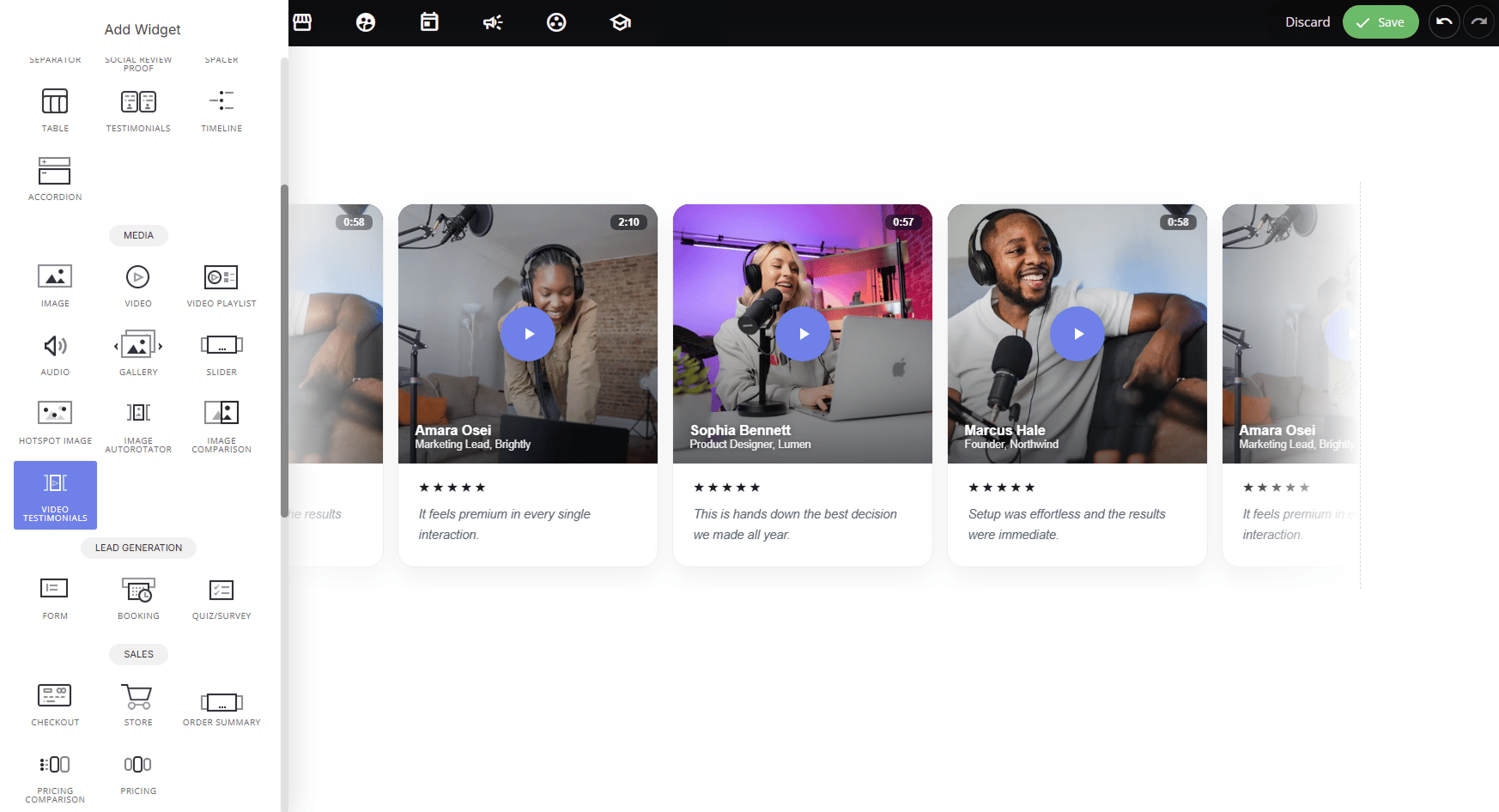
Why use it:
- Builds stronger trust than text alone: video adds authenticity and emotion that written quotes can’t match, making praise feel more genuine.
- Increases engagement: a play button and thumbnail naturally invite clicks, keeping visitors on the page longer.
- Flexible presentation: choose the layout and video format that best fits your section, whether it’s a compact carousel or a full showcase grid.
- Supports real conversations: hosted videos can open with a comments section, turning testimonials into a discussion rather than a one-way pitch.
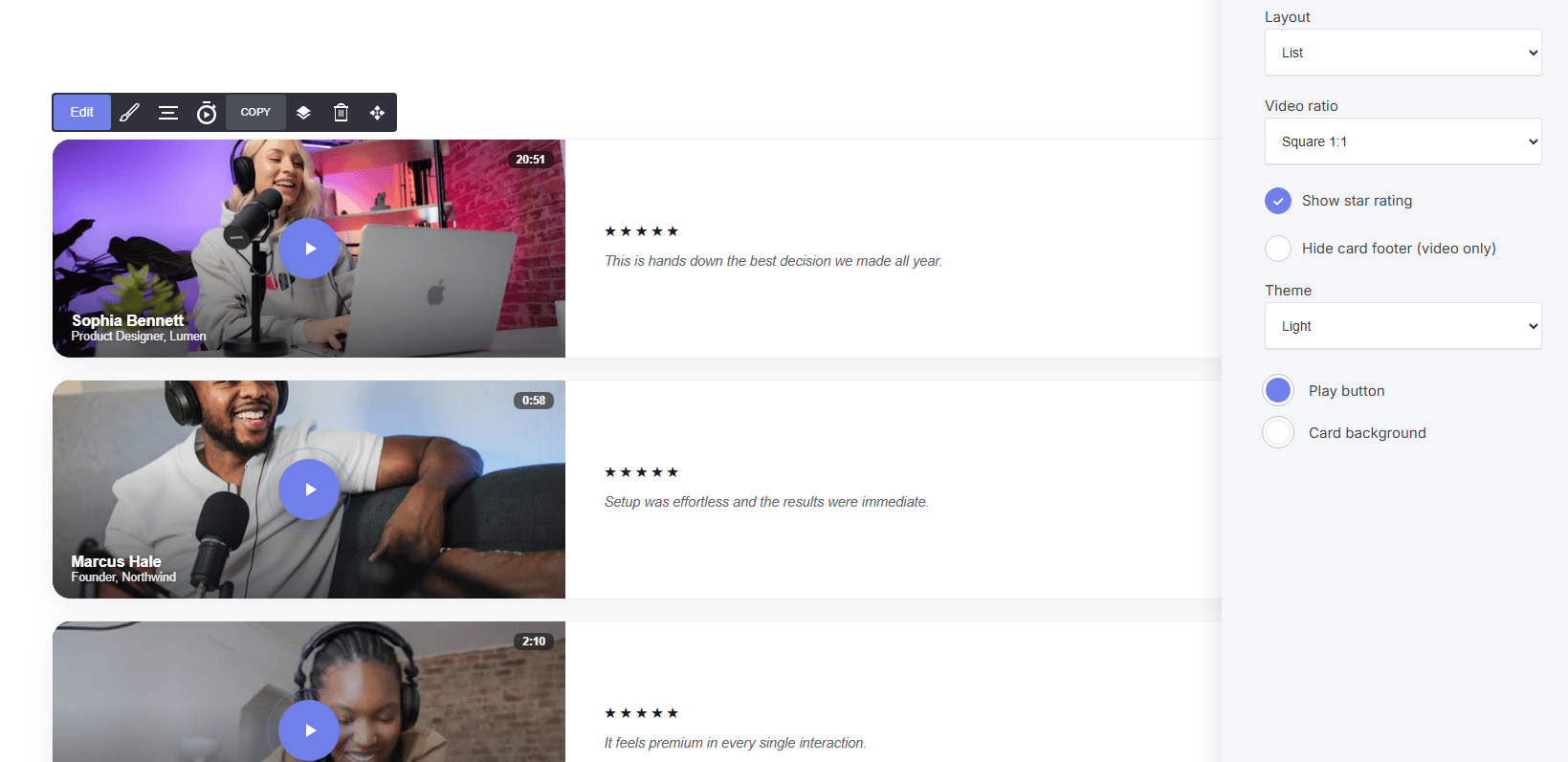
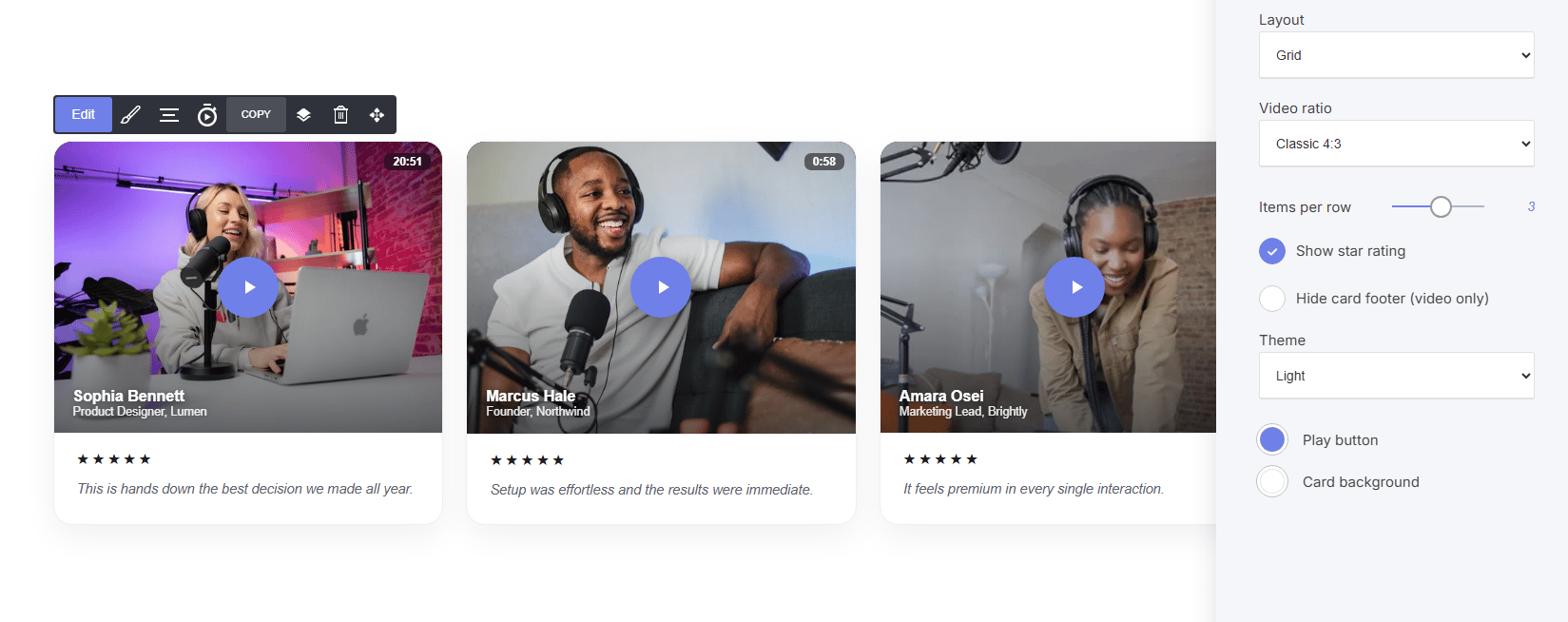
Layout Options:
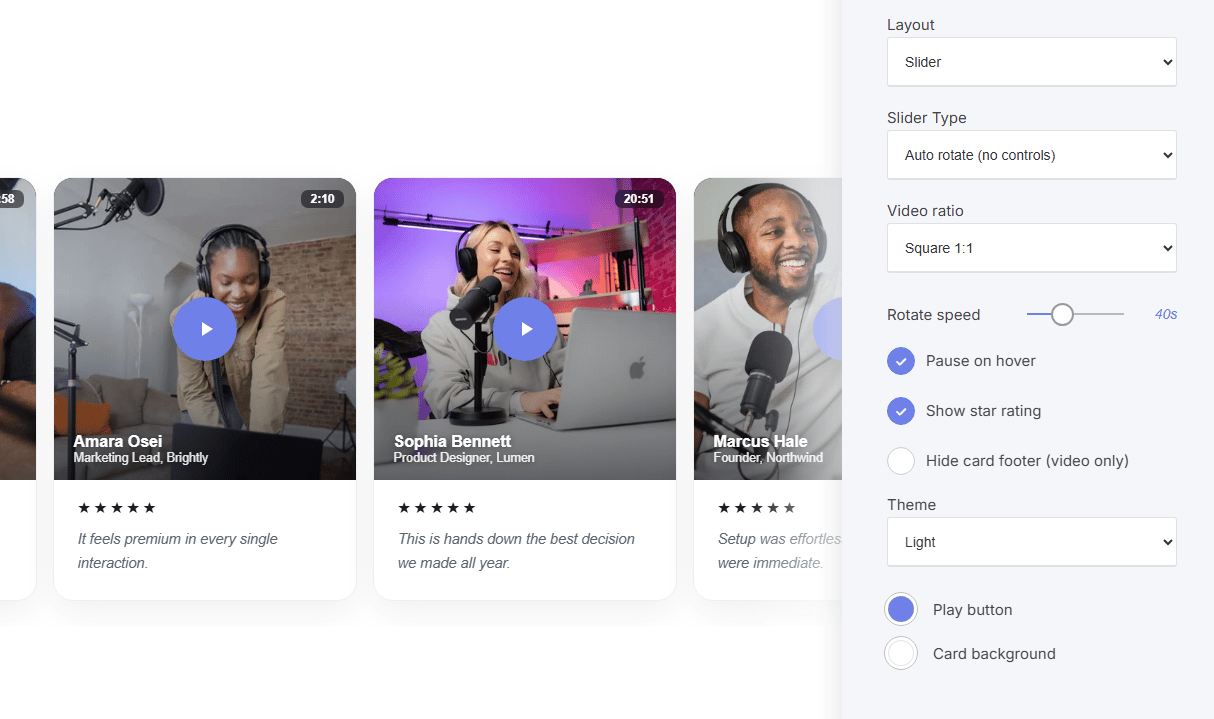
- Slider: rotates through testimonials one at a time. Slider Type options include Auto rotate (no controls), Single slide, or Multiple slides (set how many display per row).
Per testimonial settings:
- Video: upload a new video, select from your video library, or link an external video (e.g., YouTube)
- Thumbnail / poster: set the preview image, with drag-to-set focal point for perfect framing
- Reviewer name, Title / role: who’s speaking and their credentials
- Short quote (optional): a text pull-quote shown alongside the video
- Duration: video length shown on the thumbnail (e.g., “20:51”) ‘Optional’
- Rating / Score: star rating for the testimonial
Video Behavior
- Linked videos (e.g., YouTube) open and play internally as normal
- Hosted videos open in a lightbox-style player with a comments section, encouraging visitor interaction
Styling Settings:
- Video ratio: Square (1:1), Landscape (16:9), Portrait (9:16), or Classic (4:3)
- Rotate speed: auto-rotate timing (slider layout)
- Pause on hover: stops rotation while a visitor is engaging with a card
- Show star rating: toggle rating visibility
- Hide card footer (video only): hide name/role/quote to show just the video
- Theme: Light/Dark card styling
- Play button / Card background: color customization