

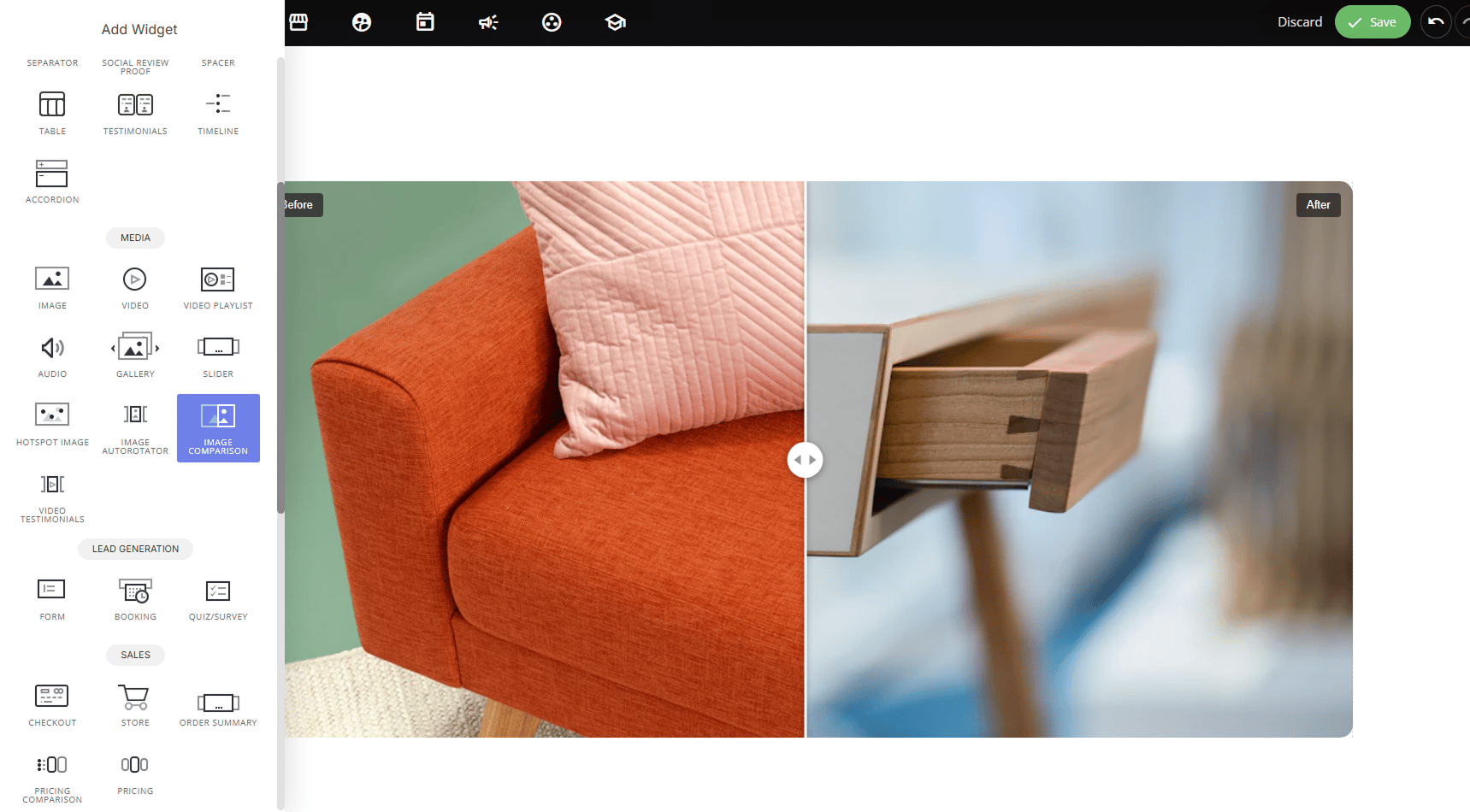
Why use it:
- Highlights transformation instantly: dragging to reveal “before” and “after” is far more compelling than two separate static images.
- Encourages interaction: the drag-to-reveal effect invites visitors to engage rather than passively scroll past.
- Versatile use cases: home renovations, product redesigns, photo editing, fitness/progress results, or any side-by-side comparison.
Display Options:
Interactive (drag): visitors manually drag the slider handle left/right to reveal more of each image at their own pace.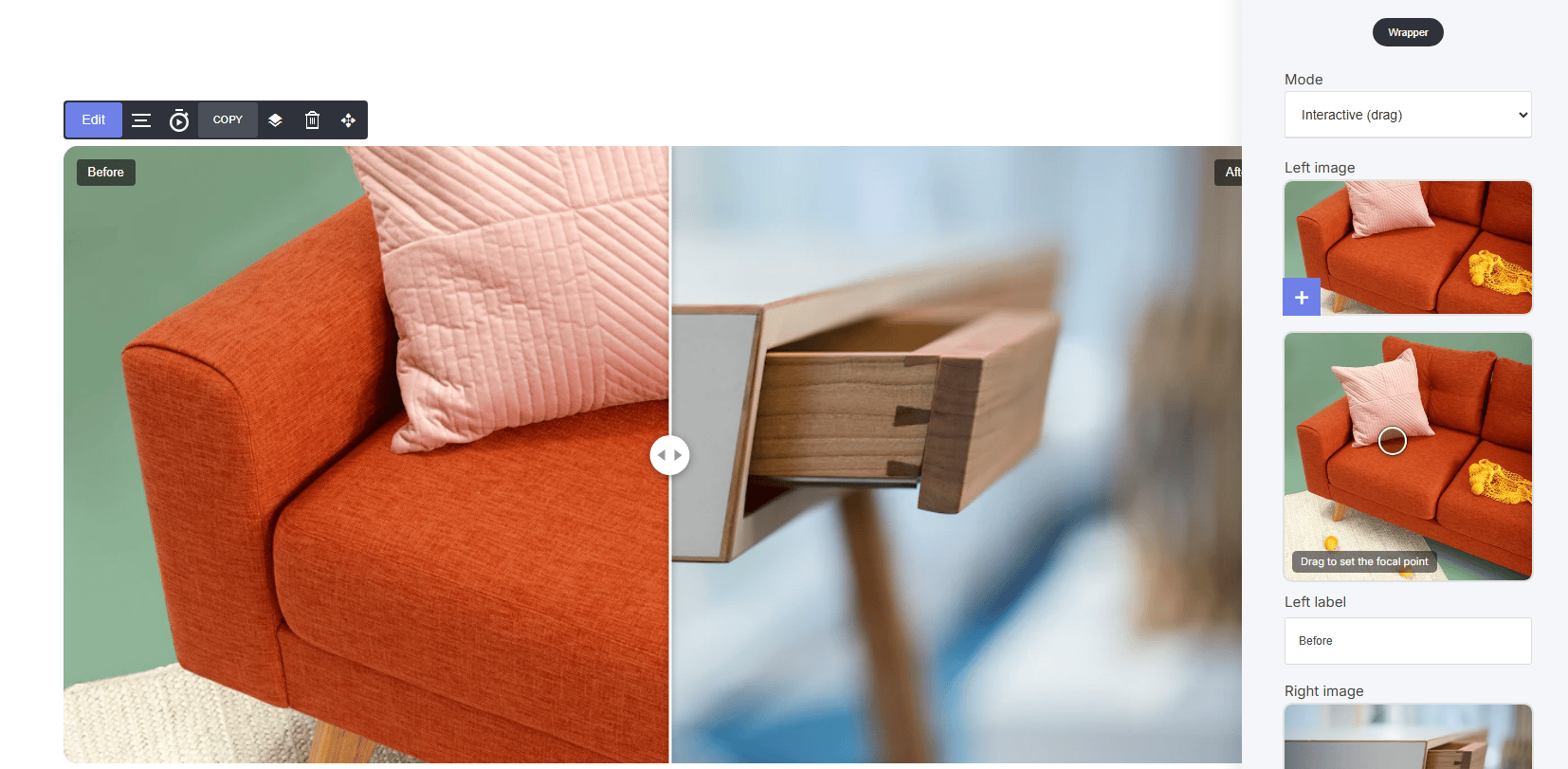
How to set it up:
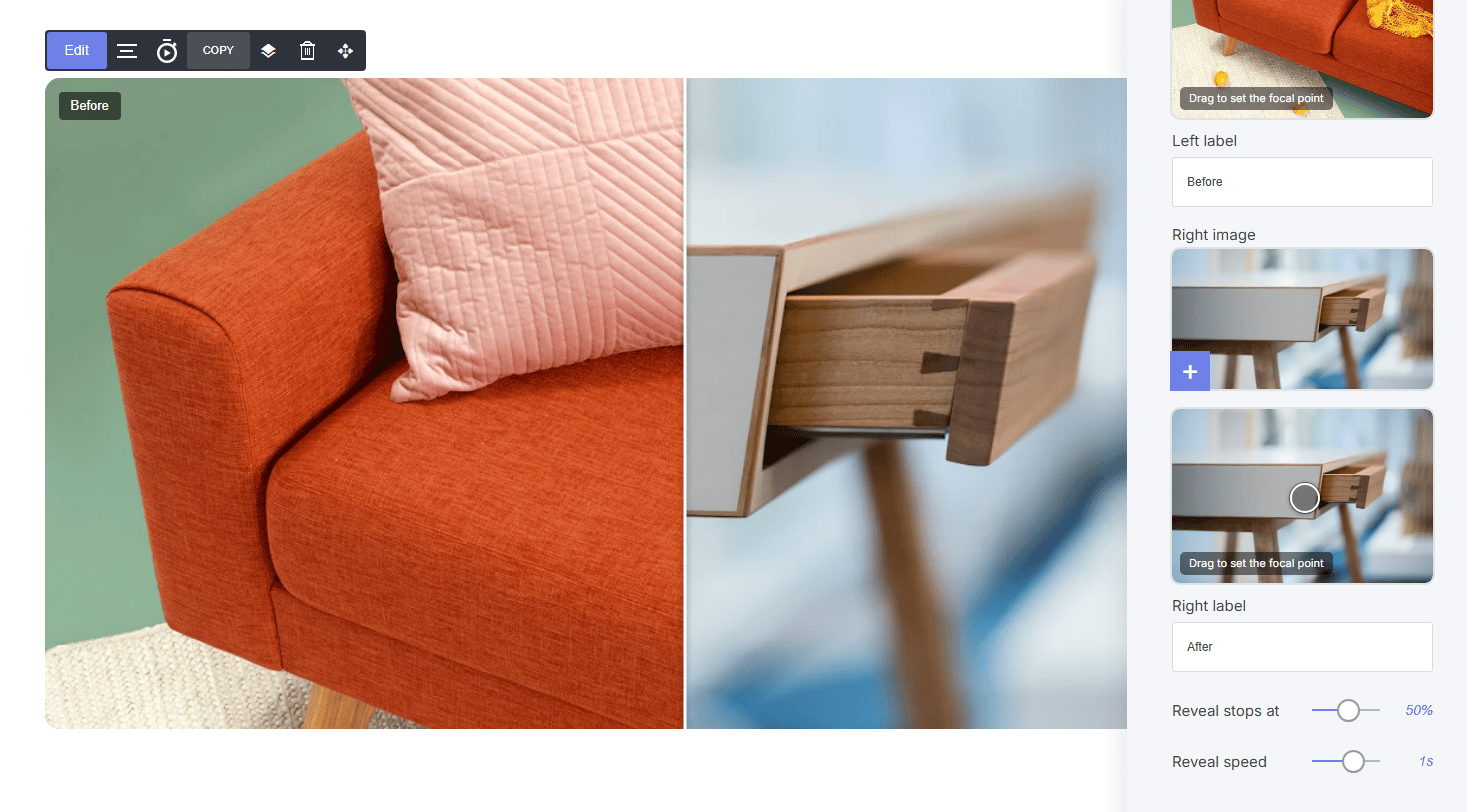
- Upload a Left image and Right image
- Drag to set the focal point on each image — this ensures the most important part of the photo stays visible/centered regardless of screen size or crop
- Customize Left label / Right label (e.g., “Before” / “After”)
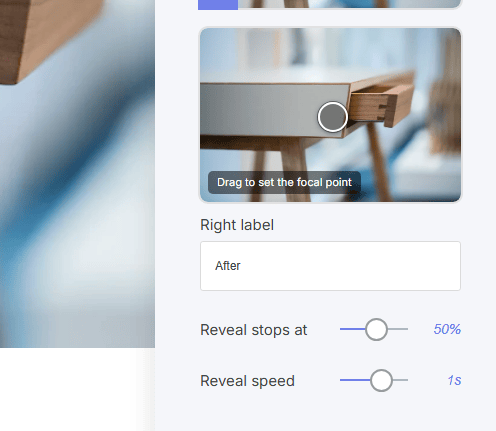
Reveal on Scroll settings
- Reveal stops at: set how far the reveal goes by default (e.g., starts at 50%)
- Reveal speed: controls animation speed (used with Reveal on scroll mode)