

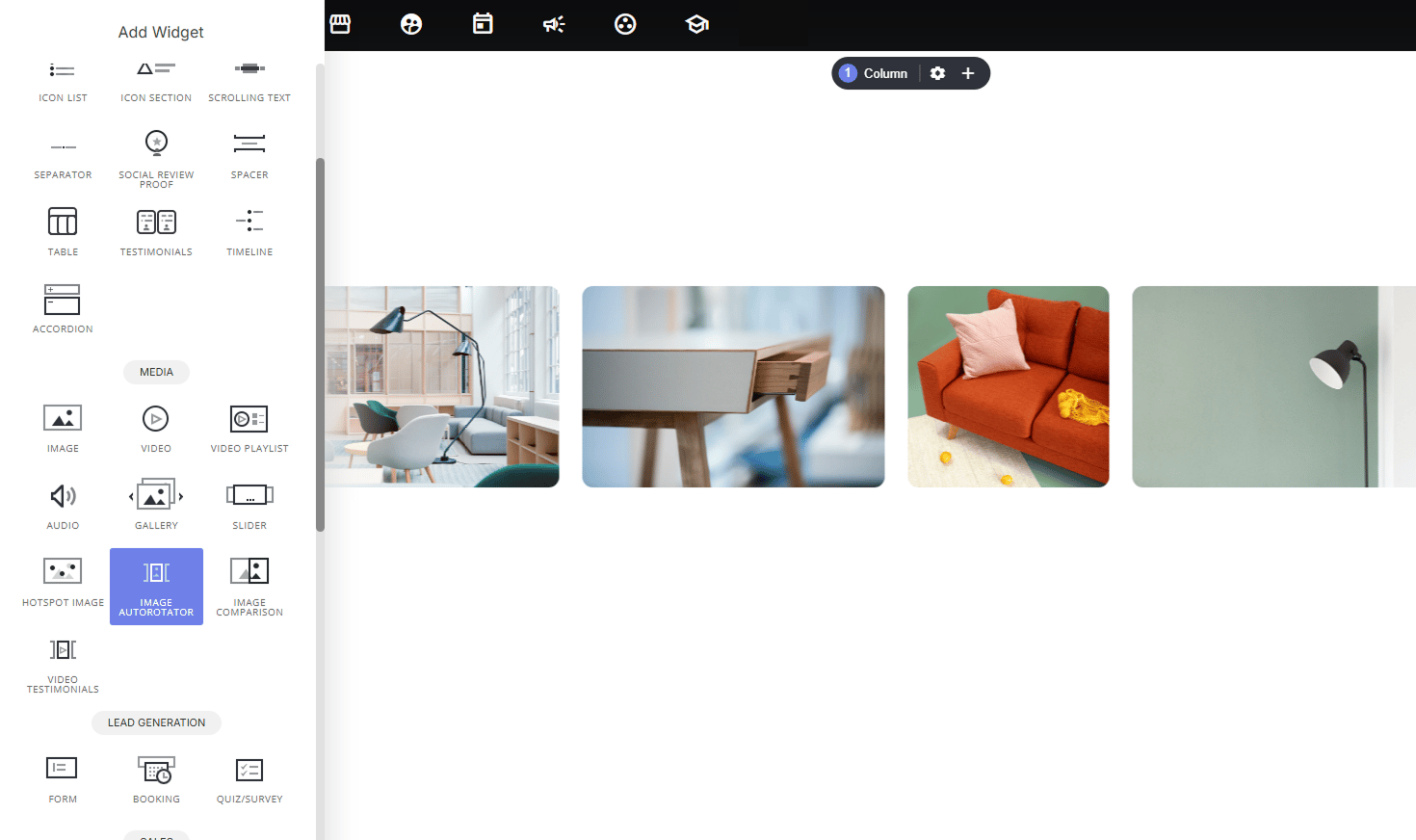
Why use it:
- Adds motion and visual interest: a scrolling image strip catches the eye and feels more dynamic than a static gallery, especially in hero sections or “as featured in” style bands.
- Showcases multiple images efficiently: display many photos in a small vertical space, since images flow continuously rather than stacking.
- Works for many use cases: product galleries, portfolio pieces, client/brand logos, or lifestyle imagery reinforcing a brand feel.
- Low effort, high polish; no need to manually build a slider; just upload images and choose a layout.
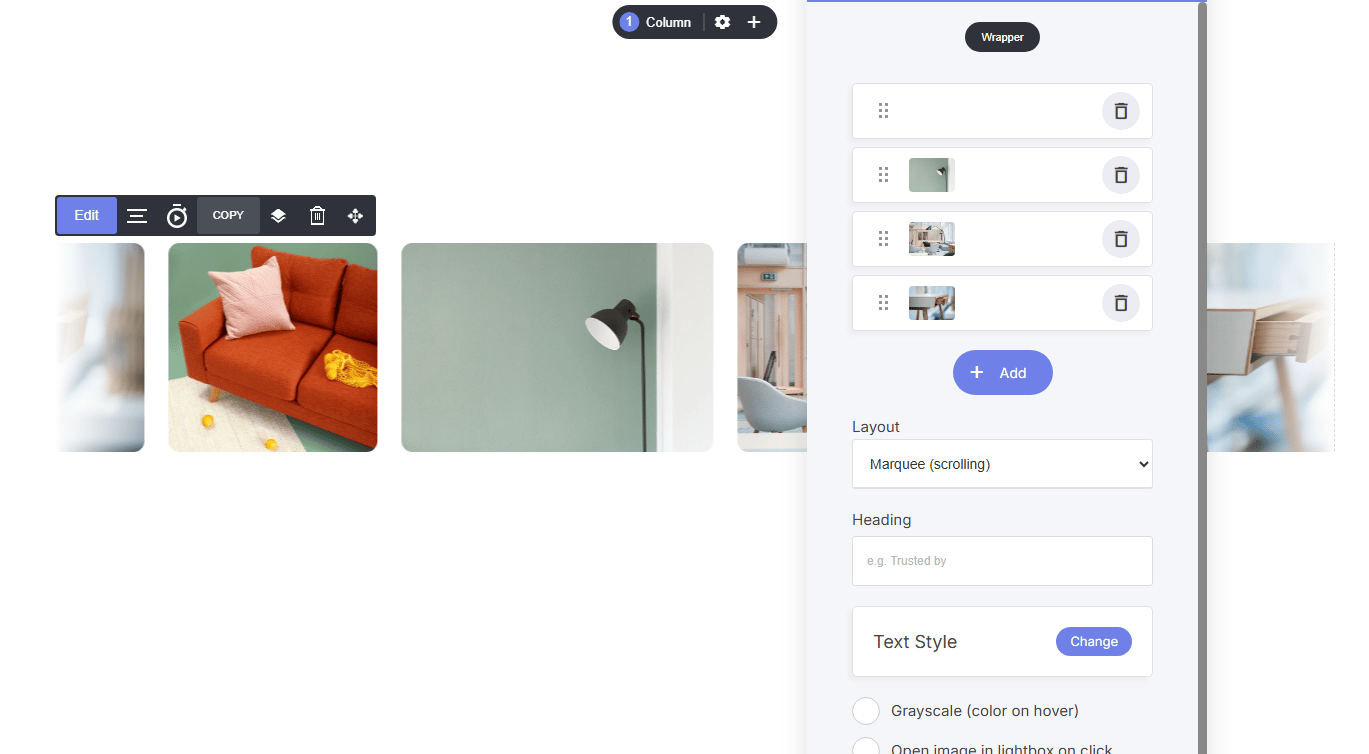
Layout Options:
- Marquee (scrolling): images scroll horizontally in a continuous loop, ideal for logo strips or ambient background-style galleries.
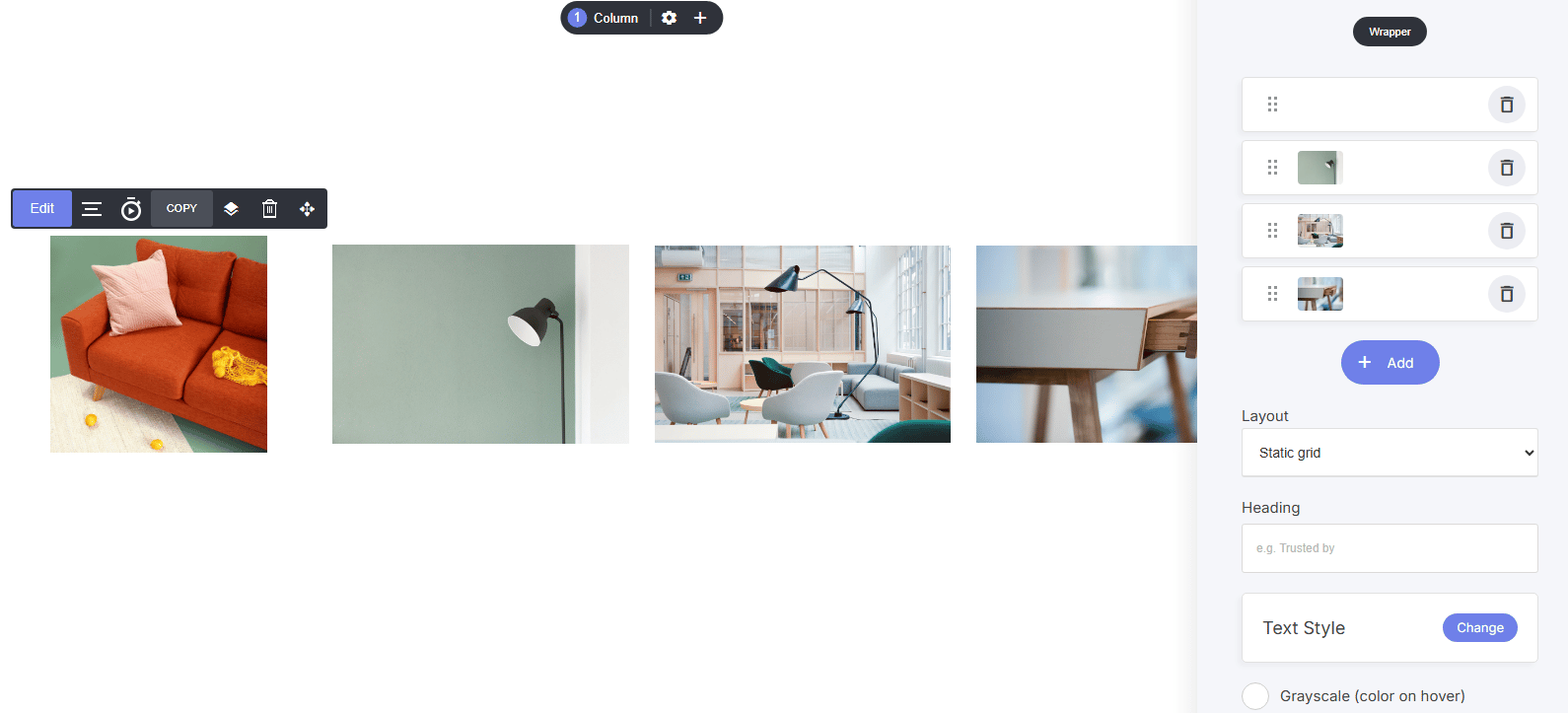
- Grid: images display in a fixed, static grid layout for a more traditional gallery presentation.
How to set it up:
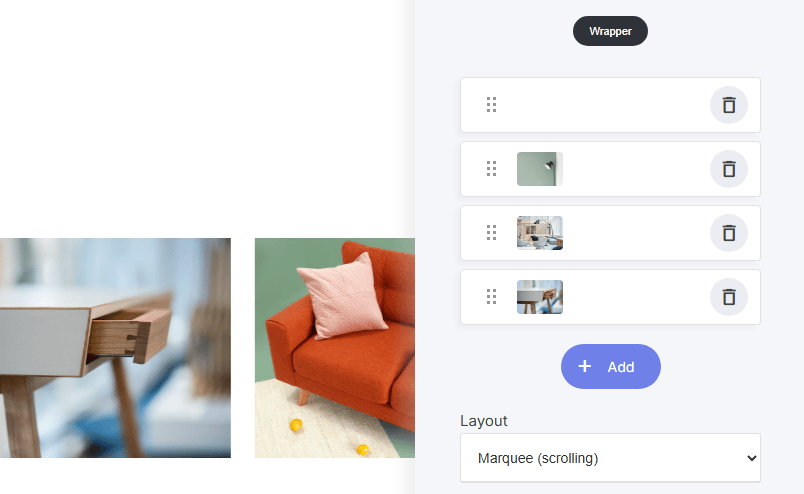
- Add images individually using + Add, and drag to reorder using the handle
- Remove any image with the trash icon
Settings available:
- Heading: optional label above the gallery (e.g., “Trusted by”)
- Text Style: customize the heading’s typography
- Grayscale (color on hover): images display in grayscale by default and reveal color on hover, great for logo walls
- Open image in lightbox on click: lets visitors click an image to view it enlarged
- Image height: control the display size of each image
- Rotation speed: adjust how fast the marquee scrolls (marquee layout only)
- Border Radius: round the corners of each image