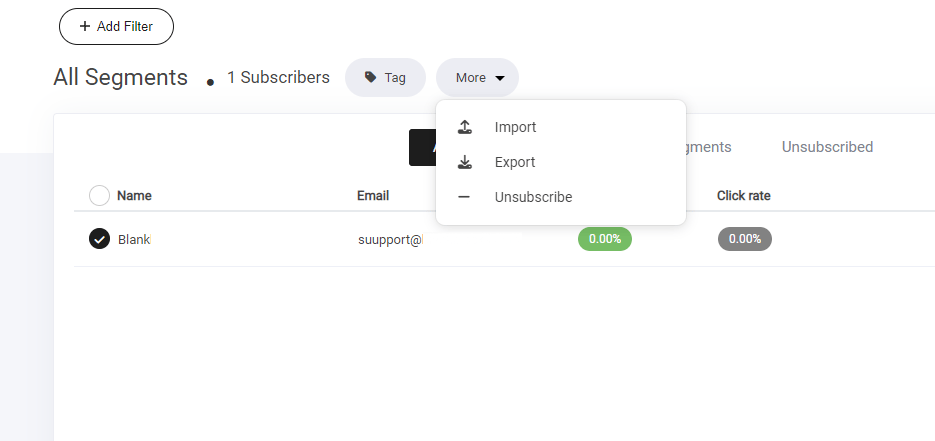
- View All Subscribers – Get a complete overview of your audience.
- Manage Subscriber Lists – Organize contacts into structured lists for better targeting.
- Create & Adjust Segments – Group users based on behavior, demographics, or preferences.
- Monitor Unsubscribed Users – Track opt-outs and refine engagement strategies.
- Import, Export & Delete Subscribers – Ensure data flows smoothly between your systems.
- Filter & Add Tags – Improve organization with strategic tagging for easy segmentation.
Creating lists
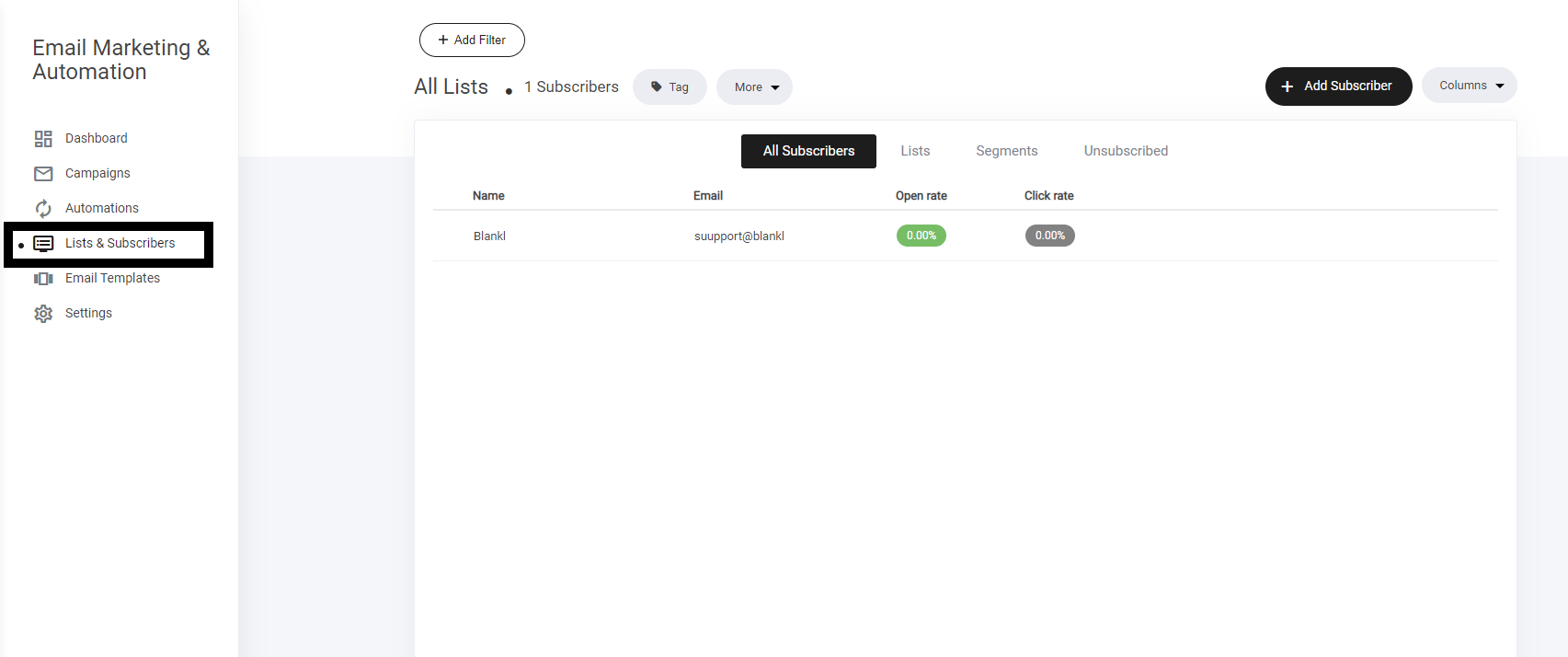
Lists and spaces where you send you subscribers to help you segment them and use within your campaigns and automations. To create a new list, simply:- Select the list and subscribers tab
- Click Add list
- Name your list and click save
Segments
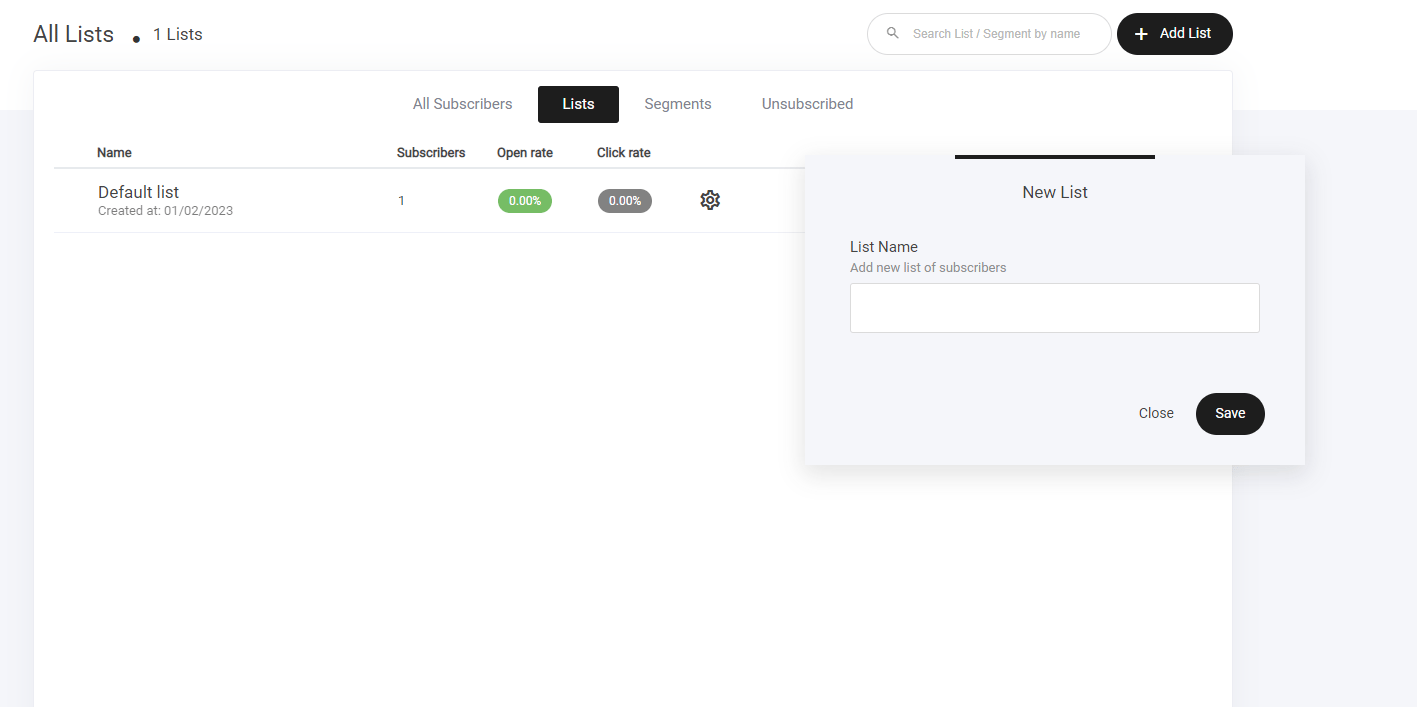
Segments enable you to define certain properties, people and actions and create a specific segment for them. It works just like a list, but more granular. There are 2 ways in which you can create segments:- Select the segments tab > and create new segment.
- Select the all subscribers tab > Use the filter to create a defined list that you want to create a segment with.
Importing contacts
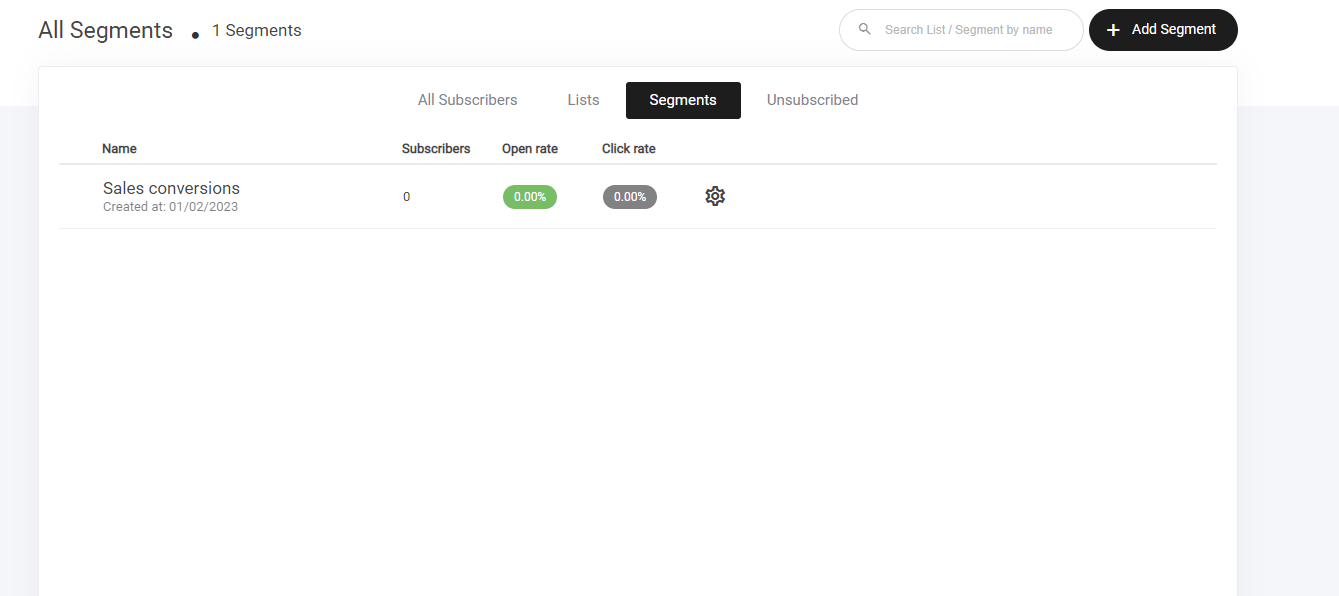
If you have a list on another platform or have a data base with customer data, you can quickly add all those users directly to your email subscribers lists. Select the subscriber tab > Click more and select the import option ‘as shown below’ Check the agreement info and click import now to start the process.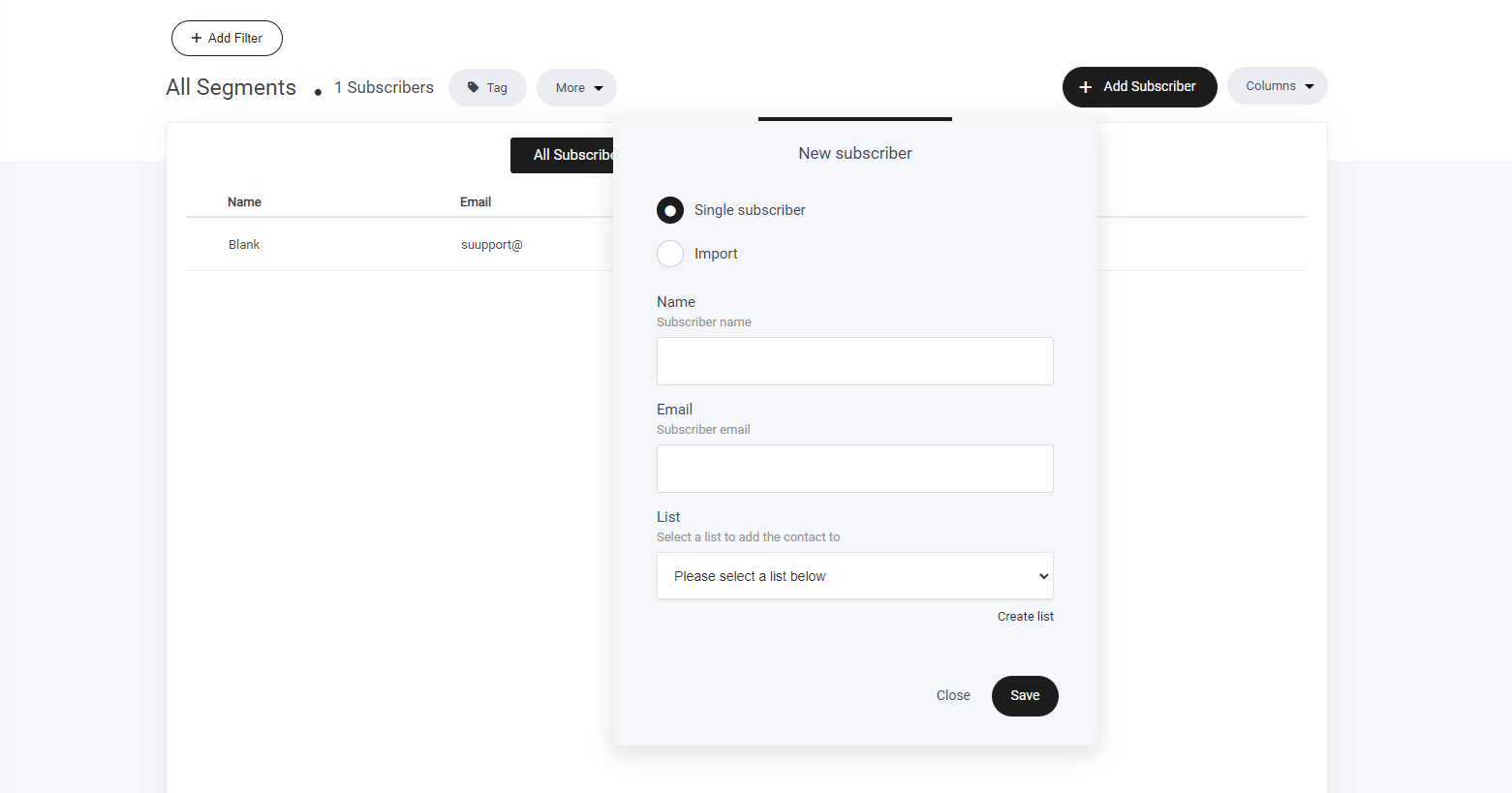
Exporting contacts
If you need to export your contacts list to another platform, select the export tab, then your list will be exported via CSV file to your computer.