Domain verification
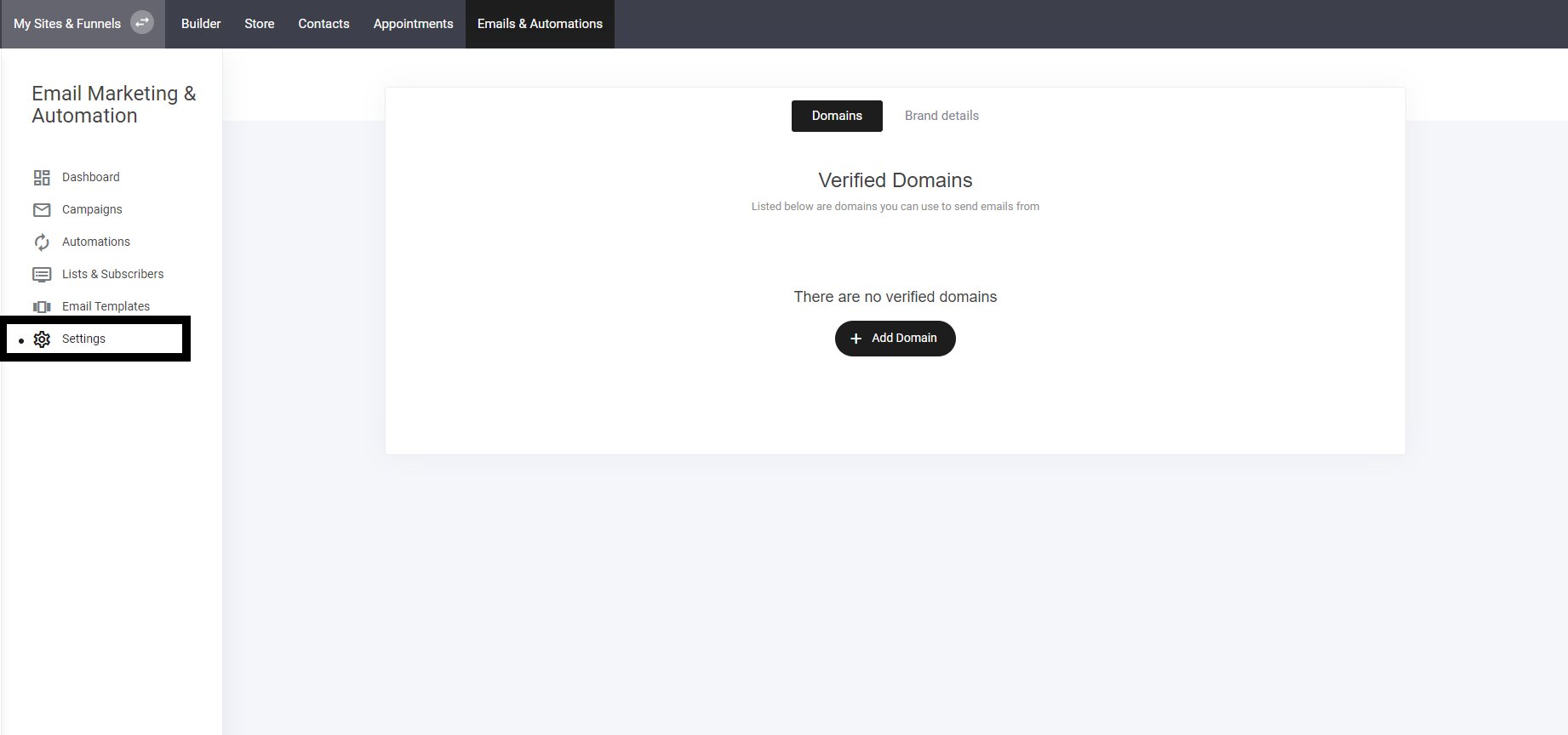
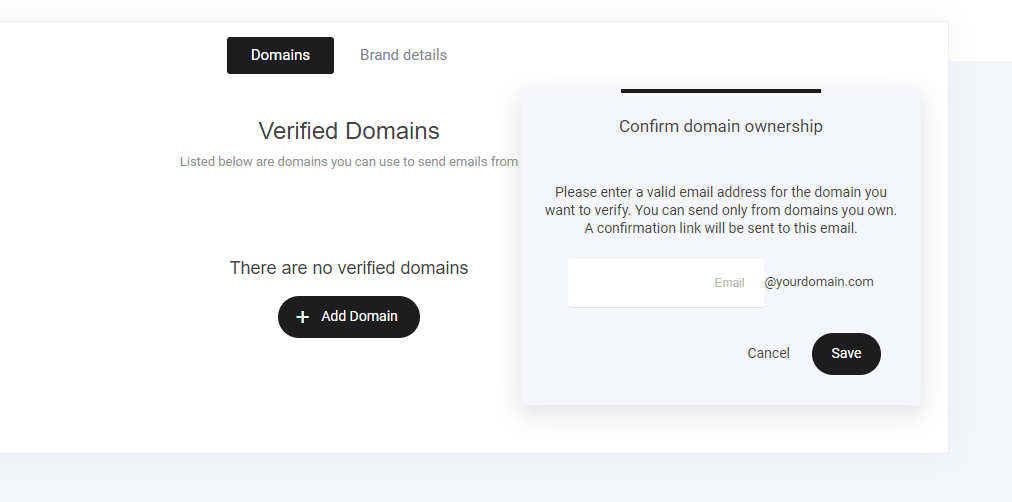
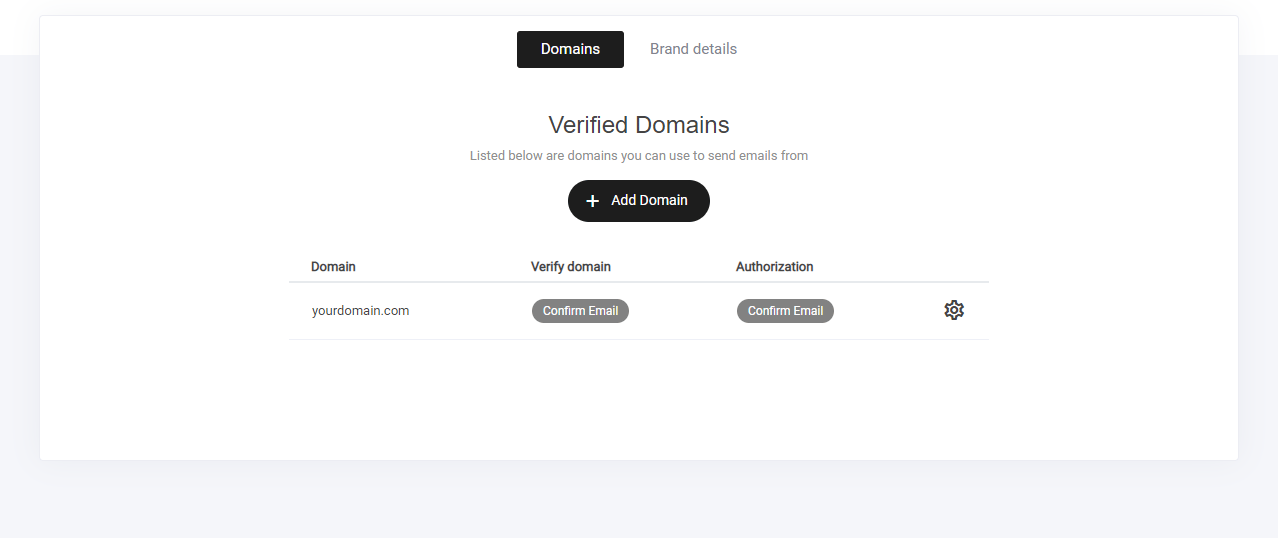
Before sending emails in the Email Marketing section, you need to connect your domain to ensure deliverability and compliance. Steps to Connect Your Domain:- Navigate to Emails & Automation – Open your email marketing settings.
- Go to “Settings” – Find the domain connection options.
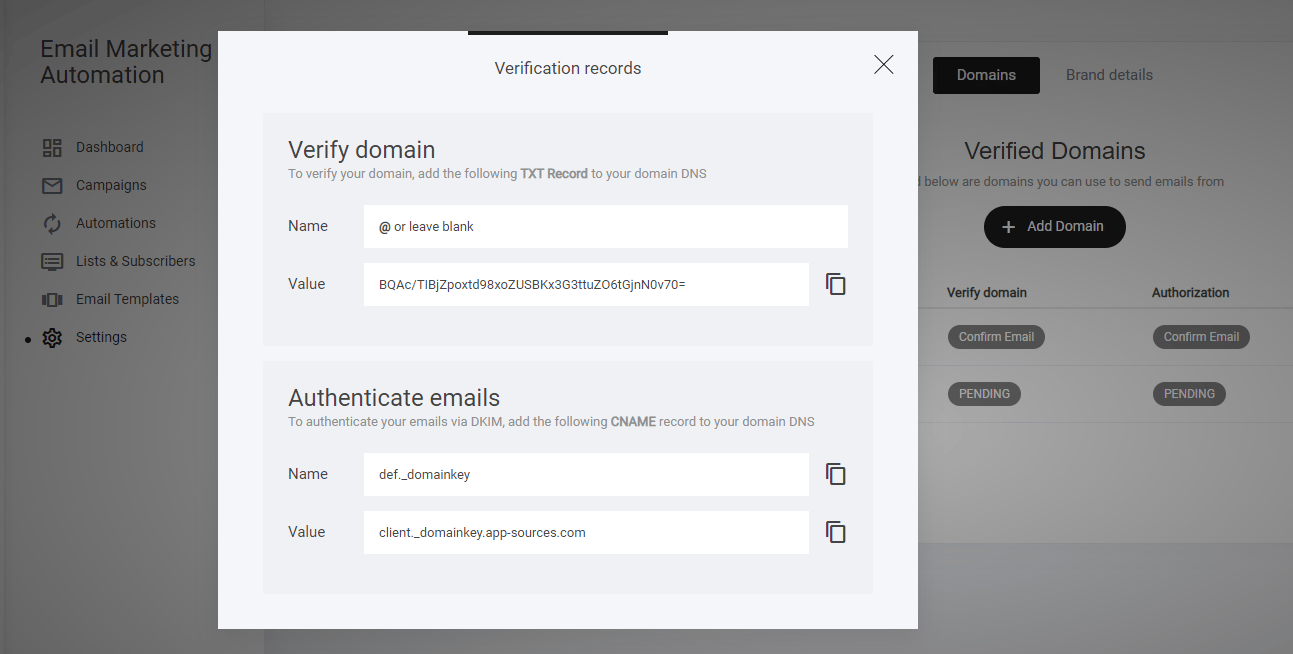
- Follow the Setup Instructions – Configure your domain with the required DNS records.
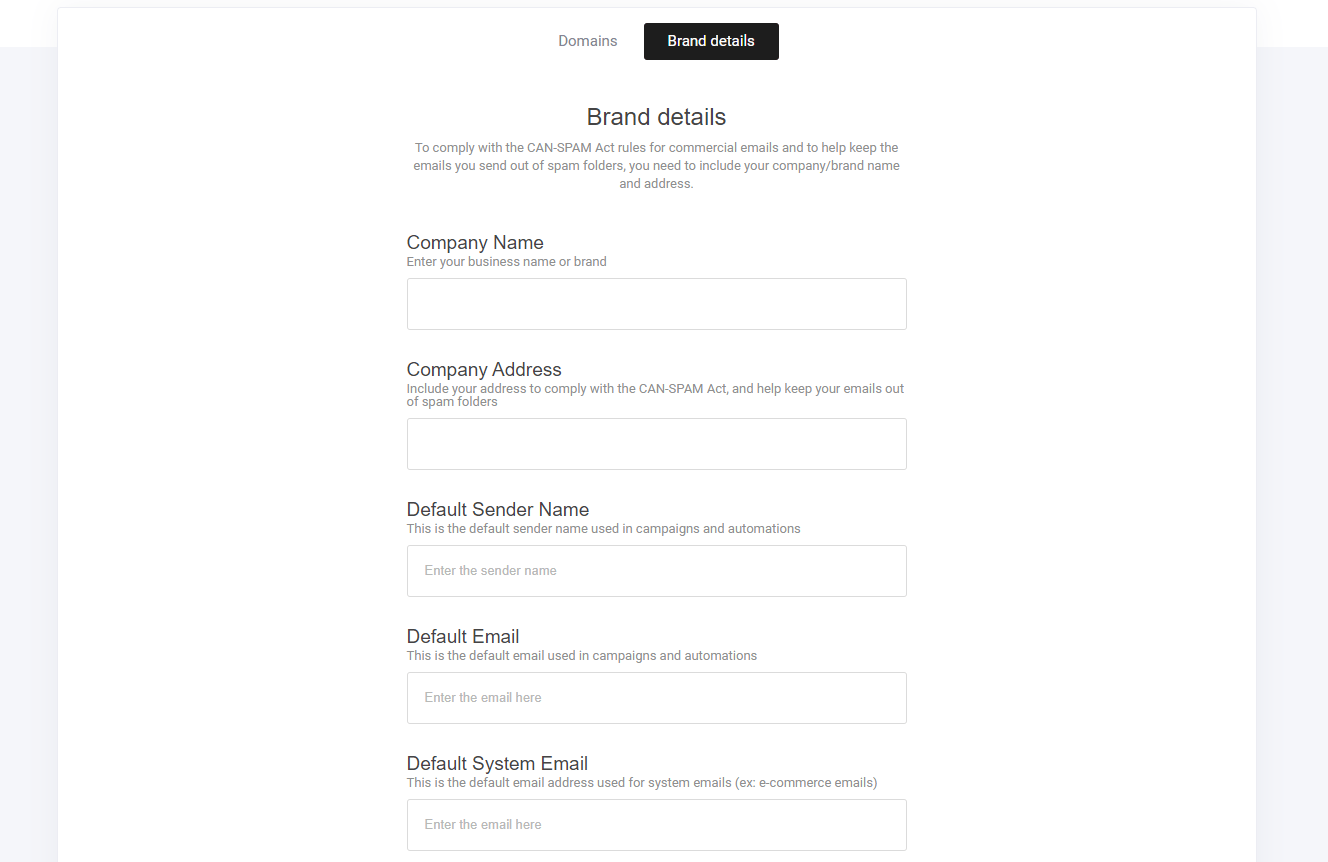
- Default Sender Name > This will be the name that your subscribers will see, who the email is from.
- Default System Email > Ensure the information is correct, as this will be your email address shown.