

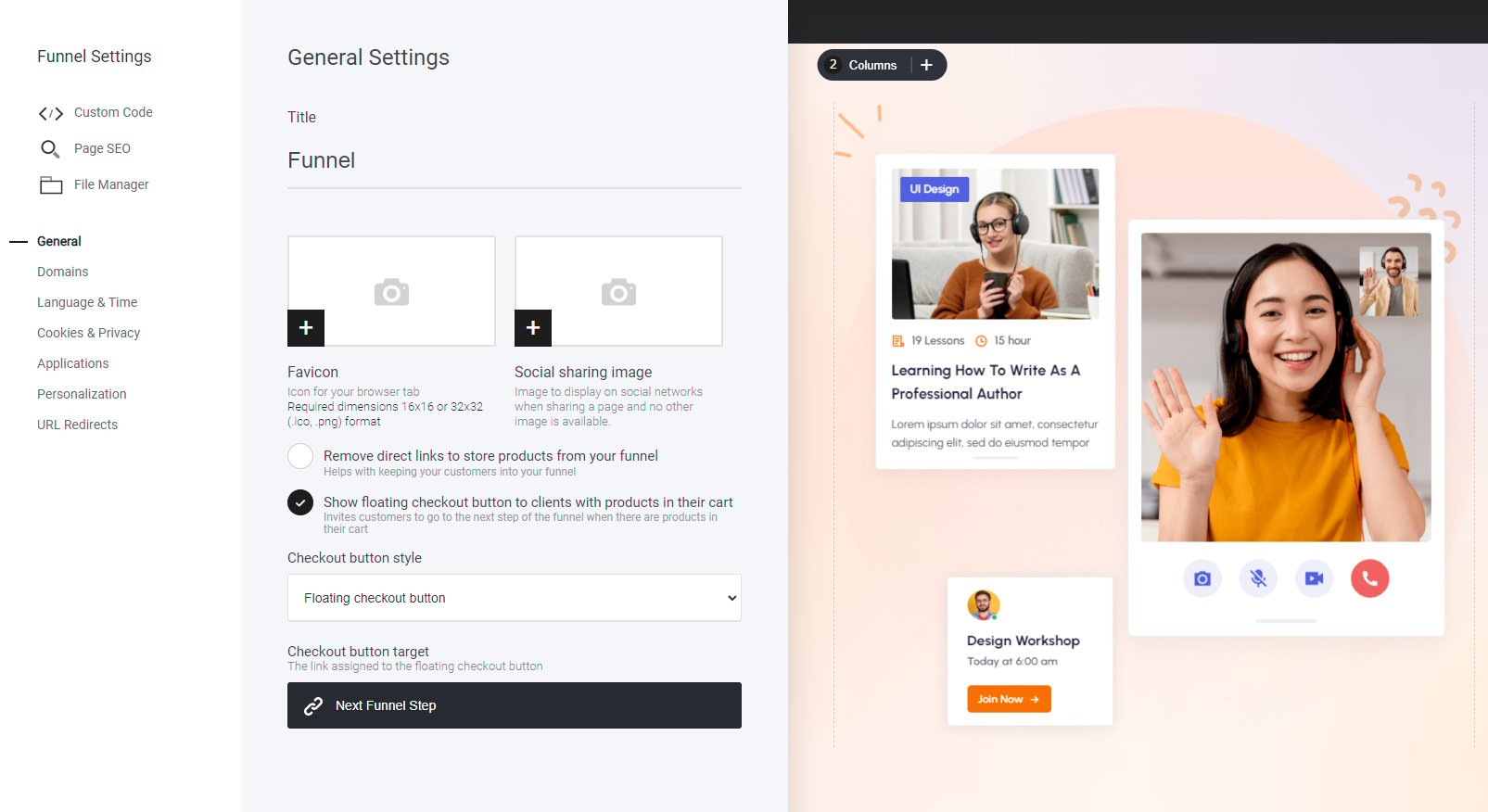
- Show Floating Checkout Buttons – Keep checkout access visible at all times, ensuring a smooth purchase experience.
- Customization Options – Adjust how and where floating buttons appear for maximum convenience.
- Increase Conversions – Helps reduce friction and encourages users to complete their purchase seamlessly.
Connecting your domain
If you have a project that contains a website and multiple funnels, but you want to have a separate funnel for a different domain you can. Simply navigate to the domains tab and set up the funnel domain connection in the exact same process as adding your website domain.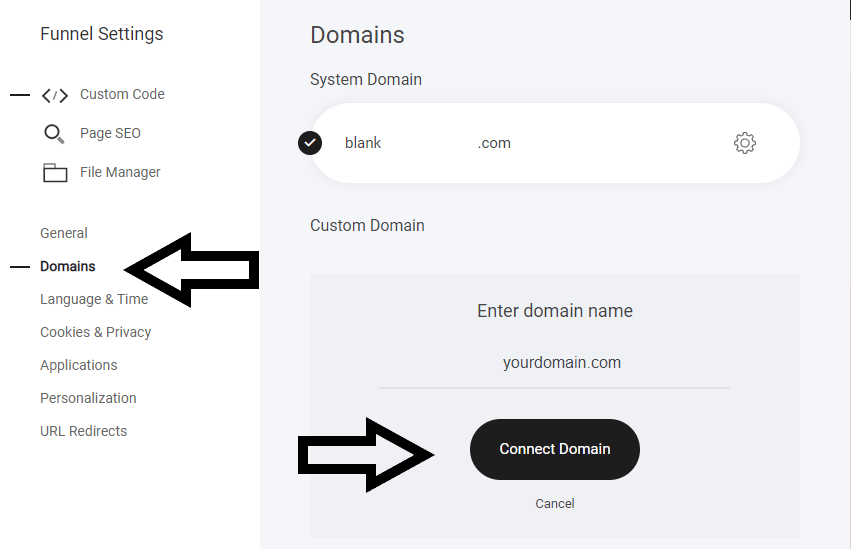
Show floating checkout buttons
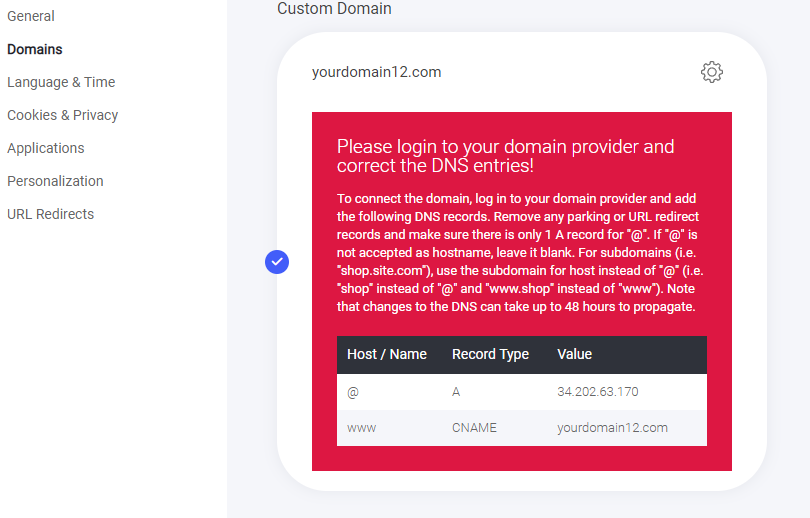
You can opt to display a floating checkout button when a visitor adds an item to their cart, it will display as an icon in the top right of their screen. From here you have two options for display type: 1, Floating button When the floating button is enabled it will display as shown below. Once the visitor clicks it, they will be taken to the next step in the funnel. Alternatively you can select any step in the funnel if required.