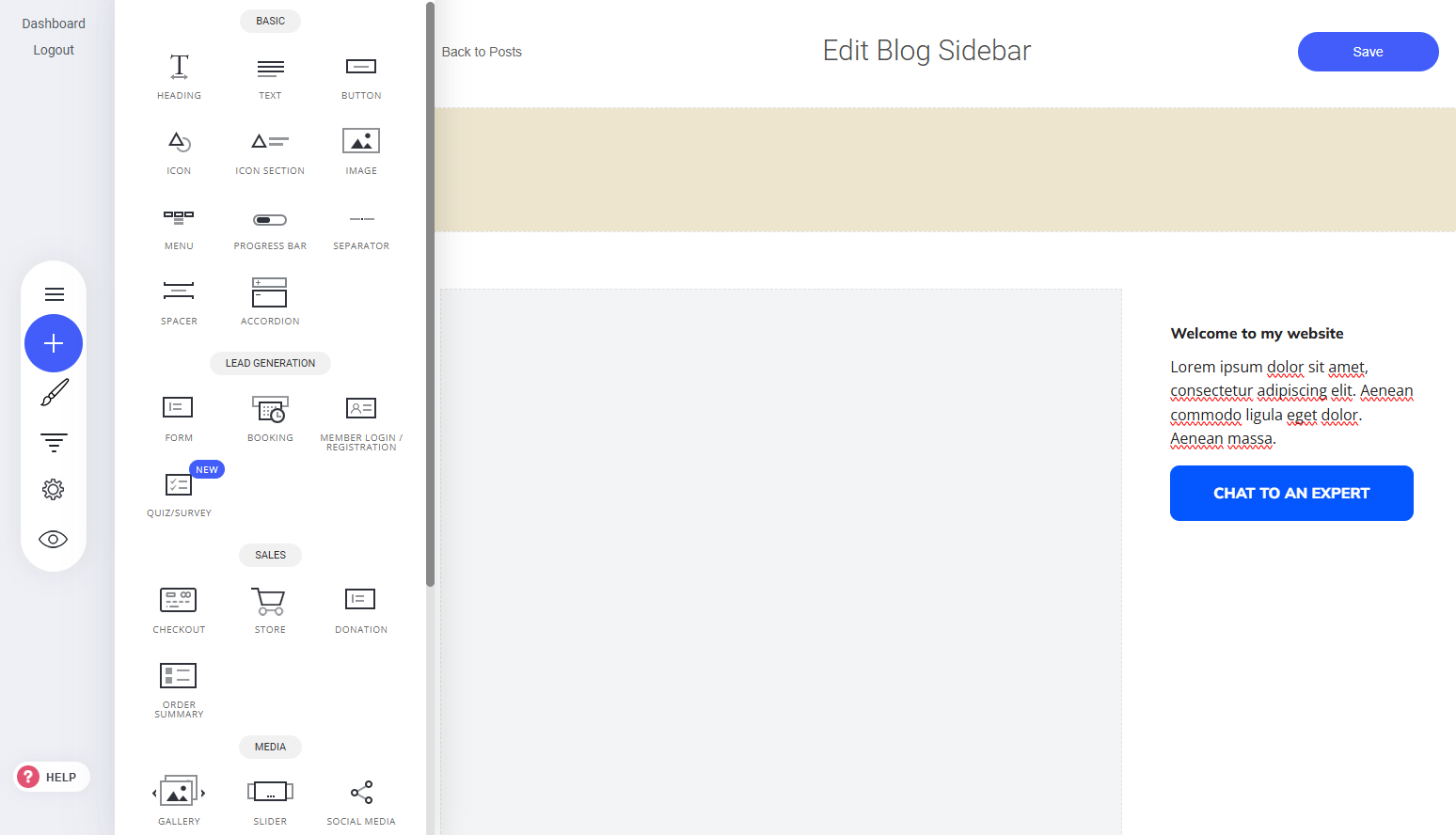
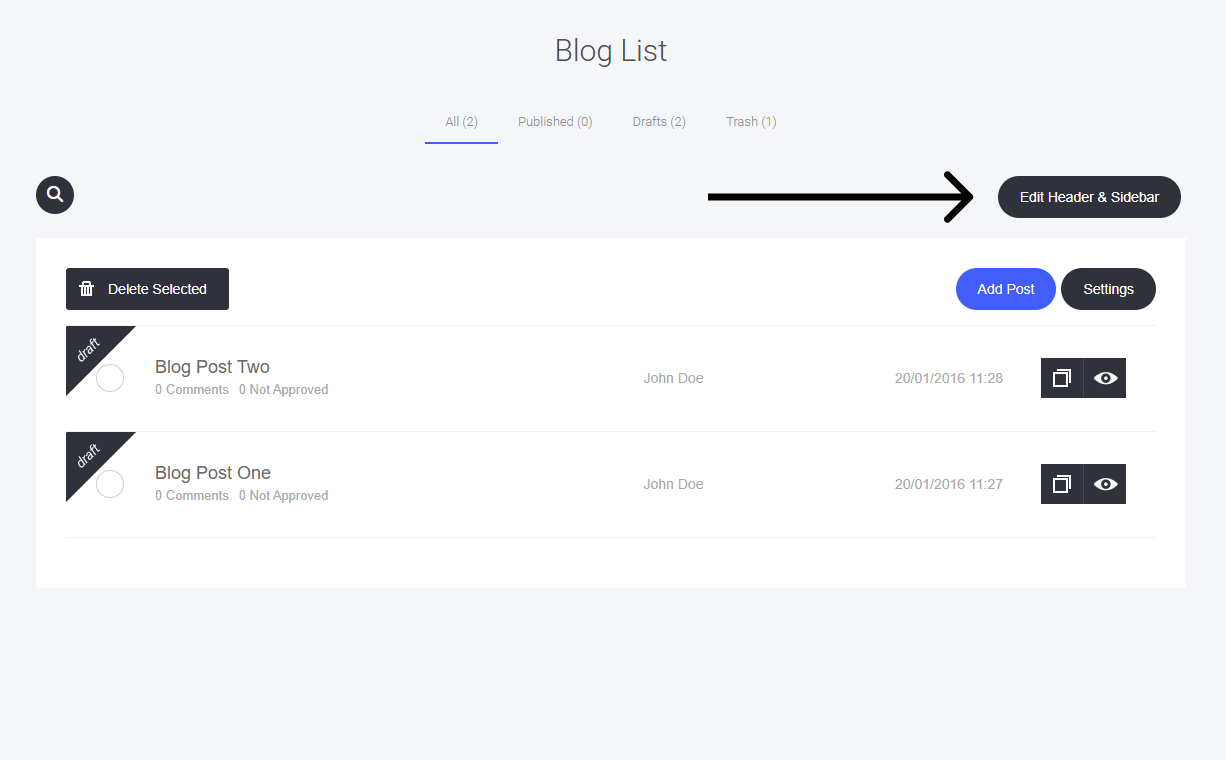
- Locate the ‘Edit Header & Sidebar’ Button – Found in your blog settings.
- Click to Open Editor – Access customization options for layout and content.
- Modify Header Elements – Adjust navigation links, branding, and styles.
- Refine Sidebar Widgets – Add or remove content blocks, categories, and social links.
Getting Started
Blog Header and Sidebar Settings
The Header and Sidebar shape the base template for all your articles, ensuring consistency and branding across your blog.
How to Edit:
Last modified on September 2, 2026