

Article Creation Overview
Crafting engaging blog content is easy with the article editor! How to Start or Edit a Post:- Click “Add Post” – Create a brand-new article.
- Select an Existing Title – Open a post you wish to edit.
- Access the Article Editor – A dedicated editing interface will appear for customization.
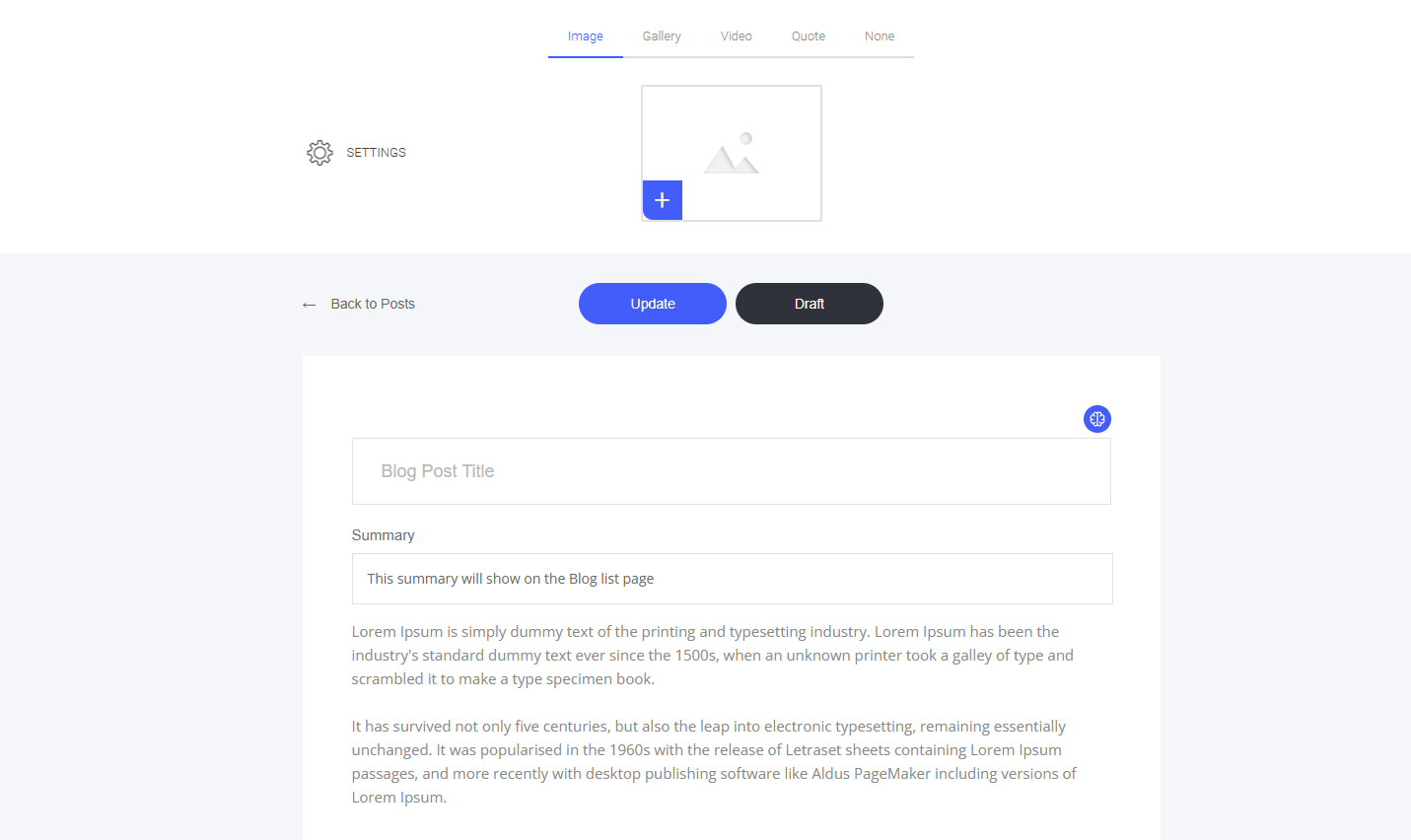
- Change the main image or media you wish to use for that article
- Give the article a name (This will also be your H1 Heading Tag for SEO)
- Add a summary to the blog (This will display on the main blog page, and it is also the Meta Description used for SEO)
- Create the actual article content in the drag-and-drop builder
- Adjust the settings for each individual blog article or post