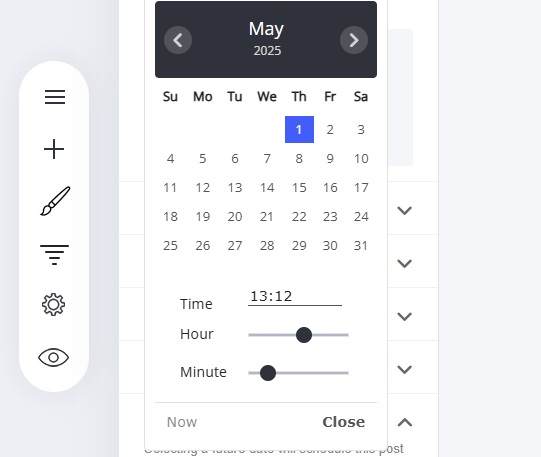
How to Set a Publishing Date for Your Post/Article
Go to ‘Post Date’ in the article settings menu and select the date and time for the article.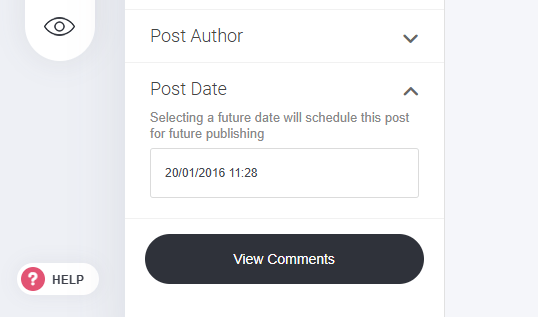
How to Schedule a Post/Article to Publish at a Future Date
Easily schedule blog posts by setting a future date and time in the ‘Post Date’ field. How to Schedule a Post:- Navigate to the Article Menu – Open the post settings.
- Locate ‘Post Date’ – Enter the desired publication date and time.
- Save Your Changes – The system will automatically publish the post at the scheduled time.