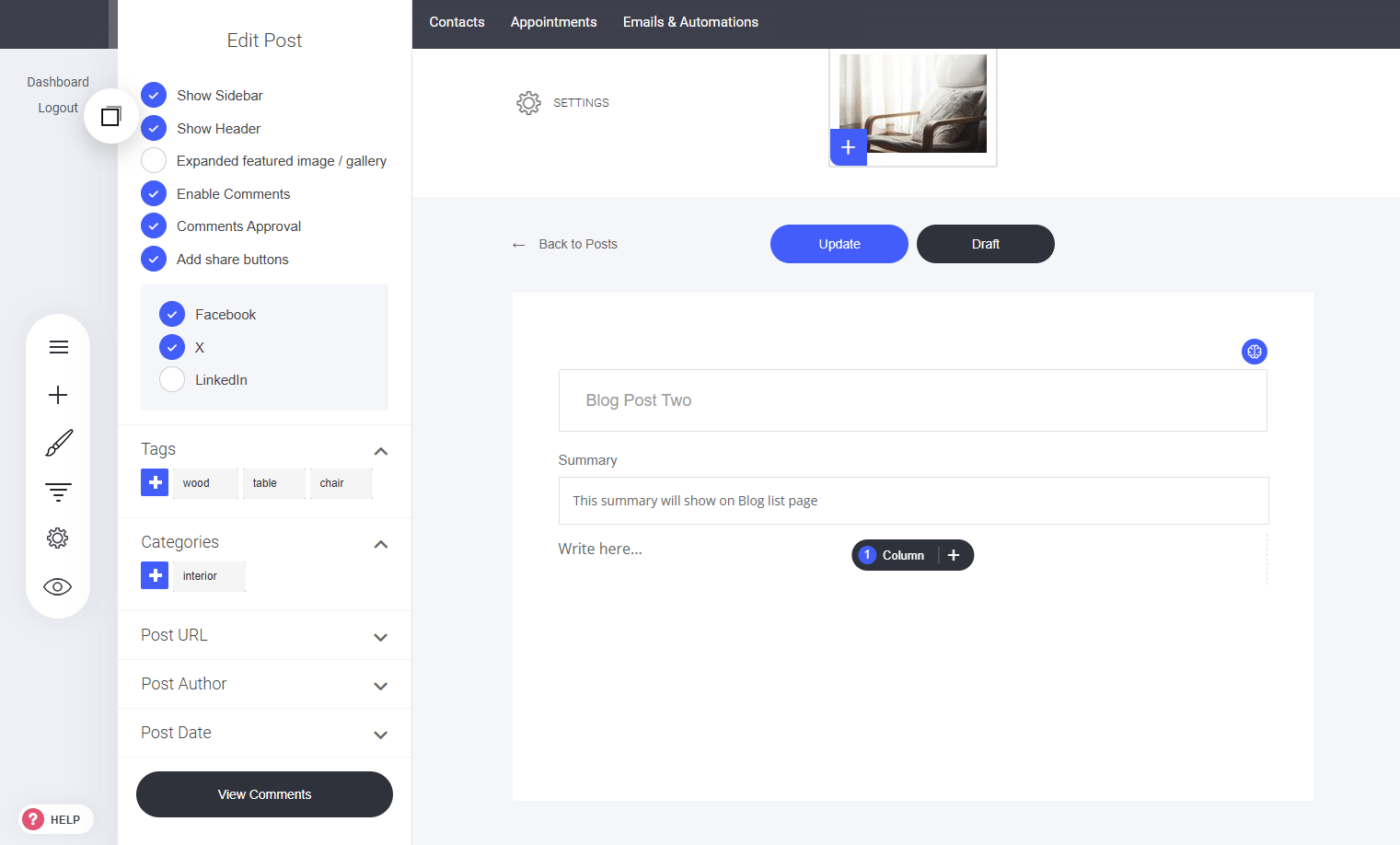
Every blog article comes with its own customizable settings. How to Access Article Settings:
  1. Open the Blog Article – Navigate to the post you want to modify.
  2. Locate the Settings Cog – Positioned in the top left corner of the editor.
  3. Click to Open – Access various customization options for the article.
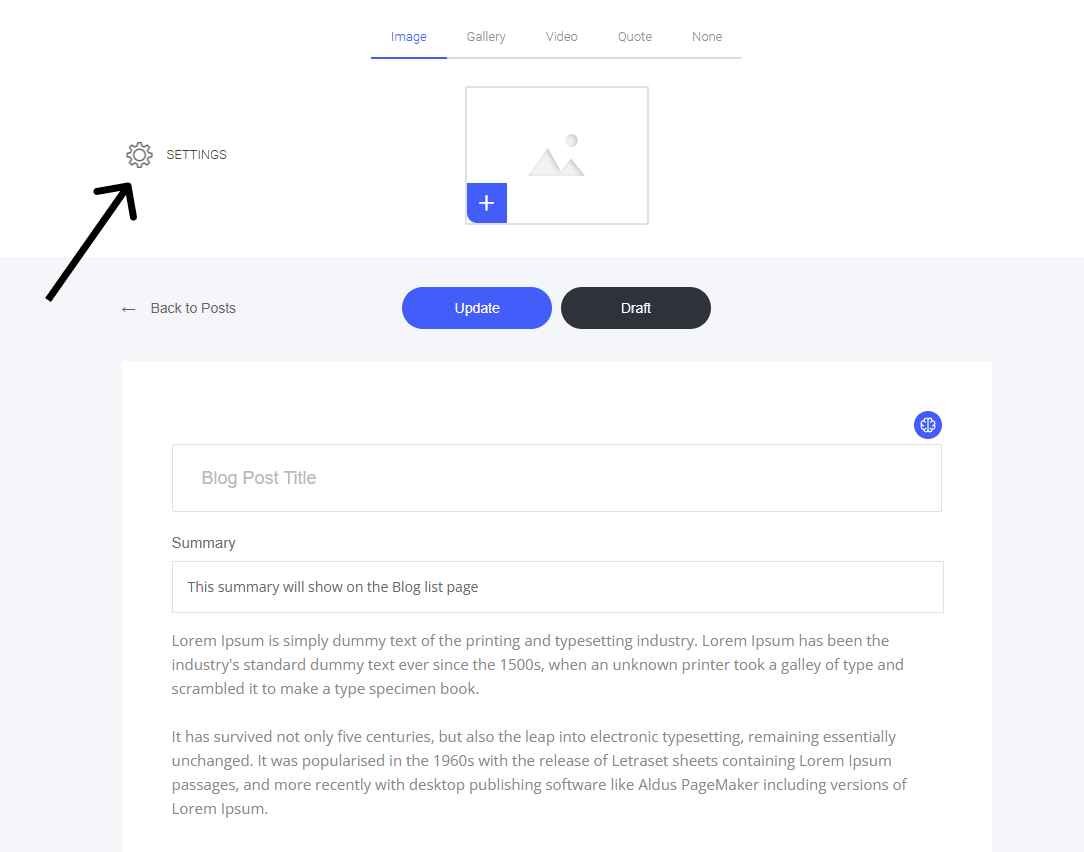
This allows you to fine-tune details for each post, making sure it aligns with your needs!

Article Settings Menu:

Blog Article Tags

Tags help segment content and allow readers to filter posts based on relevant topics.

Blog Article Categories

Categories are great for segmenting your content and will also allow readers to filter your content based on the categories you created. Articles/posts can be assigned to...

Blog Article URL

To set or change the URL of your blog article/post, go to the 'Post URL' section in the post settings menu.

Blog Article Author

Ensure proper attribution by defining the author name in your blog post settings.

Blog Article Post Date

How to Set a Publishing Date for Your Post/Article

Blog Article Comments

Encourage engagement by allowing readers and community members to interact with your content. Activate the comment feature in your blog settings to foster discussion and feedback.
Last modified on September 2, 2026