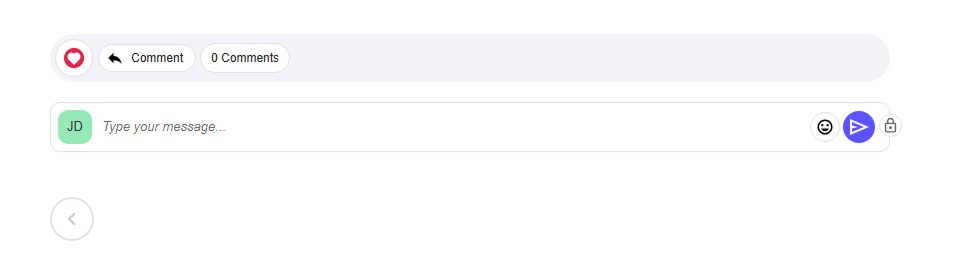
How to Enable Comment Options
- There are two display formats to choose from
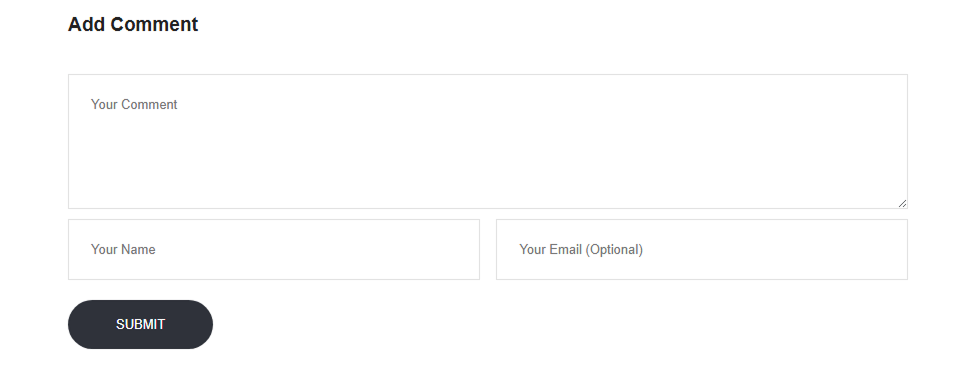
- Legacy Comments – A traditional comment section offering a familiar structure
- Comment Widget – A modern, customizable option designed for seamless integration
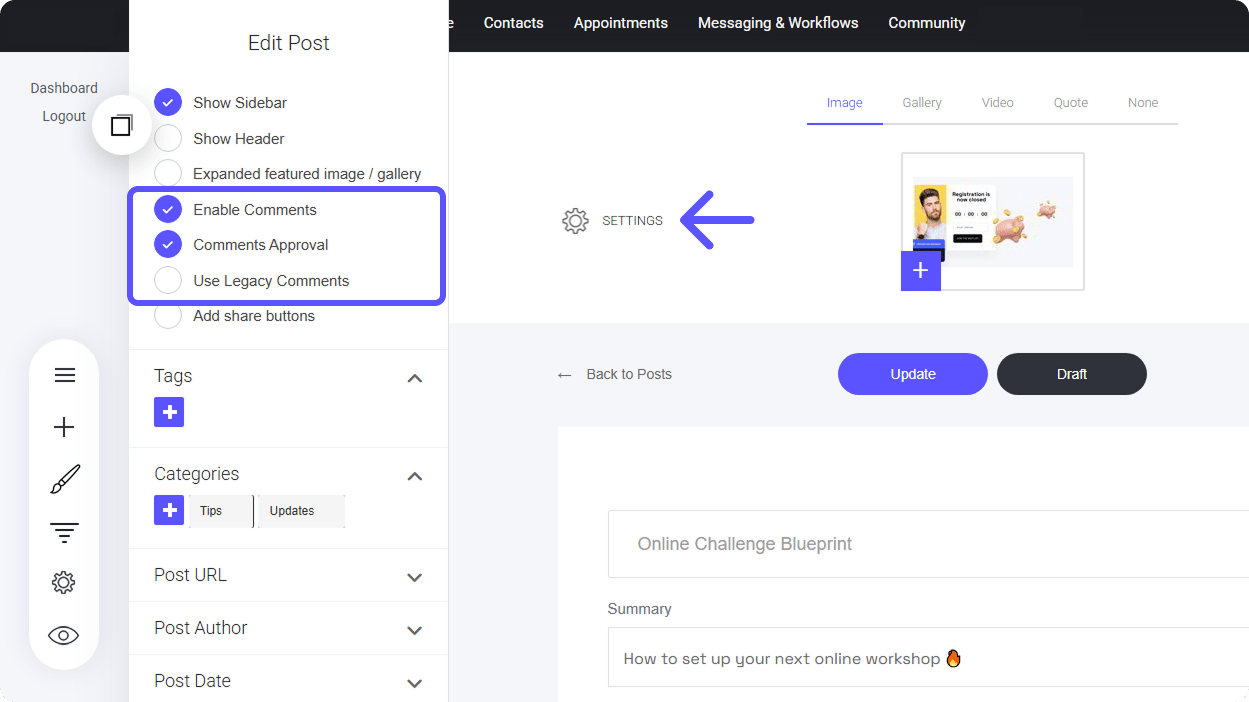
Legacy Comments:
Legacy comments allow website visitors to engage with your blog posts without needing to log in. Readers can leave feedback with or without providing an email address, making it a seamless way to encourage discussion.Managing Legacy Comments
Approving comments is optional if enabled, you can moderate interactions directly from your blog settings display. How to Manage Comments:- Navigate to the ‘Comments’ Section – Located at the bottom of the post settings menu.
- View Existing Comments – Monitor interactions from readers.
- Approve Comments – Publish feedback that adds value.
- Delete Comments – Remove inappropriate or unwanted discussions.
Member Comments
Unlike Legacy Comments, Member Comments provide more control by allowing only verified members to comment on blog posts. This helps maintain a secure and high-quality discussion space.Key Features:
- Restricted Access – Only verified members can post comments
- Moderation Notifications – Get alerts when new comments need review
- Direct Replies – Respond to comments within the moderation area