
Moderation topics:
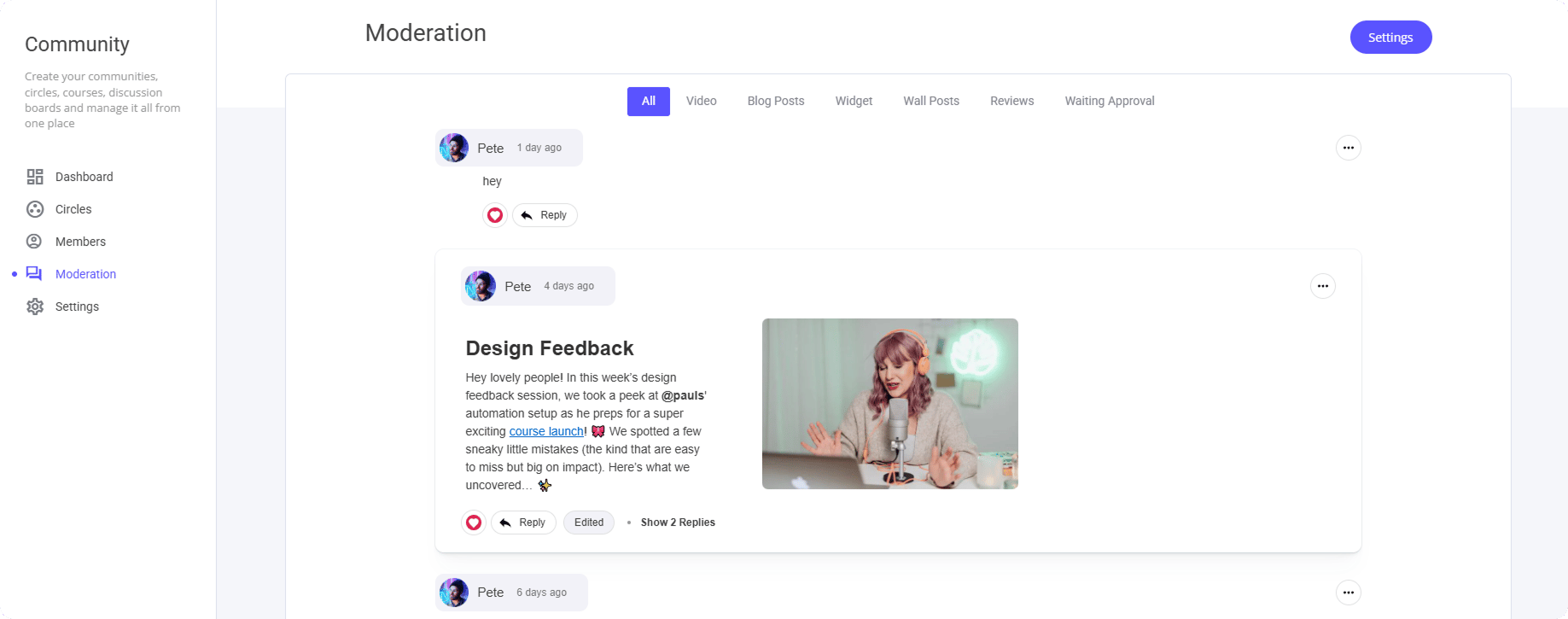
All: As the name suggests, this view displays all community posts, comments, reviews, and related activity in one place for easy access and management. Video: This section displays a list of all hosted videos along with the comments made on each one. You can also filter the view by specific videos if needed. Blog Posts: If you have comments turned on within a specific blog post, you can reply to them directly from here. Widgets: Widgets refer to any community elements you’ve added to other pages. For example, if you’ve placed a Comments widget on a regular page, you’ll find all related activity here and can respond directly from this section. Wall posts: Any post you have on a specific community wall, such as community posts etc. Reviews: This allows you to respond to any reviews made after a person has purchased an item if you have the review turned on. Waiting Approval: If you have the setting awaiting approval selected, you will be able to accept of decline such comment/review. Commonly used within blog comments.Settings
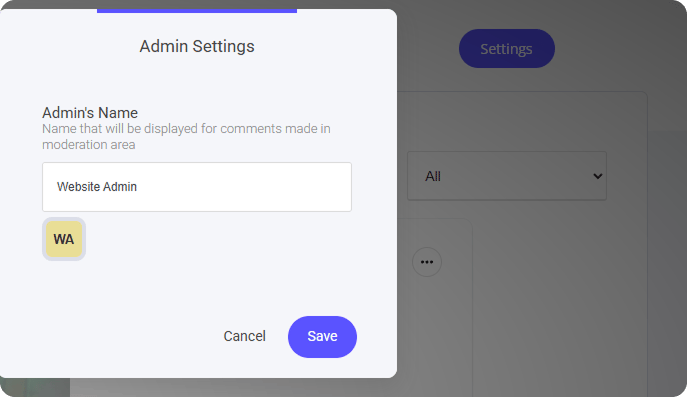
At the top right hand side of the screen you will see a Settings button. Here you can allocate a specific admin you want to reply as to any of the Moderation topics listed above.