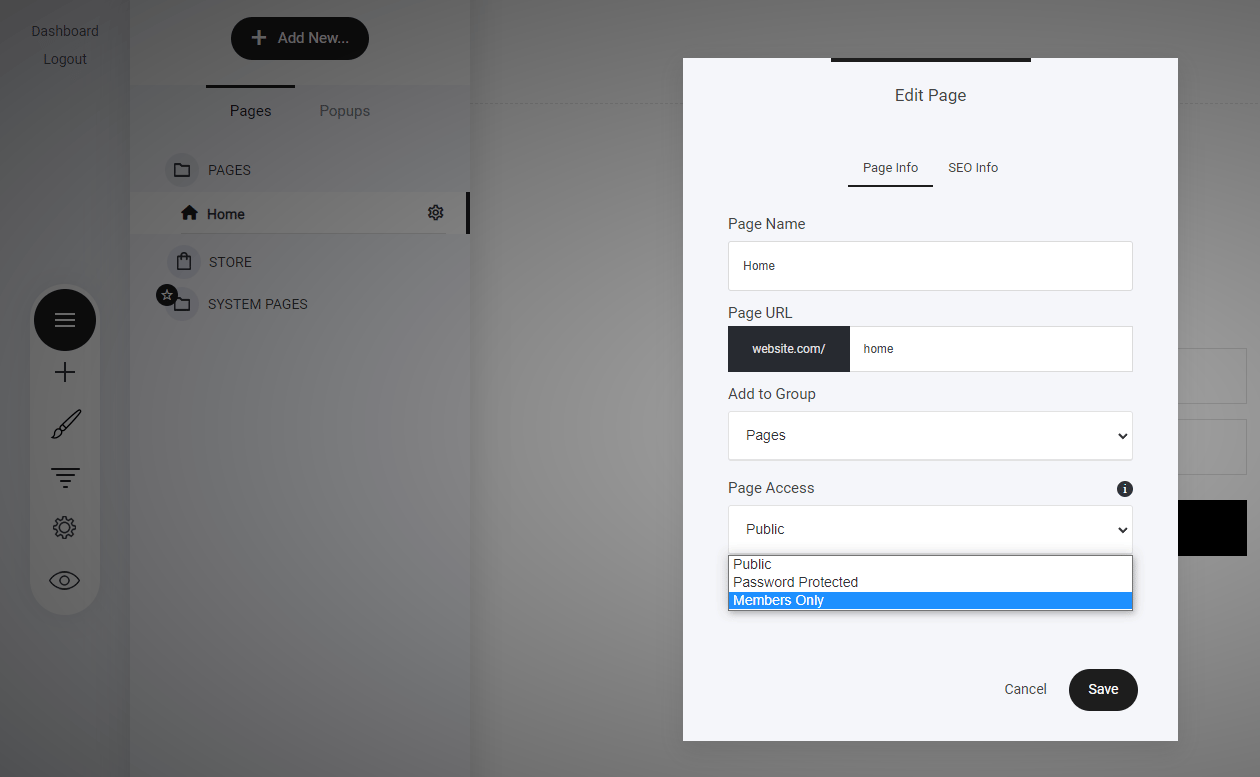
- Go to “Pages” or Locate the Folder – Find the page you want to restrict.
- Click the Three Dots Icon – Access the page settings.
- Select “Members Only” – Choose this option from the Page Access dropdown.
- Click “Choose Member Groups” – Assign the groups that should have access.
- Repeat for Funnel Steps – The same process applies to funnel steps to control user access efficiently.