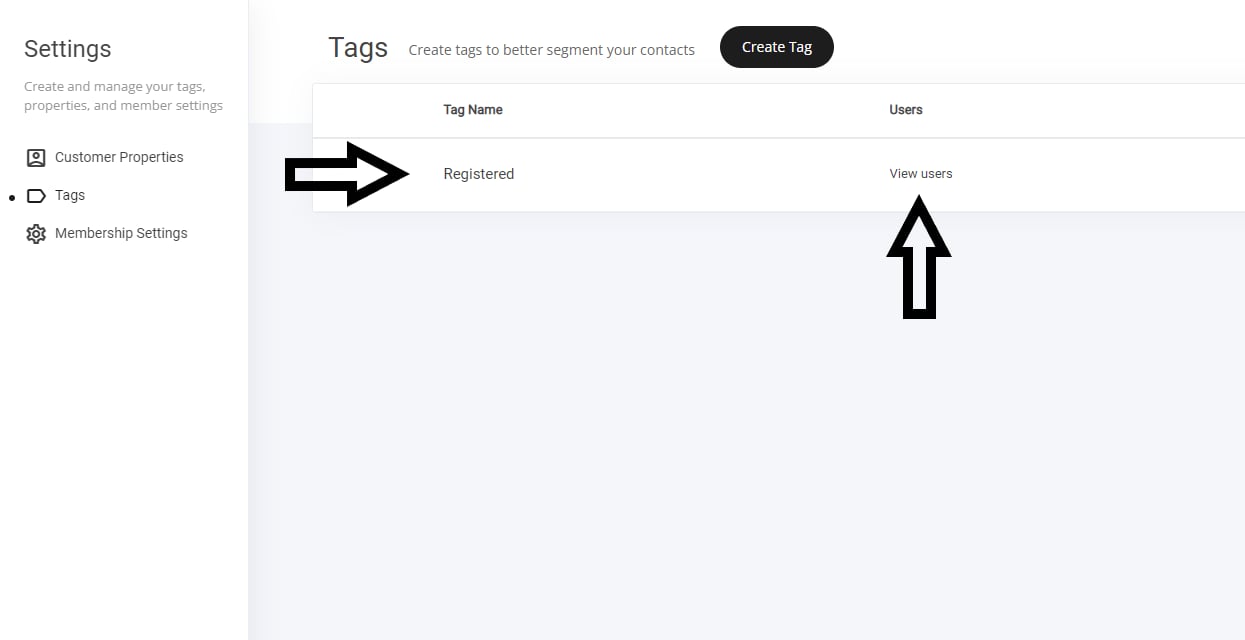
Creating Tags to Segment Your Audience
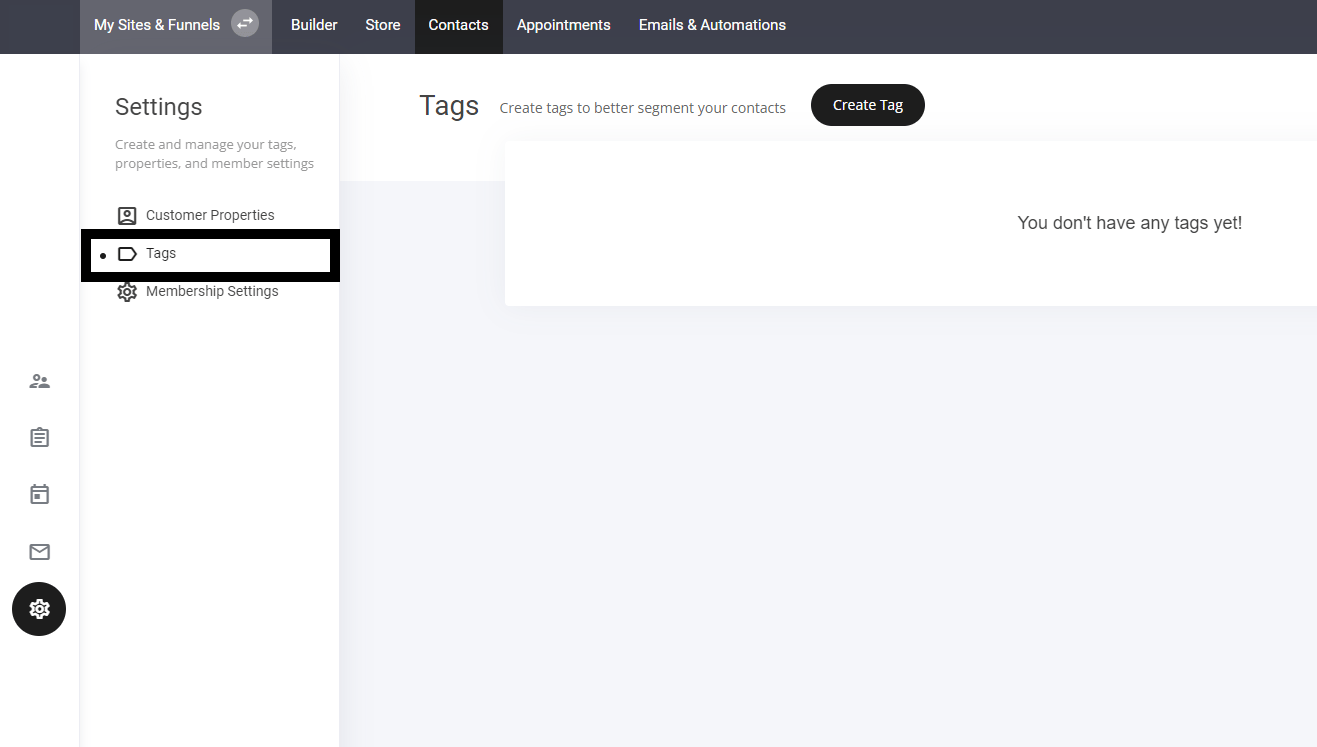
Tags are a great way to organize and categorize your contacts for better audience segmentation.- Go to the Contacts Tab – Open your contacts management section.
- Select the Tab Icon – Navigate to the tagging feature to create new tags.
- Apply Tags Strategically – Use them to group contacts by interest, purchase behavior, or engagement level.
You can also create tags on various widgets such as checkouts, forms, trigger automations and more. To help speed up your tag creating process.