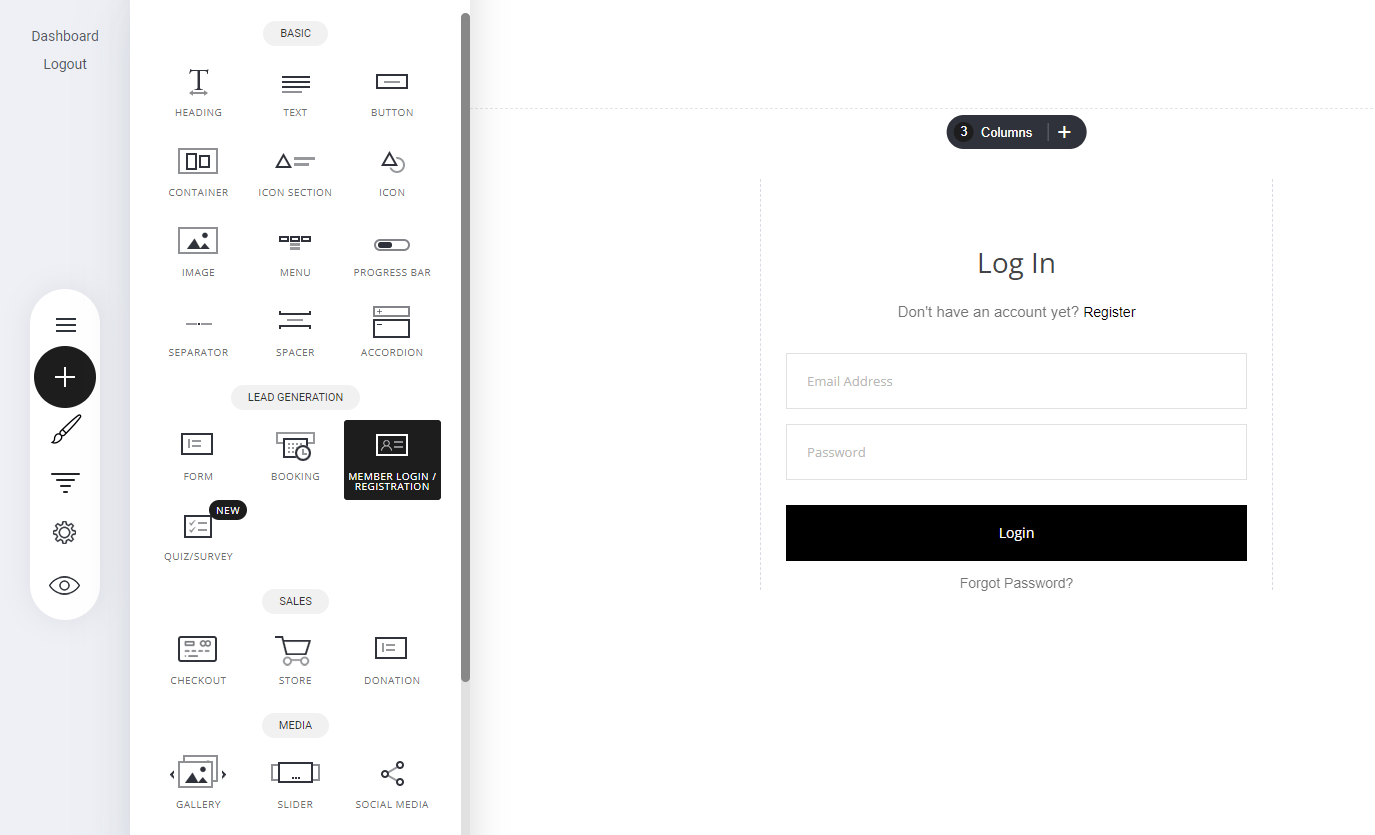
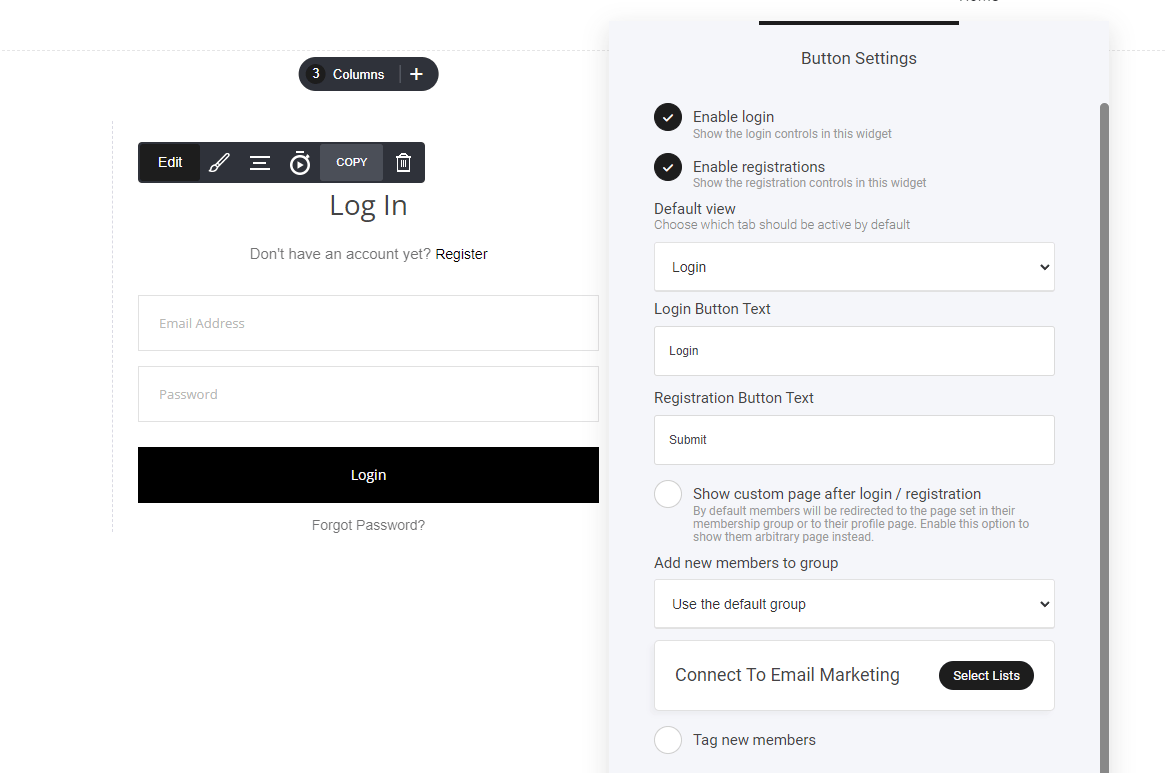
- Go to the Contacts Tab (“CRM”) – Navigate to your contact management section.
- Select “Add Group” – Start creating your new membership group.
- Manage & Customize – Adjust settings, add users via forms or store purchases, and oversee group interactions.
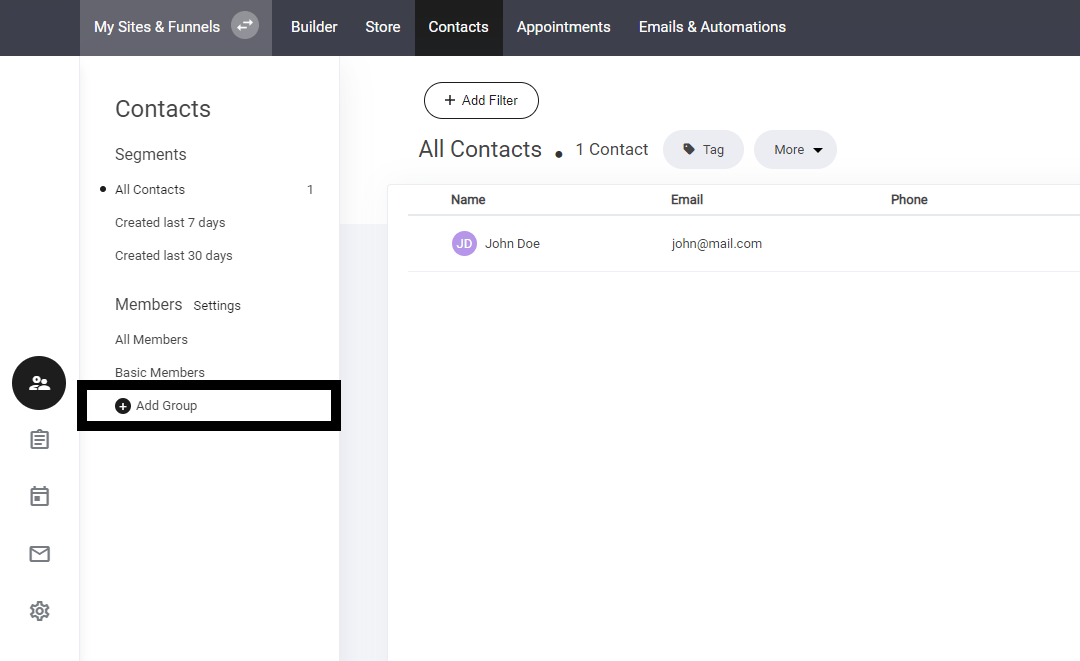
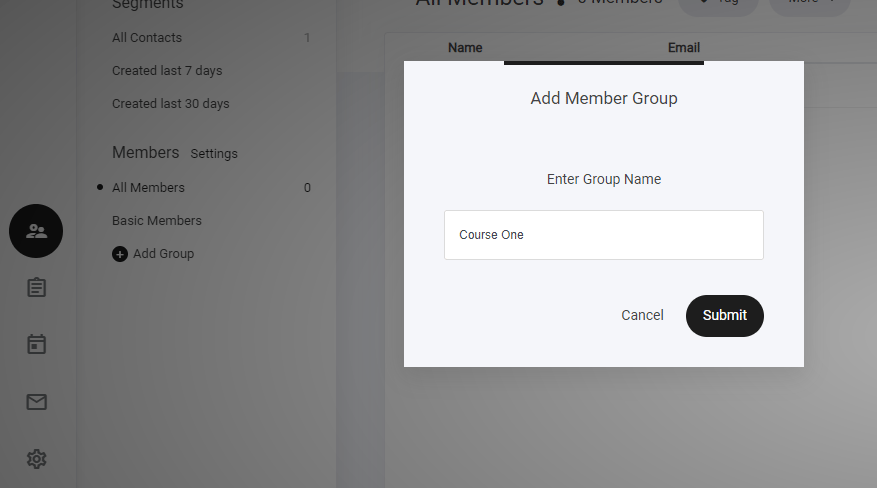
- Post purchase via your store
- Upon form completion
- Checkout re-direct
- or when members log in
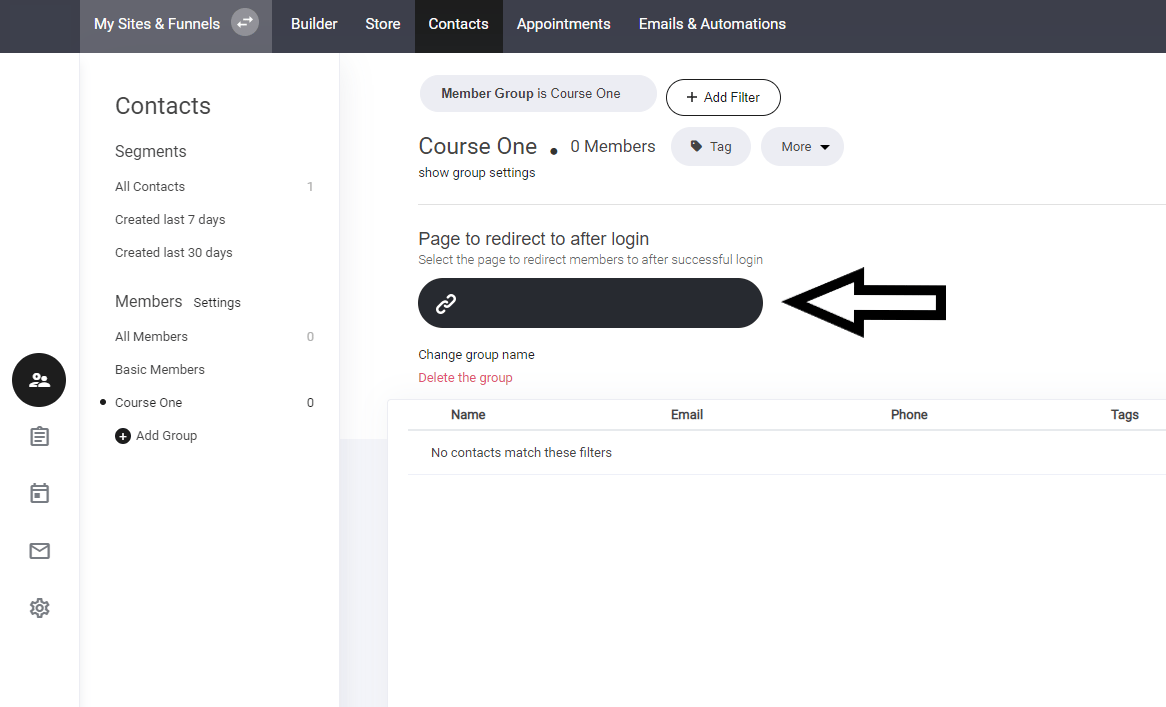
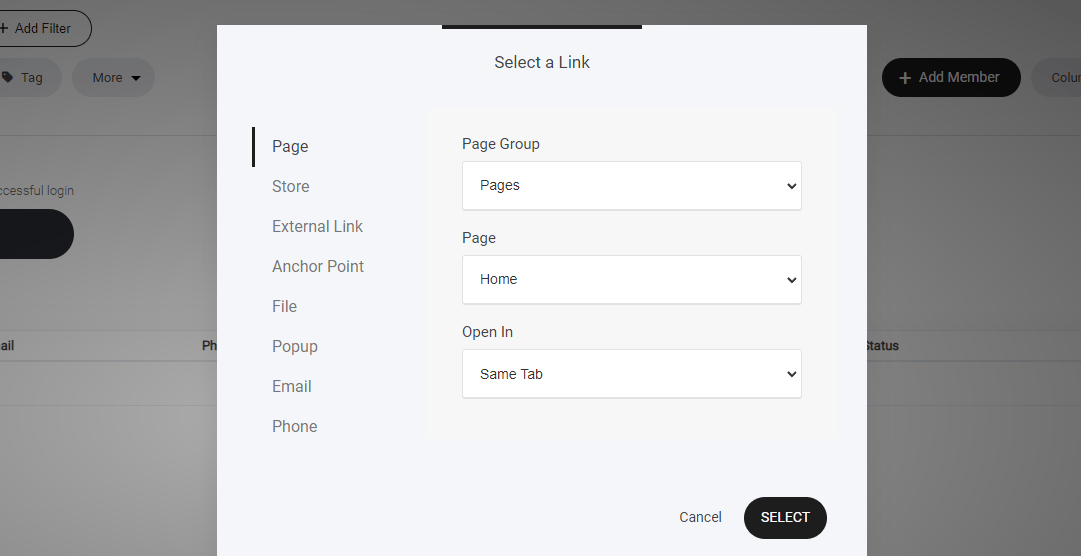
Importing Members
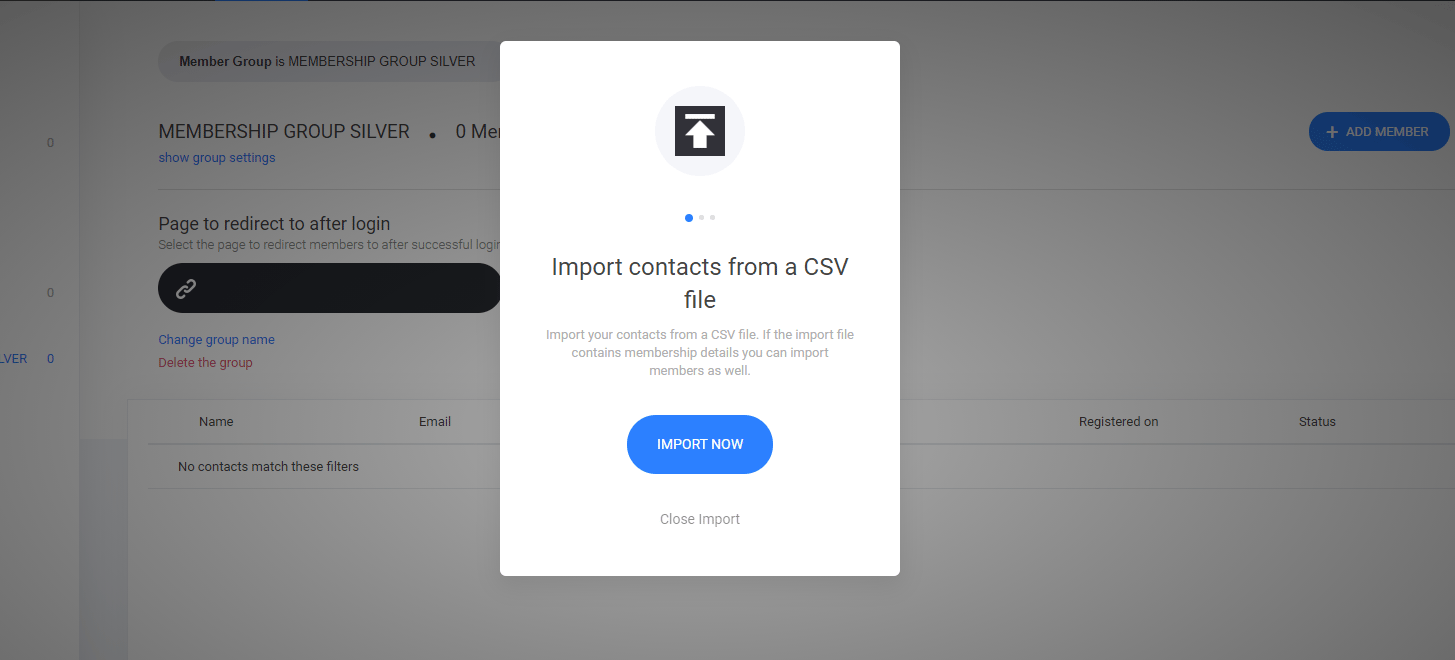
If you already have an existing list of members on another platform or an email list, you can automatically import all your members via CSV. If you have a members group, where you require to move users from one group to another. You can use the Export tab for that instance.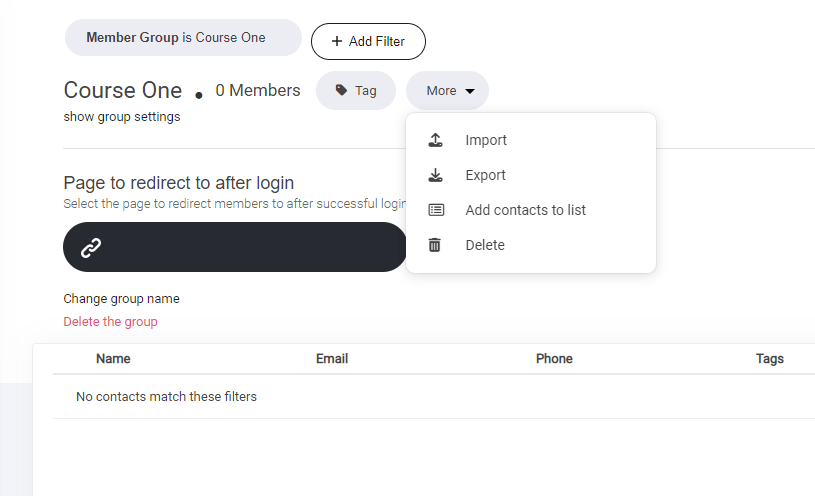
Members details page
Members are allocated a membership management page automatically. To modify your members management page: Go to System pages and select Members details. As shown below.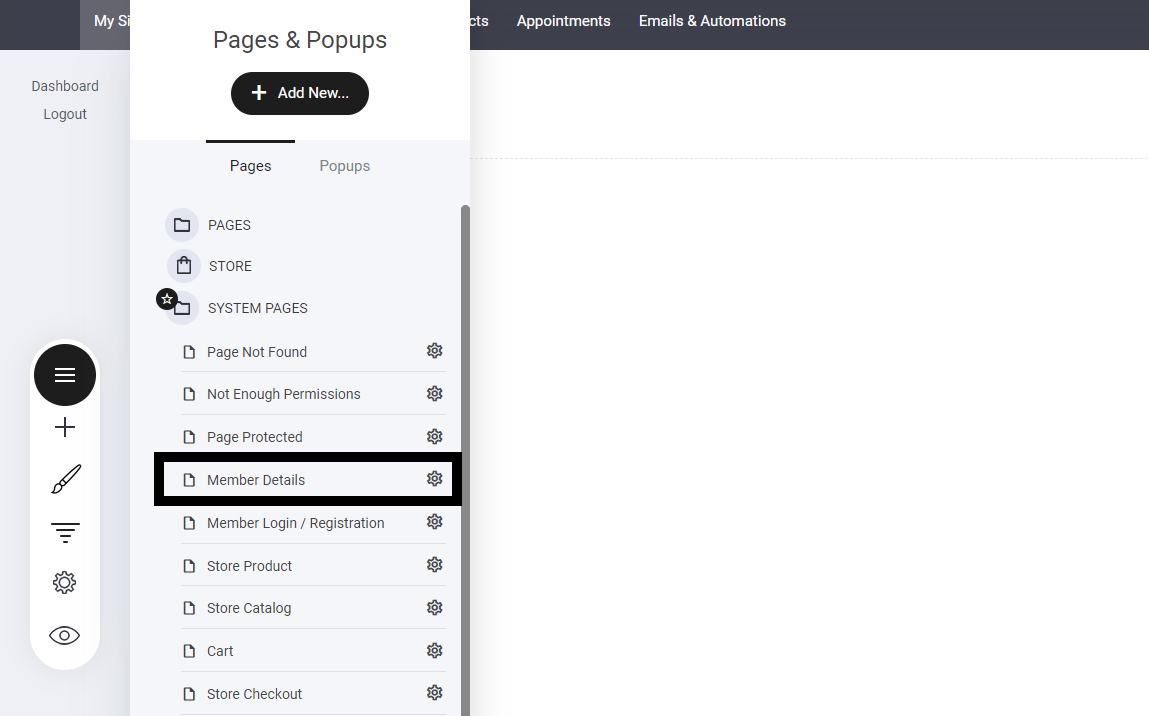
Members dashboard
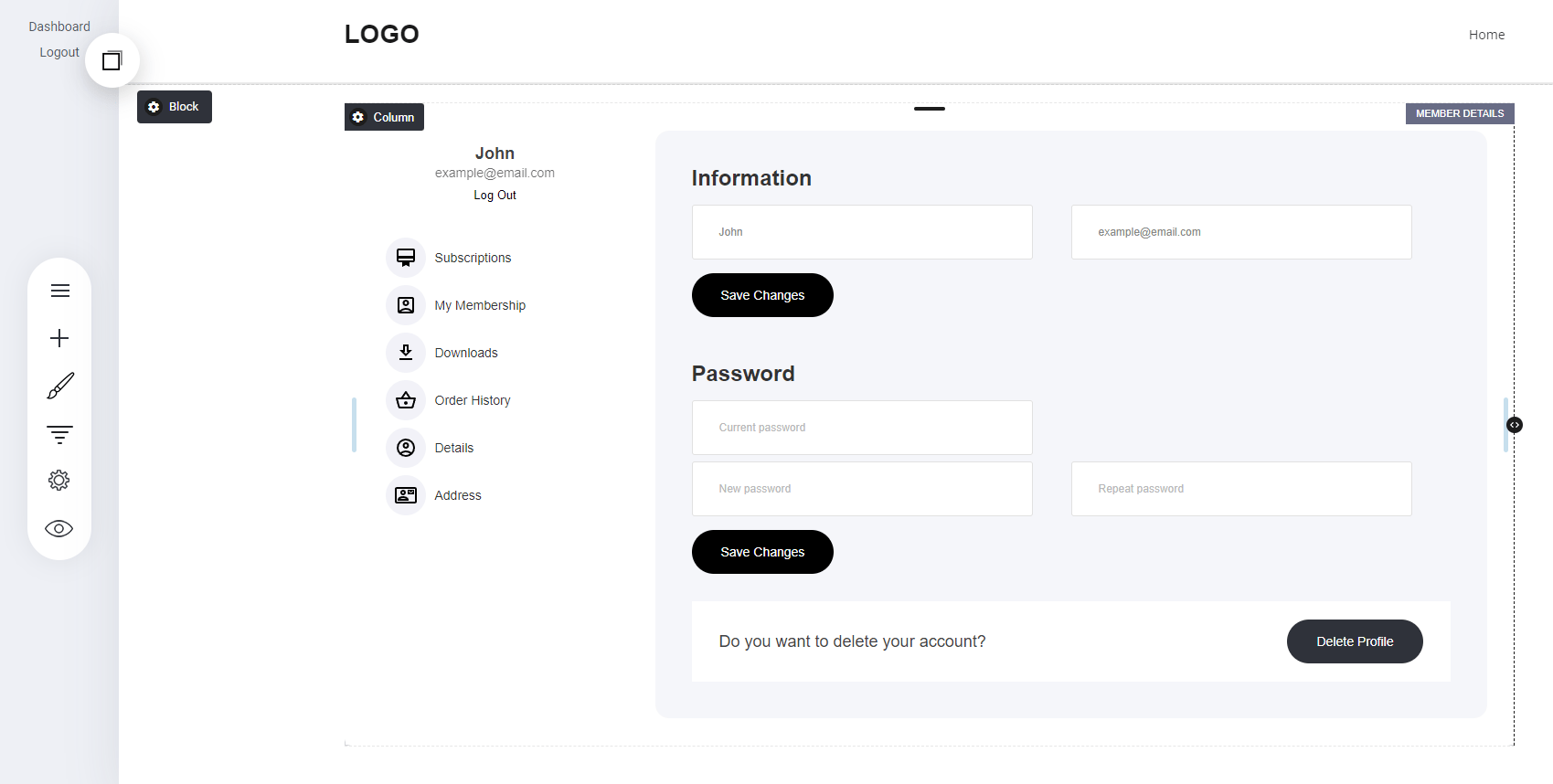
Below is the members management panel, here they can manage:- Subscriptions
- Downloads
- Order history
- Customer details
Adding a user to a membership group upon purchasing a product.
When creating a membership product, it’s important to select the product term ‘Membership’ This will enable you to allocate your membership groups to products. Go to your store tab and select the products tab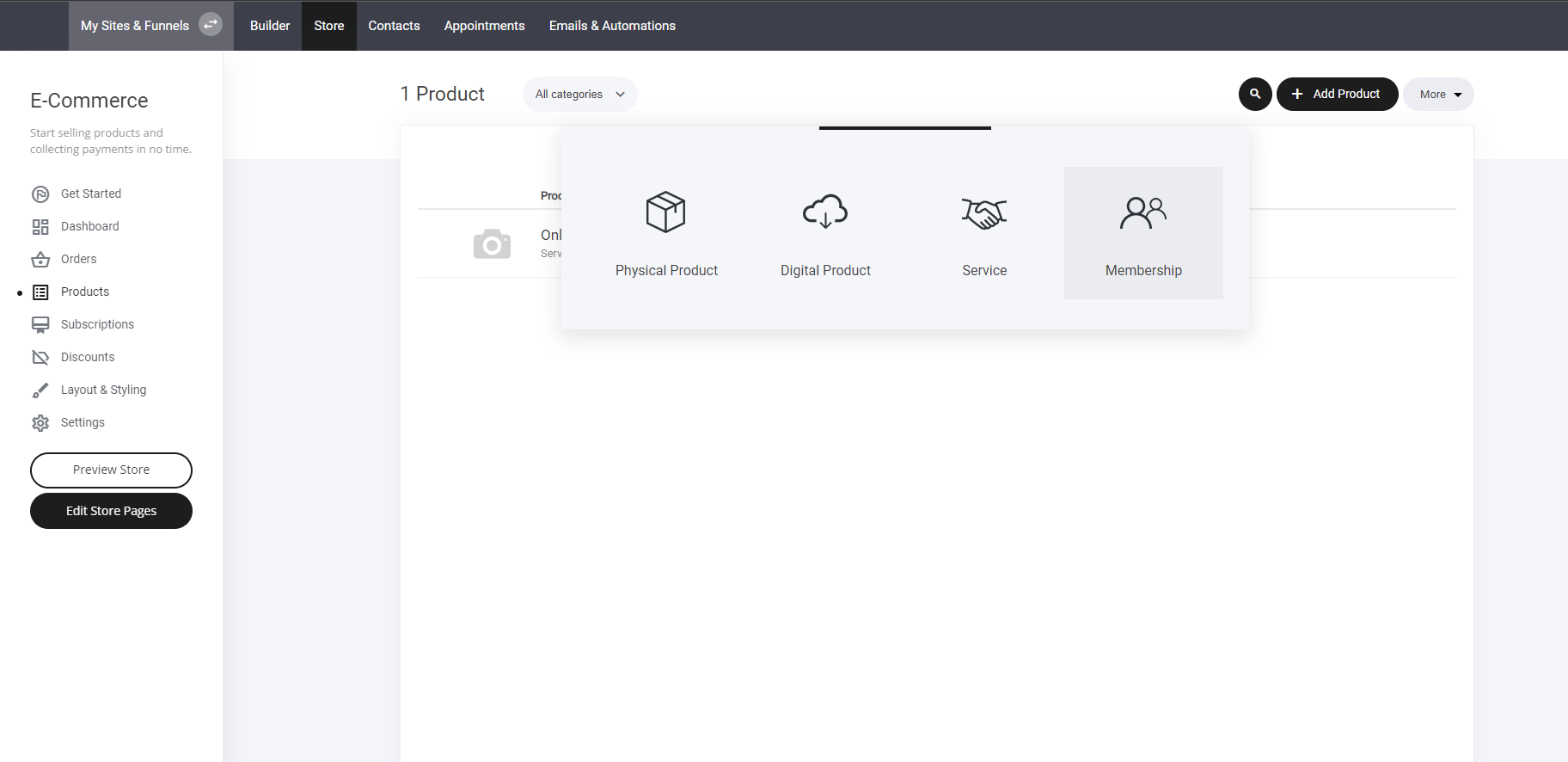
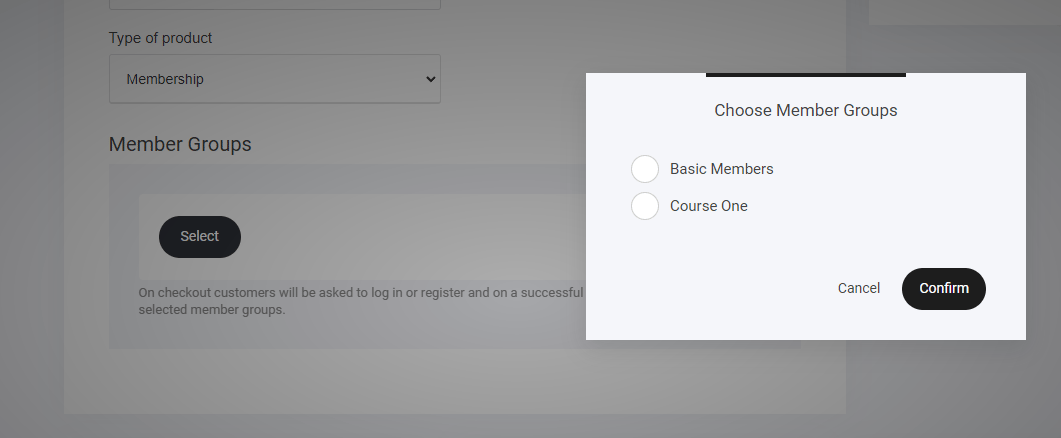
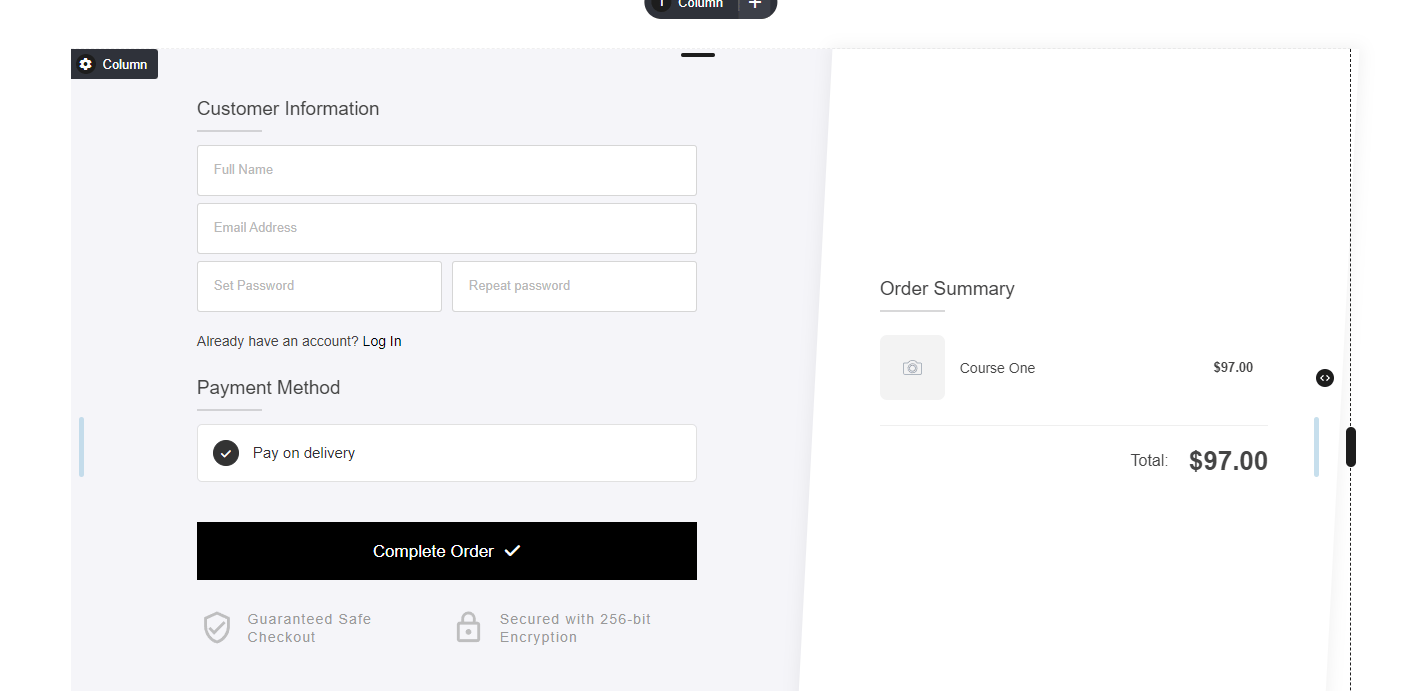
Viewing your membership product in the store checkout area.
If creating specific pages for your membership products, you can add them directly to a checkout widget. You can add multiple membership products too. Either allowing the customer to select which membership they require - or stacking your membership products creating somewhat of a bundle. Once the customer purchases your membership product, you can either re-direct them to the membership area. or display a custom thank you page.Note: A system generated email will be sent to the customer, containing their membership details and also a button directing them to their membership management area.
Adding a member to a group via the form widget
In some instances you may require to add a user to a membership area via a form on your website, funnel or landing page. Simply create your form and add the desired membership group you want them to be added to. As shown below.