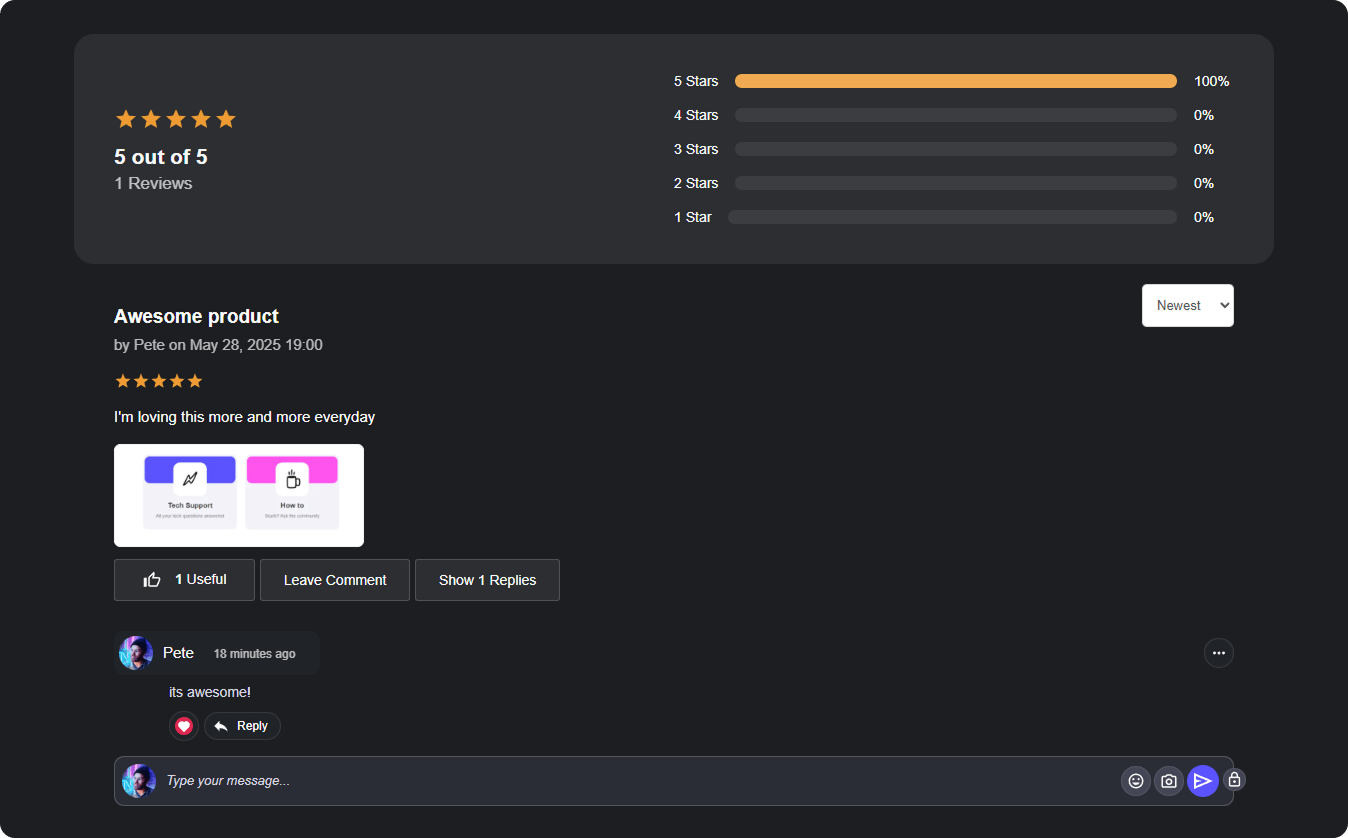
- Customizable Review Forms – Define the structure of your review process.
- Approval Controls – Manage new reviews with optional approval settings.
- Threaded Replies – Enable structured discussions within reviews.
- Image Attachments – Allow users to enhance feedback with images.
- Styling Options – Adjust colors, backgrounds, and display layouts.
- Light & Dark Theme Support – Ensure accessibility and branding consistency.
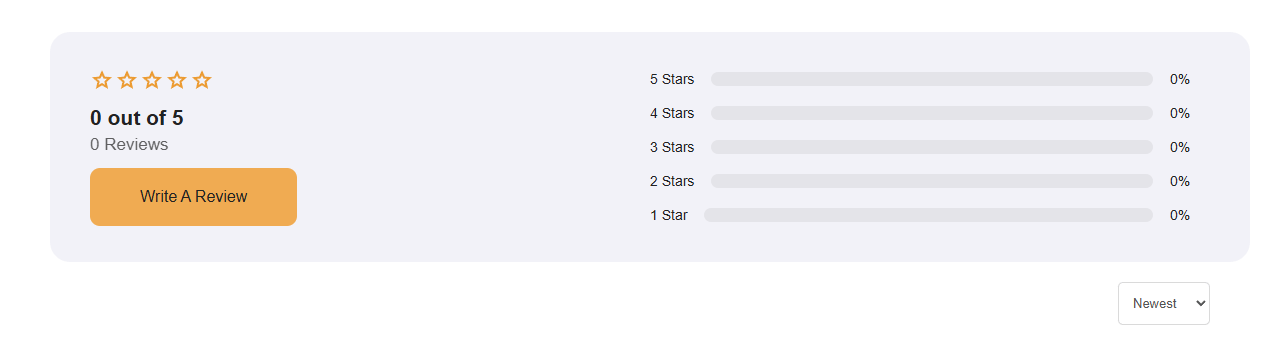
Create Your Review
To begin setting up your Review Widget, follow these steps:- Navigate to the left-side task bar and locate the Review Widget icon.
- Drag & drop the widget into the builder canvas.
- Start editing the settings to customize how reviews are displayed and collected.
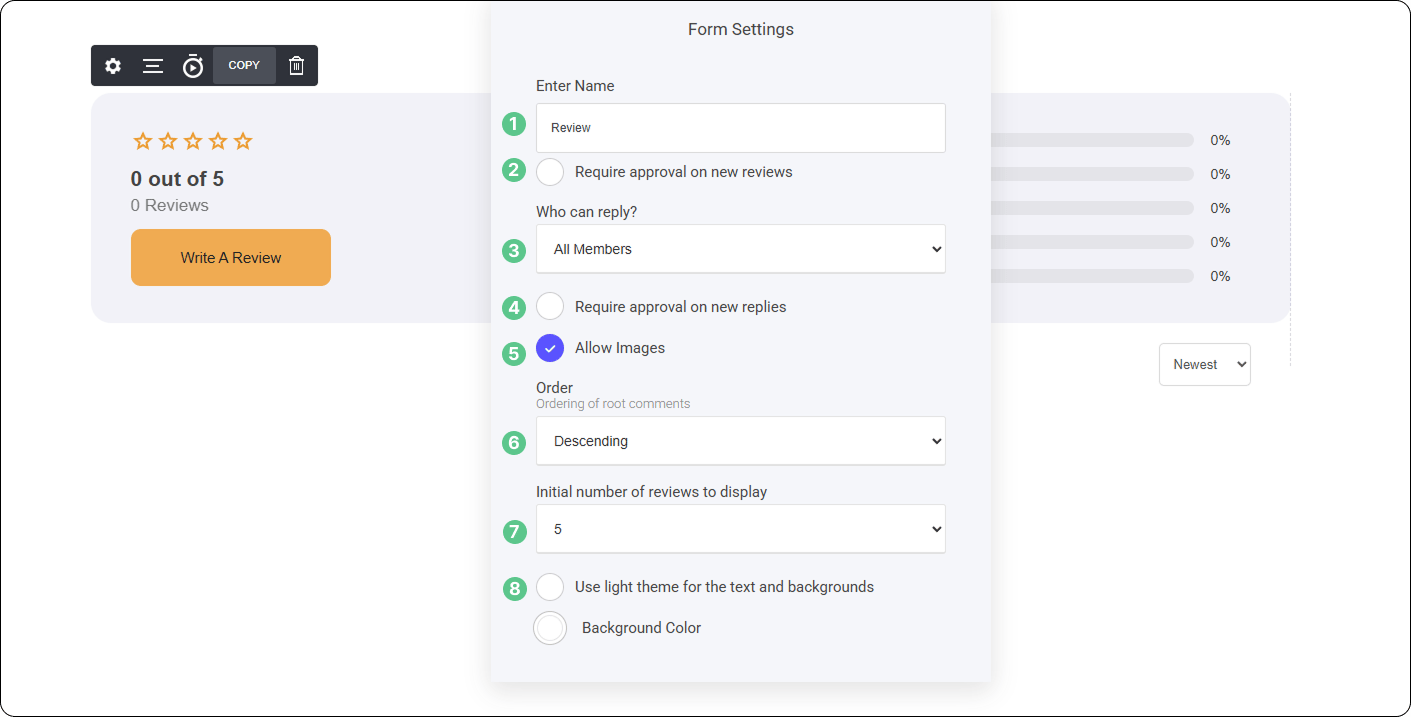
Enter Name
To make your Review Widget easily reusable across different pages, blogs, and projects, you can assign it a custom name or label.- Define a unique name – Helps you quickly identify and reuse the widget.
- Consistency across content – Keeps your branding and review structure uniform.
- Simplifies future integration – Easily drop the widget into new sections without reconfiguring settings.
Require Approval on New Reviews
To ensure quality control over user feedback, you can require approval before new reviews are published. How It Works:- Enable Approval – Activate this setting to review submissions before they go live.
- Admin Control – Except, delete in your moderator dashboard.
- Maintain Review Integrity – Filter out irrelevant or inappropriate content before it’s visible to users.
Who can Reply
If require approval on new replies is enabled, any member-submitted comments to a review will require admin approval before being published. How It Works:- Comments are queued in the moderation dashboard.
- Admins review and approve each comment before it becomes visible.
- Rejected comments will not be displayed to users.
- Ensures content quality and prevents spam or inappropriate engagement.
Allow Images
You can enable image uploads for both reviewers and members replying to reviews, adding more depth to feedback. How It Works:- Reviewers – Can include images to support their review.
- Replying Members – Can attach images within their responses.
- Moderation Controls – Admins can approve or delete if needed.
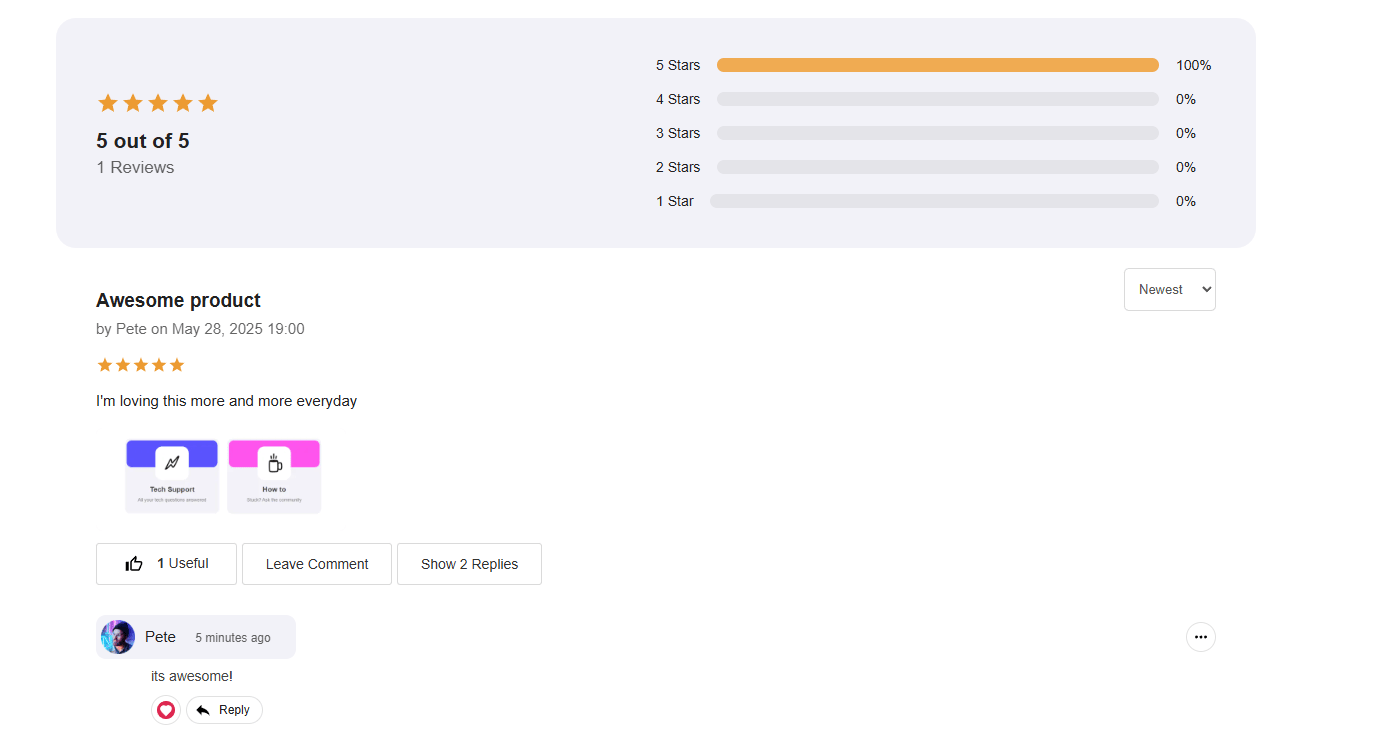
Member Review with Image Attached
Order
You can control the order in which reviews are displayed within your page, ensuring the flows in a way that best suits your setup.- Ascending Order – Displays the oldest reviews first, maintaining a structured timeline from earliest to latest.
- Descending Order – Shows the newest reviews first, keeping the most recent discussions at the top for immediate visibility.
Initial Number of Reviews to Display
This straightforward setting allows you to control how many reviews are visible by default before members need to load more.- Choose to display 3, 5, 10, or even 20 reviews initially.
- Ensures a clean and organized layout.
Light Theme for Text & Backgrounds
This setting is designed to enhance readability and contrast when using Dark Mode or a darker-colored background. How It Works:- Improves Visibility – Ensures reviews stand out with crisp, readable text.
- Enhances Design Harmony – Helps reviews blend into your layout while maintaining accessibility.
- Custom Styling Options – Adjust text brightness and background transparency for optimal contrast.