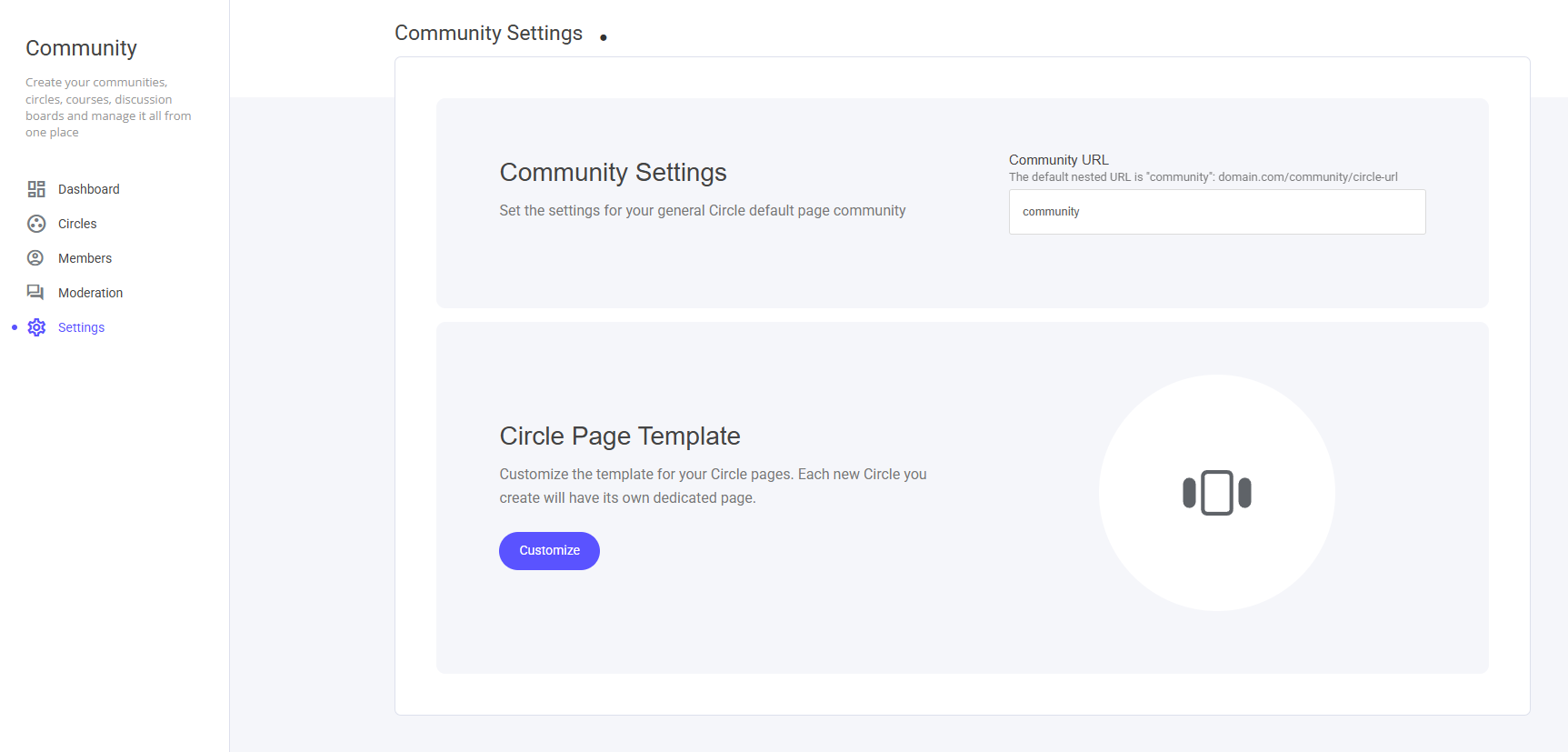
By default the URL is pre-set to www.yourdomain.com/**community**In the displayed image, you’ll see the URL ending with a Circle URL. Each of your Circles will have its own unique URL to direct members to your community.
Circle Page Template
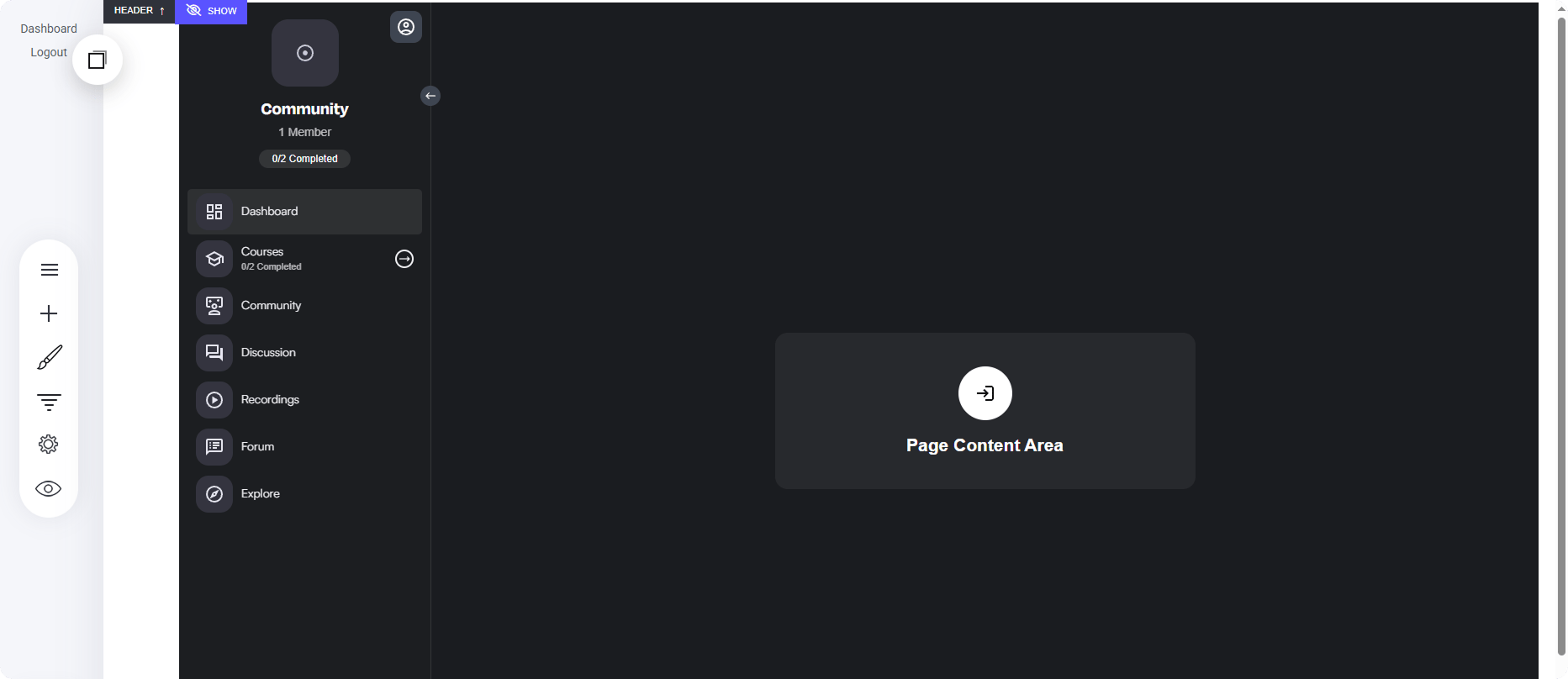
The Circle Page template section functions like other system pages, allowing you to modify the main display of your Main Community/Circle.