
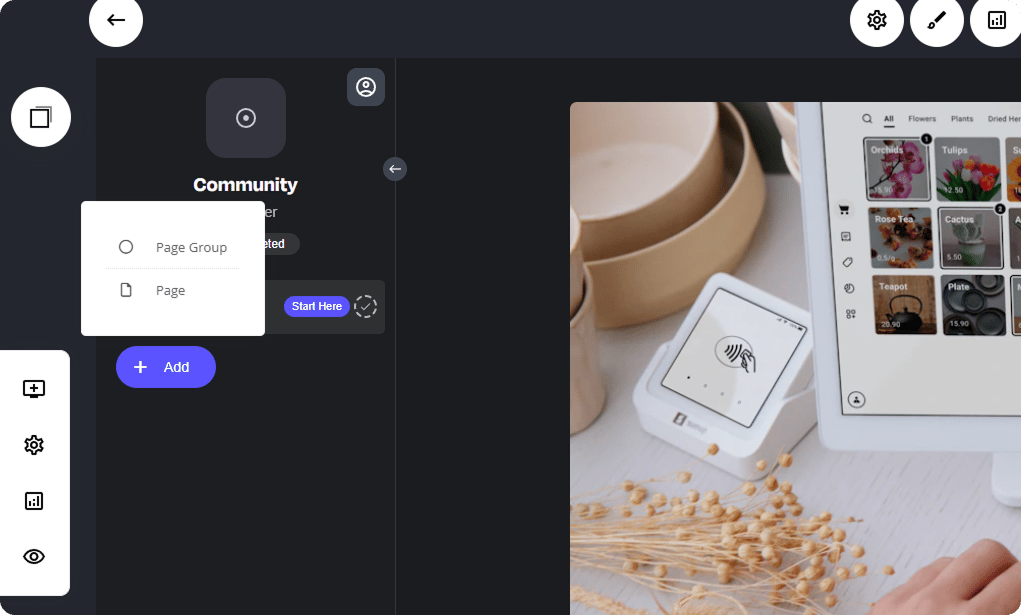
Create a new Page Group
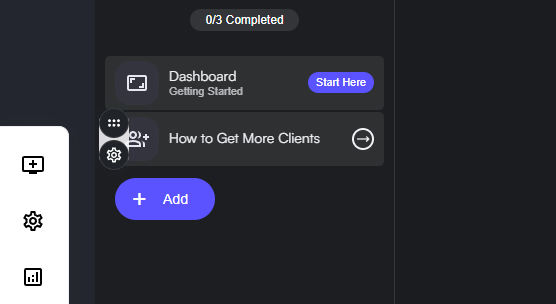
A page group is a collection of pages consolidated into a single, easy-to-navigate tab. Within a page group, you can create various types of content, including landing pages, video collections, courses, community posts, and more. Let’s dive into the group settings below. From here you’ll be able to:- Group Name: A title added to the specific page tab.
- Group URL: A dedicated URL for the group.
- Show Group Description: Small text below the Page Name
- Hidden Group: This will make your group invisible from your circle members ‘Often used when editing or updating page content’
- Access Level: Each page can have its own access level - click here to read more
- Content Availability: Have full control when content is viewable to members - Read more
- Track Content Completion: Enables the member to edit and view the status of the page content.
- Layout in the Navigation Bar: Change the prefix of the page name with a icon, image, text etc.
- Adding a Badge: Add a badge next to the page/group name. Example: If you have some new content, you can add a colour branded badge next to the title.
- Enrolment Required: The visitor will be asked to click a button to view content and enrol to view it.
Adding Content to a Group
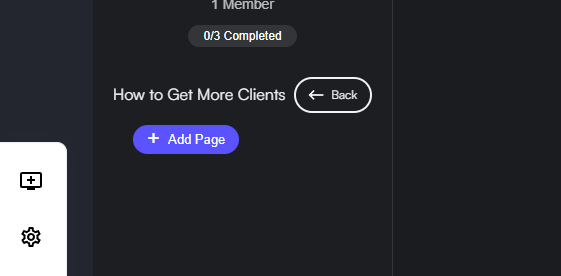
With your Page Group now created, you can go ahead and start adding content to that group. To start adding content, click the page group as shown below: