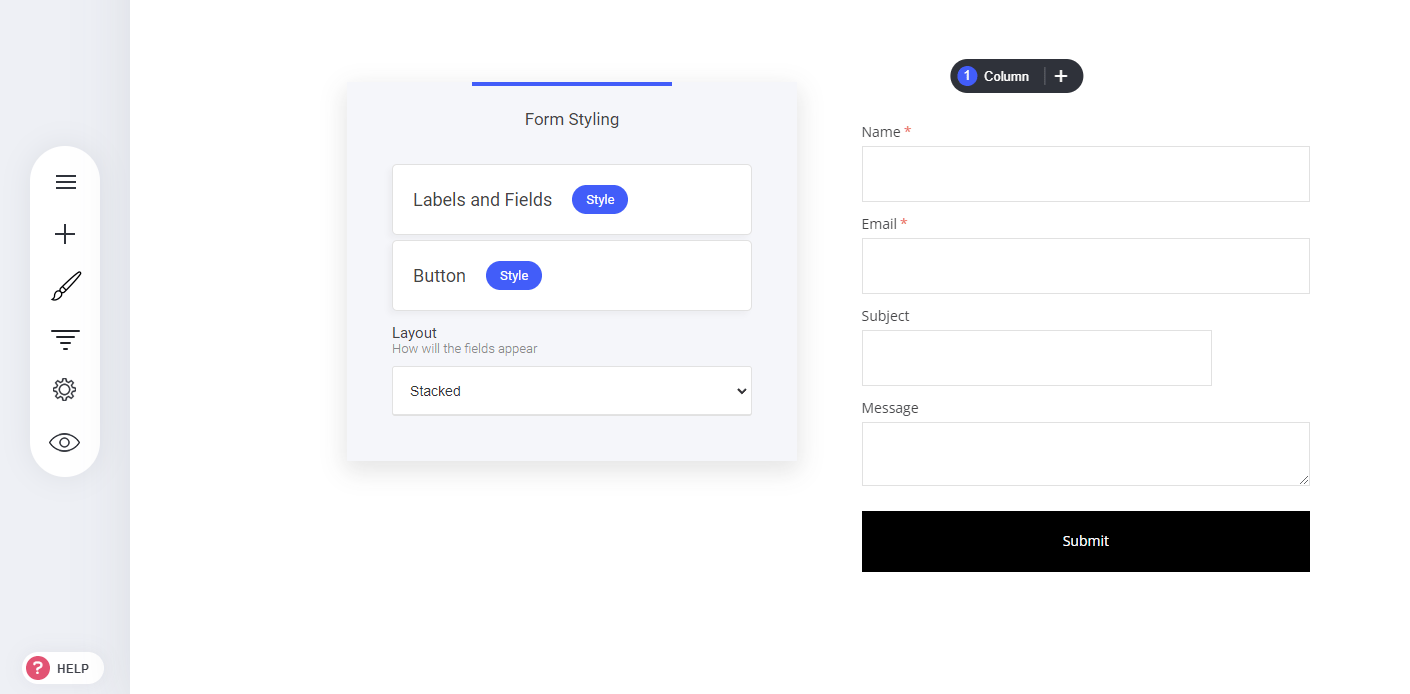
- Go to the Widget Tab – Access your Widgets panel in the editor.
- Select “Forms Widget” – Drag and drop the form widget onto your page.
- Customize the Fields – Adjust the form settings to collect specific information from users.
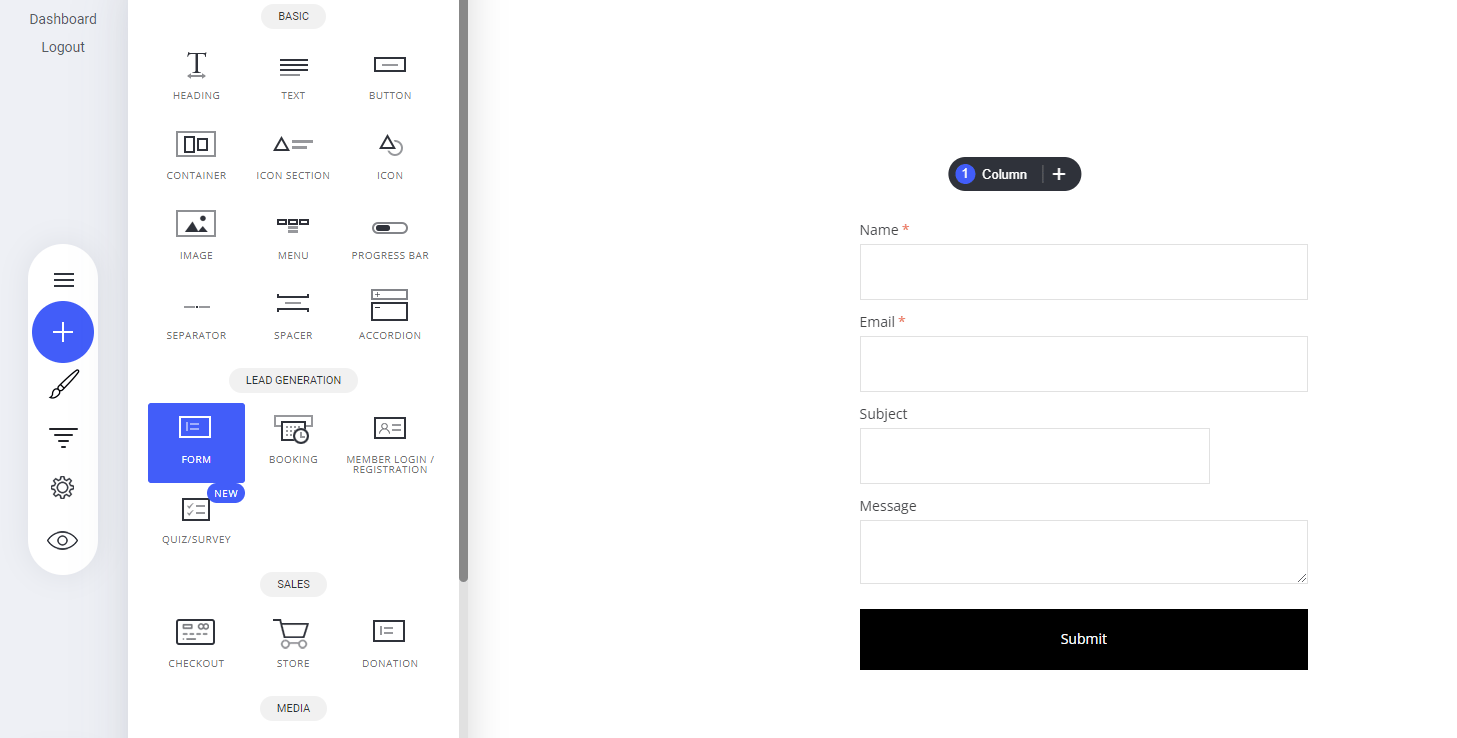
Form fields editing
Form fields collect information from users who fill out your capture form. Note: You can also hide these fields using the hidden field type in your form settings.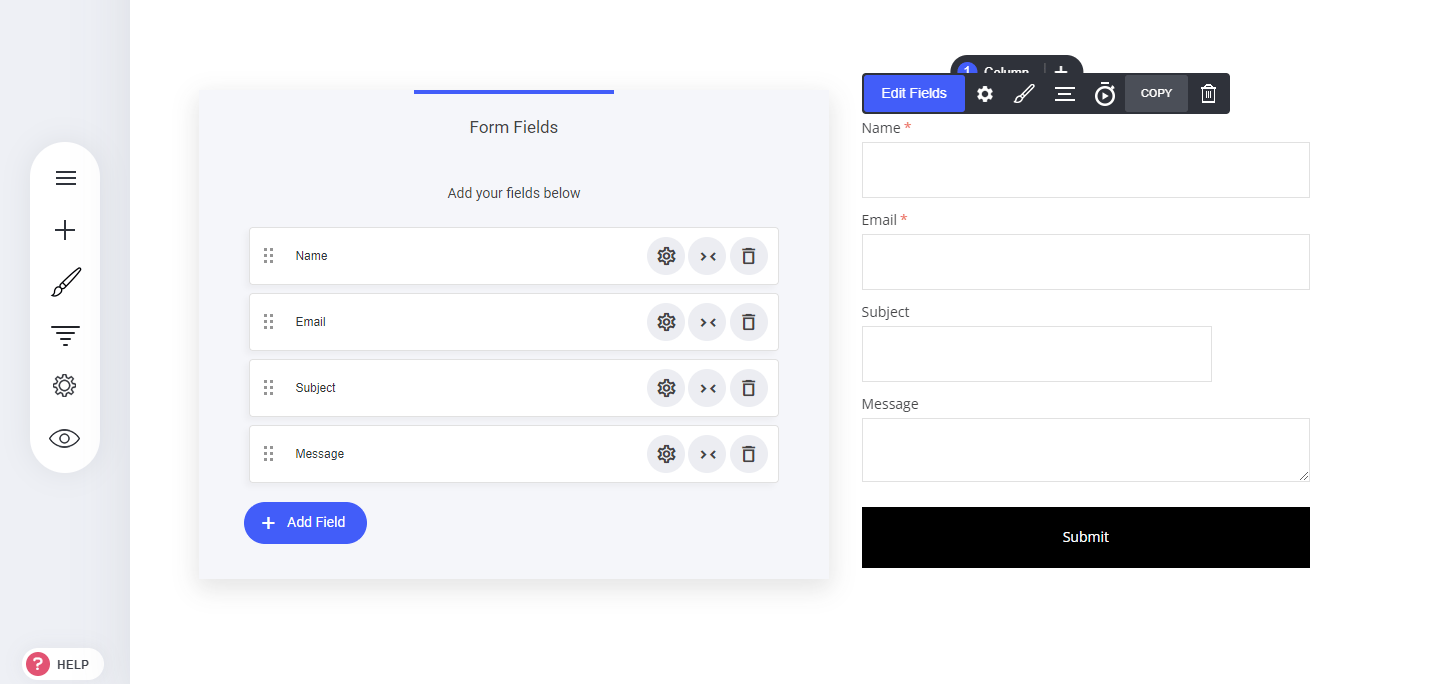
Form settings
The form settings are the most important part of your form. Here you can:- Label the form for identification
- Notify admins when a form is completed
- Actions on submit either a simple thank you message or re-directing them to a custom or pre-existing page or funnel step.
- Connecting leads to your email marketing lists
- Adding tags for segmentation or triggering automations
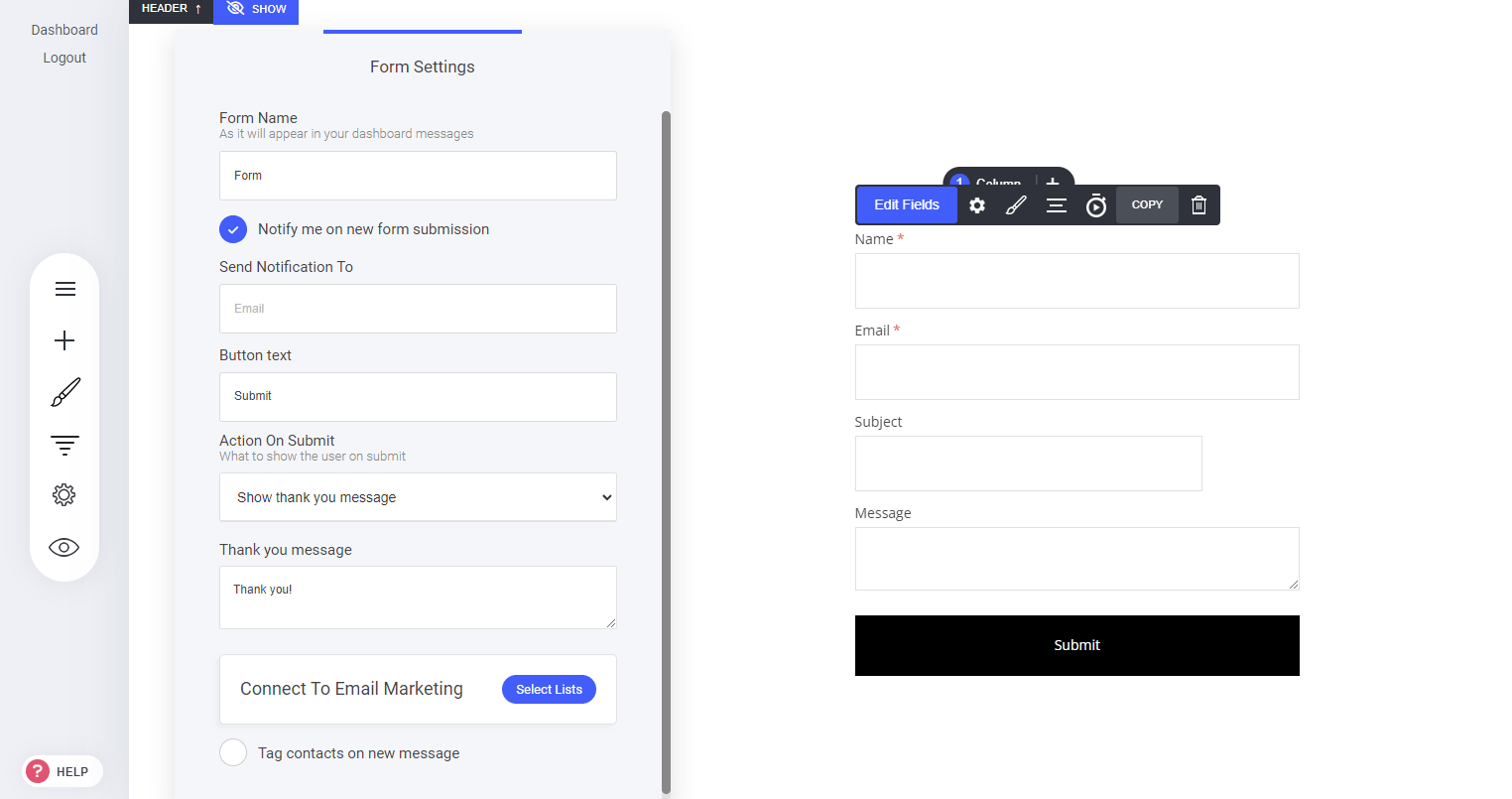
Form styling
Form styling enables you to fully customize the way your form is displayed from font type to colour design.