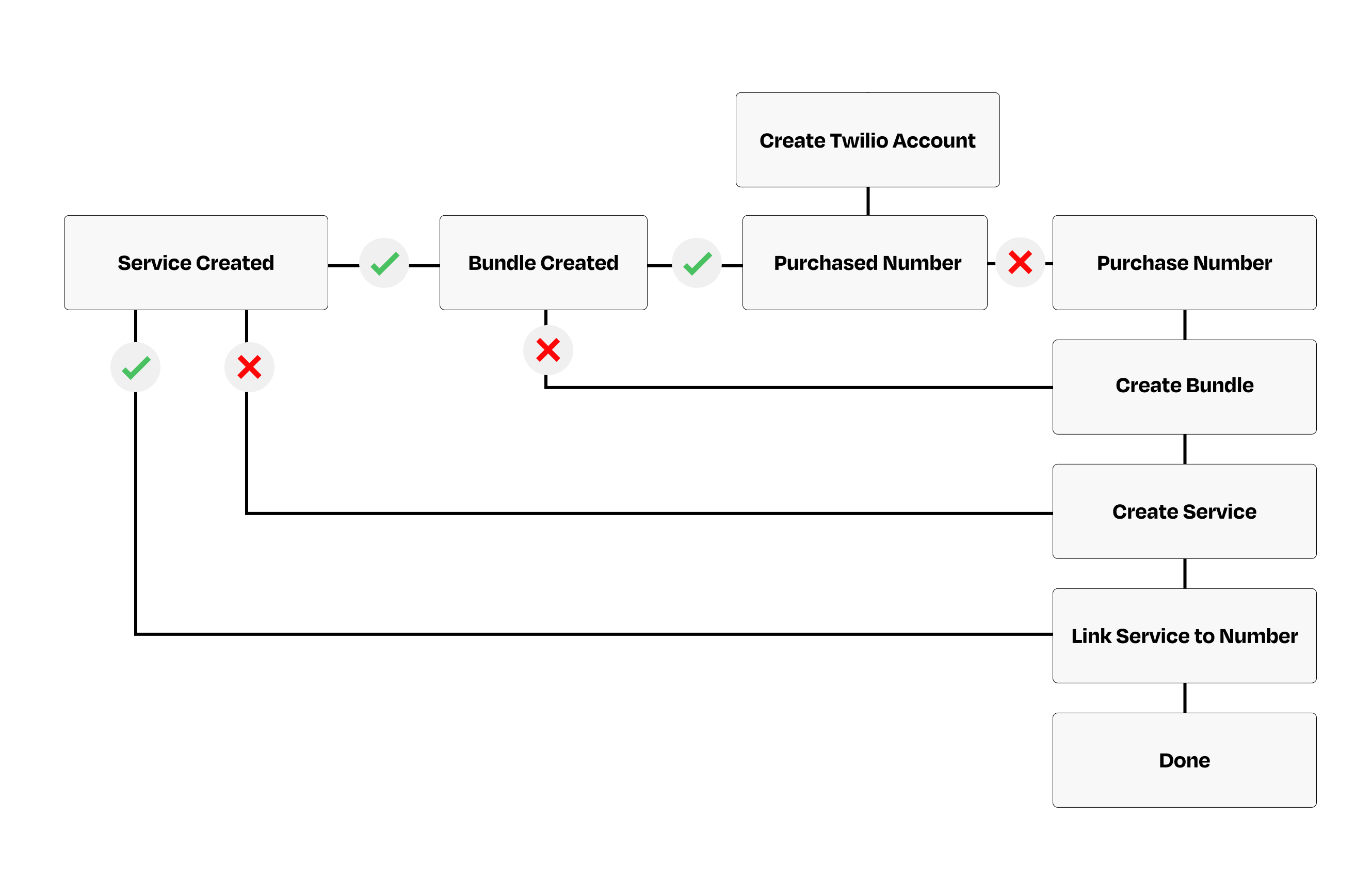
What is Twilio?
Twilio is a service that helps businesses send texts, make calls, and communicate with customers. It’s like a toolkit that lets you add messaging or calling features to your app or website easily, without needing to build everything yourself. This way, you can stay connected with your users through SMS, WhatsApp, voice, and more.Getting Connected
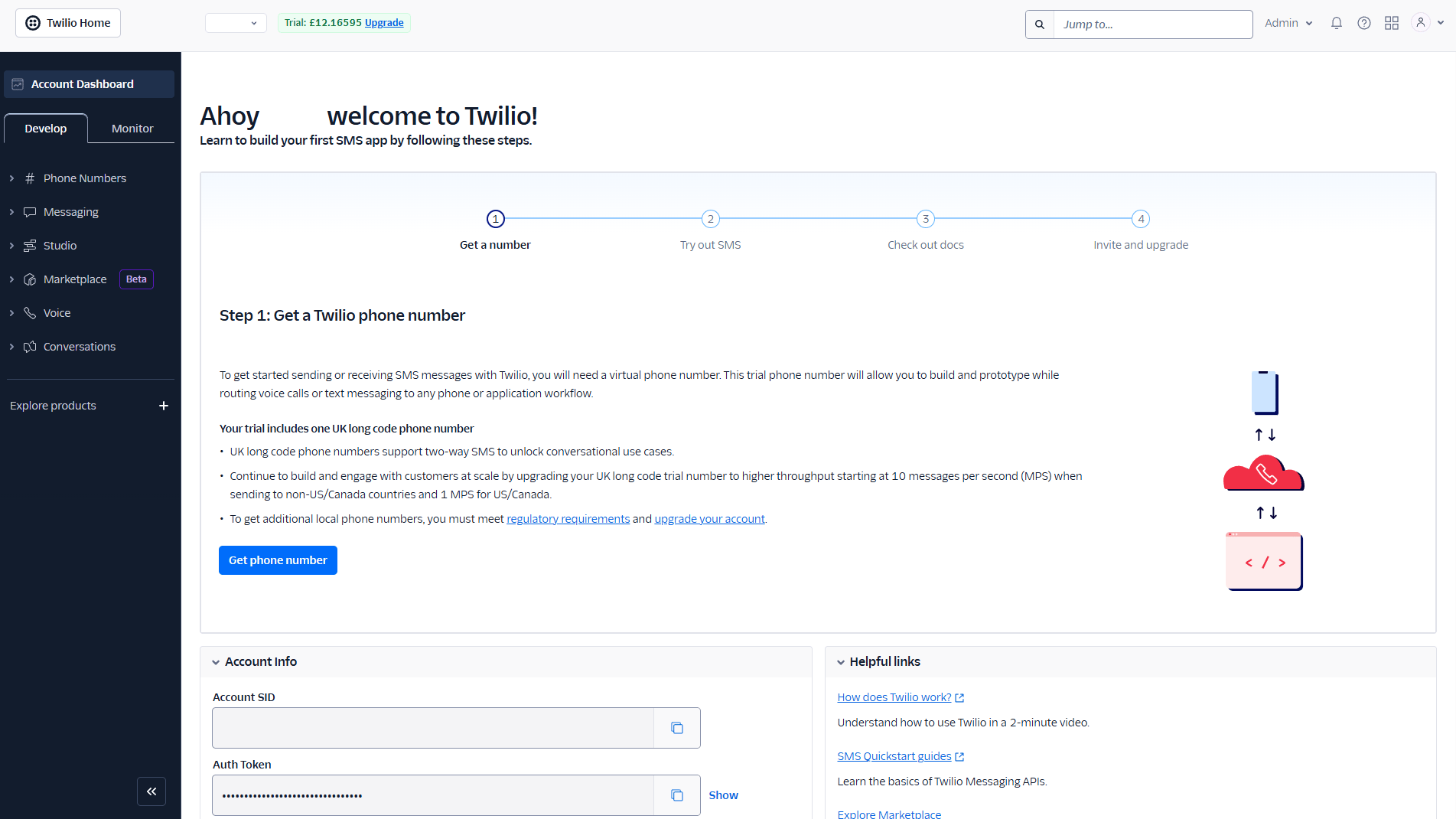
Once you have registered for a Twilio account you will be directed to the Twilio main dashboard as shown below.To use Twilio’s SMS and WhatsApp features you are required to purchase a number
Purchasing a Twilio Number
Here, you can select the country you want to register the number in. There are standard filters that allow you to type in numbers you’d like to include within the number itself. You can also refine the filter using the ‘Advanced Search’ to get a more localized number if you prefer, such as one based on your city. Once you’ve decided on a number go ahead and purchase it.You can acquire a number without making a payment—it will be designated as a trial number, usable for testing purposes only.How to Activate Your Number:
- ‘Purchase’ the Number – This assigns you a trial version at no cost.
- Use for Testing – The trial number remains functional for test scenarios.
- Enter Billing Details – Once billing information is provided, the number becomes active.
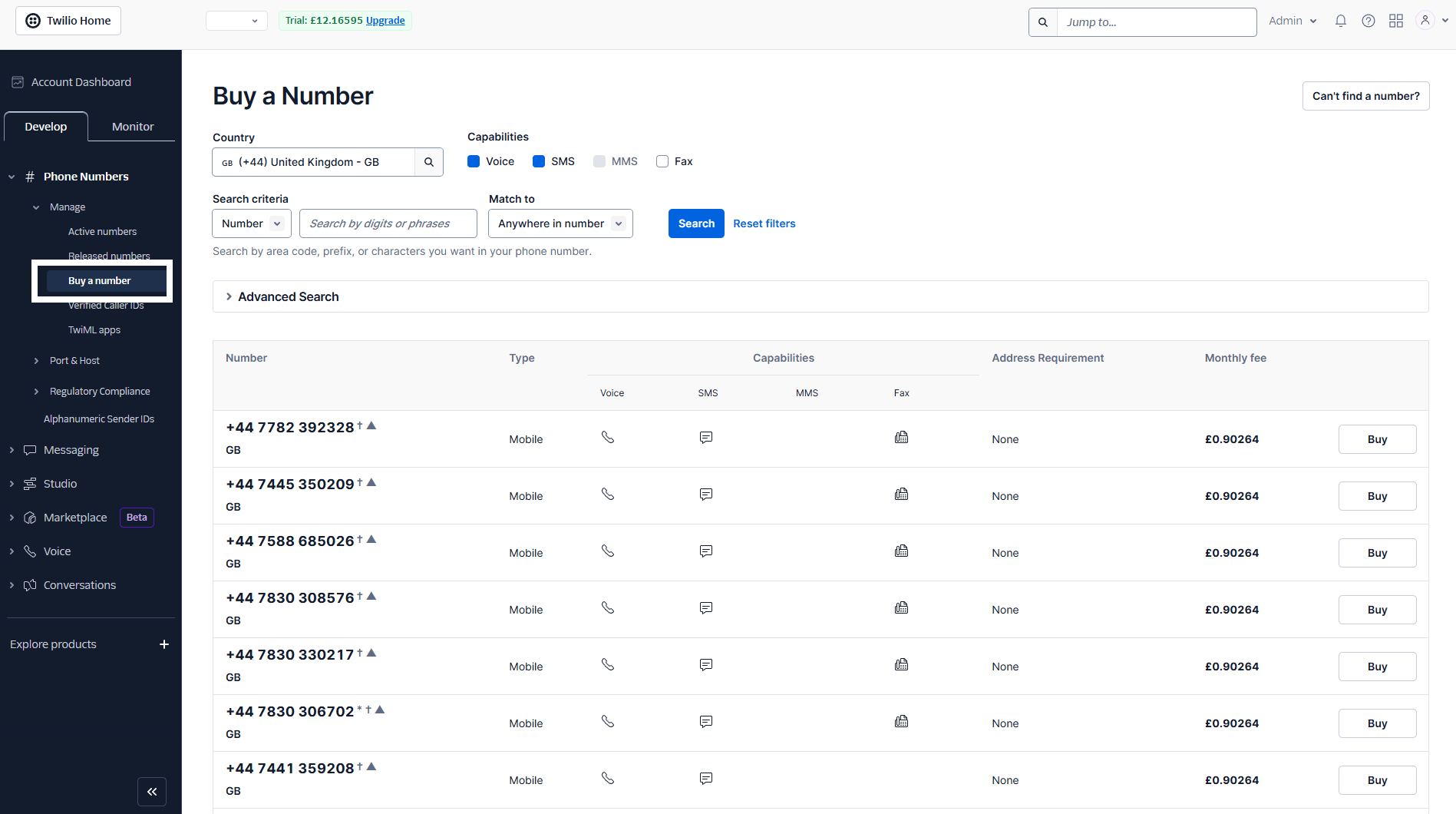
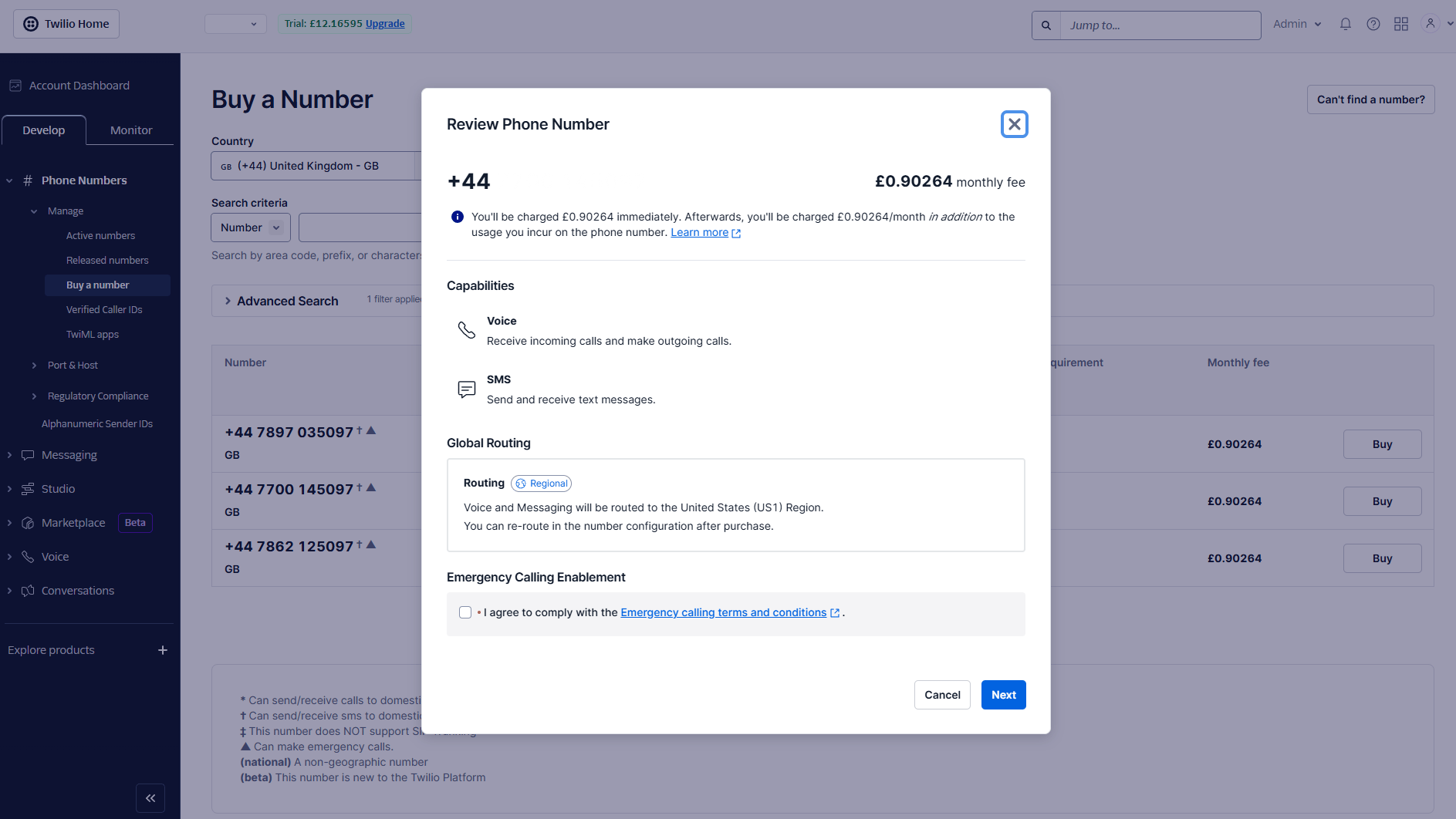
Tick agree and Click next
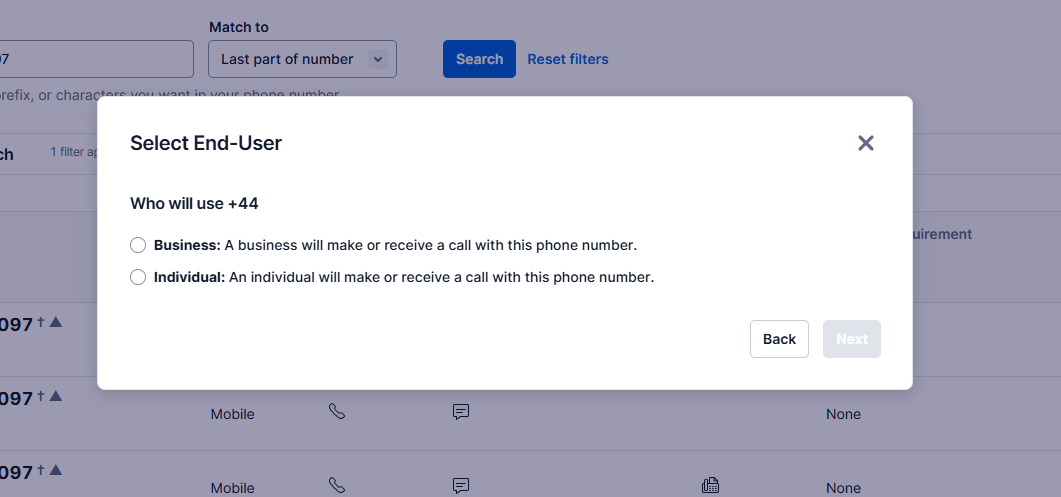
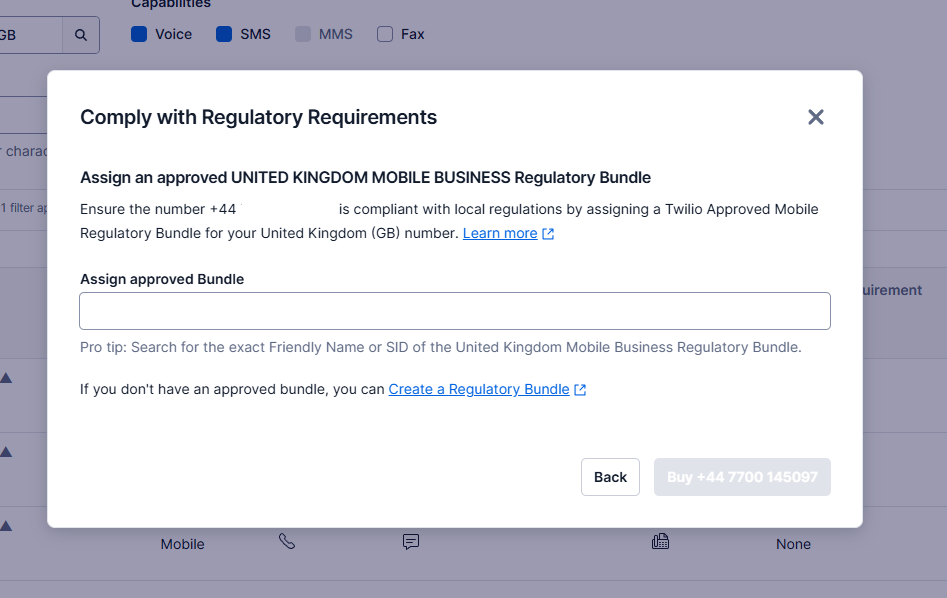
Creating a Bundle
To create a bundle within Twilio, navigate to the main dashboard > Regulatory Compliance > Bundles Follow the steps - it will guide you through step by step.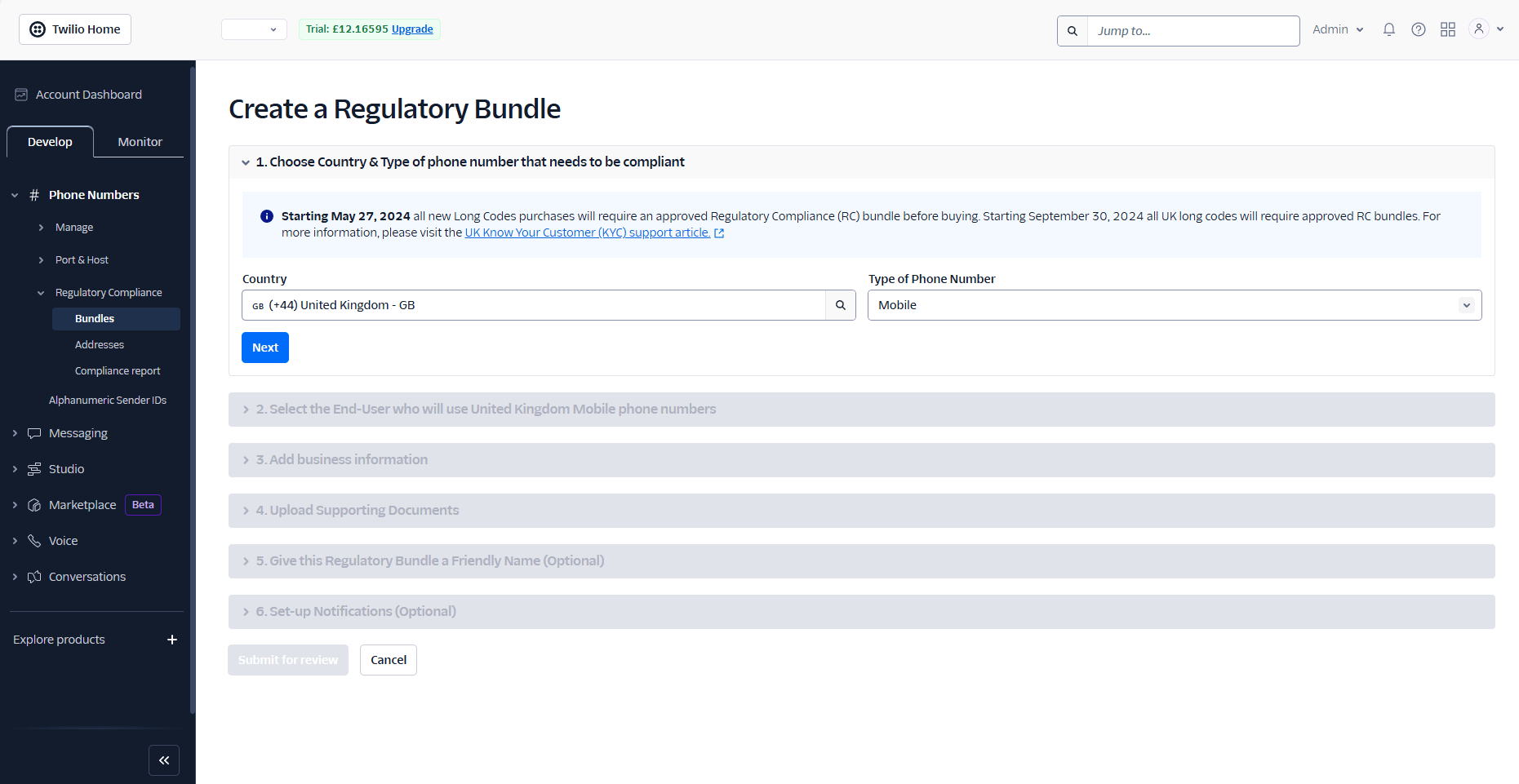
Creating a Service
Creating a Messaging Service in Twilio enables you to send messages. To set up your messaging service, go to the main Twilio dashboard and select Messaging > Services. You will then see the dashboard shown in the image below.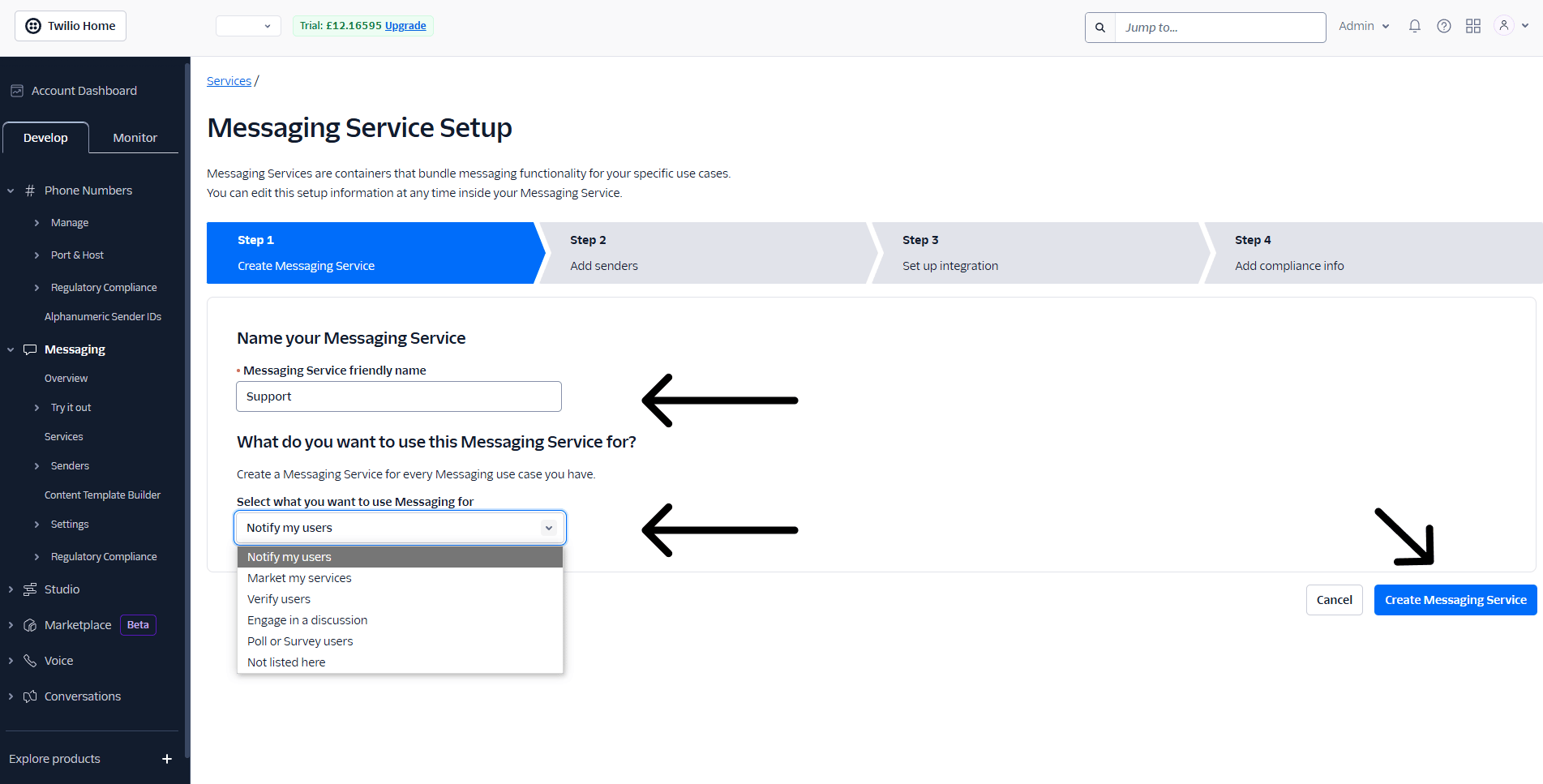
Link The Service to Your Phone Number
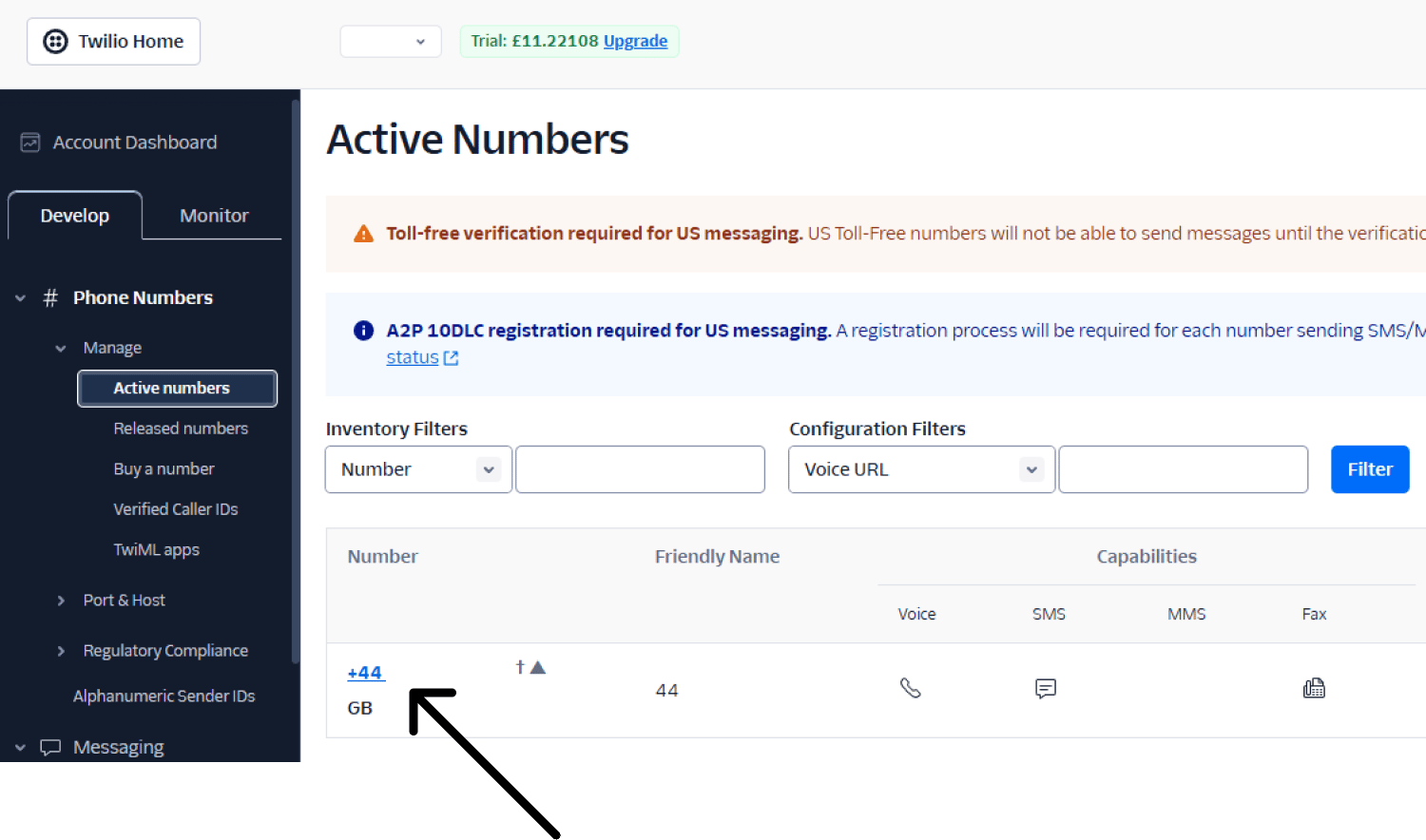
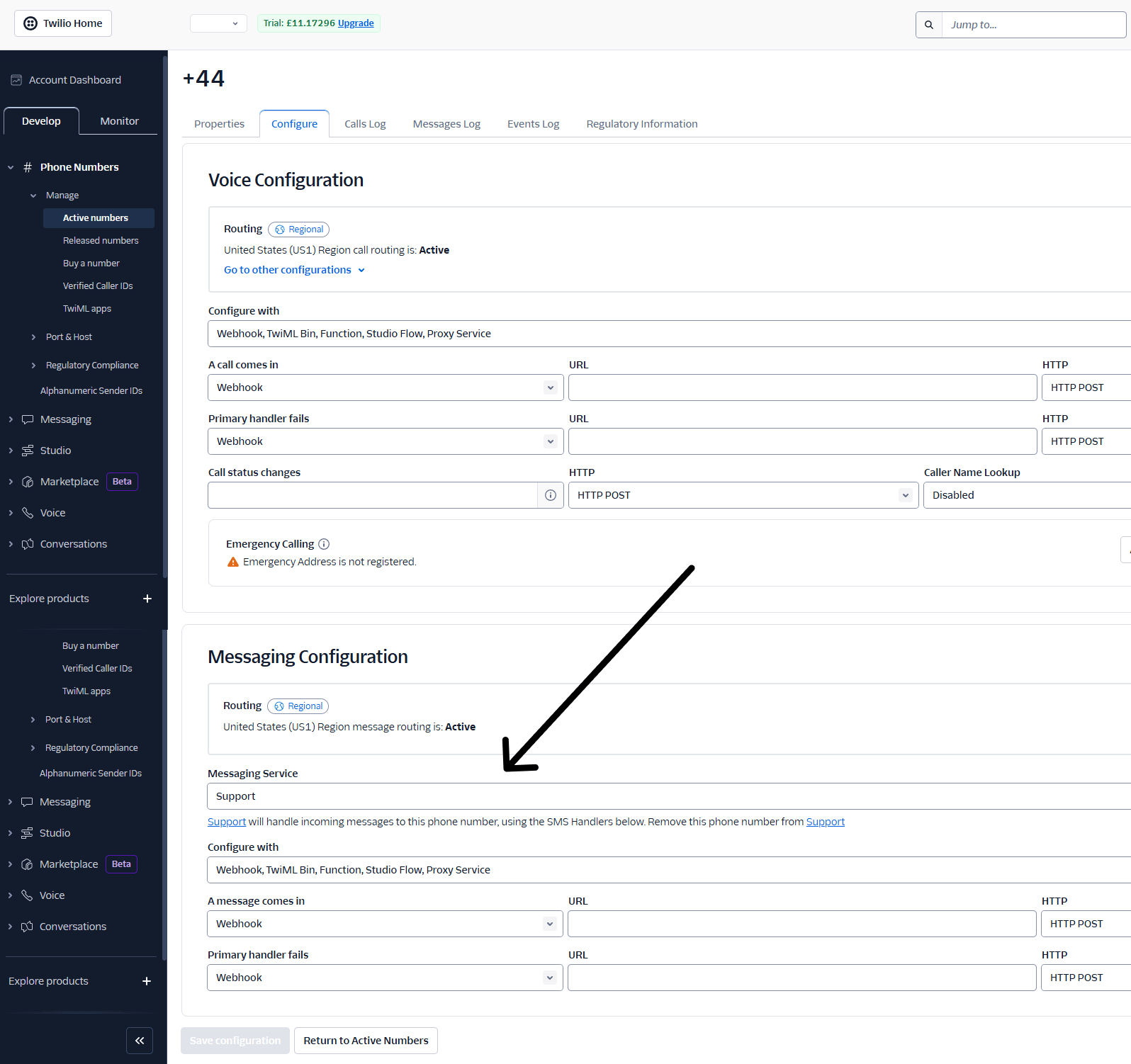
The final step is to link the Messaging Service to your Twilio phone number. First, navigate to the main Twilio dashboard > Phone numbers > Manage > Active numbers Click on your phone number you want to add the messaging service to.