

- Go to Settings – Click the settings cog in your dashboard.
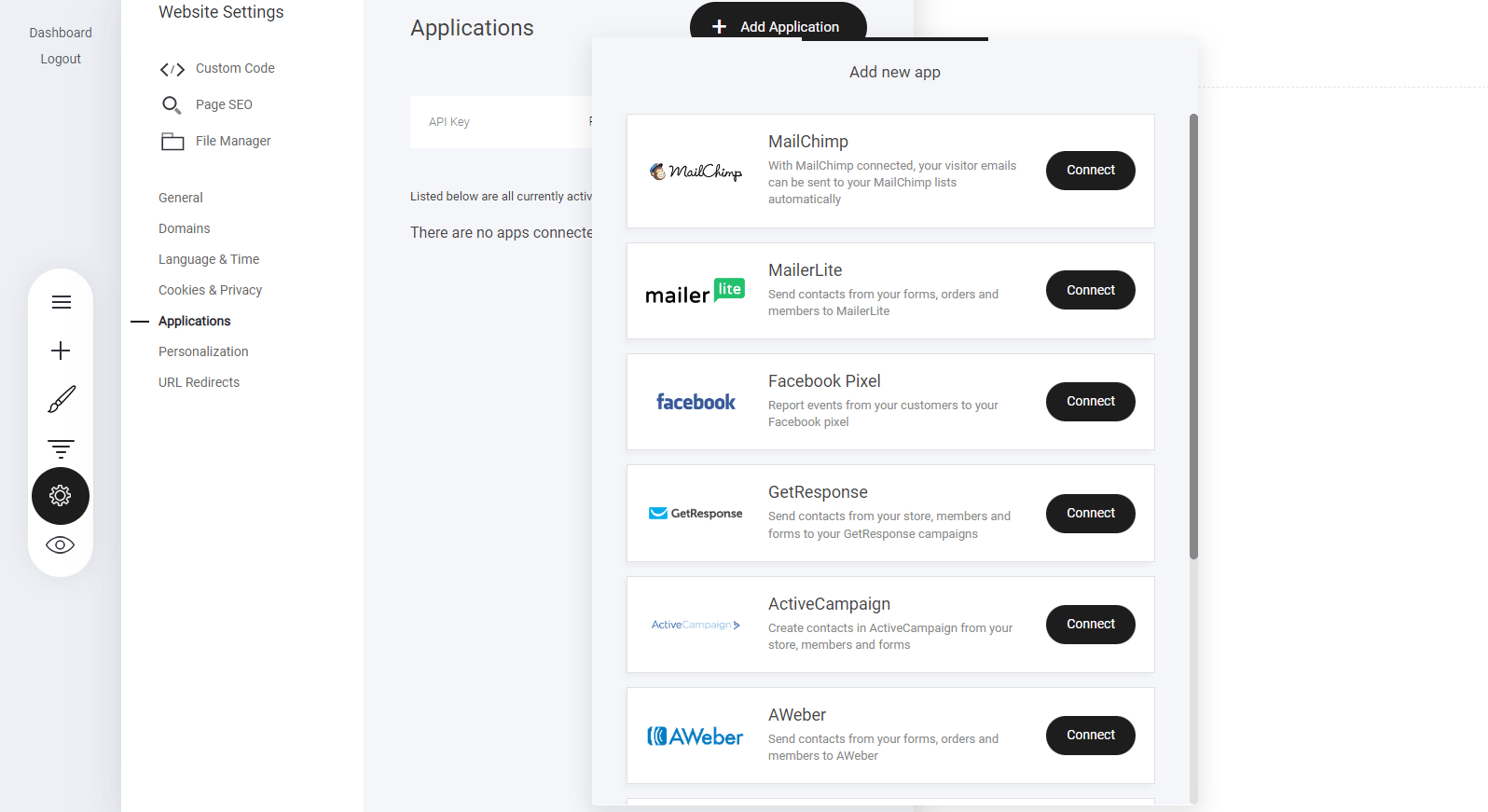
- Select ‘Applications’ – Navigate to the integrations menu.
- Choose Your Email Provider – Pick the service you already use.
How to add people to your email lists
Within the builder there are many options where you can add your visitors to you email marketing provider of choice. From users filling in forms to add them to your purchased campaigns via any checkout in your project. Once your connection is successful you will see the additional option at the bottom of your forms, checkout etc displaying the email provider you have connected. In this instance you can see that we have connected Mailerlite. Now whenever someone fill out that form they will be added to a selected Mailerlite email list.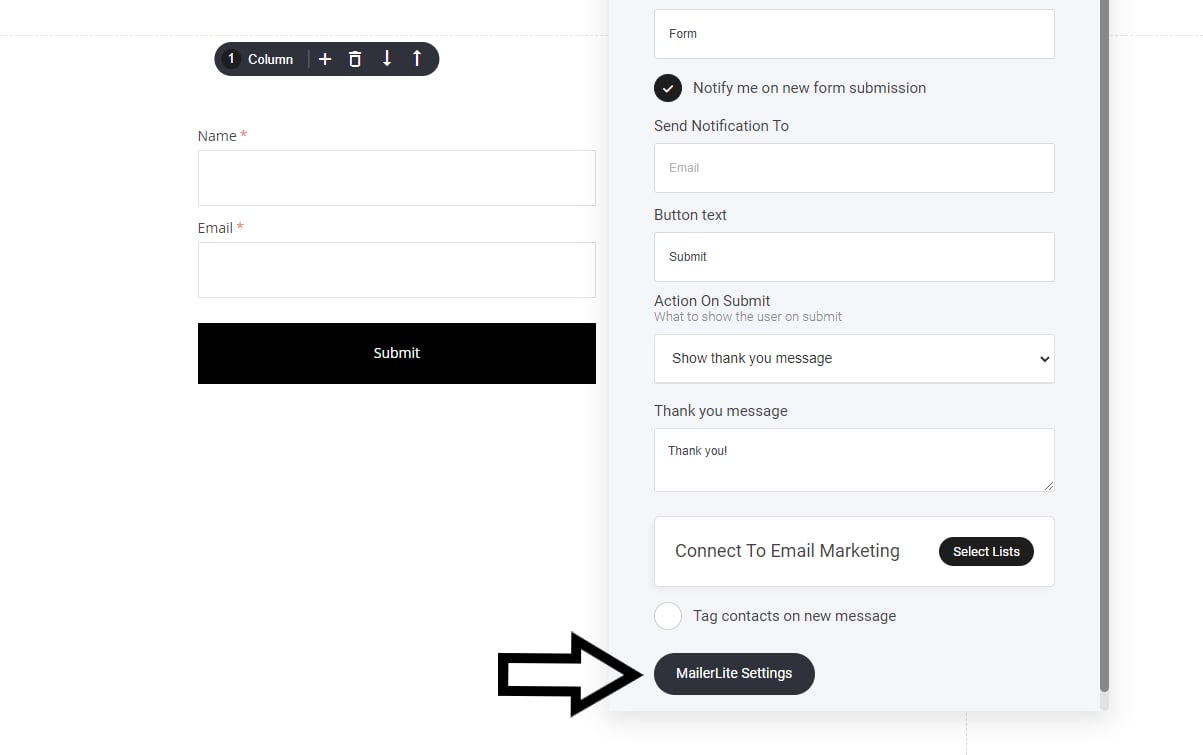
Our Email Integrations:
- MailChimp
- MailerLite
- Moosend
- GetResponse
- Aweber
- ActiveCampaign