> ## Documentation Index
> Fetch the complete documentation index at: https://docs.bosscart.io/llms.txt
> Use this file to discover all available pages before exploring further.
# Stat Counter
> This widget displays key numbers and metrics, customers served, projects delivered, satisfaction rate, and so on, as large, bold, animated figures. It's one of the fastest ways...
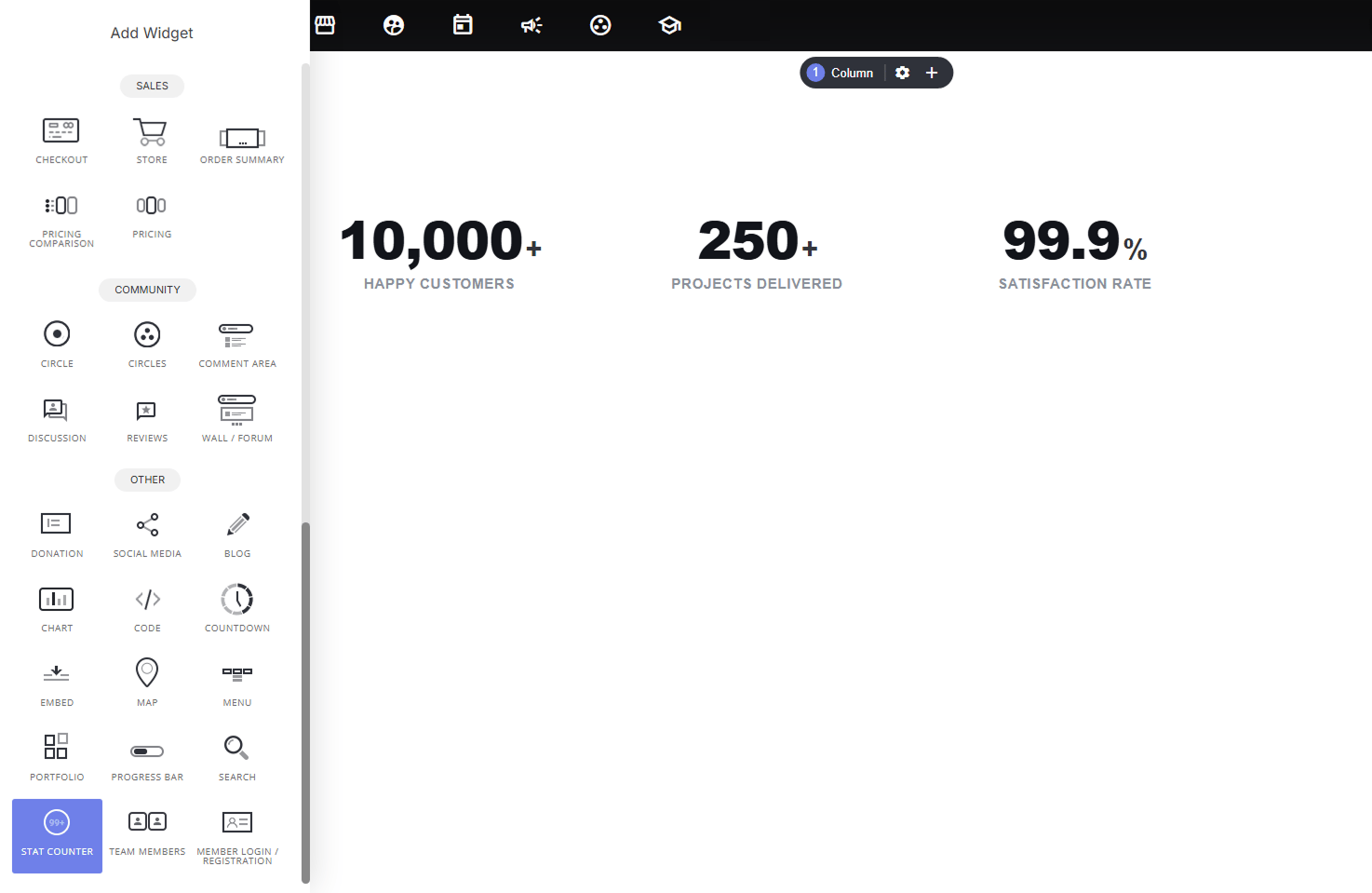
This widget displays key numbers and metrics, customers served, projects delivered, satisfaction rate, and so on, as large, bold, animated figures. It's one of the fastest ways to communicate credibility and scale at a glance, without needing a chart or table.
 ### **Why use it:**
* **Instant credibility signal**: big, bold numbers ("10,000+ Happy Customers") communicate trust and scale faster than a paragraph of text ever could.
* **Extremely low effort to set up**: just add a number, label, and optional prefix/suffix; no data structuring or charting knowledge required.
* **Animation adds polish**: numbers count up as visitors scroll into view, making the section feel dynamic rather than static.
* **Great anywhere social proof matters**: near a hero section, above a CTA, or as its own dedicated "by the numbers" section.
### **How to add stats:**
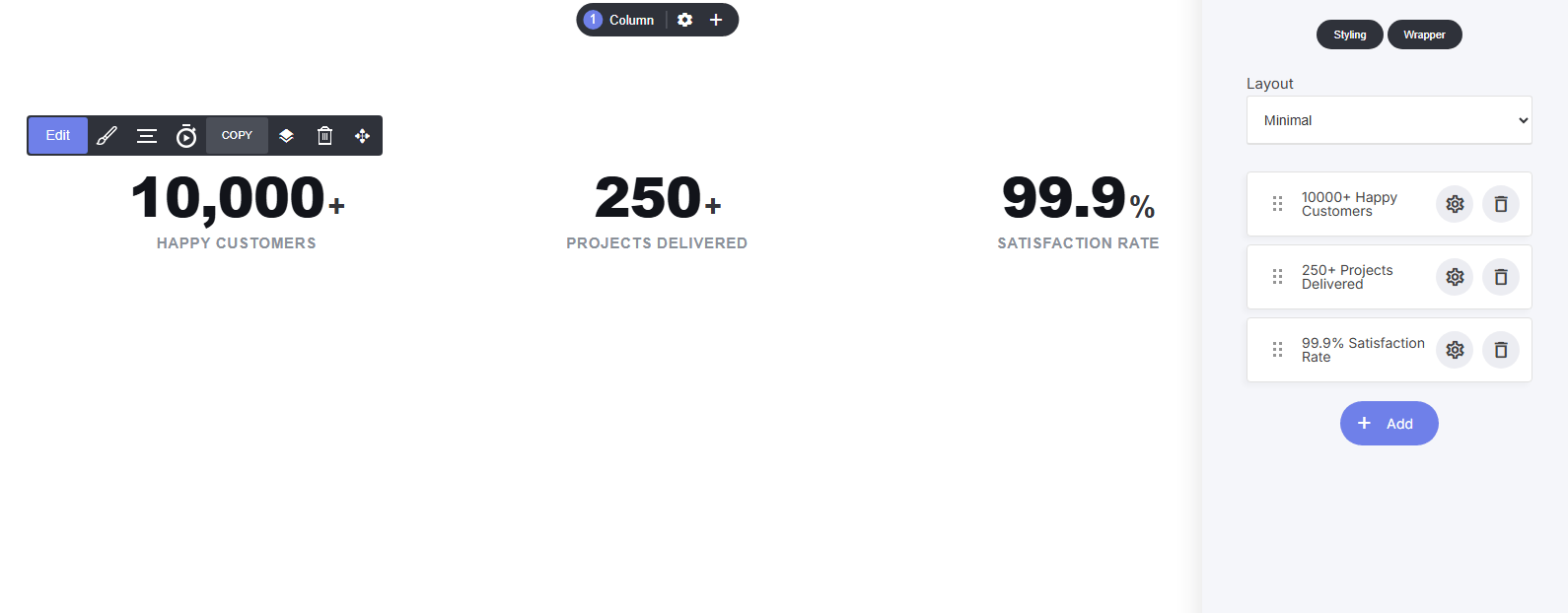
* Manage stats as a list, click **+ Add** to create a new stat, drag to reorder, click the gear to edit, or delete with the trash icon
### **Why use it:**
* **Instant credibility signal**: big, bold numbers ("10,000+ Happy Customers") communicate trust and scale faster than a paragraph of text ever could.
* **Extremely low effort to set up**: just add a number, label, and optional prefix/suffix; no data structuring or charting knowledge required.
* **Animation adds polish**: numbers count up as visitors scroll into view, making the section feel dynamic rather than static.
* **Great anywhere social proof matters**: near a hero section, above a CTA, or as its own dedicated "by the numbers" section.
### **How to add stats:**
* Manage stats as a list, click **+ Add** to create a new stat, drag to reorder, click the gear to edit, or delete with the trash icon
 ### **Per-stat settings:**
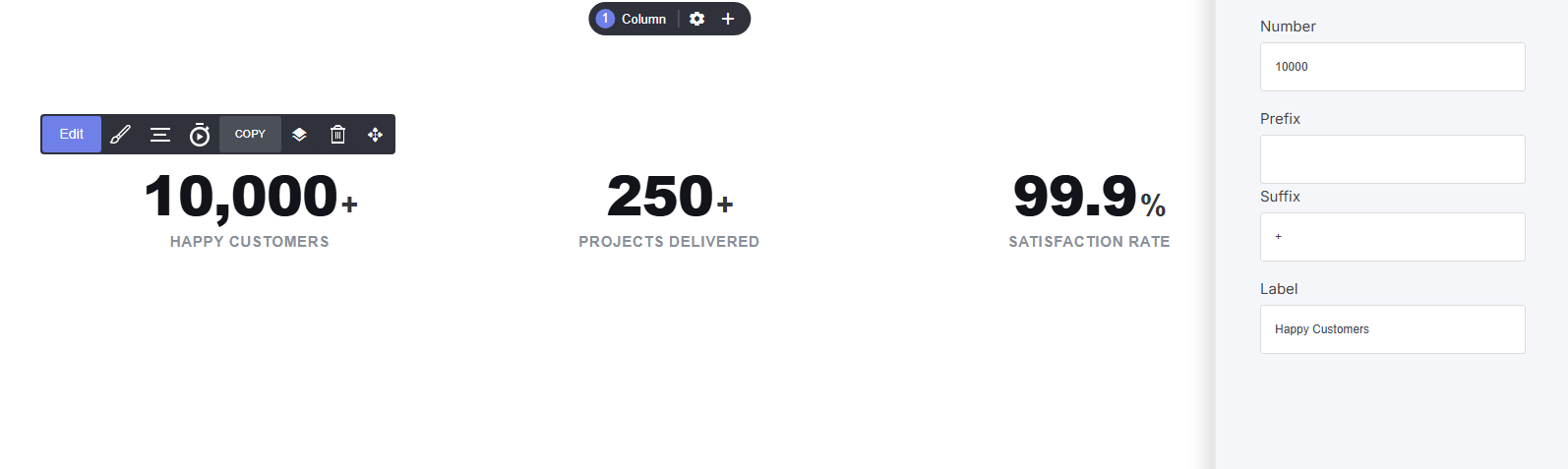
* **Number**: the raw value (e.g., 10000)
* **Prefix / Suffix**: symbols shown before/after the number (e.g., "\$" or "+")
* **Label**: the description below the number (e.g., "Happy Customers")
### **Per-stat settings:**
* **Number**: the raw value (e.g., 10000)
* **Prefix / Suffix**: symbols shown before/after the number (e.g., "\$" or "+")
* **Label**: the description below the number (e.g., "Happy Customers")
 **Layout options:**
* Choose from 6 layout styles (e.g., Minimal, spotlight, neon glow and others) to control spacing, alignment, and visual weight, pick the one that best matches the surrounding section design
### **Shared styling settings:**
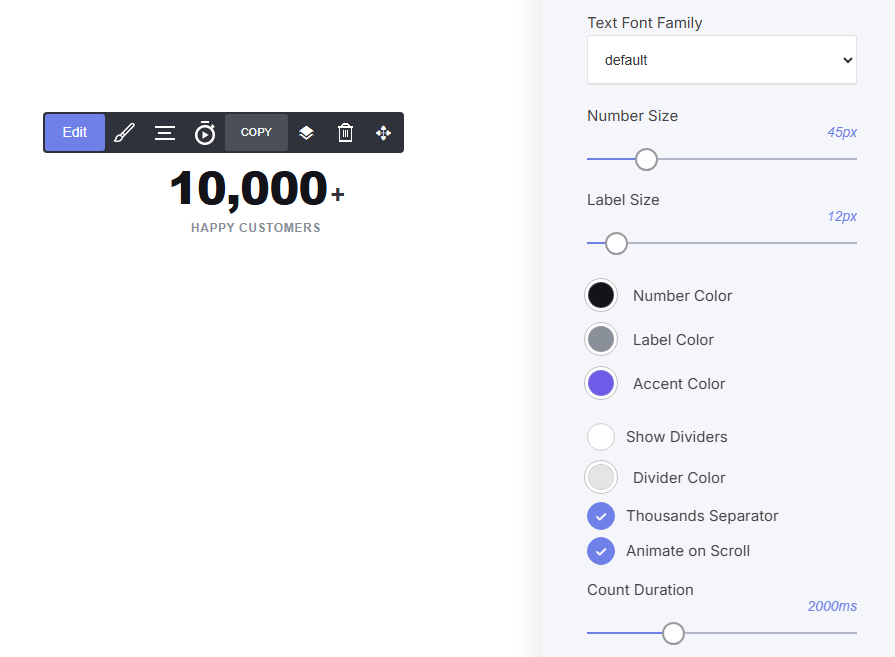
* **Text Font Family**: typography control
* **Number Size / Label Size**: control the scale of each text element independently
* **Number Color / Label Color / Accent Color**: full color customization
* **Show Dividers / Divider Color:** optional vertical lines separating each stat
* **Thousands Separator**: toggle comma formatting (10,000 vs 10000)
* **Animate on Scroll / Count Duration**: control the count-up animation and its speed
**Layout options:**
* Choose from 6 layout styles (e.g., Minimal, spotlight, neon glow and others) to control spacing, alignment, and visual weight, pick the one that best matches the surrounding section design
### **Shared styling settings:**
* **Text Font Family**: typography control
* **Number Size / Label Size**: control the scale of each text element independently
* **Number Color / Label Color / Accent Color**: full color customization
* **Show Dividers / Divider Color:** optional vertical lines separating each stat
* **Thousands Separator**: toggle comma formatting (10,000 vs 10000)
* **Animate on Scroll / Count Duration**: control the count-up animation and its speed