> ## Documentation Index
> Fetch the complete documentation index at: https://docs.bosscart.io/llms.txt
> Use this file to discover all available pages before exploring further.
# Code
> Adding custom code to your site is quick and seamless:
Adding custom code to your site is **quick and seamless**:
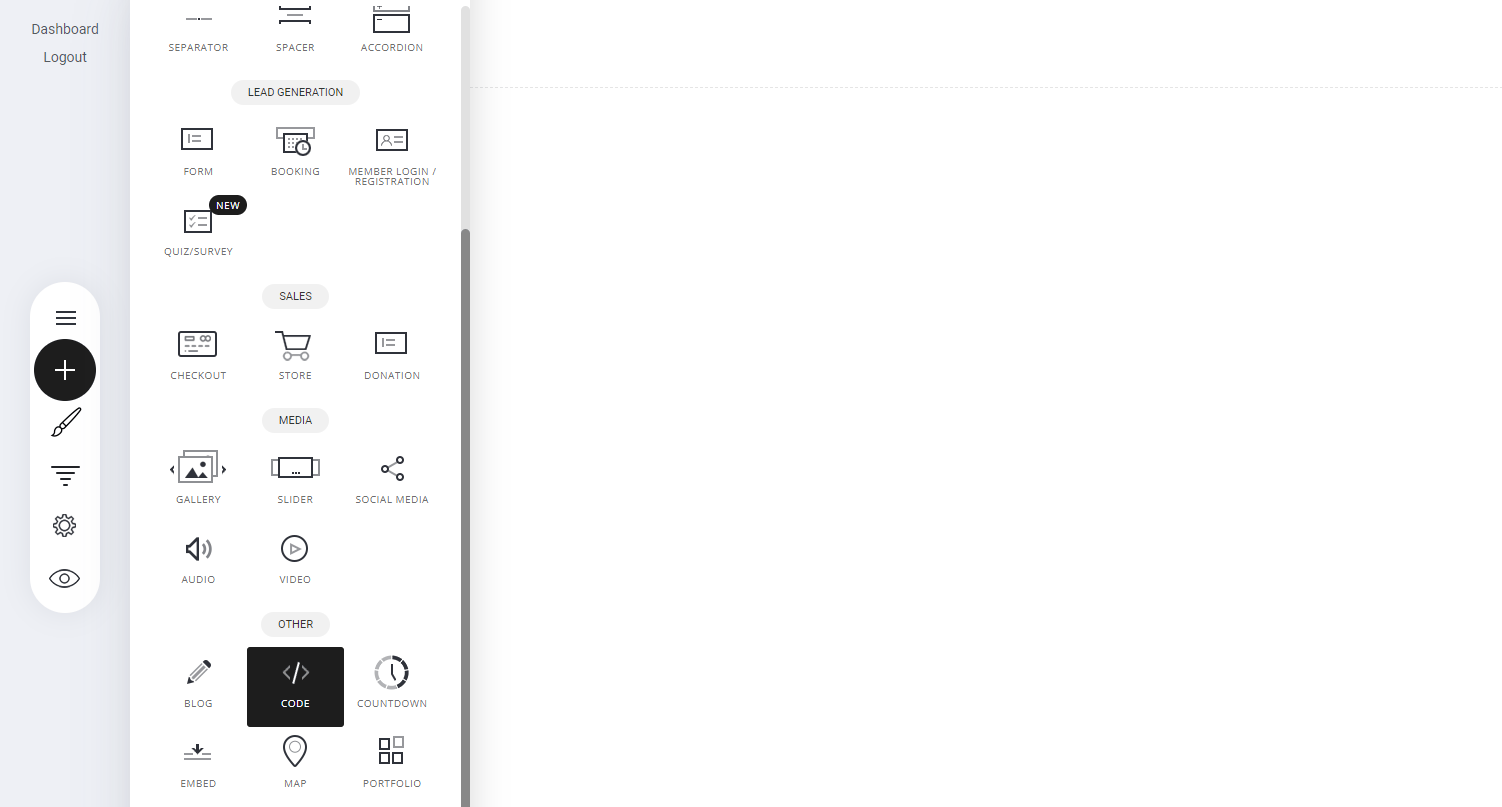
* **Go to Widgets** – Open the **Widgets panel** in your editor.
* **Navigate to "Other Widgets"** – Scroll to locate additional customization options.
* **Select the Code Widget** – Drag and drop it into your page or funnel.
 ### **Edit Code**
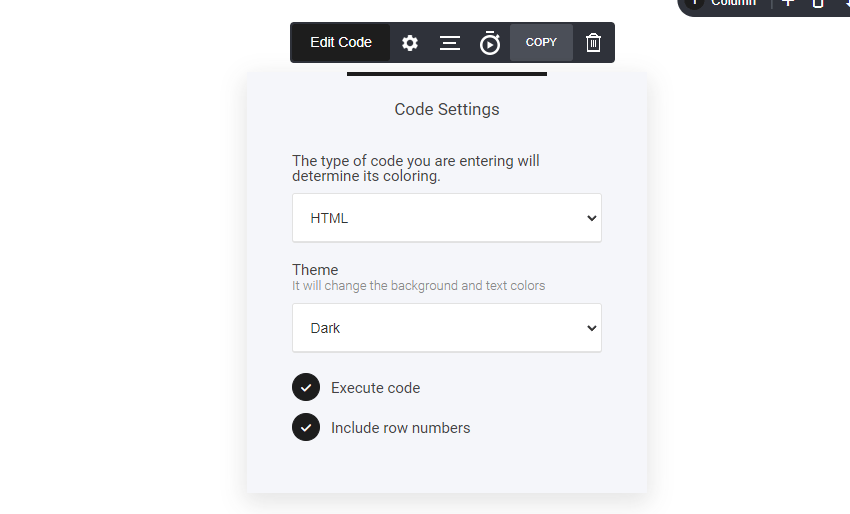
Select your preferred code language format from the settings cog.
### **Edit Code**
Select your preferred code language format from the settings cog.
 **Edit Code**
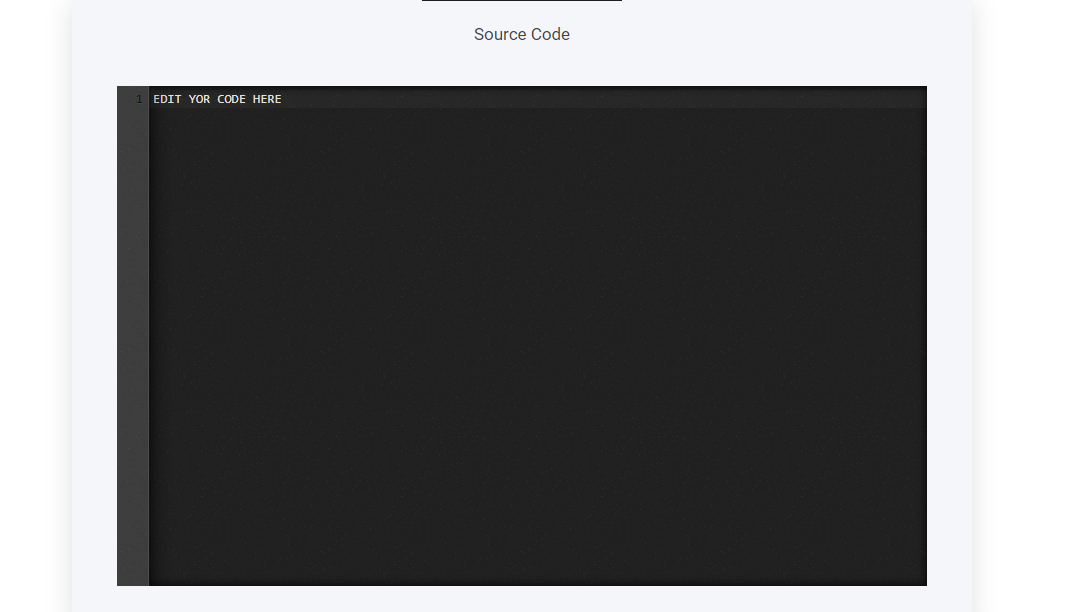
Now add your code directly into the source code box 'as shown below'
**Edit Code**
Now add your code directly into the source code box 'as shown below'