> ## Documentation Index
> Fetch the complete documentation index at: https://docs.bosscart.io/llms.txt
> Use this file to discover all available pages before exploring further.
# Image hotspot
> This element turns a static image into an interactive, clickable map, letting you place pins on specific points of interest within a photo, each revealing extra information in...
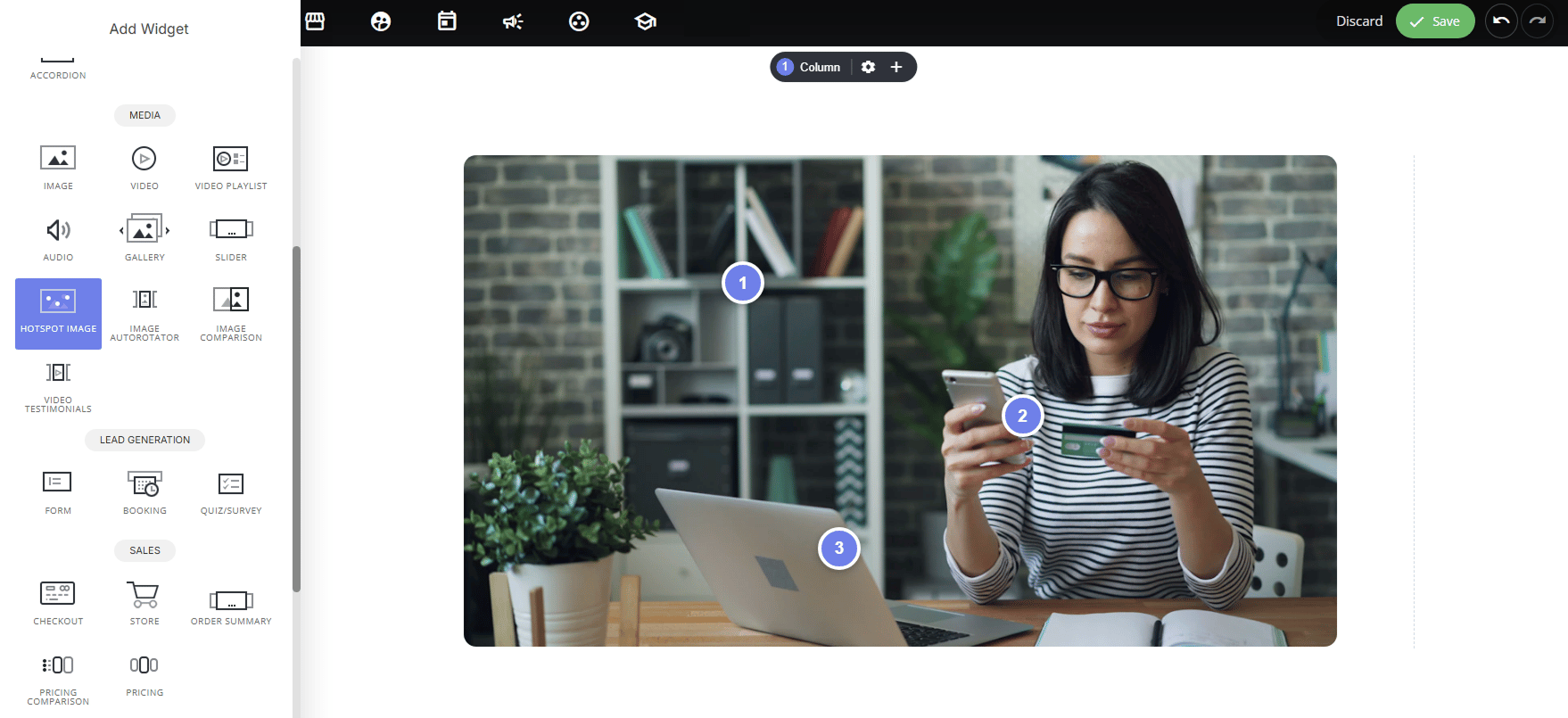
This element turns a static image into an interactive, clickable map, letting you place pins on specific points of interest within a photo, each revealing extra information in a popover when hovered or clicked.
 #### **Why use it:**
* **Adds interactivity to product/lifestyle images:** instead of one flat photo, visitors can explore details relevant to them (features, products, steps) without cluttering the image with text.
* **Great for product showcases:** pin different items in a lifestyle photo (e.g., outfit pieces, room decor, tech setup) each linking to its own product page.
* **Explains complex visuals:** annotate diagrams, floor plans, or infographics with contextual detail that only appears on interaction, keeping the image clean by default.
* **Drives action:** each hotspot can include its own link and button (e.g., "Buy Now"), turning the image itself into a shoppable or clickable experience.
### **How to set it up:**
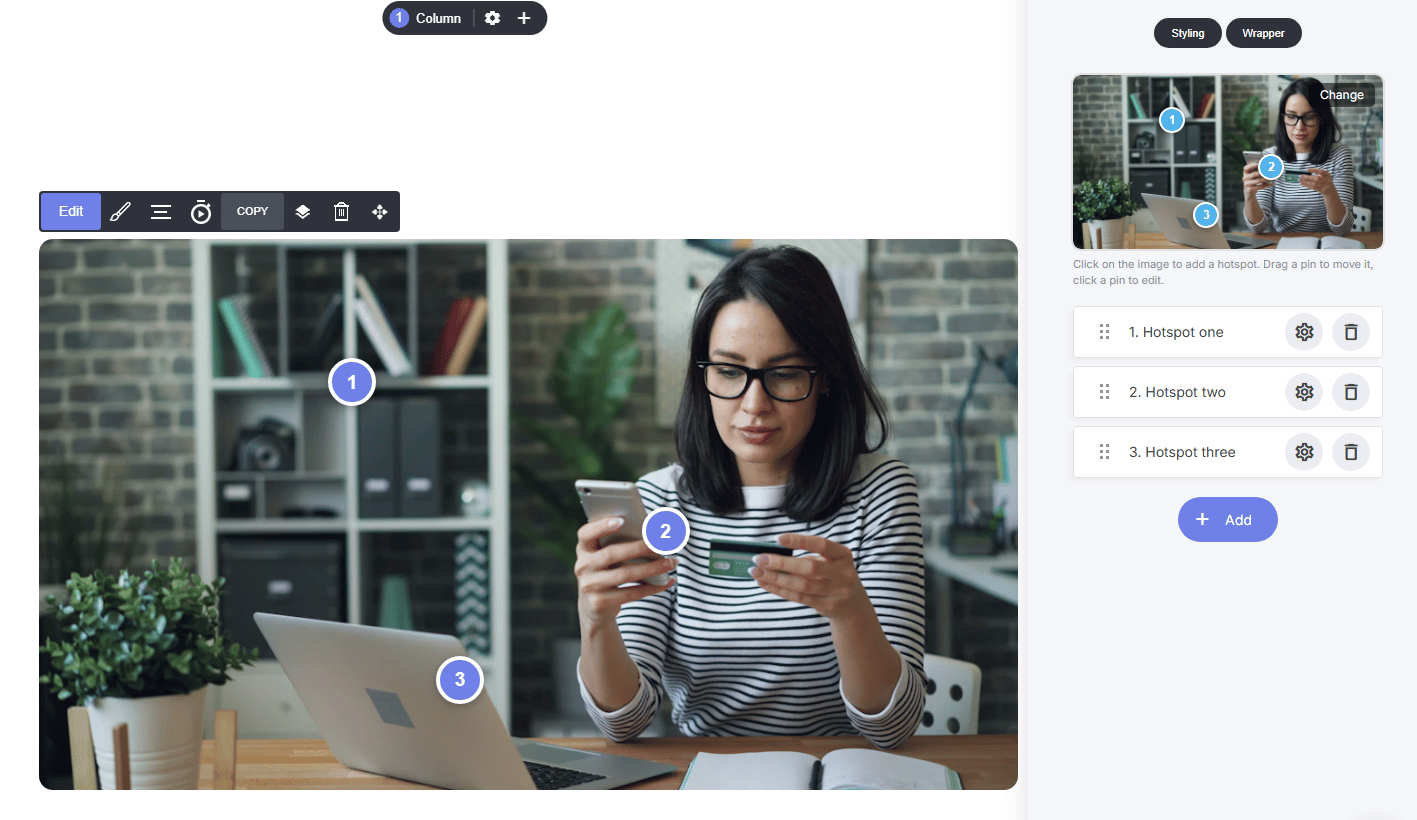
* Start by selecting a base image, then click directly on it to drop a hotspot pin.
* Drag any pin to reposition it, or click a pin to edit its content.
* Add as many hotspots as needed with **+ Add**, and reorder them in the list.
#### **Why use it:**
* **Adds interactivity to product/lifestyle images:** instead of one flat photo, visitors can explore details relevant to them (features, products, steps) without cluttering the image with text.
* **Great for product showcases:** pin different items in a lifestyle photo (e.g., outfit pieces, room decor, tech setup) each linking to its own product page.
* **Explains complex visuals:** annotate diagrams, floor plans, or infographics with contextual detail that only appears on interaction, keeping the image clean by default.
* **Drives action:** each hotspot can include its own link and button (e.g., "Buy Now"), turning the image itself into a shoppable or clickable experience.
### **How to set it up:**
* Start by selecting a base image, then click directly on it to drop a hotspot pin.
* Drag any pin to reposition it, or click a pin to edit its content.
* Add as many hotspots as needed with **+ Add**, and reorder them in the list.
 ### **Per Hotspot Setting:**
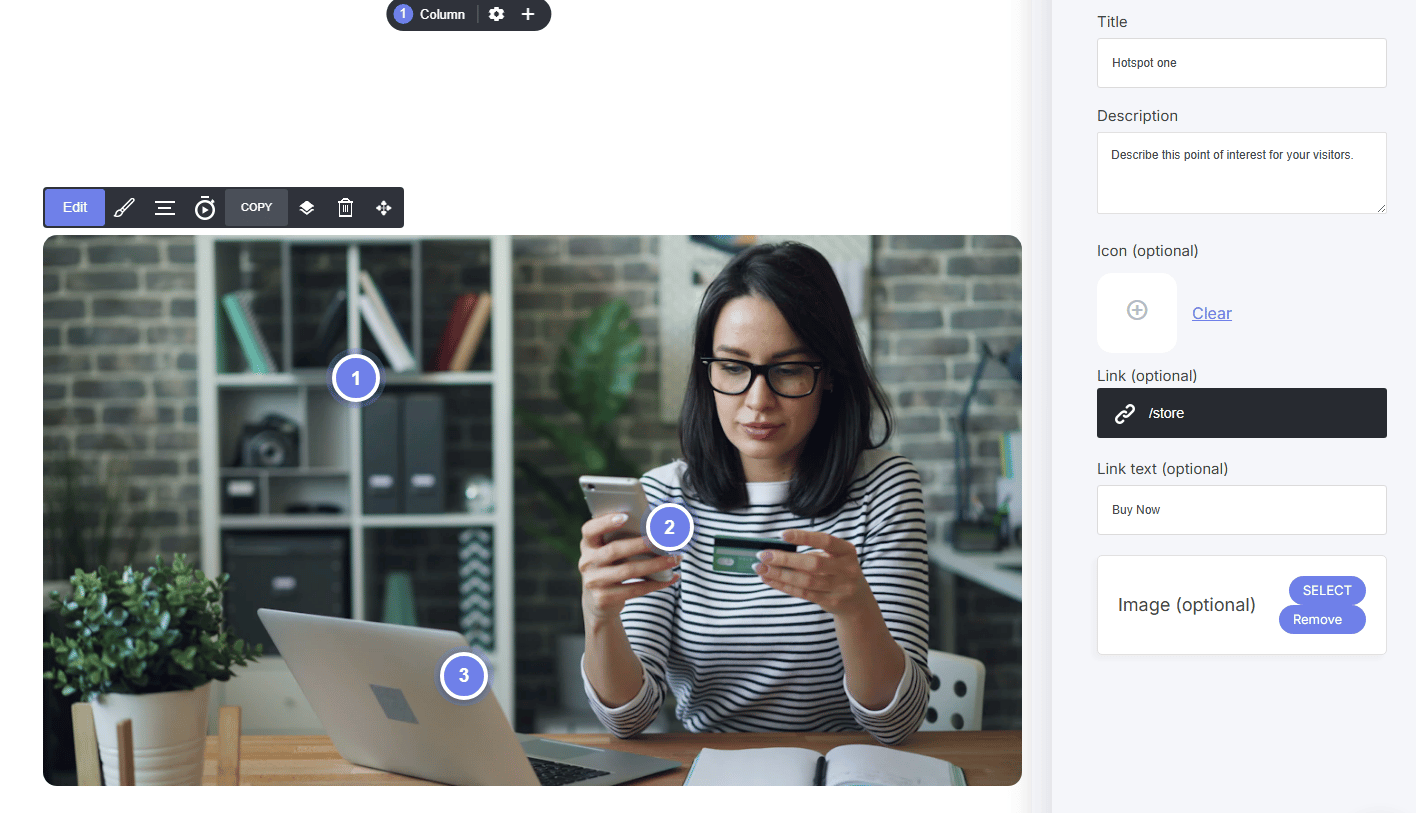
* **Title & Description:** the headline and text shown in the popover
* **Icon (optional):** custom icon shown on the pin itself
* **Link & Link text (optional):** make the popover clickable with custom button text (e.g., "Buy Now")
### **Per Hotspot Setting:**
* **Title & Description:** the headline and text shown in the popover
* **Icon (optional):** custom icon shown on the pin itself
* **Link & Link text (optional):** make the popover clickable with custom button text (e.g., "Buy Now")
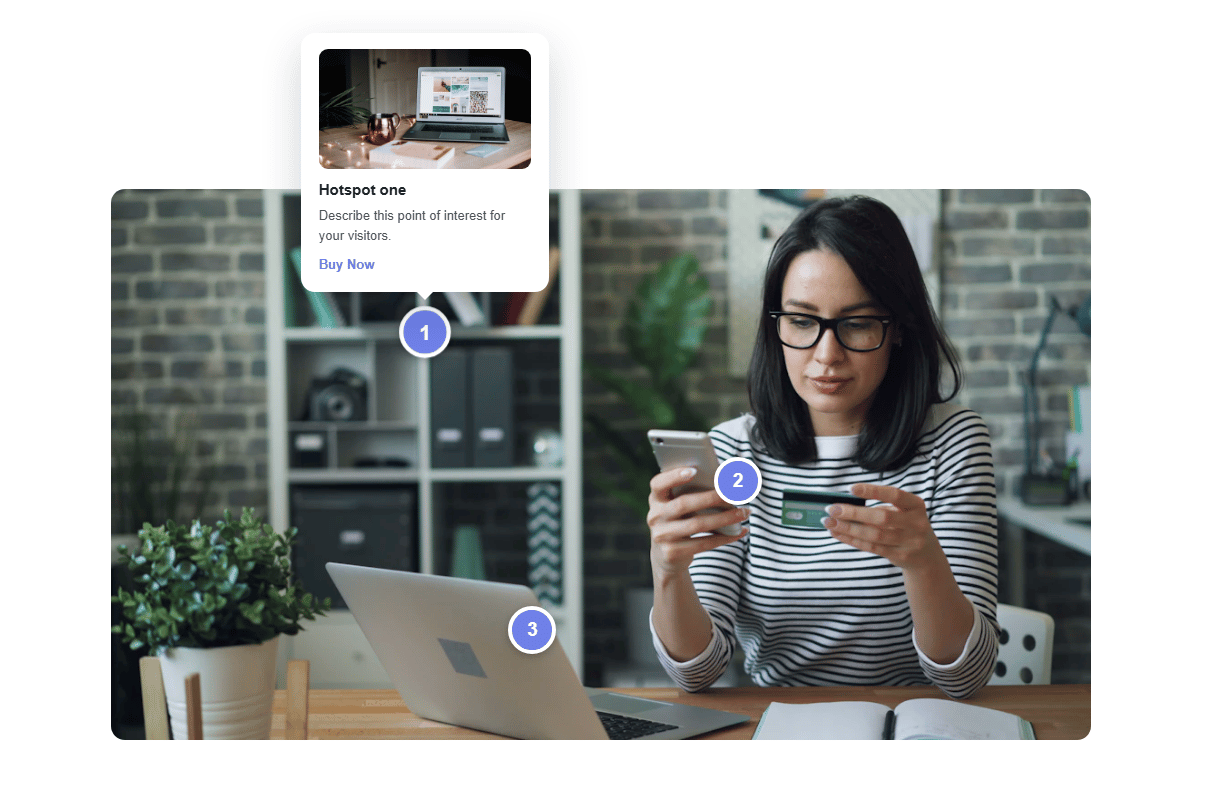 * **Image (optional):** add a secondary image inside the popover, great for showing a product close-up
* **Image alt text:** for accessibility/SEO
* **Image (optional):** add a secondary image inside the popover, great for showing a product close-up
* **Image alt text:** for accessibility/SEO