> ## Documentation Index
> Fetch the complete documentation index at: https://docs.bosscart.io/llms.txt
> Use this file to discover all available pages before exploring further.
# Audio
> The audio widget allows you to add music or sound to your website pages, perfect for podcasts or background ambiance.
The **audio widget** allows you to add **music or sound** to your website pages, perfect for podcasts or background ambiance.
* **Great for Engagement** – Elevate user experience by adding **background music** or spoken messages.
* **Personalized Voice Notes** – A great touch for **thanking customers** after a purchase, making interactions more personal.
**How to Add Audio Files**
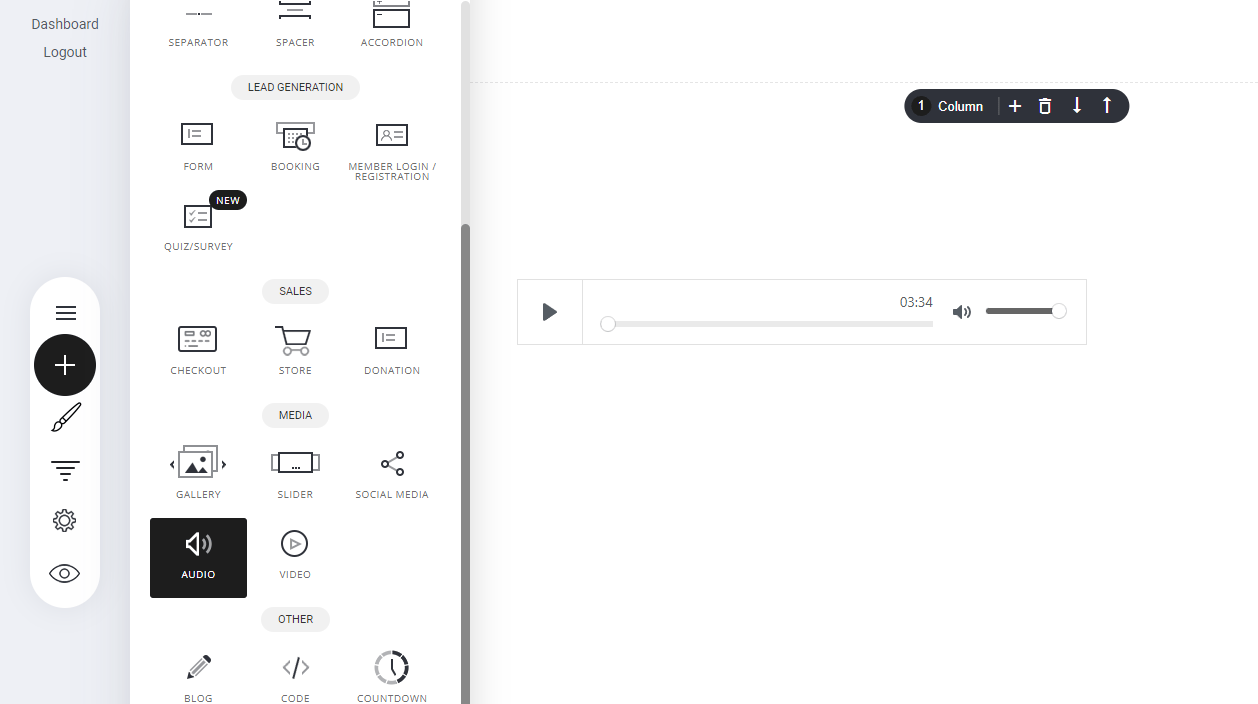
* **Navigate to the Audio Widget** – Open the **Widgets panel** in your editor.
* **Drag & Drop** – Place it anywhere within the page builder.
* **Upload Your Sound Files** – Customize playback settings for seamless integration.
This simple yet effective tool adds depth to your website while improving visitor interaction!
 ### Settings
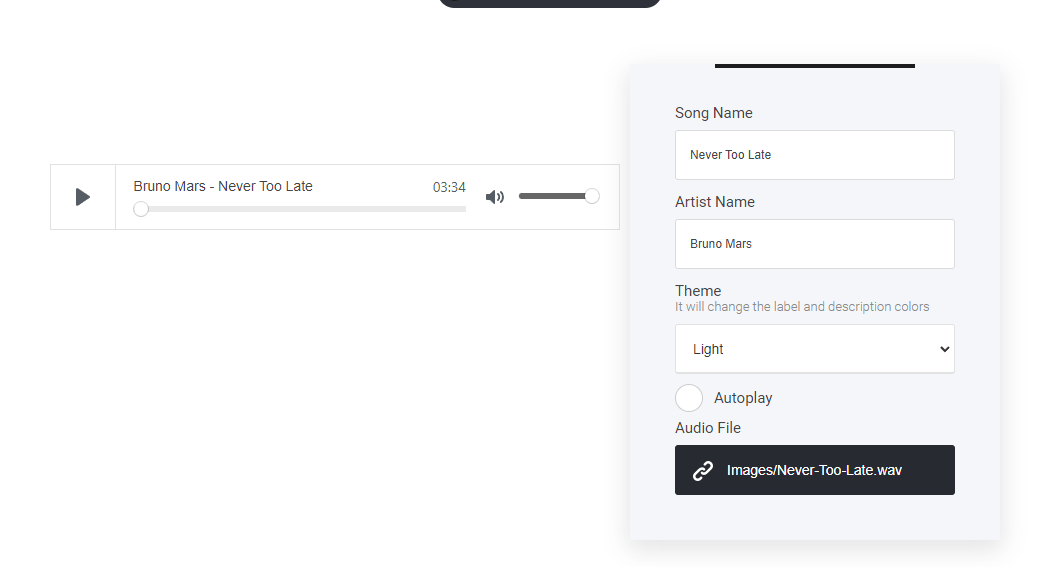
To set up your audio element is really simple. First select the settings tab, name your file/song and an artist name, set the theme to either light or dark mode, turn on or off auto-play and finally select the audio file from your [file manager area](/builder/platform/builder/settings/file-manager).
### Settings
To set up your audio element is really simple. First select the settings tab, name your file/song and an artist name, set the theme to either light or dark mode, turn on or off auto-play and finally select the audio file from your [file manager area](/builder/platform/builder/settings/file-manager).