> ## Documentation Index
> Fetch the complete documentation index at: https://docs.bosscart.io/llms.txt
> Use this file to discover all available pages before exploring further.
# Email Lists
> The Lists and Subscribers tab gives full control over your audience management, helping you segment and engage effectively.
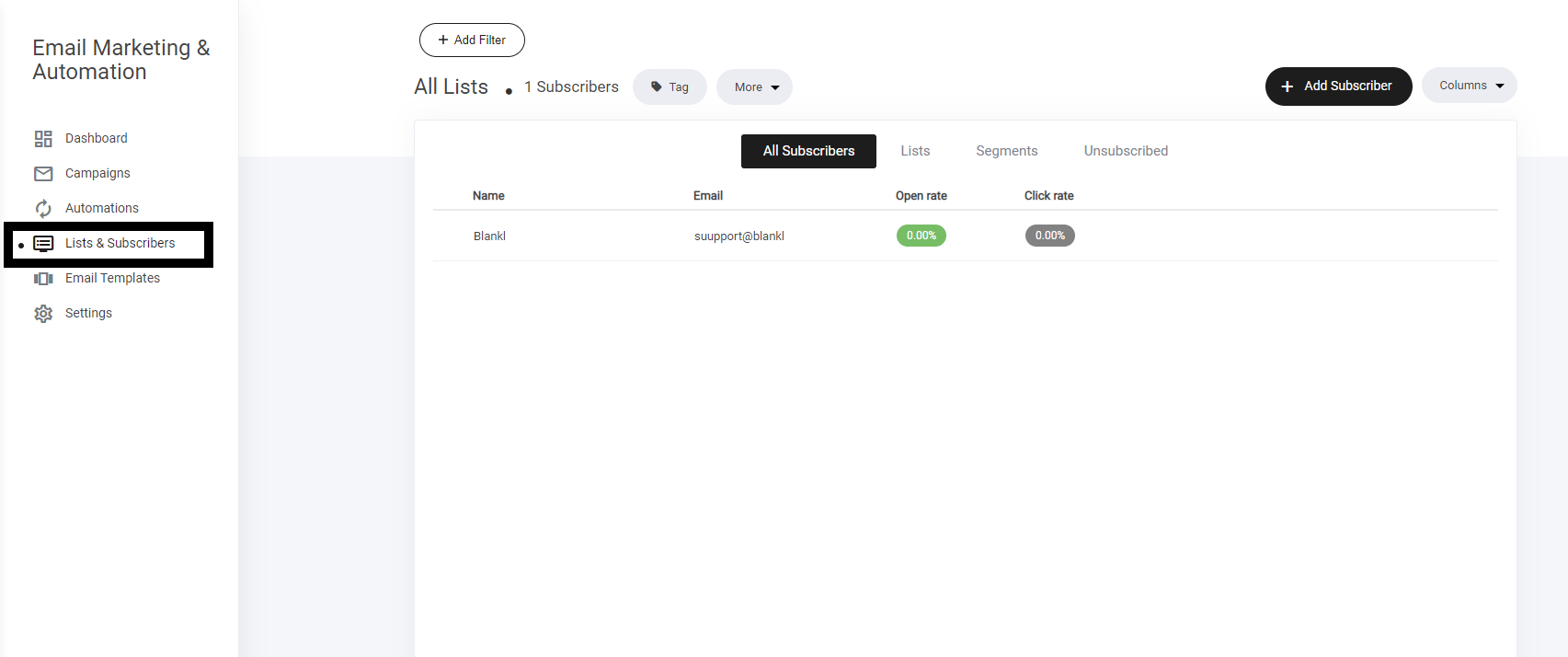
The **Lists and Subscribers** tab gives full control over your audience management, helping you segment and engage effectively.
**What You Can Do:**
* **View All Subscribers** – Get a complete overview of your audience.
* **Manage Subscriber Lists** – Organize contacts into structured lists for better targeting.
* **Create & Adjust Segments** – Group users based on behavior, demographics, or preferences.
* **Monitor Unsubscribed Users** – Track opt-outs and refine engagement strategies.
* **Import, Export & Delete Subscribers** – Ensure data flows smoothly between your systems.
* **Filter & Add Tags** – Improve organization with strategic tagging for easy segmentation.
A **powerful way** to optimize audience communication and engagement!
 ### **Creating lists**
Lists and spaces where you send you subscribers to help you segment them and use within your campaigns and automations.
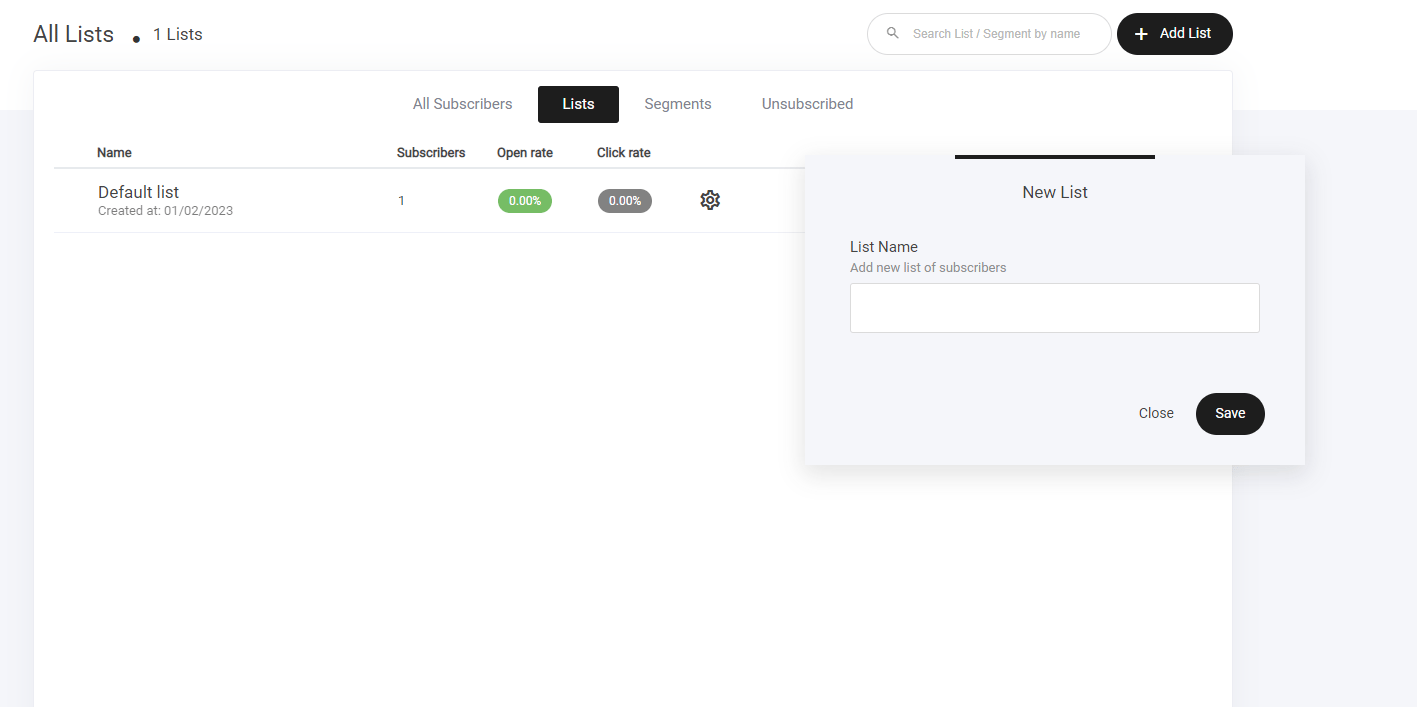
To create a new list, simply:
* Select the list and subscribers tab
* Click Add list
* Name your list and click save
### **Creating lists**
Lists and spaces where you send you subscribers to help you segment them and use within your campaigns and automations.
To create a new list, simply:
* Select the list and subscribers tab
* Click Add list
* Name your list and click save
 ### **Segments**
Segments enable you to define certain properties, people and actions and create a specific segment for them. It works just like a list, but more granular.
There are 2 ways in which you can create segments:
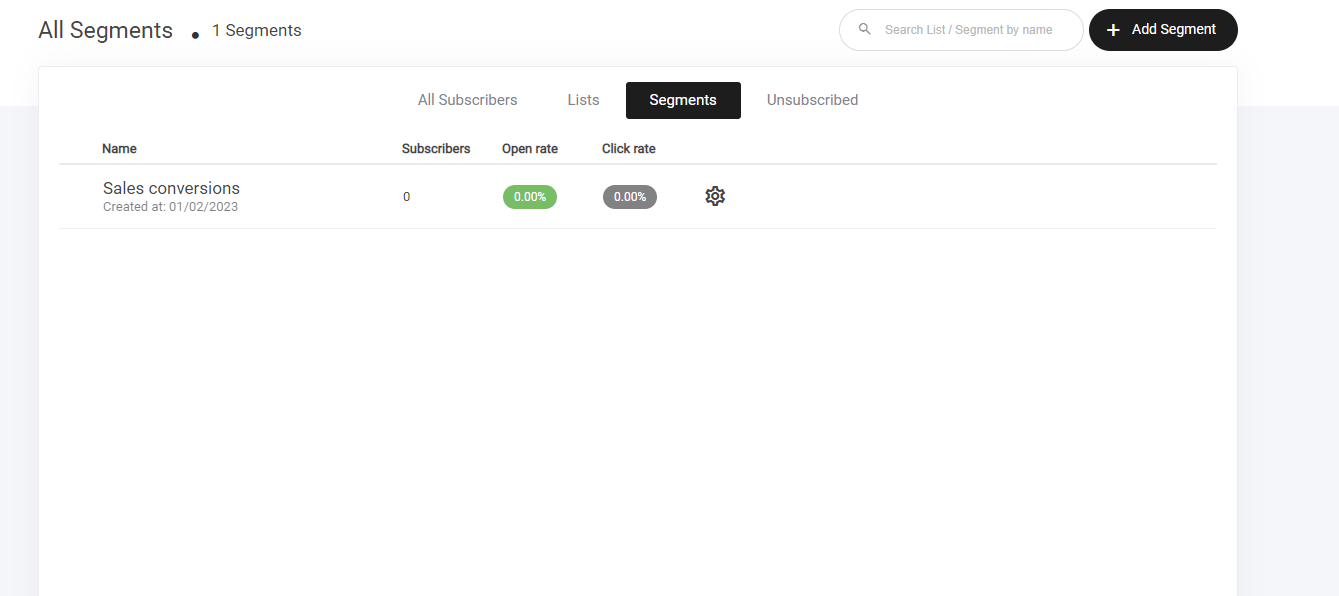
1. Select the segments tab > and create new segment.
2. Select the all subscribers tab > Use the filter to create a defined list that you want to create a segment with.
### **Segments**
Segments enable you to define certain properties, people and actions and create a specific segment for them. It works just like a list, but more granular.
There are 2 ways in which you can create segments:
1. Select the segments tab > and create new segment.
2. Select the all subscribers tab > Use the filter to create a defined list that you want to create a segment with.
 ### **Importing contacts**
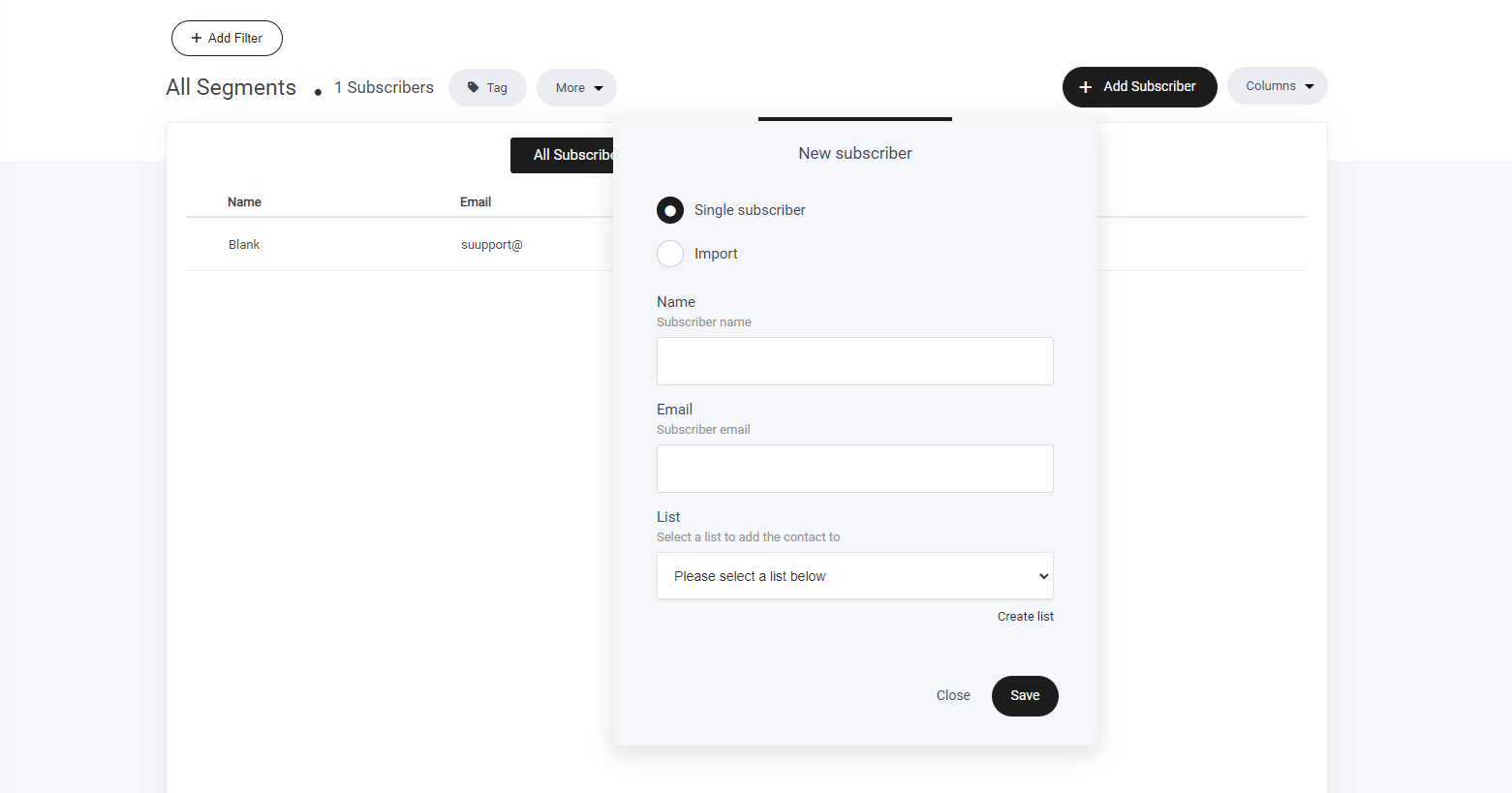
If you have a list on another platform or have a data base with customer data, you can quickly add all those users directly to your email subscribers lists.
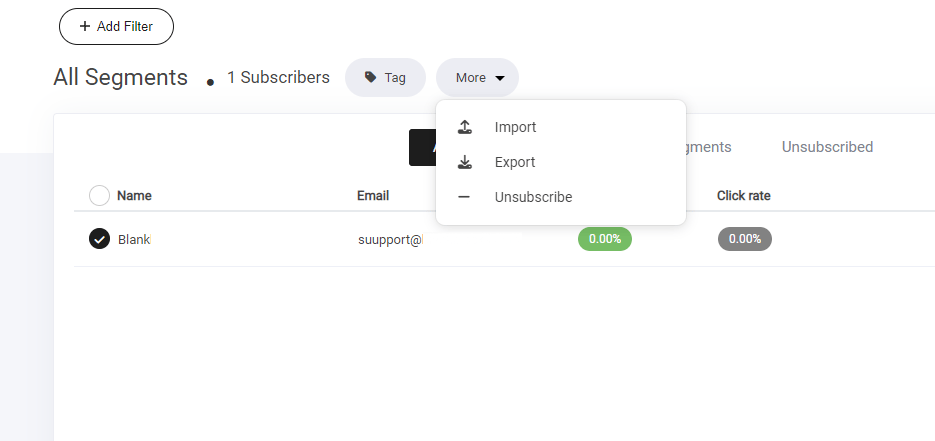
Select the subscriber tab > Click more and select the import option 'as shown below'
Check the agreement info and click import now to start the process.
### **Importing contacts**
If you have a list on another platform or have a data base with customer data, you can quickly add all those users directly to your email subscribers lists.
Select the subscriber tab > Click more and select the import option 'as shown below'
Check the agreement info and click import now to start the process.
 ### **Exporting contacts**
If you need to export your contacts list to another platform, select the export tab, then your list will be exported via CSV file to your computer.
### **Exporting contacts**
If you need to export your contacts list to another platform, select the export tab, then your list will be exported via CSV file to your computer.