> ## Documentation Index
> Fetch the complete documentation index at: https://docs.bosscart.io/llms.txt
> Use this file to discover all available pages before exploring further.
# Email Campaigns
> Create and publish your next email campaign in 3 simple steps.
In this article you will discover how to create your email campaign, using pre-made templates to managing subscriber performance.
Create and publish your next email campaign in 3 simple steps.
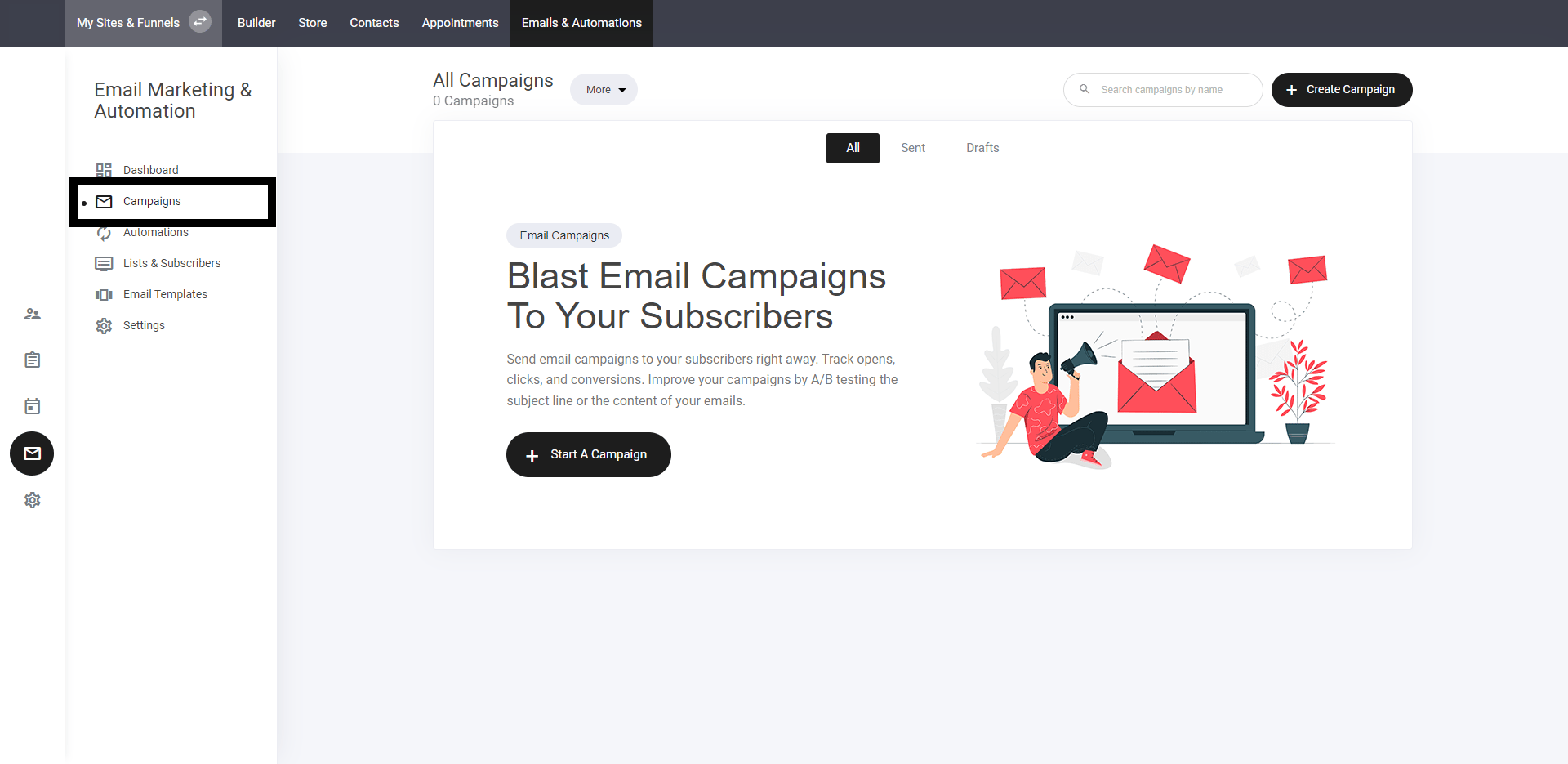
### **Select campaign tab**
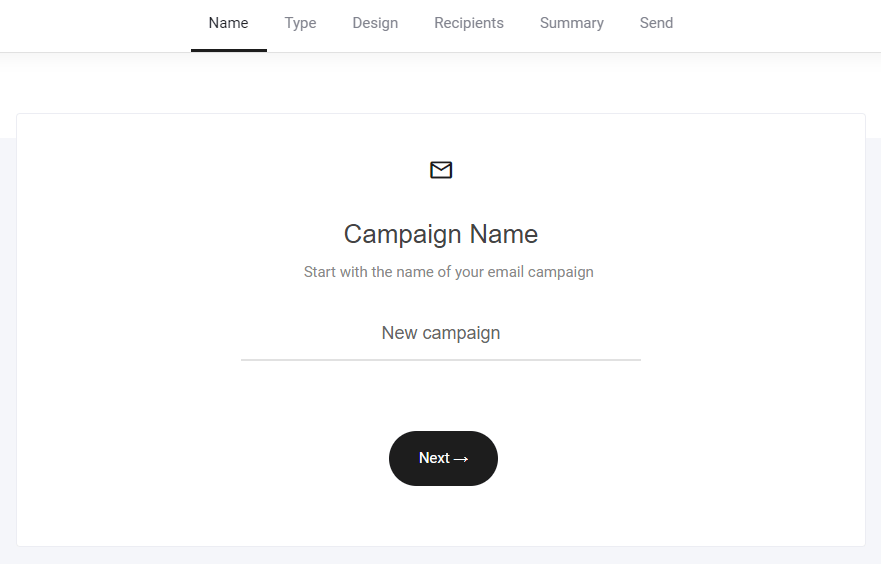
 ### Name campaign
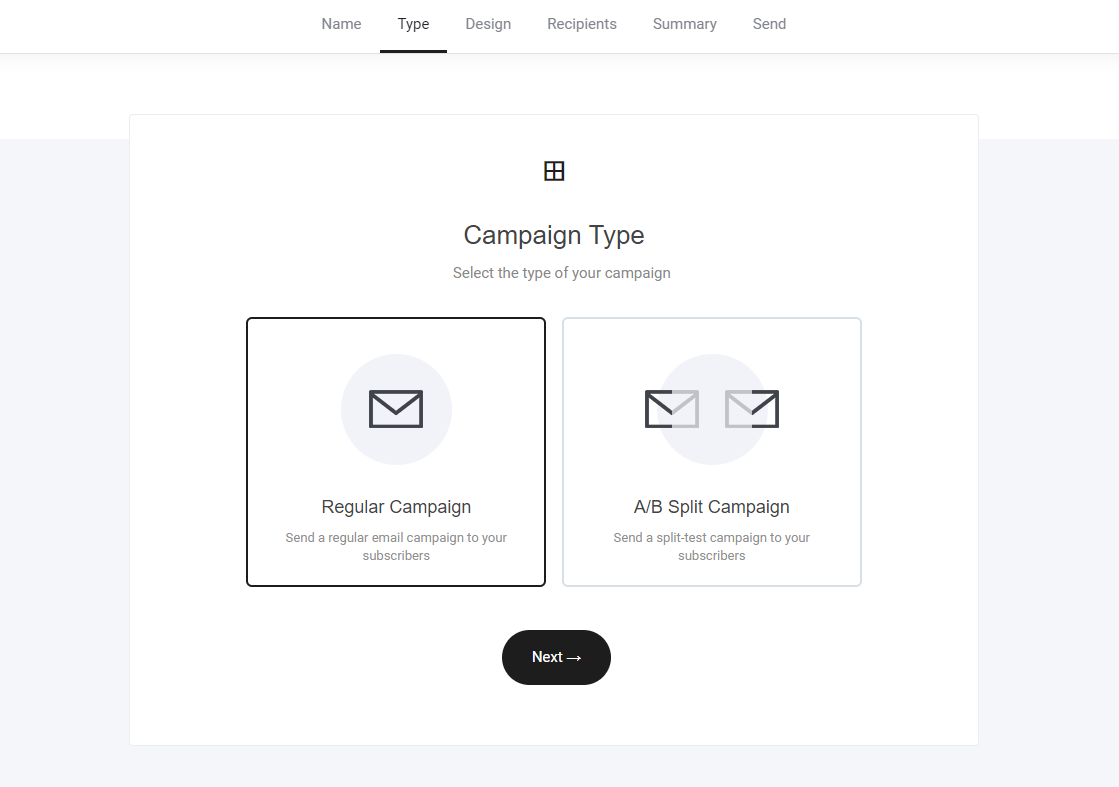
 ### **Select your campaign type**
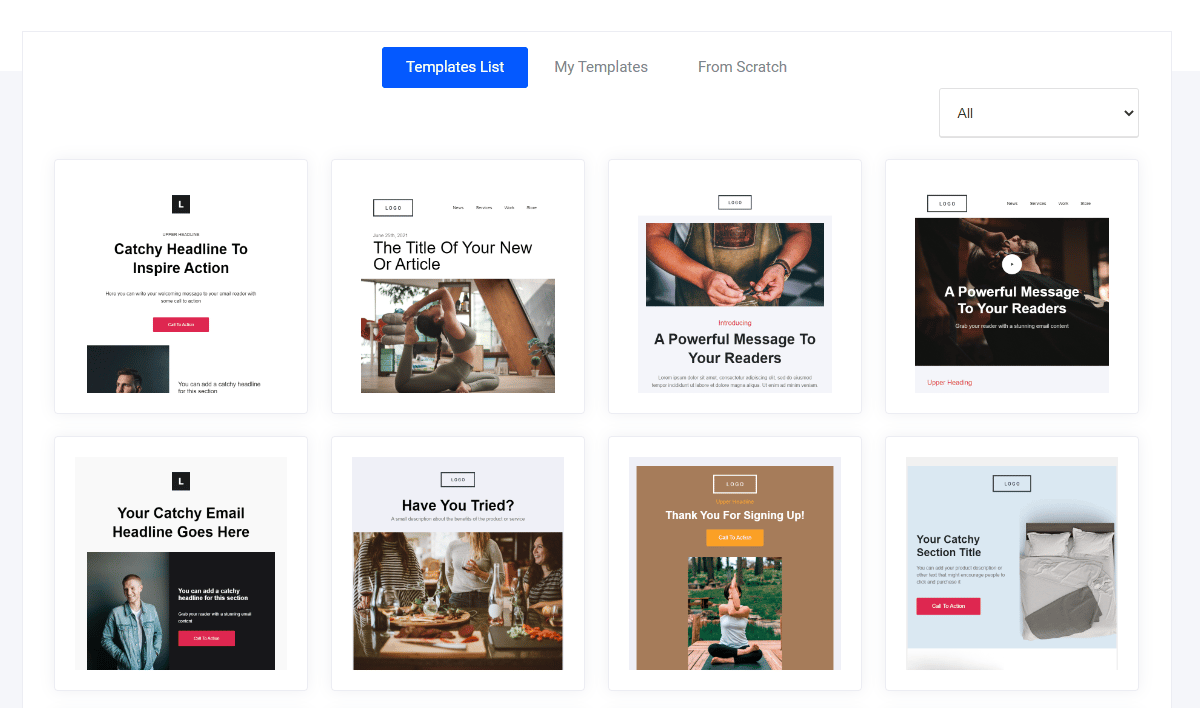
 ### **Select your template**
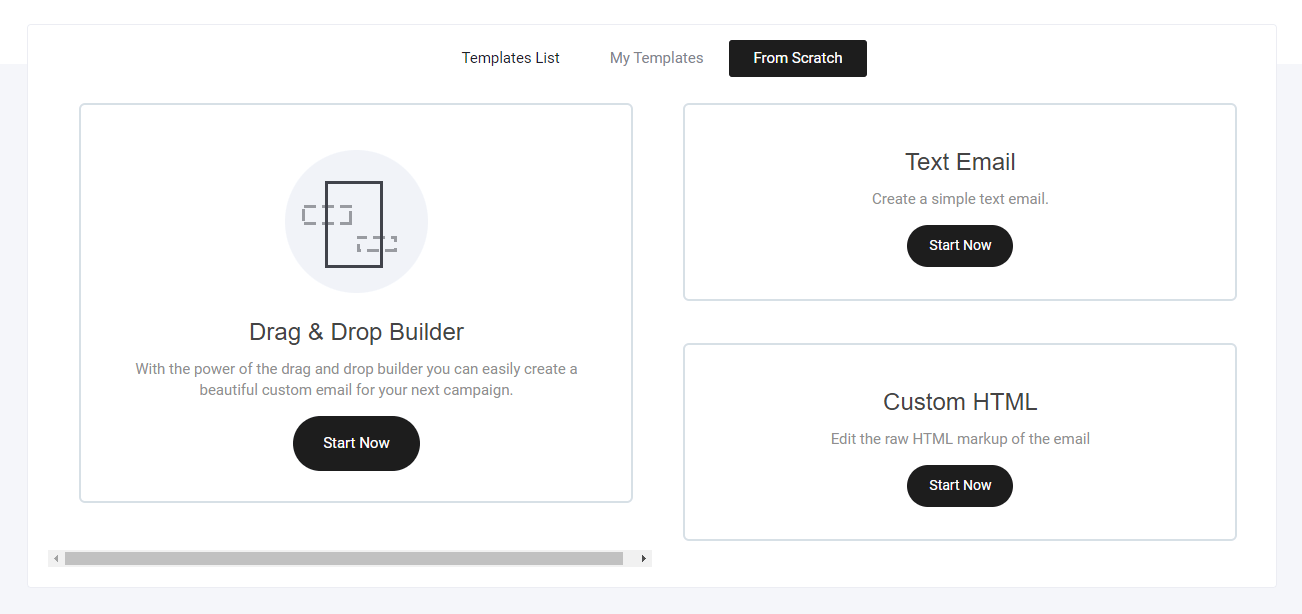
 ### **Create a template from scratch**
* Drag and drop builder
* Text email
* Custom HTML template
### **Create a template from scratch**
* Drag and drop builder
* Text email
* Custom HTML template
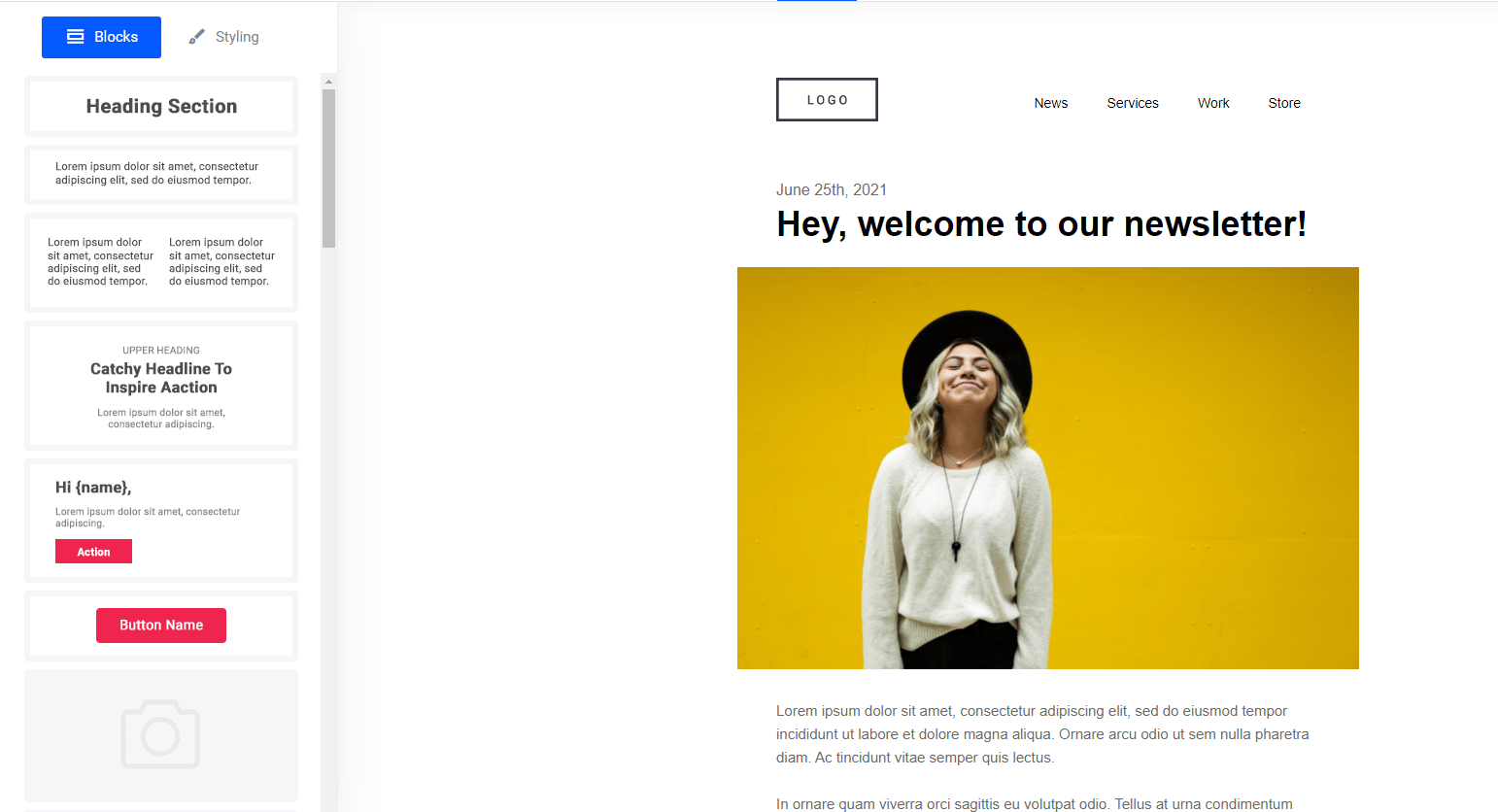
 ## **Edit your email template**
Select from numerous pre-built block designs and simply drag into position.
## **Edit your email template**
Select from numerous pre-built block designs and simply drag into position.
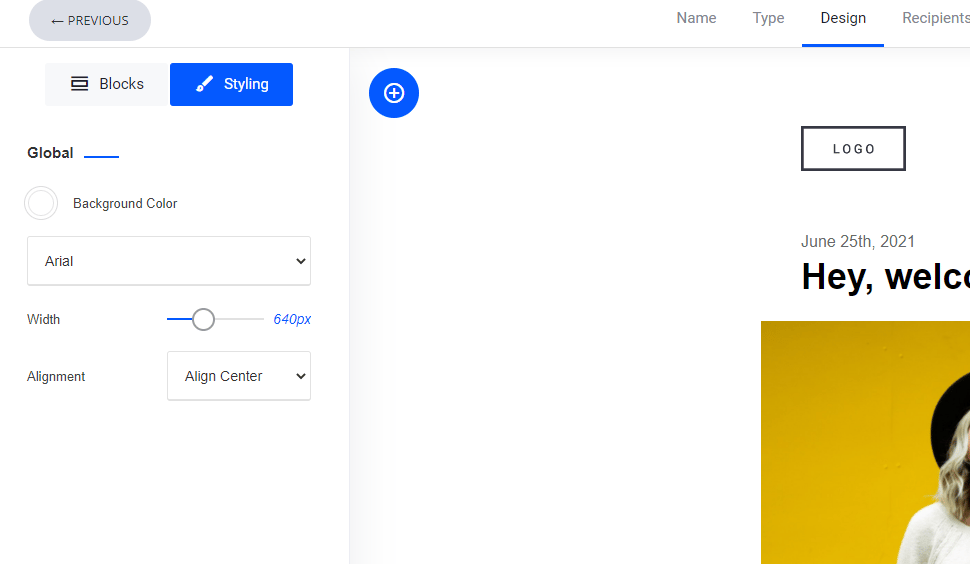
 ### **Email styling**
Set your email background colour to adjusting the width.
### **Email styling**
Set your email background colour to adjusting the width.
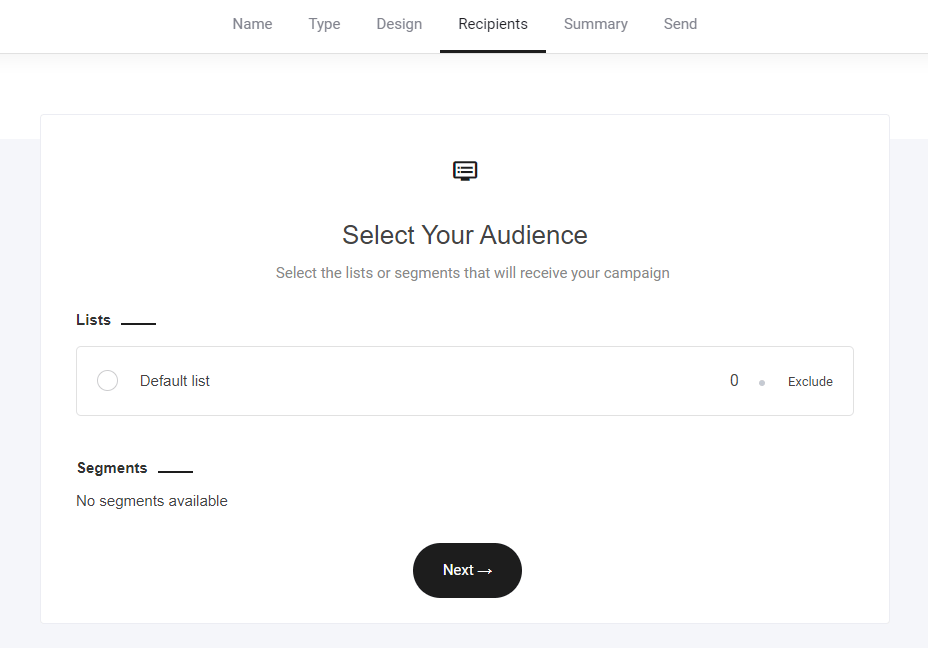
 ### **Select your audience**
Whether you need to send an email to an entire list of subscribers or a segmented audience, simply select and go next.
### **Select your audience**
Whether you need to send an email to an entire list of subscribers or a segmented audience, simply select and go next.
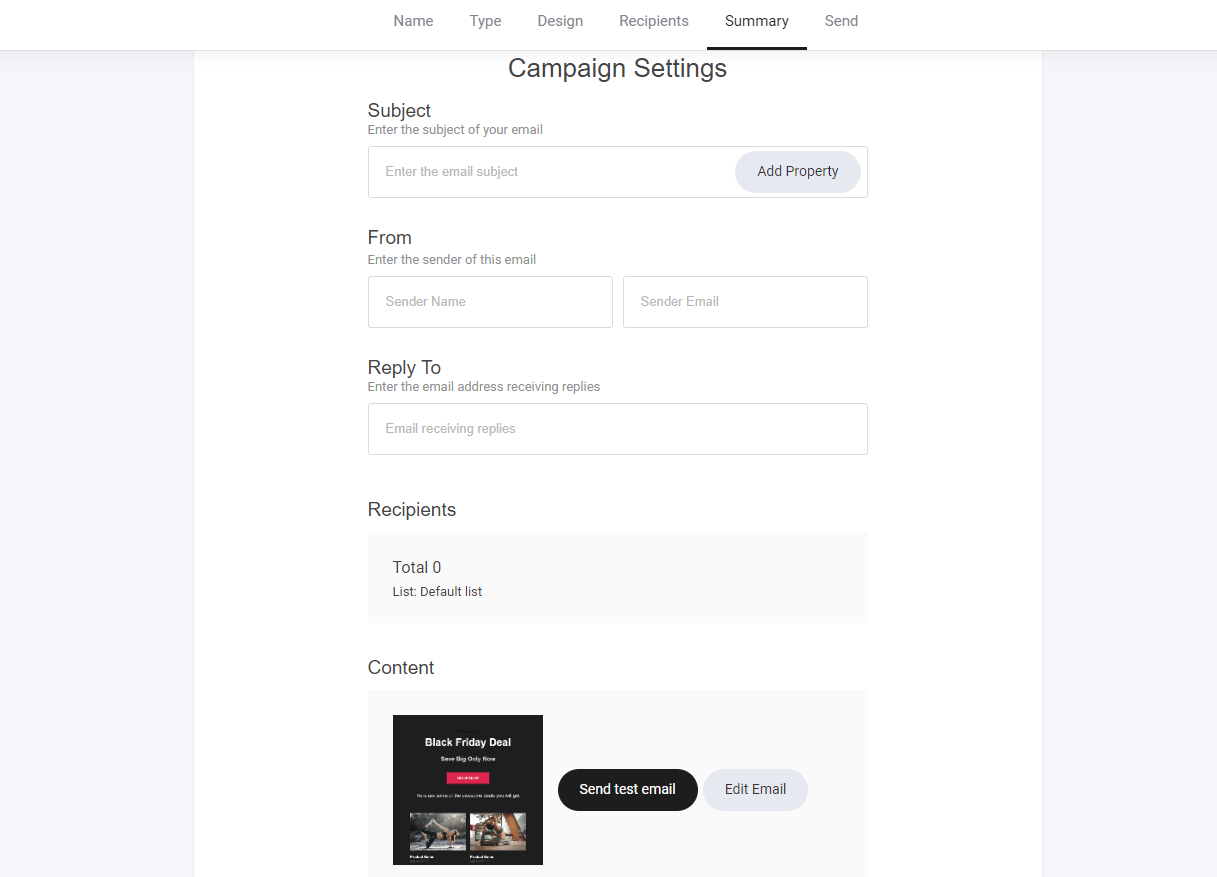
 ### **Campaign settings**
Craft **catchy subject lines** to **boost open rates** and personalize them using CRM properties.
**Best Practices:**
* **Make It Intriguing** – Spark curiosity or urgency (e.g., *"Your Exclusive Offer Expires Soon!"*).
* **Personalize with CRM Data** – Use the subscriber’s **name or recent activity** for relevance.
* **Keep It Short & Clear** – Aim for **50 characters or less** for better mobile readability.
**Test Before Sending:**
* **Send a Test Email** – Check formatting, **links, and design** before launching your campaign.
A **strategic approach** to ensure **higher engagement and conversions!**
### **Campaign settings**
Craft **catchy subject lines** to **boost open rates** and personalize them using CRM properties.
**Best Practices:**
* **Make It Intriguing** – Spark curiosity or urgency (e.g., *"Your Exclusive Offer Expires Soon!"*).
* **Personalize with CRM Data** – Use the subscriber’s **name or recent activity** for relevance.
* **Keep It Short & Clear** – Aim for **50 characters or less** for better mobile readability.
**Test Before Sending:**
* **Send a Test Email** – Check formatting, **links, and design** before launching your campaign.
A **strategic approach** to ensure **higher engagement and conversions!**
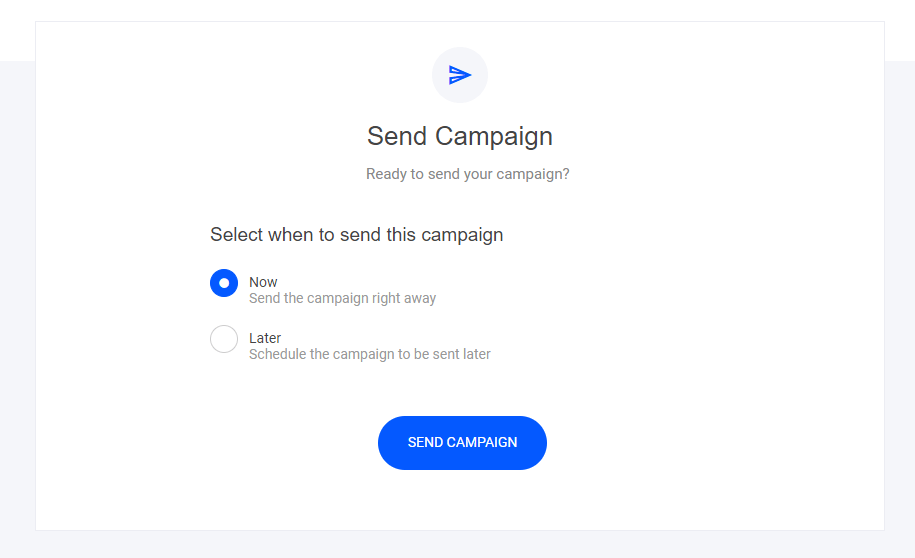
 ### **Send it...**
Send your campaign right now or schedule it for a later date and time.
### **Send it...**
Send your campaign right now or schedule it for a later date and time.
 ## **Email insights**
Once your campaign has successfully been sent to your subscribers, you can now view the email performance. Simply click on the campaign you want to view:
## **Email insights**
Once your campaign has successfully been sent to your subscribers, you can now view the email performance. Simply click on the campaign you want to view:
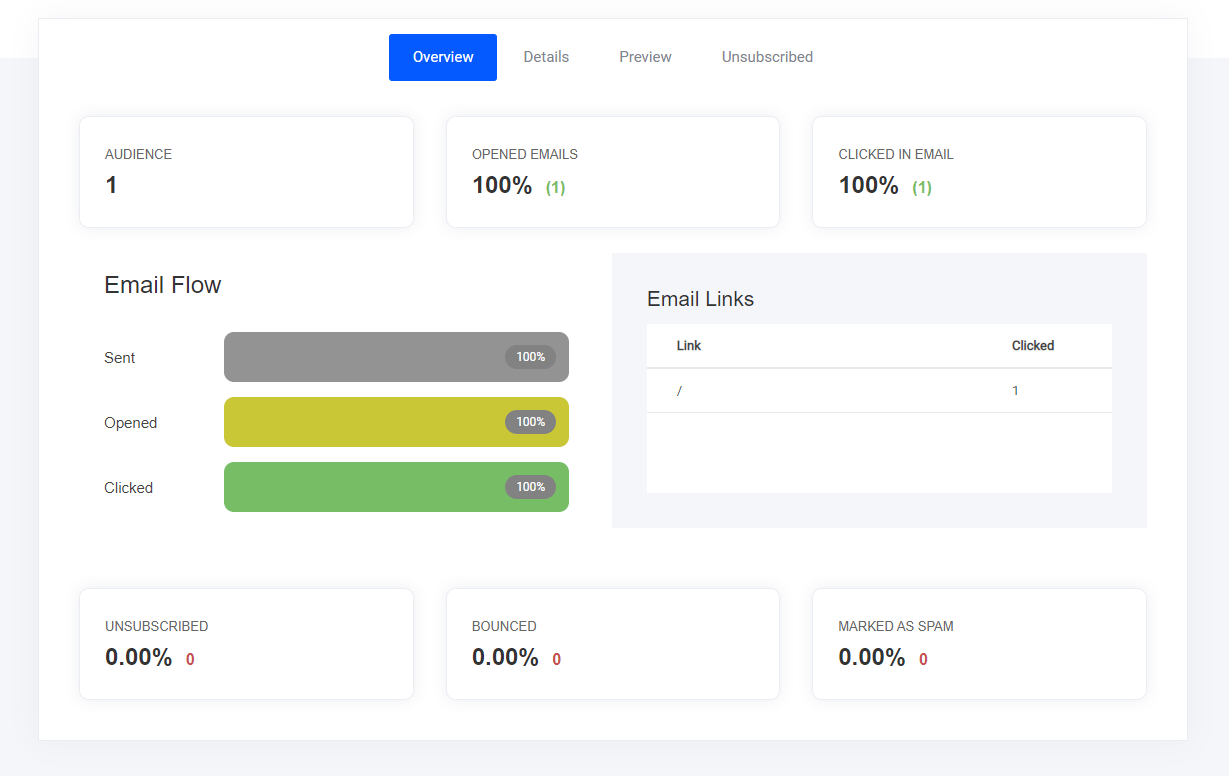 To analyse your email campaign performance, this dashboard will help you view:
* Email opens
* Link clicks
* Preview - so you can remember what the email contained
* Who unsubscribed
* and more...
### Individual subscriber performance
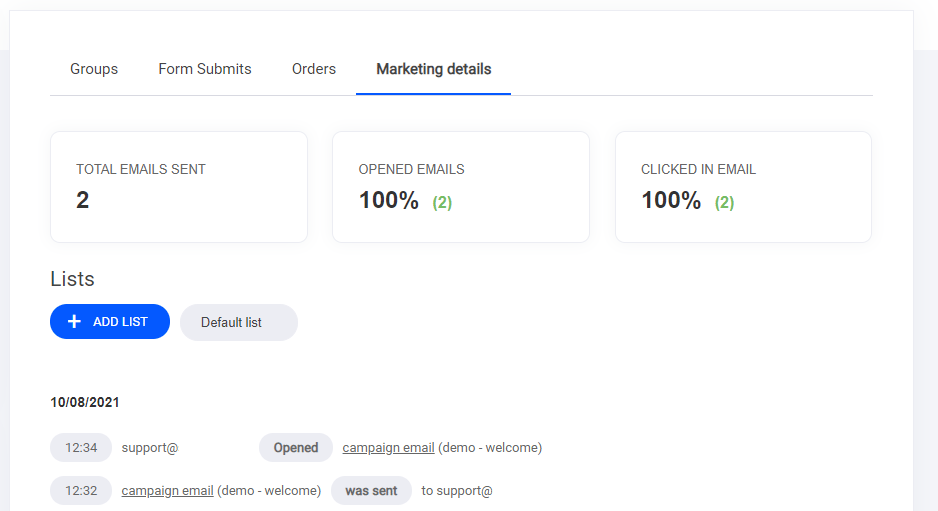
If you want to view how a specific subscriber is engaging with your email campaigns, you can head to the CRM/Contacts tab > select the subscriber > then select the marketing details tab - as highlighted below.
To analyse your email campaign performance, this dashboard will help you view:
* Email opens
* Link clicks
* Preview - so you can remember what the email contained
* Who unsubscribed
* and more...
### Individual subscriber performance
If you want to view how a specific subscriber is engaging with your email campaigns, you can head to the CRM/Contacts tab > select the subscriber > then select the marketing details tab - as highlighted below.