> ## Documentation Index
> Fetch the complete documentation index at: https://docs.bosscart.io/llms.txt
> Use this file to discover all available pages before exploring further.
# Getting started
> Discover Inspiring Funnel Designs
### Discover Inspiring Funnel Designs
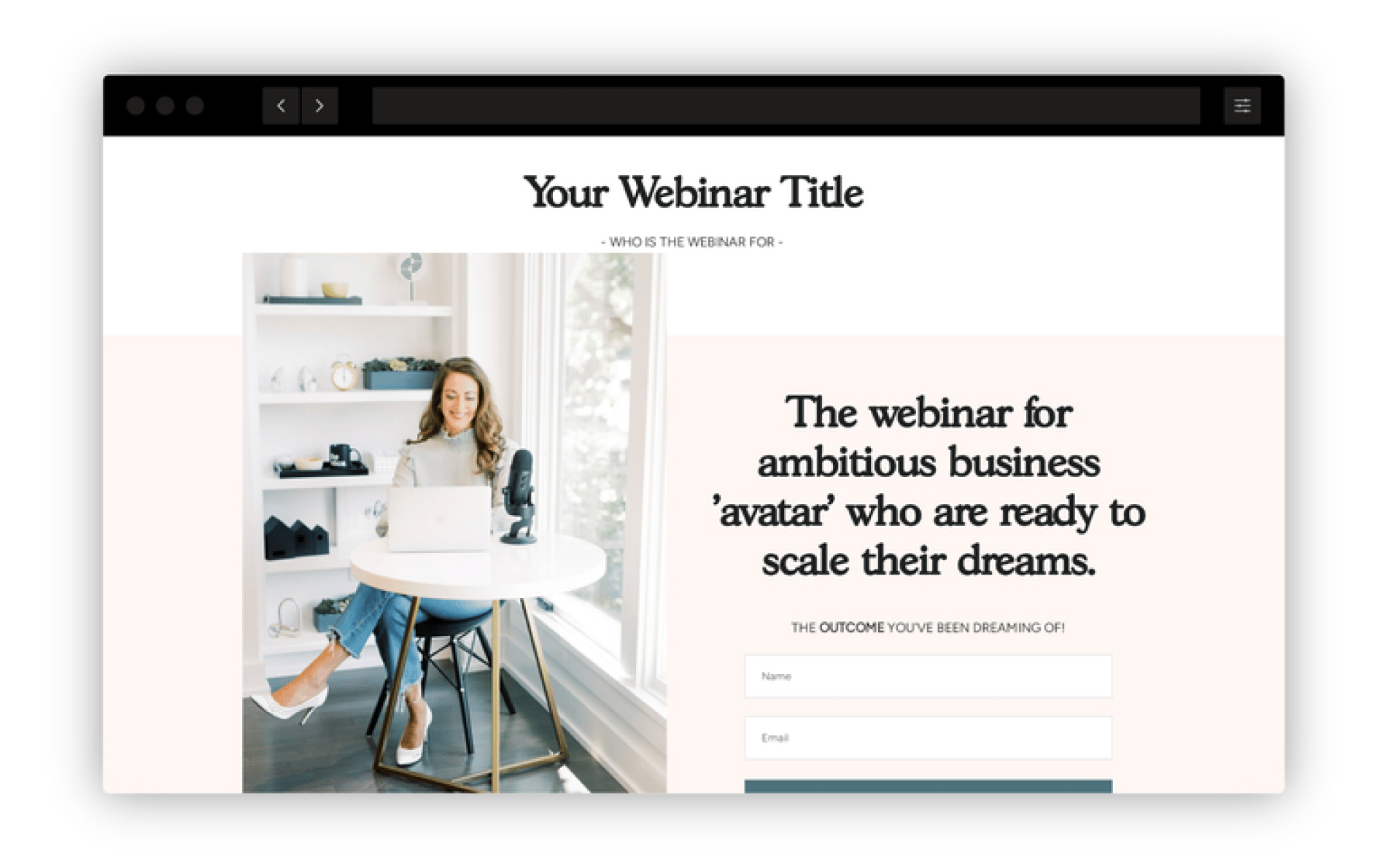
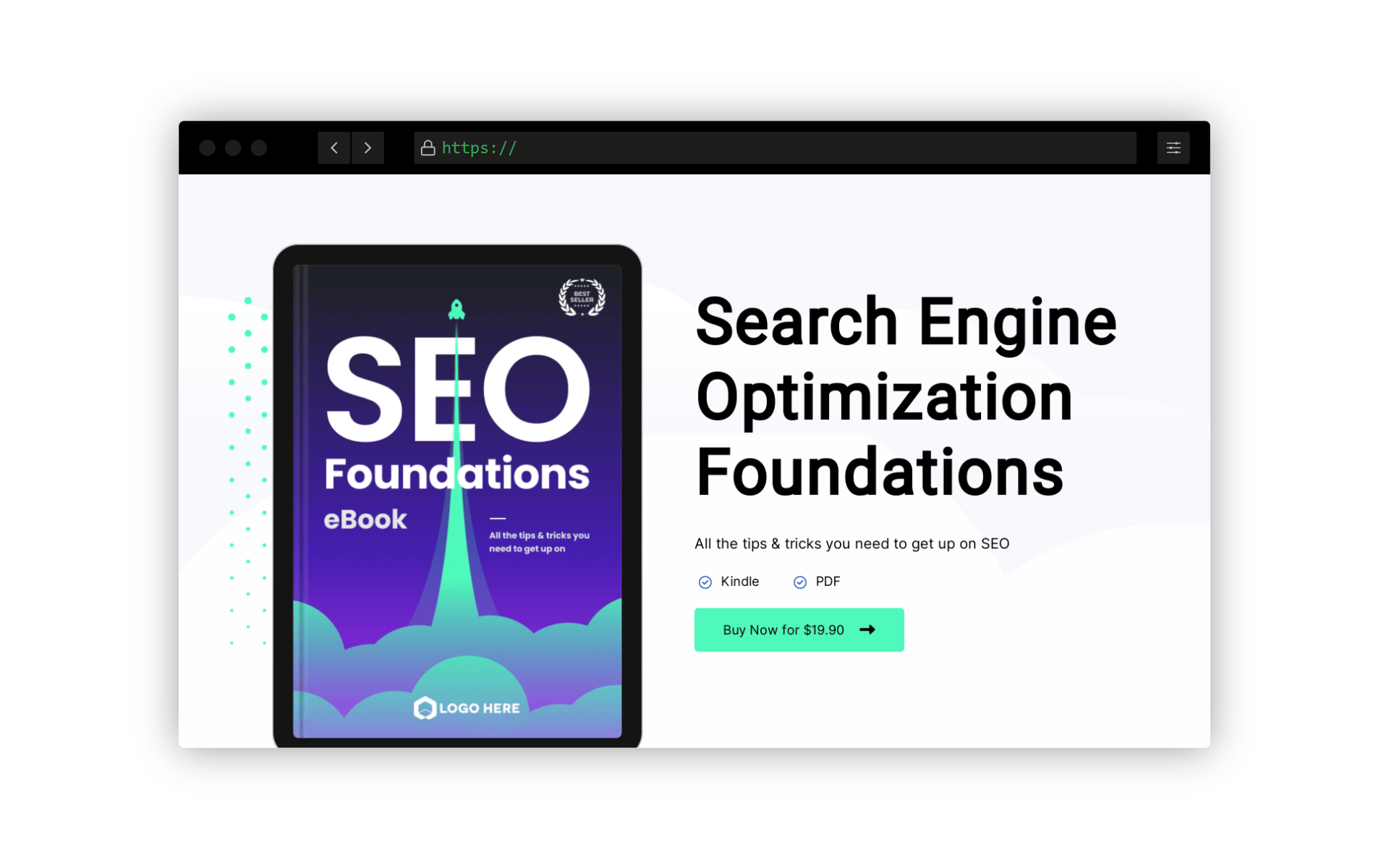
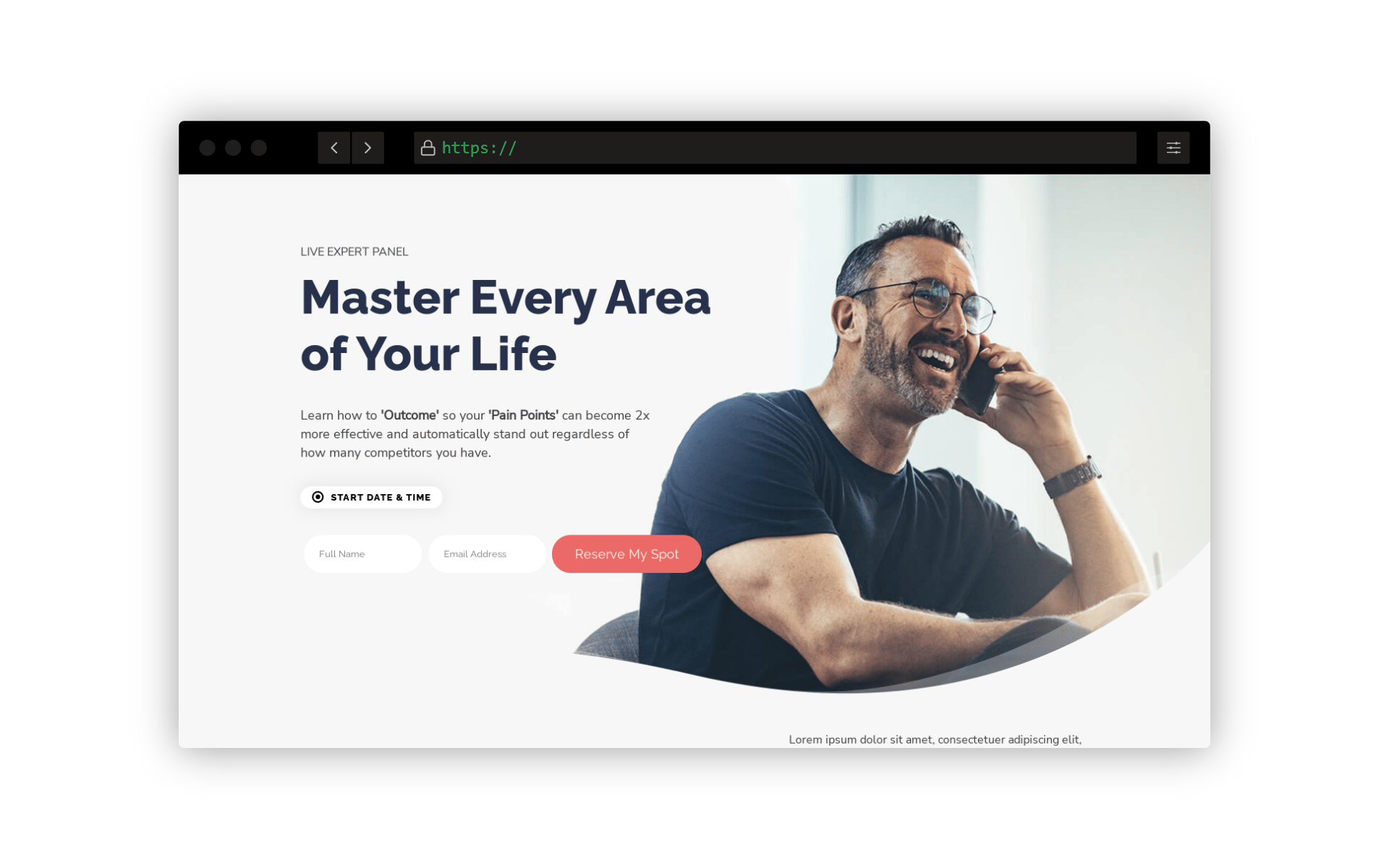
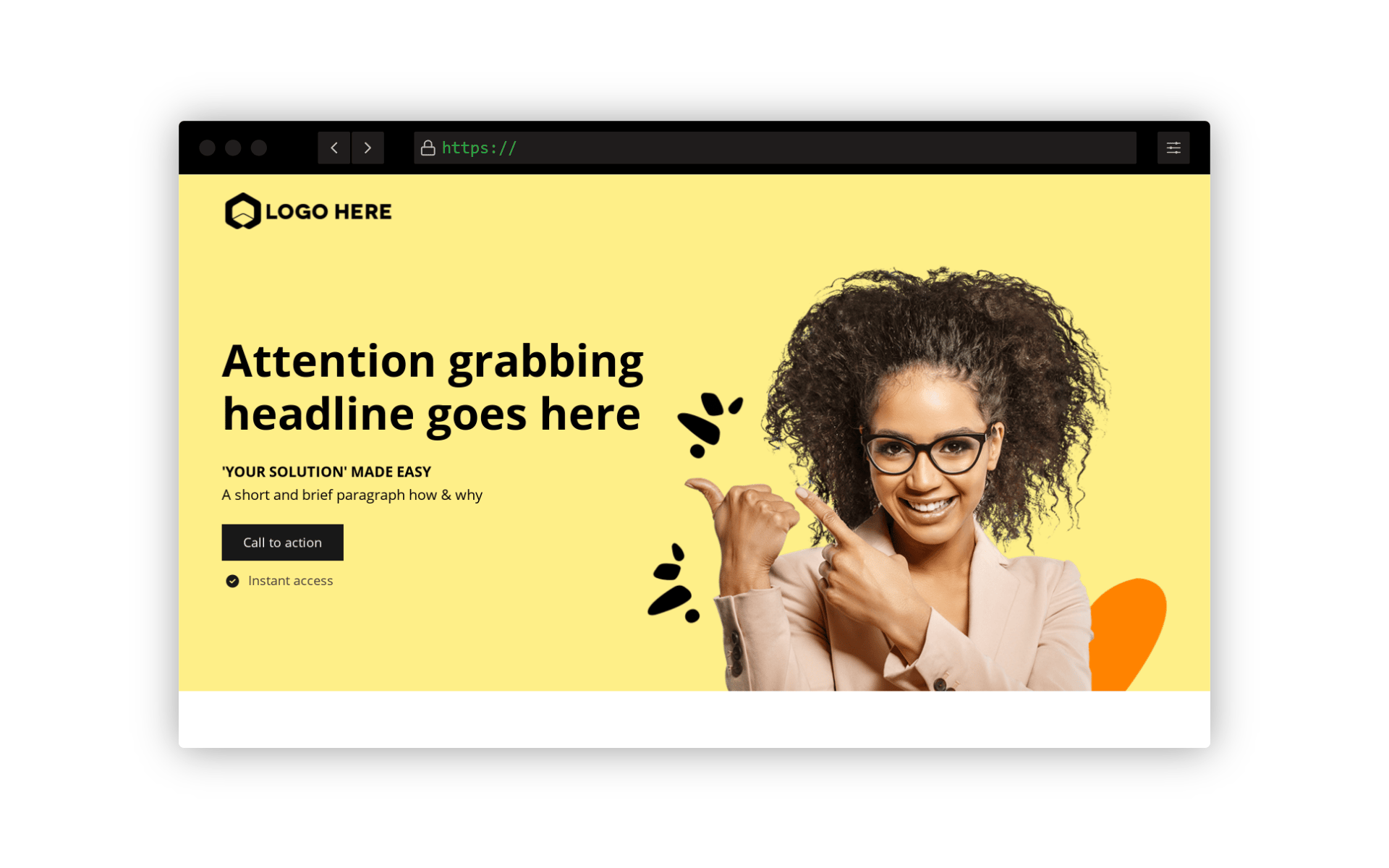
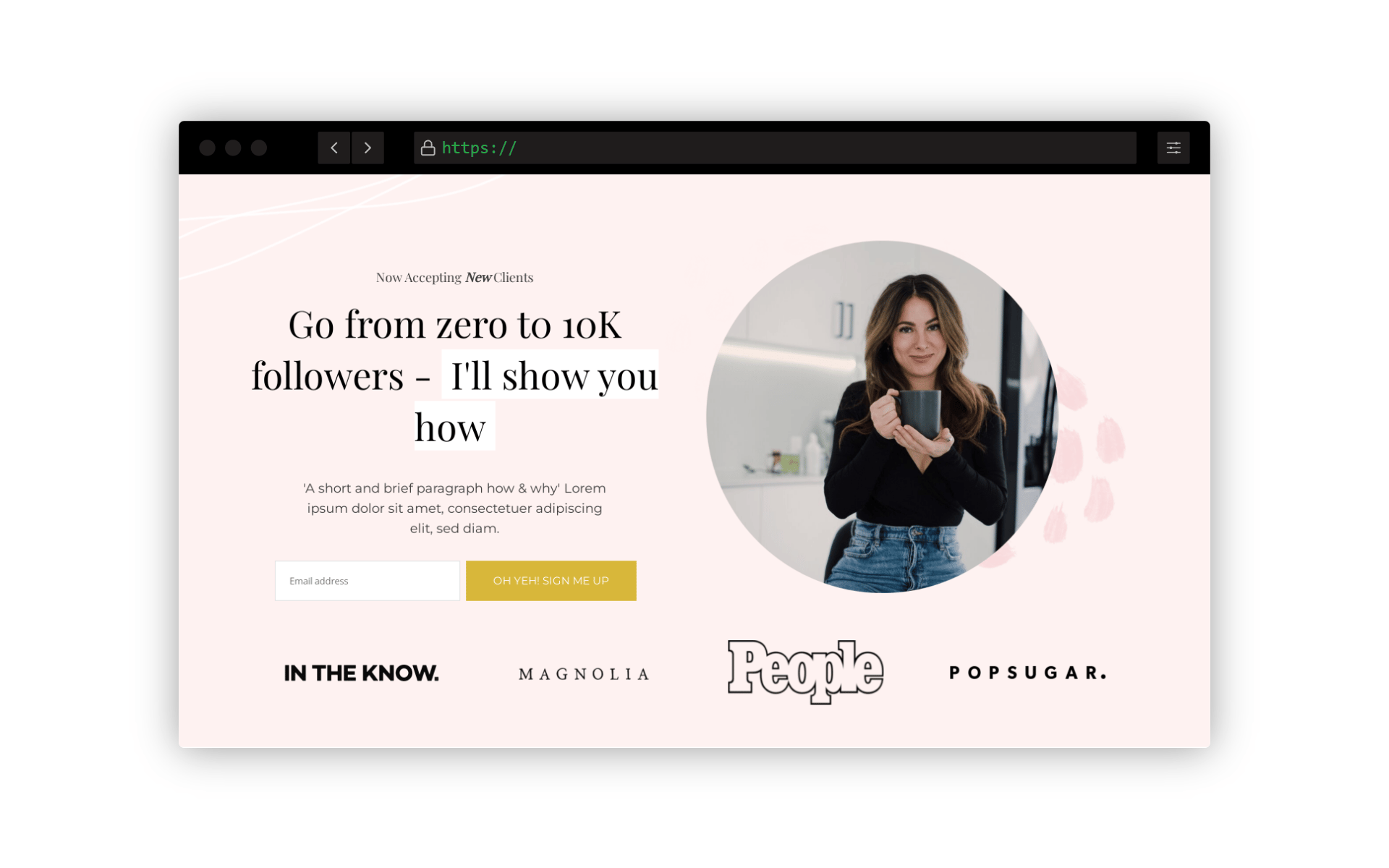
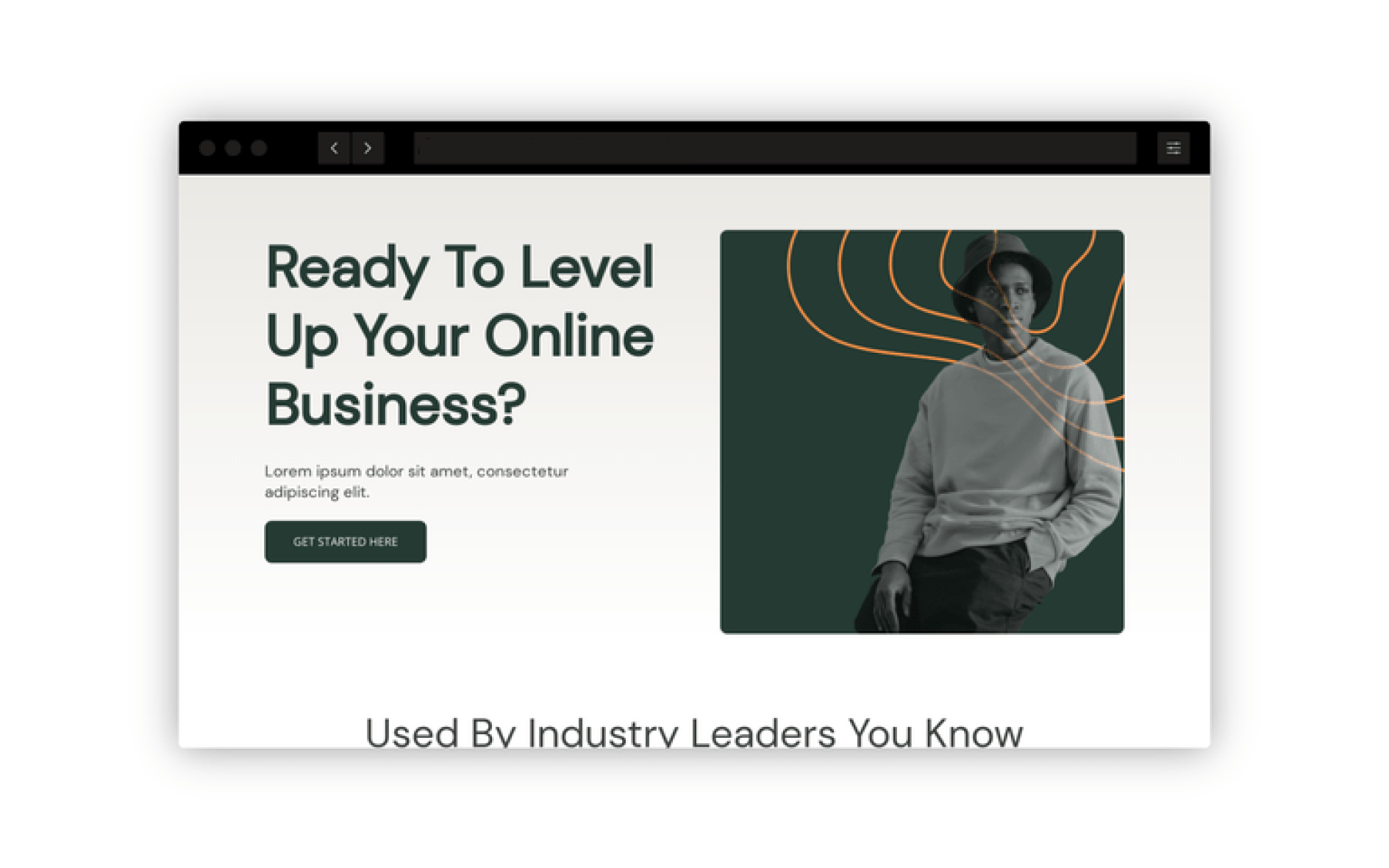
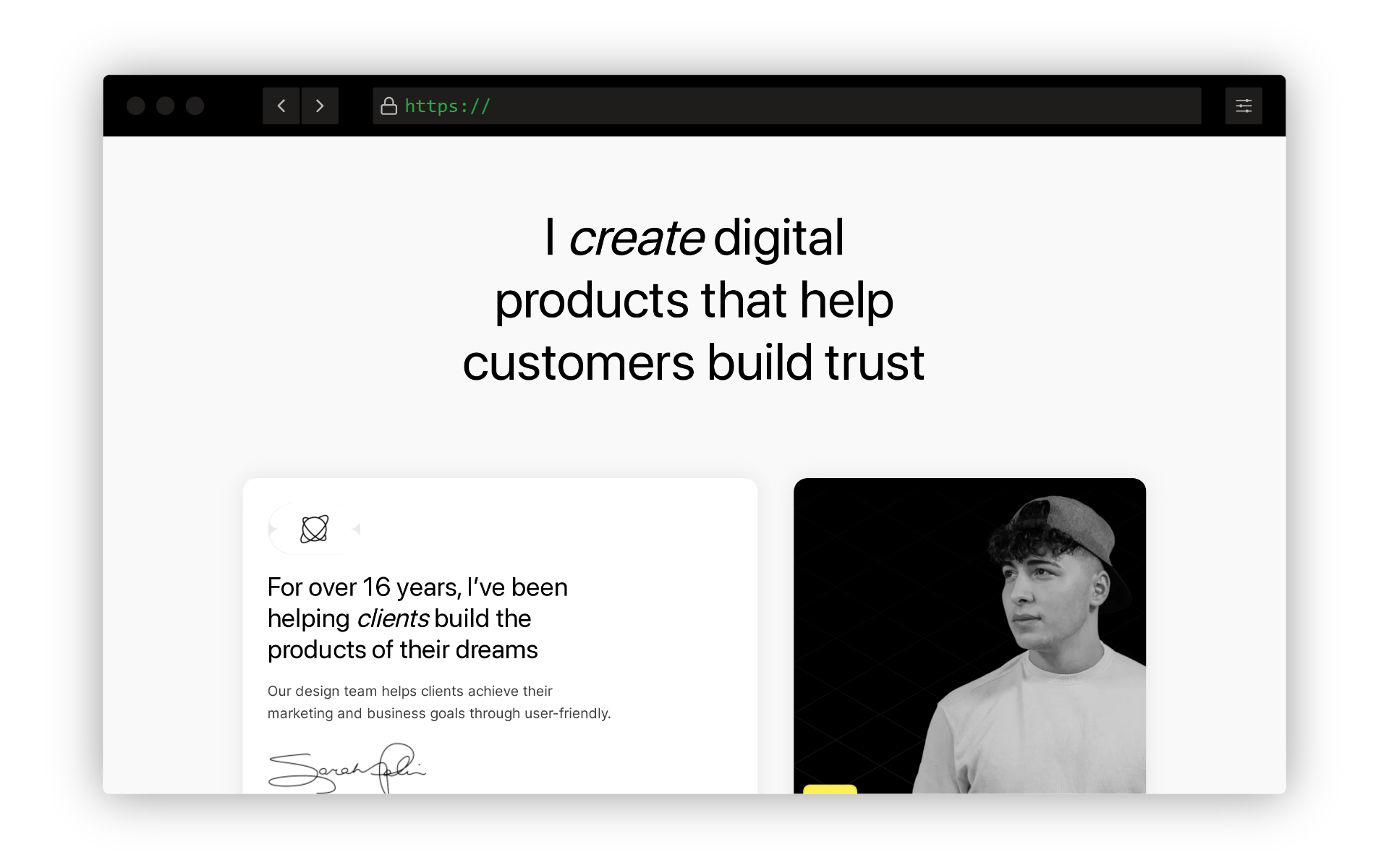
Dive into these **carefully crafted funnel designs** with **step-by-step guides** to help bring your vision to life.
* **Get Inspired** – Discover new layouts and strategies tailored for different goals.
* **Detailed Walkthroughs** – Follow structured guides to implement each funnel effectively.
* **Optimized for Conversions** – Learn best practices to enhance user flow and engagement.
Perfect for refining your next project!


 ### Where to find your funnels
There are two places where you can view all your funnels within or even outside of your project.
To view all your projects 'website and funnel' navigate to the My sites & Funnels tab located at the top of the builder dashboard. Once selected, a slide out containing all data will be displayed as shown below:
### Where to find your funnels
There are two places where you can view all your funnels within or even outside of your project.
To view all your projects 'website and funnel' navigate to the My sites & Funnels tab located at the top of the builder dashboard. Once selected, a slide out containing all data will be displayed as shown below:
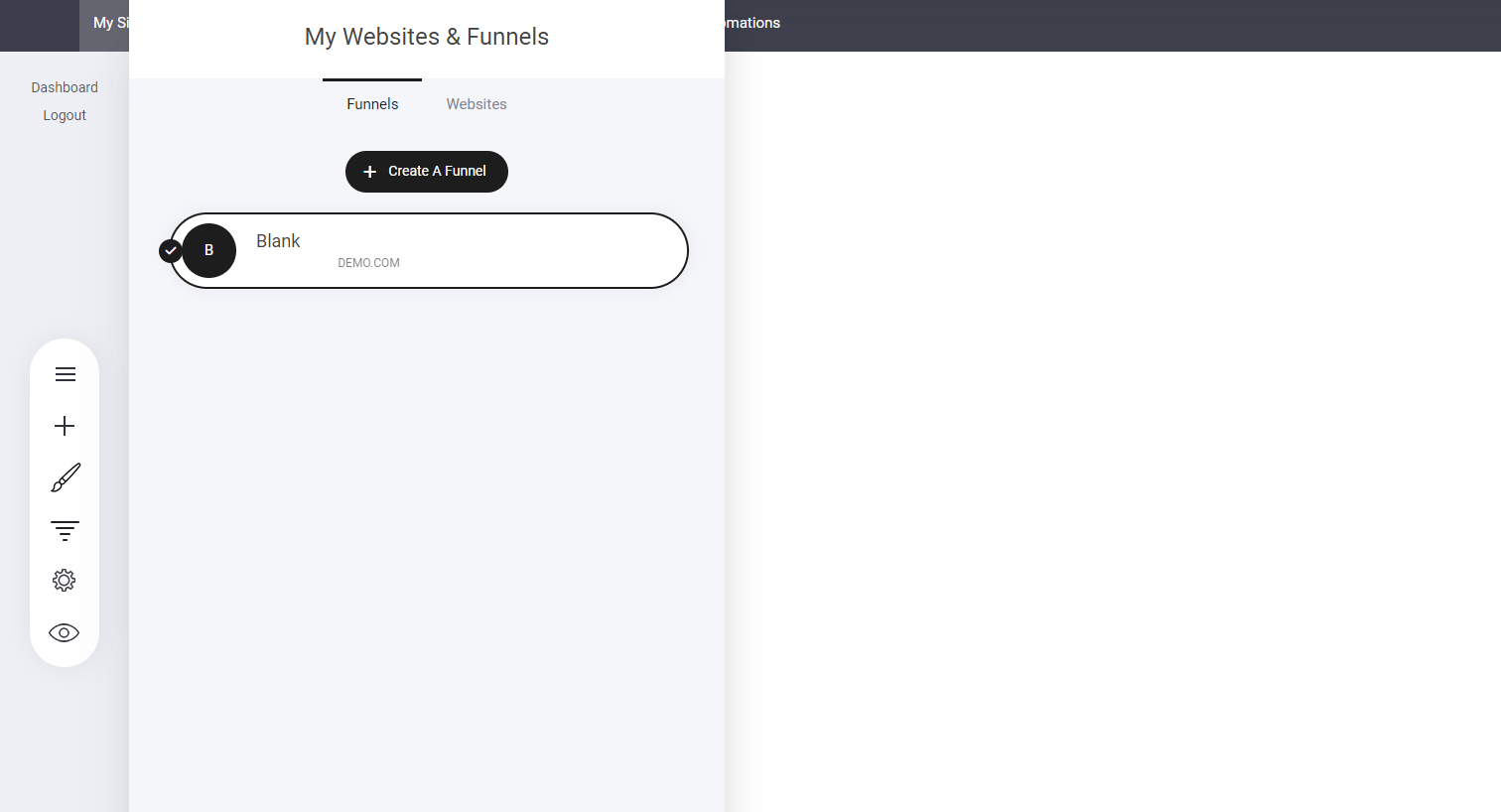 As displayed your contents is broken down into two tabs - Funnels | Websites
**Funnels:** Under the selected funnels tab you will see all your created funnels.
**Websites:** You will see all websites that you have created
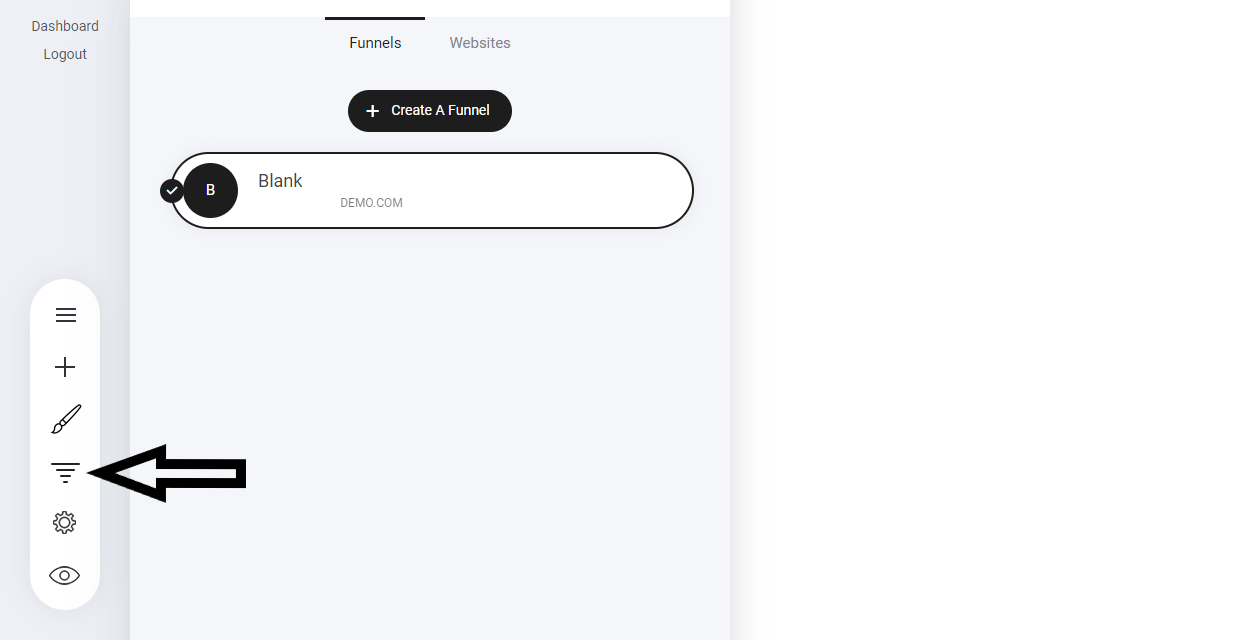
As mentioned you can access your funnels in another place > Navigate to the main funnel icon on the tool bar:
As displayed your contents is broken down into two tabs - Funnels | Websites
**Funnels:** Under the selected funnels tab you will see all your created funnels.
**Websites:** You will see all websites that you have created
As mentioned you can access your funnels in another place > Navigate to the main funnel icon on the tool bar:
 ### Add / Create new funnel
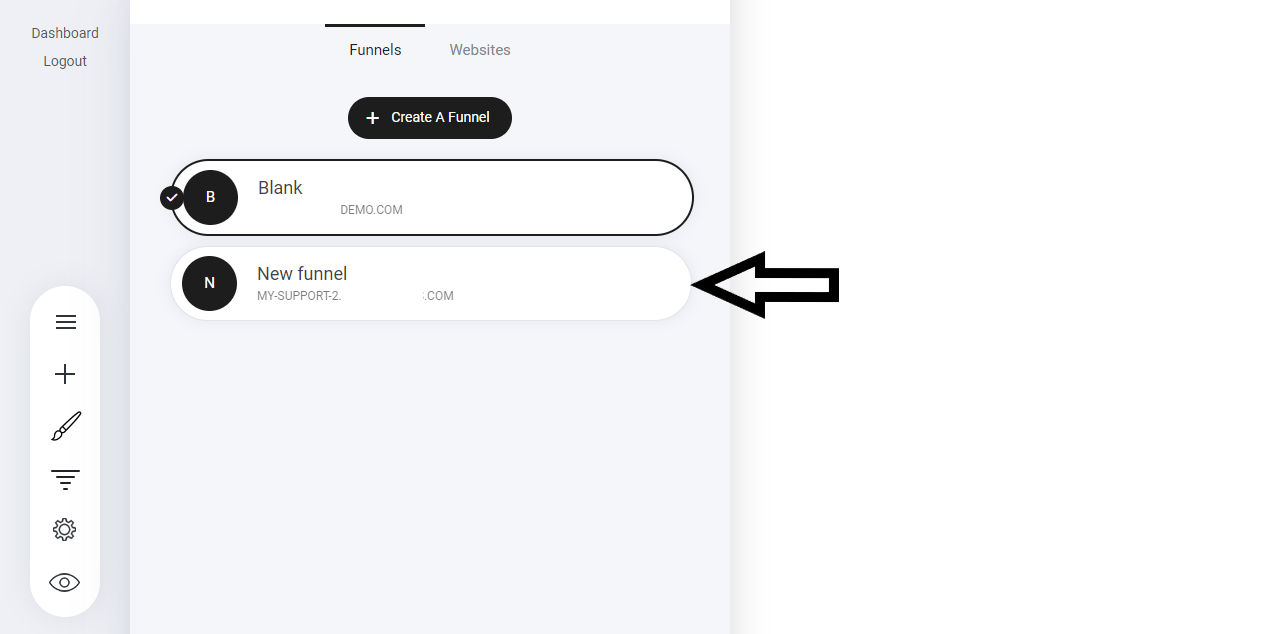
To create a new funnel select the 'Create New Funnel' Button as show in the image above. From here it will open the funnel template library for you to choose one of our pre-designed themes. Select the one you like, give it a name then hit save. Your new funnel has now been added:
### Add / Create new funnel
To create a new funnel select the 'Create New Funnel' Button as show in the image above. From here it will open the funnel template library for you to choose one of our pre-designed themes. Select the one you like, give it a name then hit save. Your new funnel has now been added:
 ### Managing your funnels
This is where the power and flexibility really comes in to play! Depending on your selected plan, each plan comes with a different amount of funnels. But the following context applies to any plan.
You have already seen how to create a new funnel and the same goes when creating a new website. There are some additional options to help you get the most from using Funnels for your own projects or even setting up funnels for your own clients.
**For example:** When you create an account with it is classed as a Project. Within your project you can create a website and numerous funnels. You can also Move the funnel outside of the website so you can have it separate from your main Project URL or move the funnel to another project.
### Add funnel to website
Let's take for example that I have a website, and I want to add a funnel to my website.
Select the funnel you want to move > click the cog icon and this window will display.
### Managing your funnels
This is where the power and flexibility really comes in to play! Depending on your selected plan, each plan comes with a different amount of funnels. But the following context applies to any plan.
You have already seen how to create a new funnel and the same goes when creating a new website. There are some additional options to help you get the most from using Funnels for your own projects or even setting up funnels for your own clients.
**For example:** When you create an account with it is classed as a Project. Within your project you can create a website and numerous funnels. You can also Move the funnel outside of the website so you can have it separate from your main Project URL or move the funnel to another project.
### Add funnel to website
Let's take for example that I have a website, and I want to add a funnel to my website.
Select the funnel you want to move > click the cog icon and this window will display.
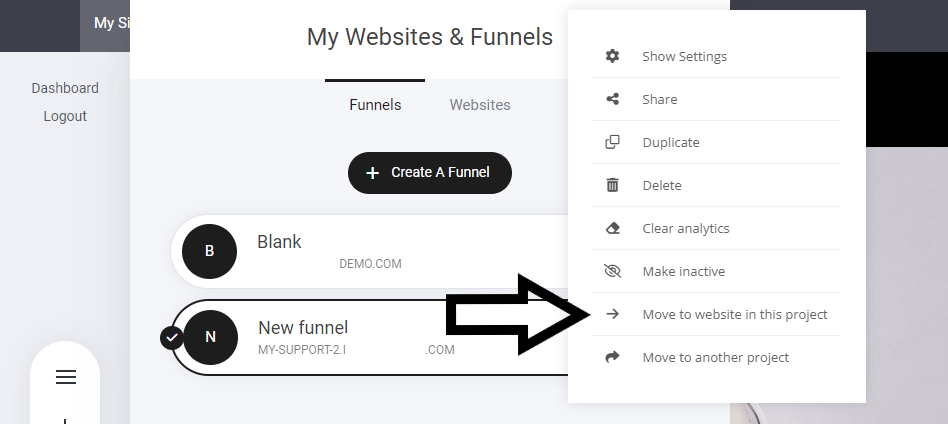 Once selected a new window will display, this time select the website you want to add that funnel to:
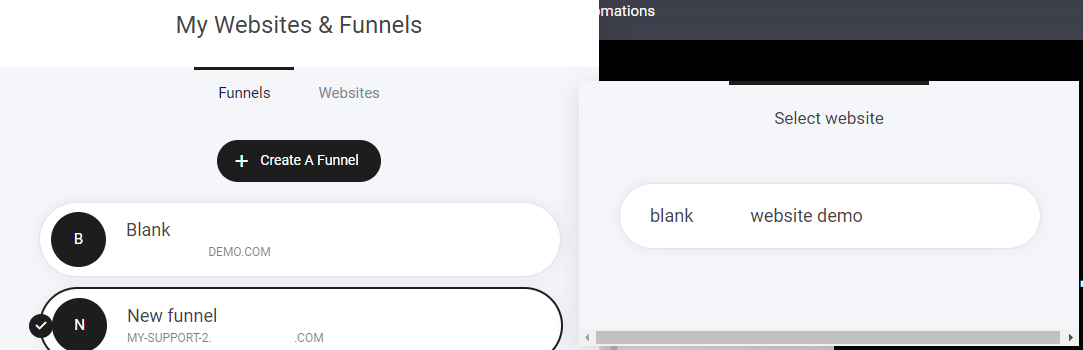 Store Products, Orders, Members, Contacts and Messages will NOT BE MOVED.
Once we have moved the funnel to the selected website, you will see a change within the funnel | website tab. Let's take a look:
Store Products, Orders, Members, Contacts and Messages will NOT BE MOVED.
Once we have moved the funnel to the selected website, you will see a change within the funnel | website tab. Let's take a look:
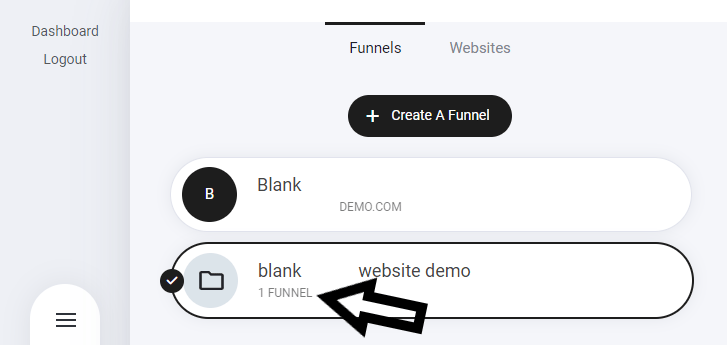 You can now see that under the main funnel tab, you can see that the funnel is now attached to a website 'Project' So if you create an additional funnel it will display 2 Funnels. Denoting that this specific website has two funnel attached.
### Remove funnel from website
If you want to remove a funnel from a specific website/project - Navigate to the funnel you want to move
You can now see that under the main funnel tab, you can see that the funnel is now attached to a website 'Project' So if you create an additional funnel it will display 2 Funnels. Denoting that this specific website has two funnel attached.
### Remove funnel from website
If you want to remove a funnel from a specific website/project - Navigate to the funnel you want to move
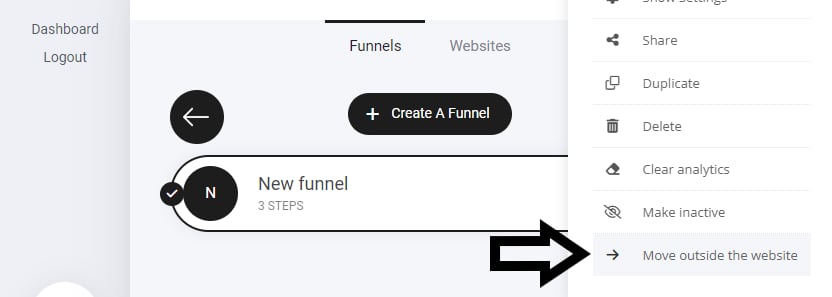 **Note:** this does not delete the funnel. It just moves it. You will see this warning notice display also:
Are you sure you want to make this funnel independent of the website? Existing Store Products, Orders, Members, Contacts and Messages will not be moved and will stay on the website.
### Share Funnel
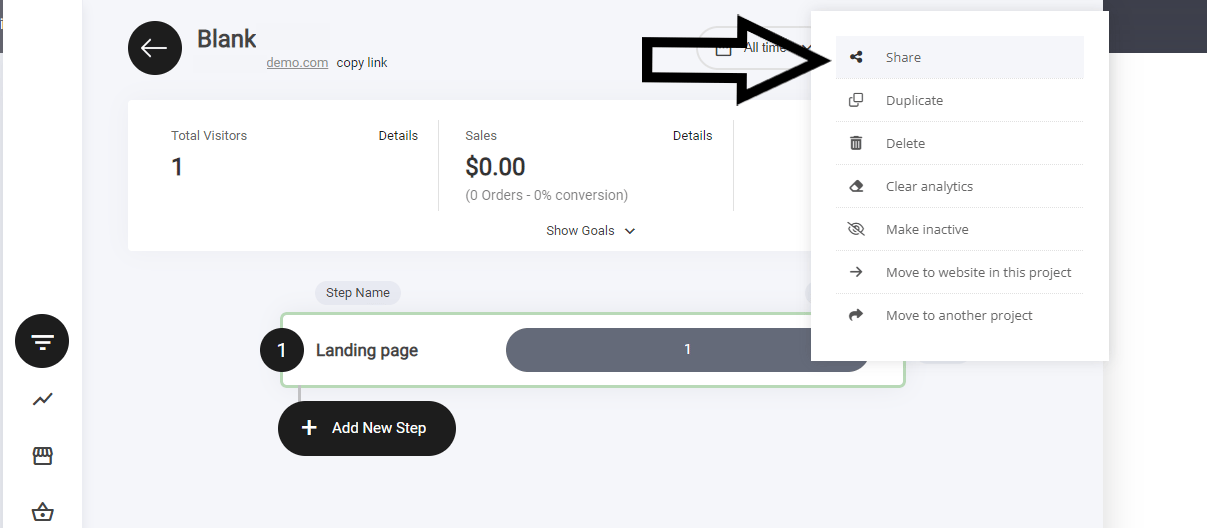
Sharing you funnel enables you to share your entire funnel to another person. So for example if you have a friend who loves your killer sales funnel and you want to sell it or just share for free you can. Simply navigate to the funnel options tab and select share. It will give you a custom link that you can share or if selling add to an email or use as a redirect page.
**Note:** this does not delete the funnel. It just moves it. You will see this warning notice display also:
Are you sure you want to make this funnel independent of the website? Existing Store Products, Orders, Members, Contacts and Messages will not be moved and will stay on the website.
### Share Funnel
Sharing you funnel enables you to share your entire funnel to another person. So for example if you have a friend who loves your killer sales funnel and you want to sell it or just share for free you can. Simply navigate to the funnel options tab and select share. It will give you a custom link that you can share or if selling add to an email or use as a redirect page.