> ## Documentation Index
> Fetch the complete documentation index at: https://docs.bosscart.io/llms.txt
> Use this file to discover all available pages before exploring further.
# Shipping options
> If you're selling physical store items, enabling custom shipping settings ensures smooth delivery management.
If you're selling **physical store items**, enabling **custom shipping settings** ensures smooth delivery management.
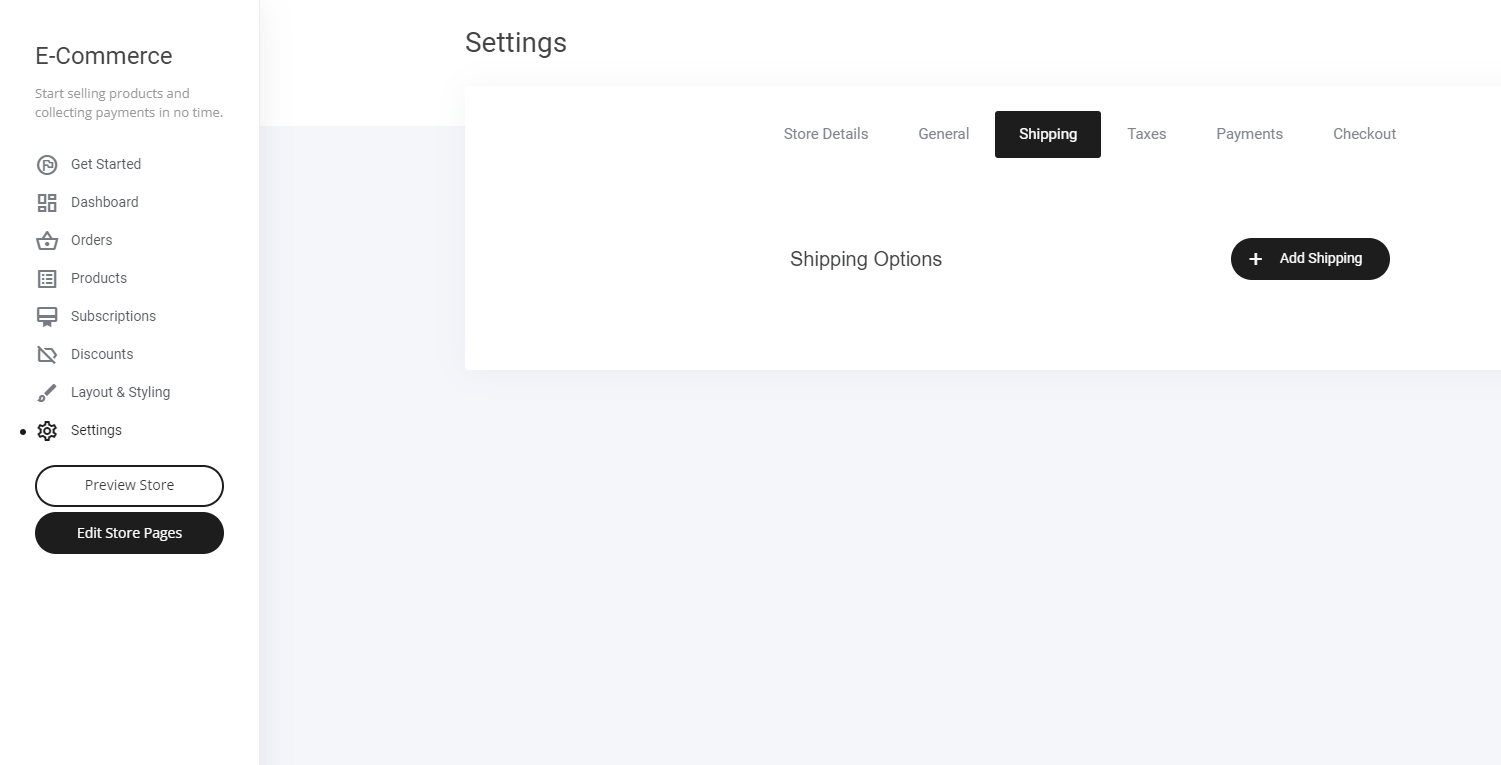
* **Go to the Shipping Tab** – Access your shipping configurations from the main dashboard.
* **Adjust Personalized Shipping Options** – Set rules **based on price, weight, or location**.
* **Apply Global or Local Rules** – Define shipping policies **for specific regions or worldwide**.
A great way to keep **logistics streamlined and customer experience optimized!**
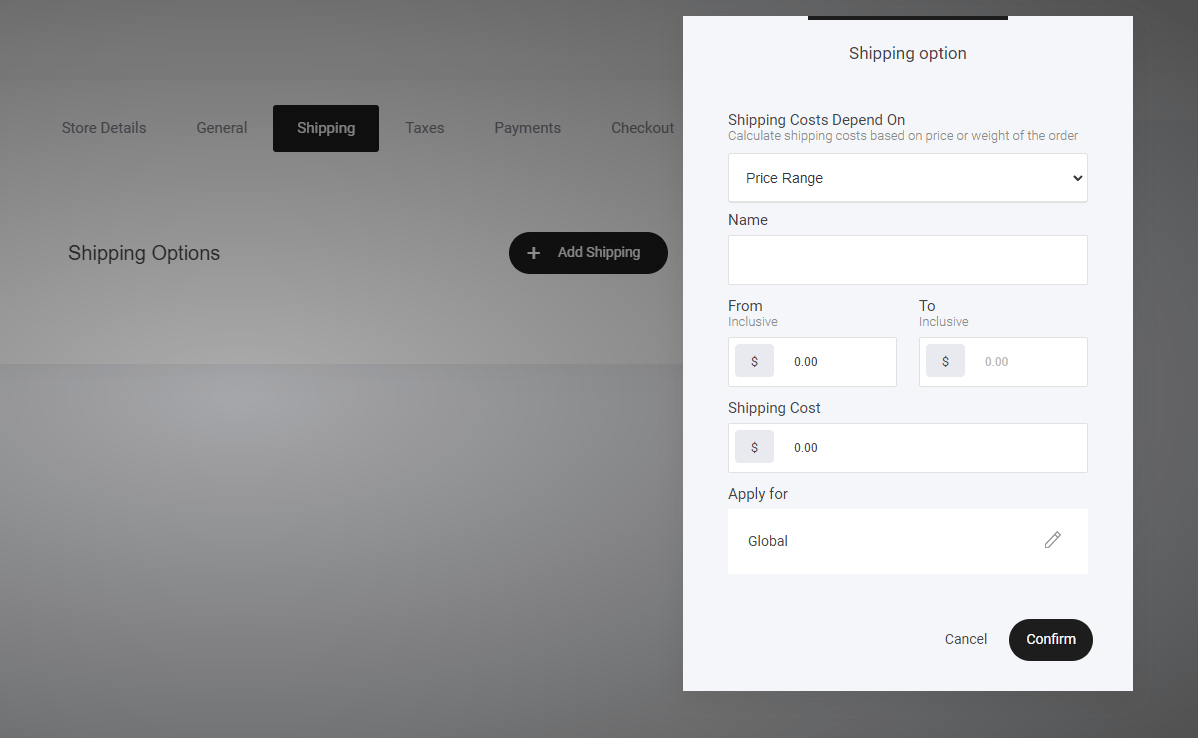
 Now to set up your shipping option requirements:
Create shipping rules based on:
* Price range
* Weight range
Then set up which Countries you want to apply the specific shipping rules to.
Now to set up your shipping option requirements:
Create shipping rules based on:
* Price range
* Weight range
Then set up which Countries you want to apply the specific shipping rules to.