> ## Documentation Index
> Fetch the complete documentation index at: https://docs.bosscart.io/llms.txt
> Use this file to discover all available pages before exploring further.
# Sales taxes
> Ensure tax compliance effortlessly by configuring VAT, GST, or other taxes in your ecommerce setup.
Ensure tax compliance effortlessly by configuring VAT, GST, or other taxes in your ecommerce setup.
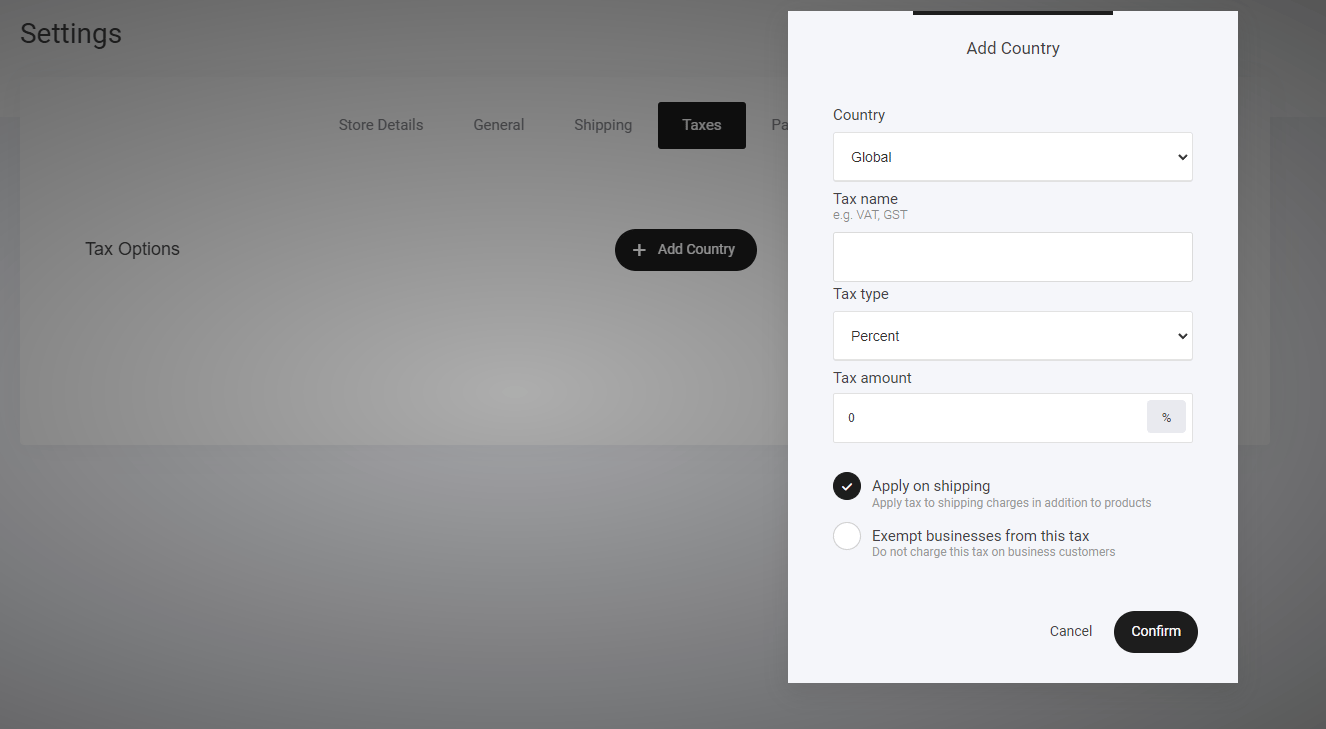
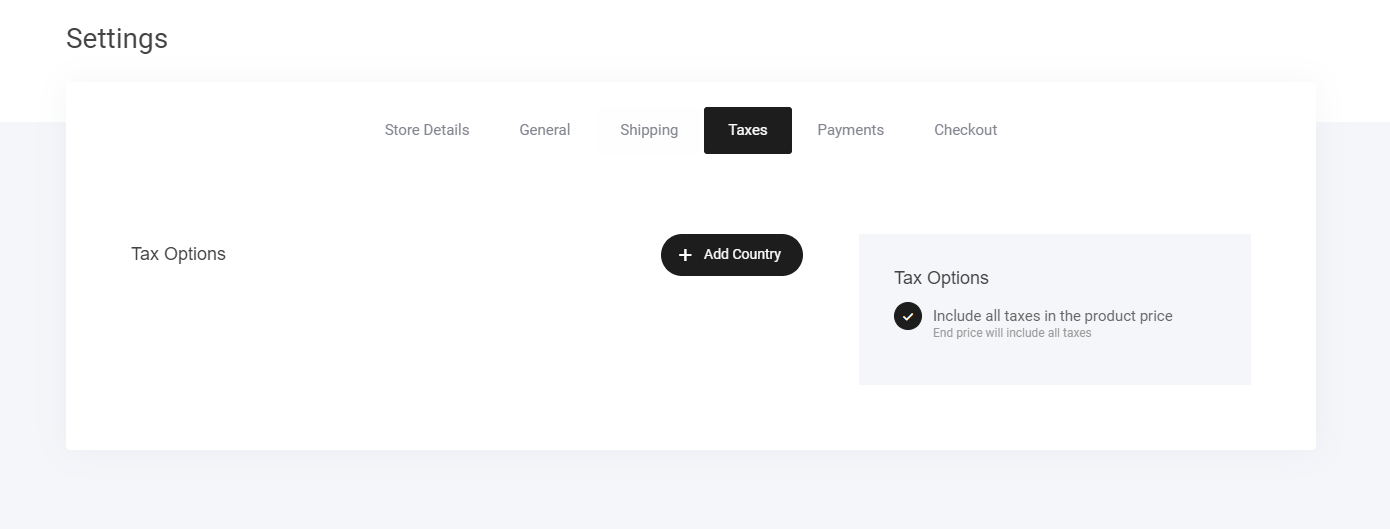
* **Go to Store > Settings > Taxes** – Access the tax configuration panel.
* **Click "Add Country"** – Select the regions where tax rules need to apply.
* **Define Tax Rules by Country/State** – Customize tax percentages based on location.
* **Automatic Tax Application** – The order will adjust the total payment when tax criteria are met.
* **Enable Multiple Variations** – Tailor rules to fit different business and regional requirements.
A **streamlined solution** for managing taxes seamlessly!
 Similar to setting up your shipping options, taxes are configured pretty much the same way.
* Set your Country
* Tax name
* Tax type
* Tax amount
Similar to setting up your shipping options, taxes are configured pretty much the same way.
* Set your Country
* Tax name
* Tax type
* Tax amount